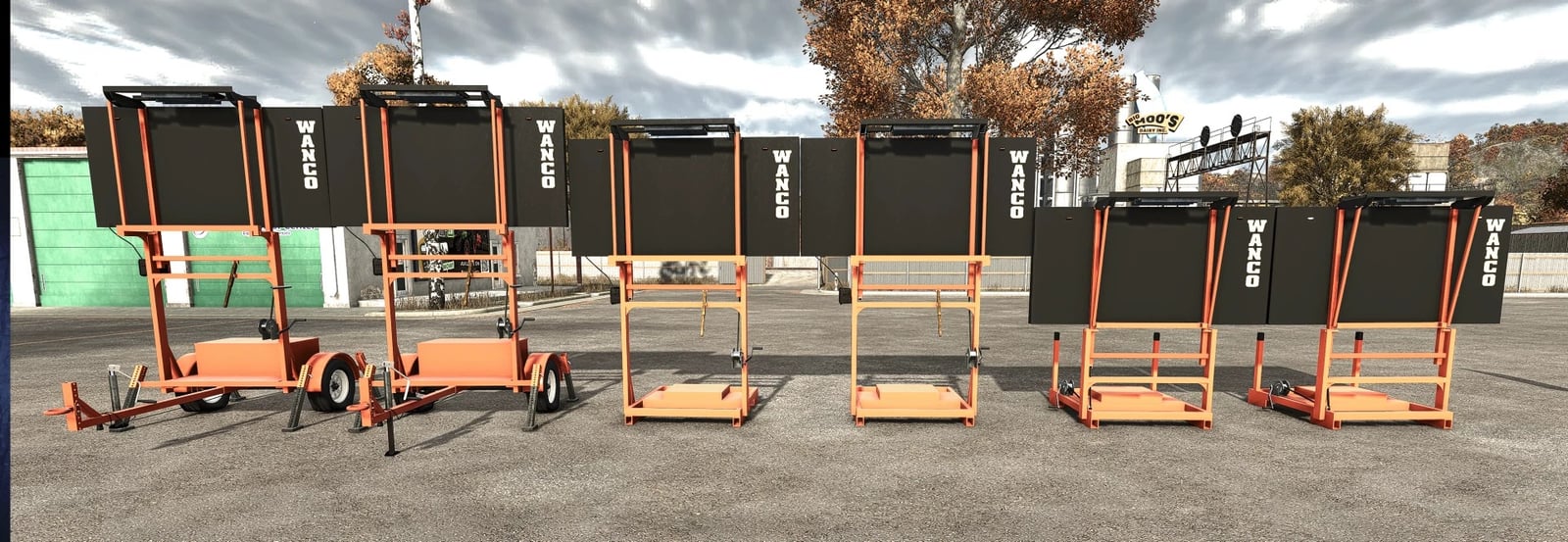
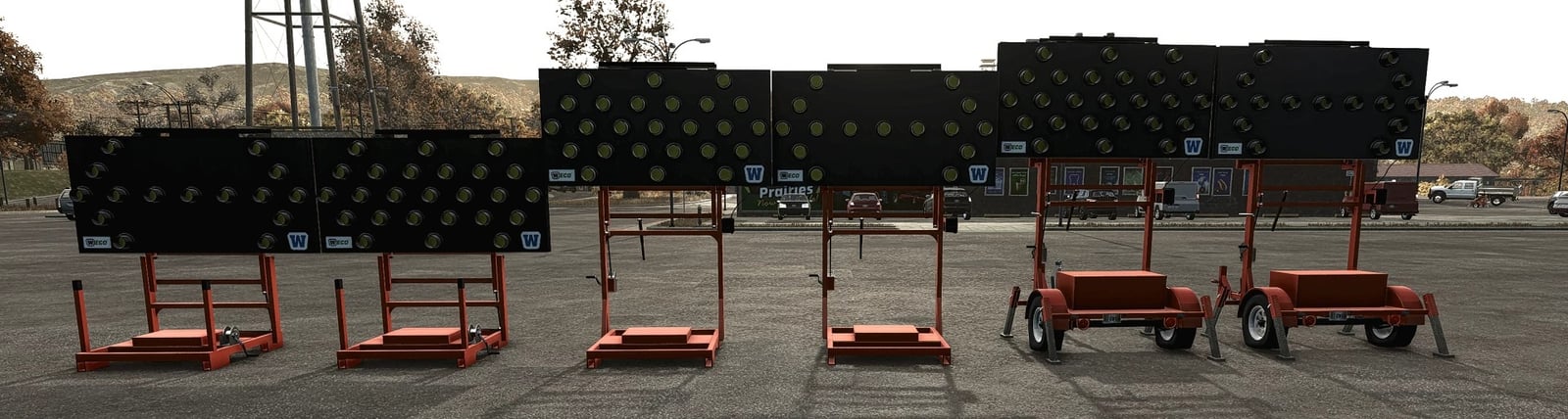
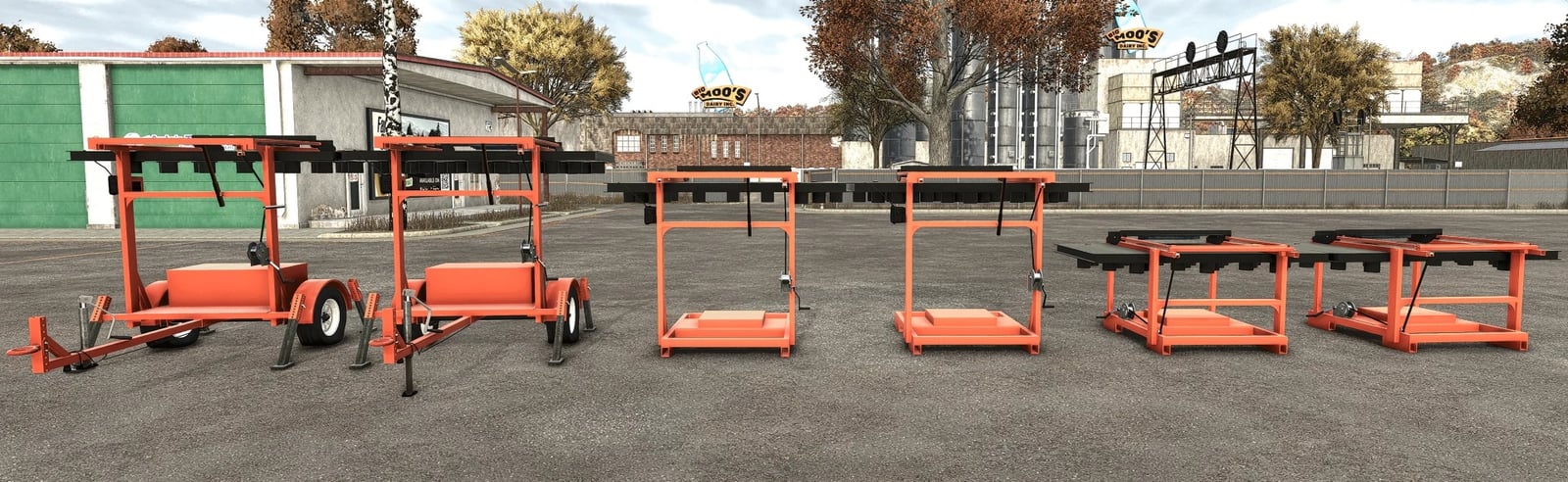
Bring the original FS22 setup into FS25 with this conversion by Poohbear Lance. You get the same look, lights and modes as the FS22 original, plus WANCO-style arrow boards for road work, lane shifts and shoulder closures. Set them up and point traffic where it needs to go.
Features
- A WANCO-style arrow board trailer with a board that folds
- Low-profile skid made for truck beds and tight spaces
- Tall skid for visibility over traffic
- Pick a 15-light or 25-light board for every version in the shop
- Six display modes:
- Arrow Left
- Arrow Right
- Both Arrows
- Caution
- Middle
- Moving Arrow Left
- Moving Arrows Both
- Moving Tri Arrow Left
- Moving Tri Arrow Right
- Moving Arrow Right
- Tri Arrow Left
- Tri Arrow Right
- Diamond Flash
- Diamond Warning
- Use it alongside the WANCO Automated Flagger to build a full work zone setup
FS25 conversion
- Rebuilt for FS25 while matching the FS22 original as closely as possible
- Amber lamp colors are back to match FS22
- The board and skid version no longer have the stray line and stretching glitches
- WANCO logos are fixed
YOU NEED: Interactive Control (FS25) is required for the leg and sign click controls, the same as in FS22.
Specifications
- Game version: Farming Simulator 25
- Platform: PC/Mac
- Multiplayer: Untested
WANCO-style arrow board trailer
- 15-light board: $6,541
- 25-light board: $7,041
Low-profile skid
- 15-light board: $3,701
- 25-light board: $4,201
Tall skid
- 15-light board: $3,541
- 25-light board: $4,041
Installation
- Download
FS25_WANCO_Arrow_Board.zip. - Leave it zipped, then drop the zip into your mods folder:
- Windows:
Documents/My Games/FarmingSimulator2025/mods - Mac:
~/Library/Application Support/FarmingSimulator2025/mods
- Windows:
- Switch the mod on in your savegame’s mod selection.
- Buy it from the shop.
- Download
FS25_interactiveControl.zip. - Do not unzip it. Place the zip in your mods folder:
- Windows:
Documents/My Games/FarmingSimulator2025/mods - Mac:
~/Library/Application Support/FarmingSimulator2025/mods
- Windows:
- Switch the mod on in your savegame’s mod selection.
Notes
Spot a bug? Leave a comment with your game version and a list of your other mods.