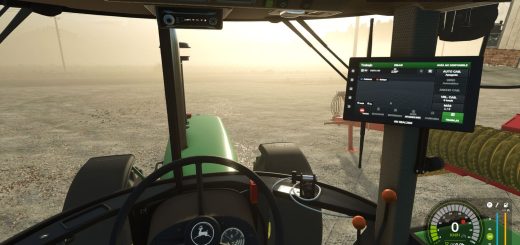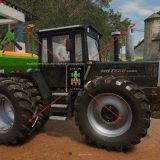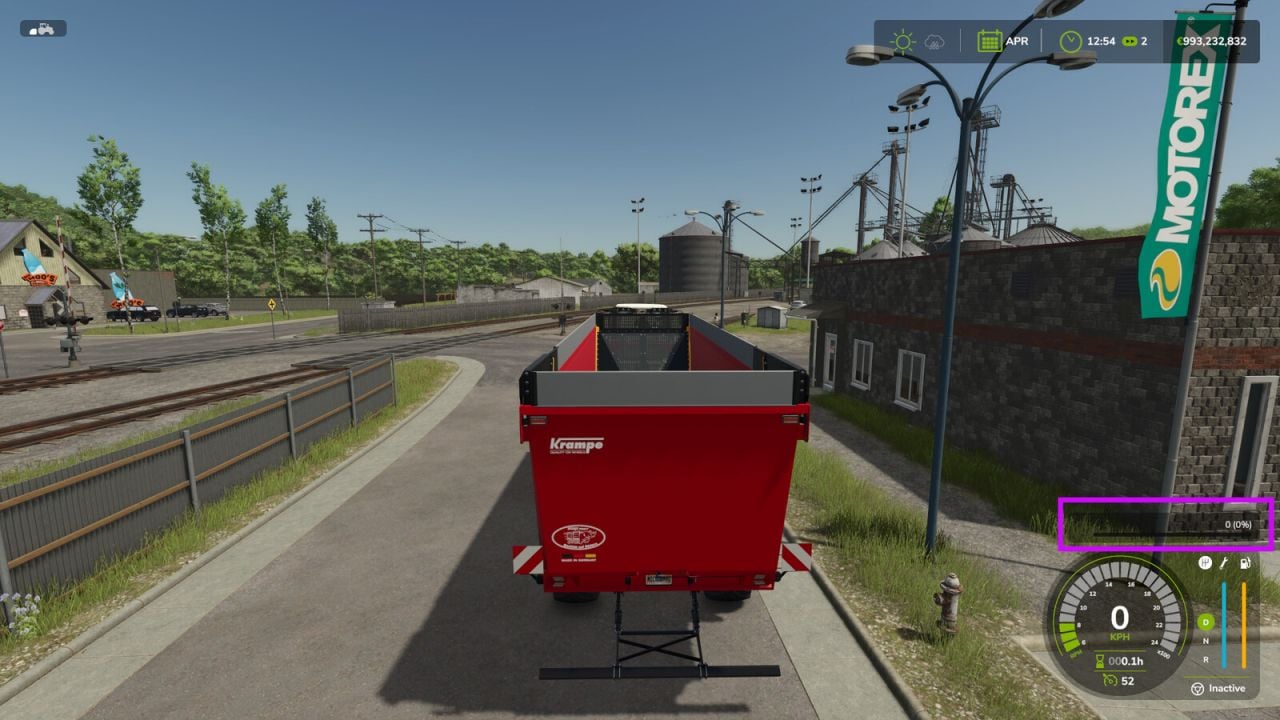
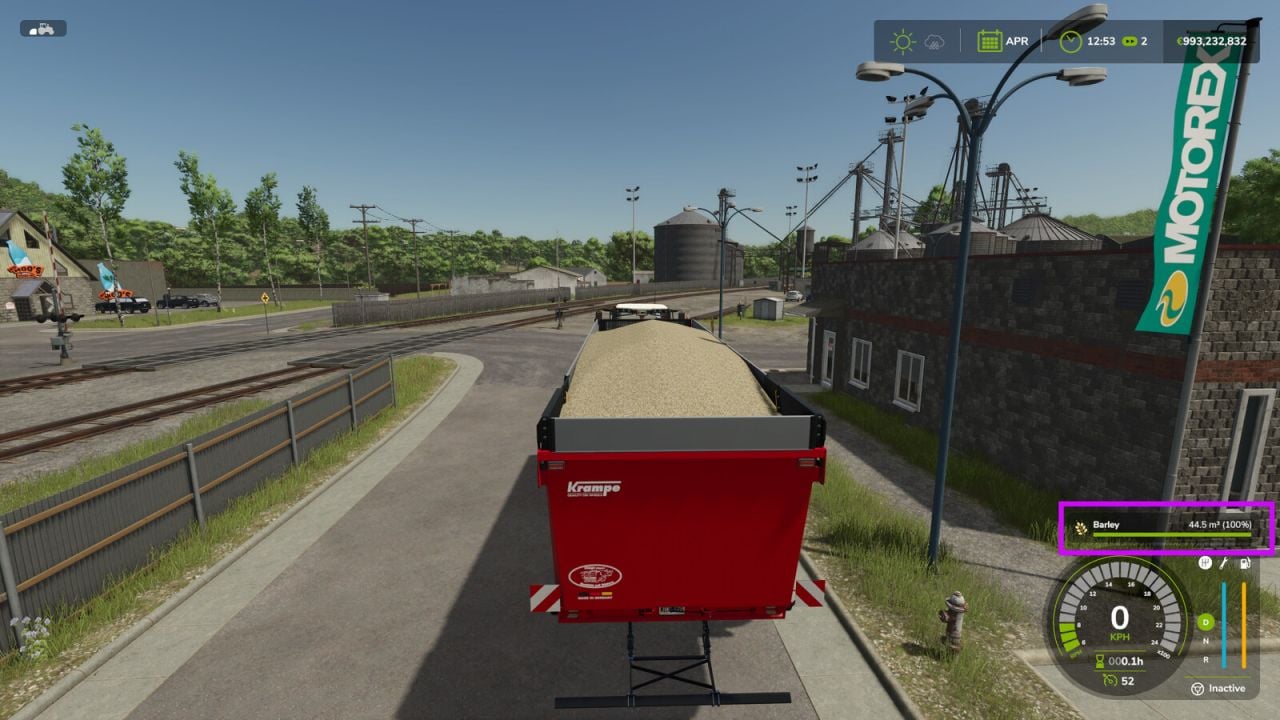
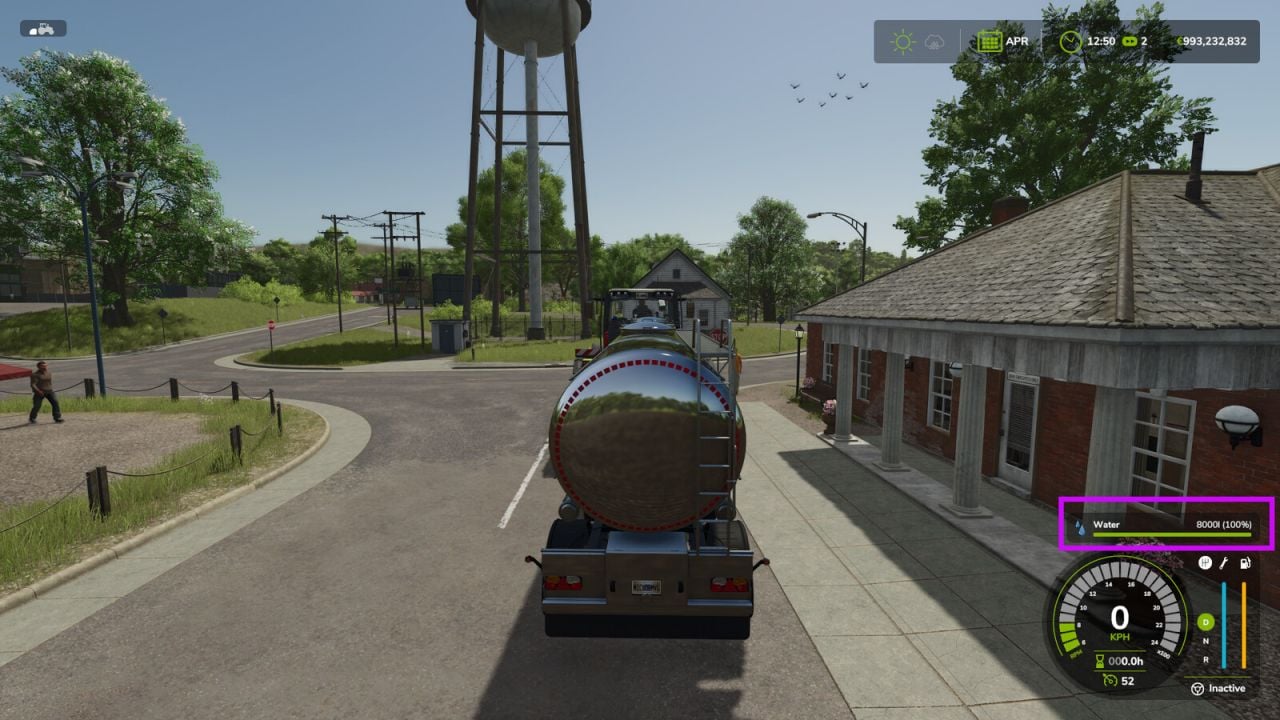
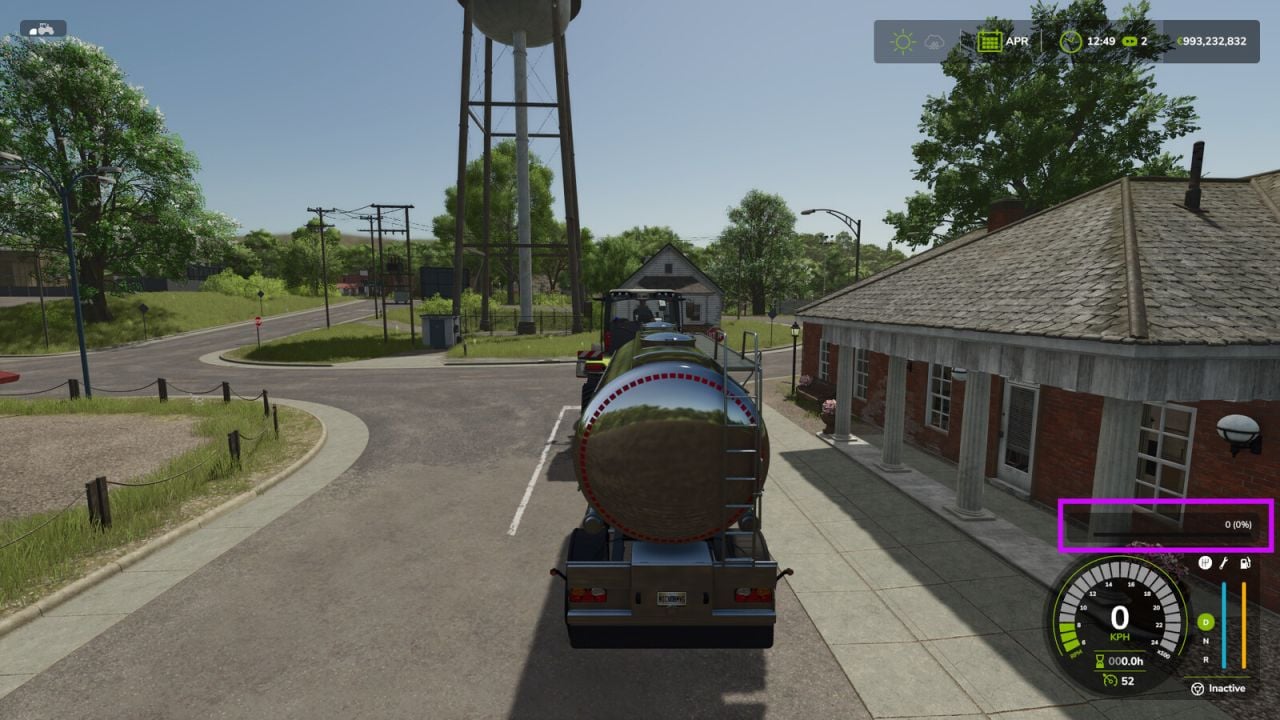
With Grain Volume HUD, you can check bulk goods in cubic metres, bushels or tons, while liquids still show up in litres. That makes loading a trailer easier to read at a glance.
Pick your unit in Settings → General (“Bulk Unit”) in the game. You can also use modSettings/GrainVolumeHUD.xml and set unit = M3, BUSHEL, TON or LITER. Once the trailer is loaded, the display updates automatically.
Features
- Bulk goods such as grain, silage, grass, woodchips and root crops are shown in m³, bushels or tons
- Liquids such as water, milk, diesel, slurry and liquid fertiliser stay in litres
- Choose the unit directly in the game menu or through the settings file
- It works in multiplayer, changes the display only and leaves gameplay untouched
- Cubic metres (m³) turn 42,000 litres into a displayed 42.0 m³
- Bushels (bu) use the American dry measure
- Tons (t) are calculated using the real fill-type density
Changelog
- V1.1.0.0
- New: set bulk goods to display in cubic metres (m³), bushels (bu), tons (t) or litres (l)
- New: find the setting in the game at Settings → General (“Bulk Unit”)
- New: the setting is saved separately for each player, including during multiplayer
- New: German and English translation
- Tons are worked out from the real fill-type density
- Liquids keep their unchanged litre display