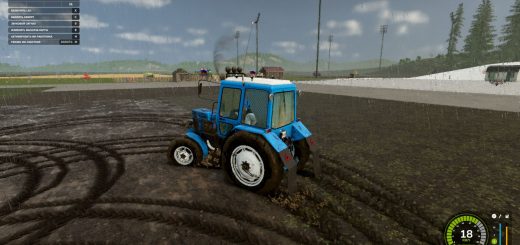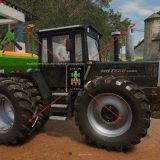
Grassland Care Plus adds wear and tear, overload damage, and maintenance to your grassland equipment in Farming Simulator 25. In this beta version, Pickup Plus, Mower Plus, and Swather / Tedder Plus work together with HMT spare parts and multiplayer synchronization. That gives you more to keep an eye on while mowing, turning, windrowing, and collecting.
Features
- Your normal grassland routine now includes wear and tear and maintenance, from the first mowing pass through turning, windrowing, and collecting.
- Put too much load on the equipment and it takes additional damage.
- A blockage can bring the work to a stop.
- With presses and loading wagons, knives, pickup tines, and roller hold-downs are the parts that wear.
- Mower blades, drums, and skids also wear during use.
- On swathers and tedders, watch the tines, tine safety devices or catch brackets, and claw couplings for wear and tear.
Menu and Easy Mode
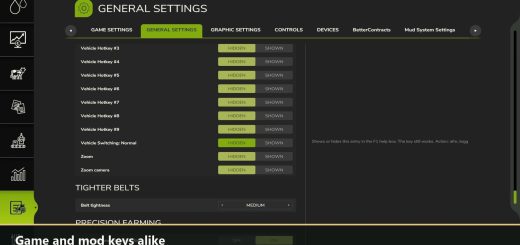
Pause the game, open General Settings → Grassland Care+, and set the pickup, mower deck, and rake/tedder separately:
- From: The device runs with the usual LS25 functions. The Grassland HUD, load limiting, wear, and maintenance are paused.
- Easy: Players and helpers work without blockages. Switching modes clears blockages that already exist. Utilization, wear and tear, and spare parts maintenance stay active.
- To: All grassland functions are running. If a tool gets clogged while a helper is using it, the job finishes with a message. Clear the blockage and you can restart the helper.
Your module settings are saved in the game. In multiplayer, the host or server administrator chooses the settings for every player.
Spare Parts and Partial Maintenance
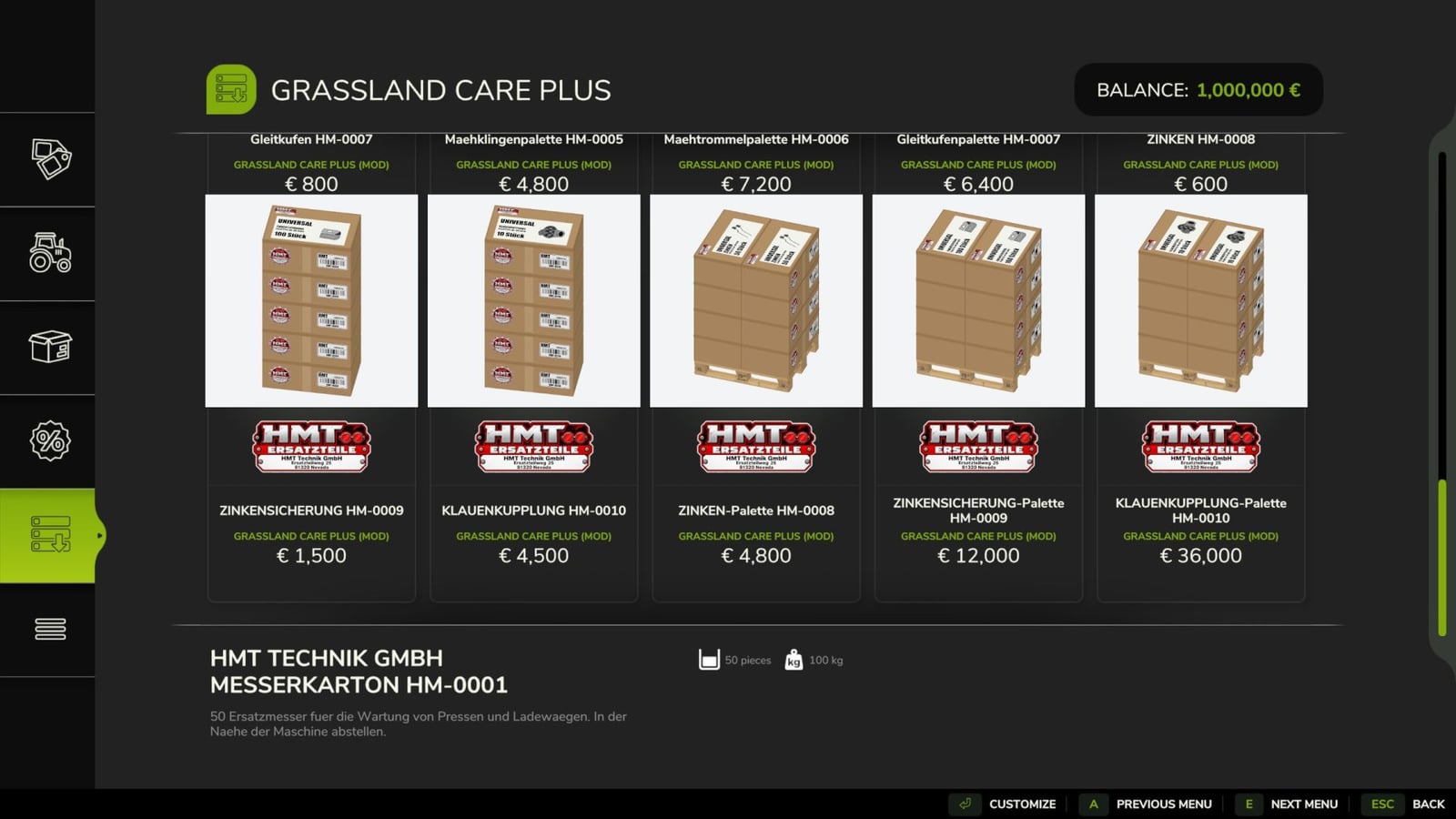
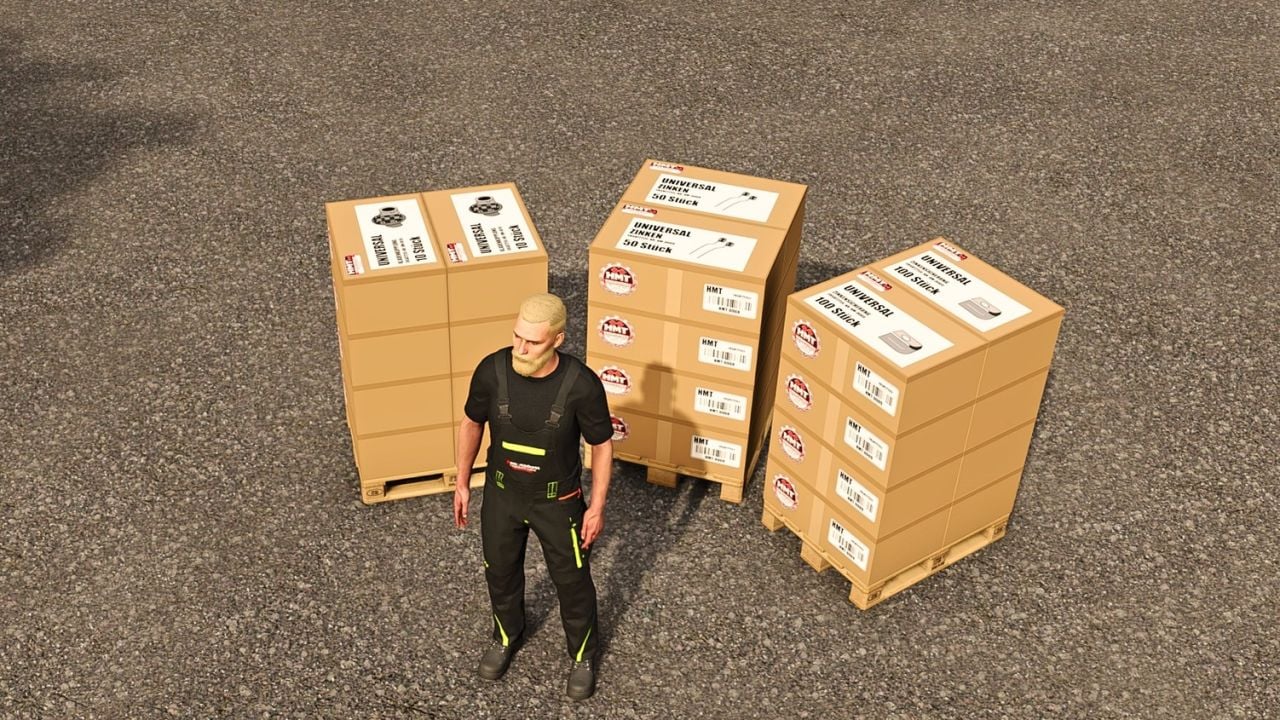
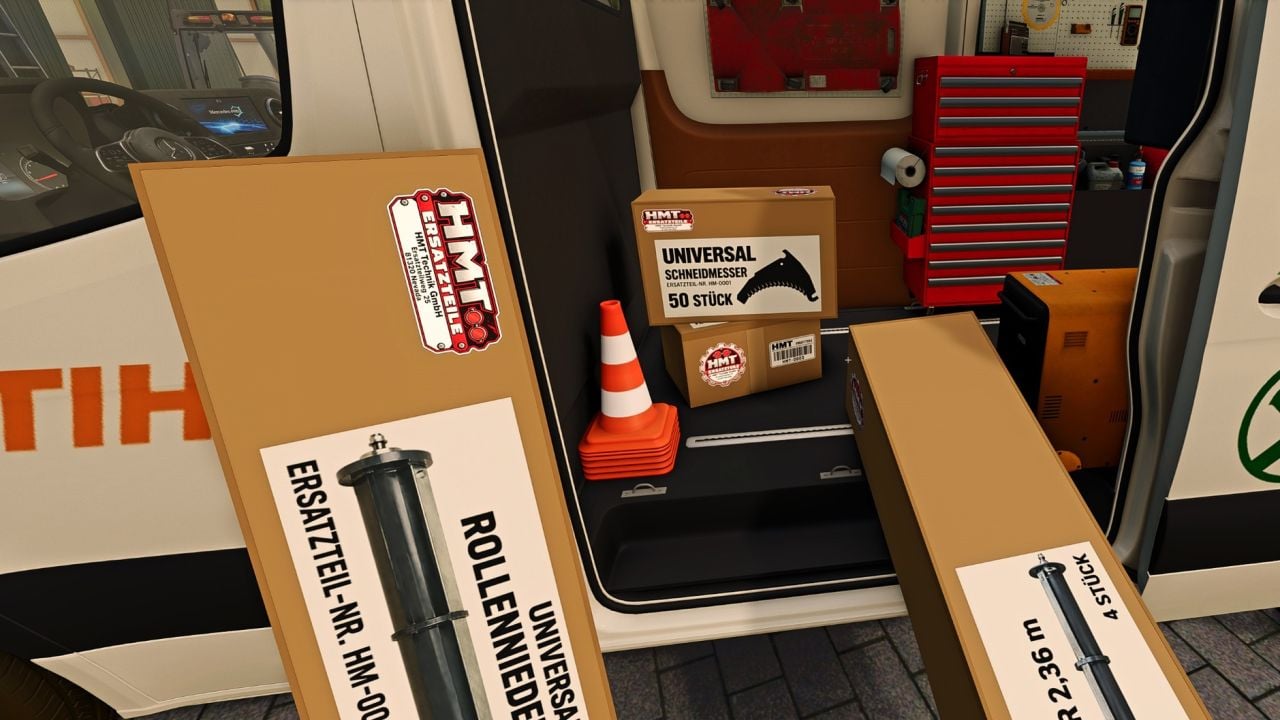
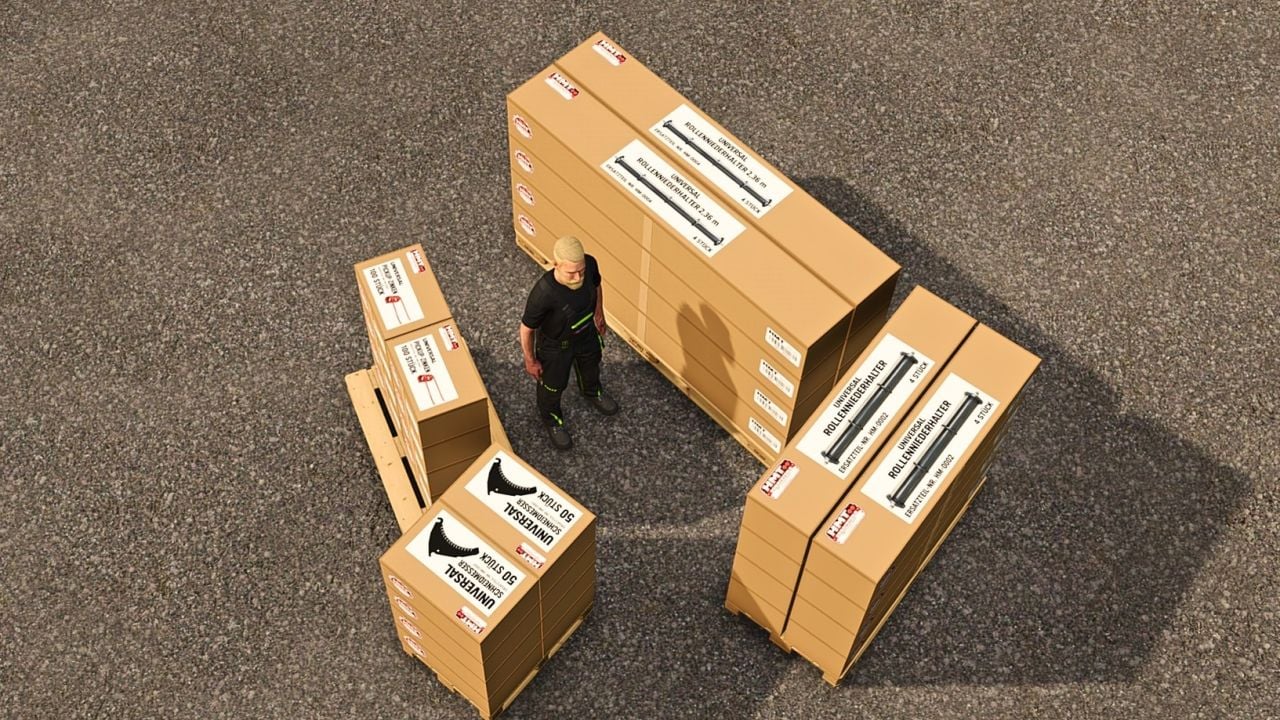
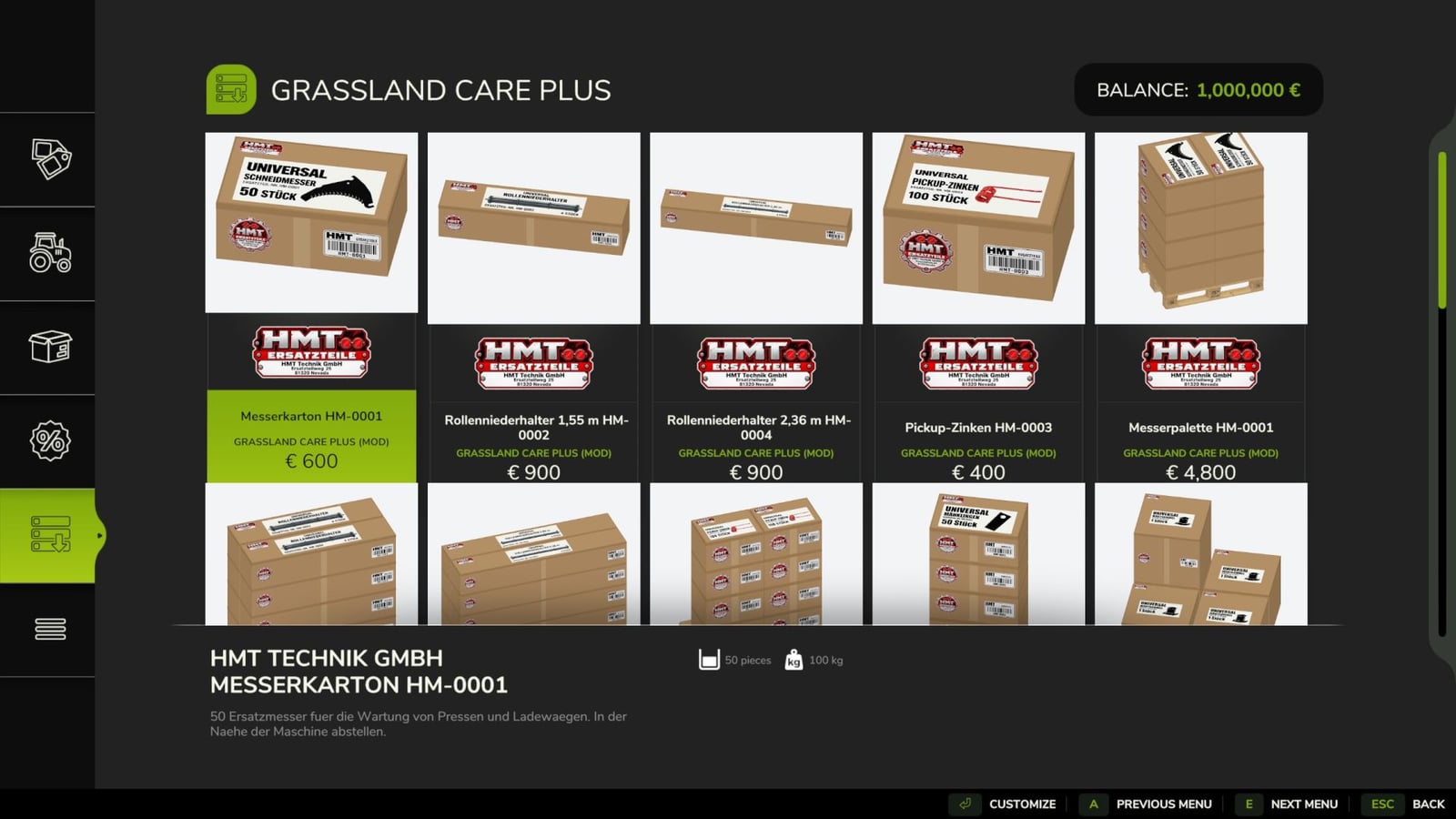
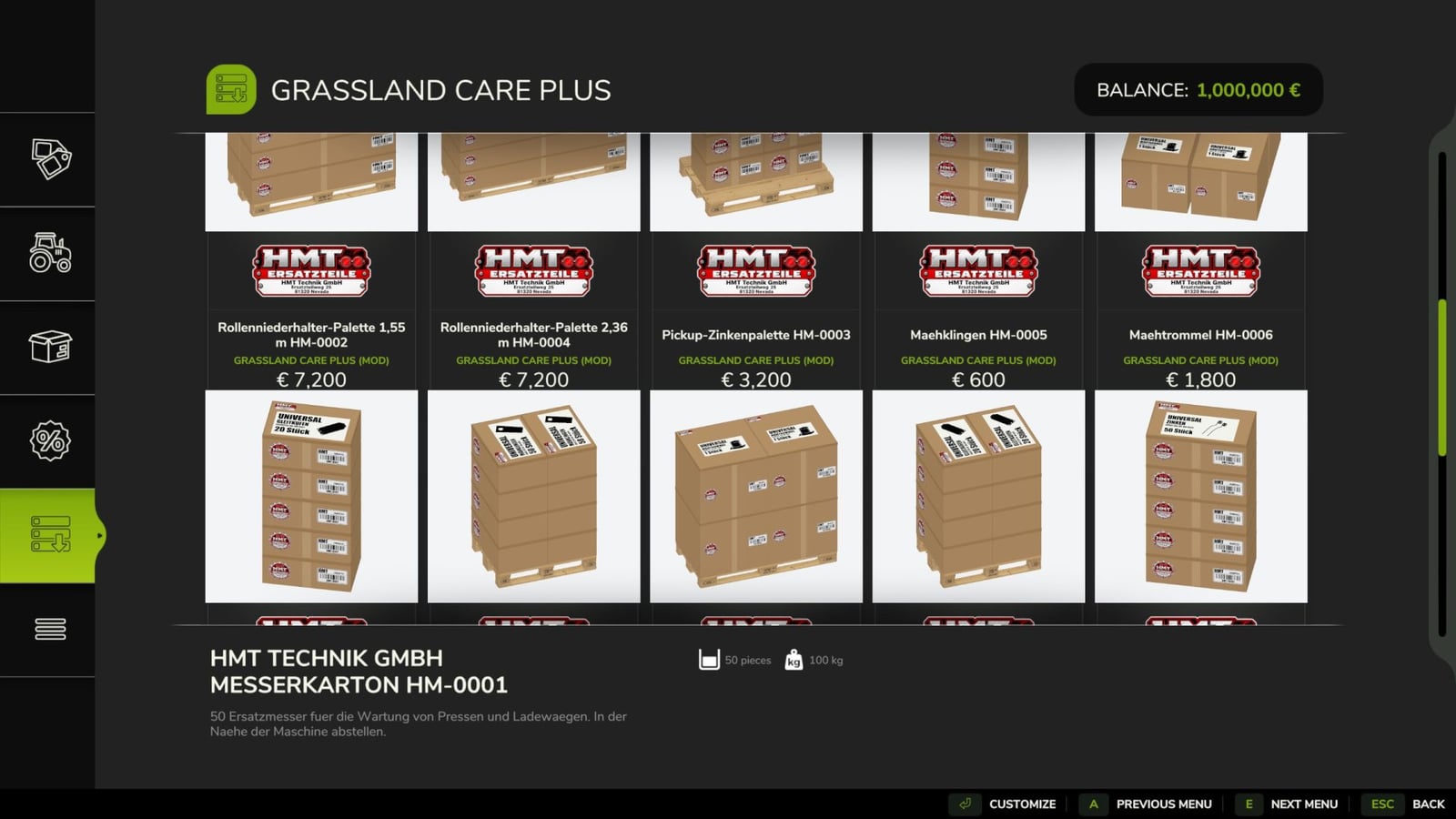
Head to the HMT spare parts category in the shop for the parts you need. You can buy individual boxes with quantity selection, or choose from ten pallets of single-type spare parts. Each shop item shows its contents and number of boxes.
To replace parts, stop the machine and switch it off. The needed replacement parts must be ready within five meters. Even one suitable replacement part lets partial maintenance begin. Need ten parts but have five available? Five are installed. The final message tells you how many parts are still needed to finish the replacement. Clearing a blockage works without replacement parts.
HUD and Control
The HUD keeps resource utilization and component status visible. For supported devices, the required component amount changes according to the number of components detected. If compatible component detection is not available, default values are used. In the Grassland menu, each player can set the HUD font to large or small.
- Press Left Ctrl + left Alt + 3 to toggle the HUD.
- Press Left Ctrl + left Alt + 4 to toggle pan mode. Hold the left mouse button and drag the HUD you can see. Press the shortcut again to leave pan mode. Camera and zoom inputs are disabled while this mode is active.
- Left Ctrl + left Alt + 5 cycles the HUD size through 50, 25, 20, and 75% of the speedometer width.
- Ctrl + Alt + Caps Lock starts or cancels maintenance, provided that no custom maintenance assignment is saved.
All four actions can be assigned under Options → Controls → Grassland Care+. If you save a keyboard or controller assignment for maintenance, it replaces the default Caps Lock assignment.
Multiplayer Beta
For collaborative development, the runtime scripts were reduced from 21 to ten. The target is a better-coordinated foundation for multiplayer.