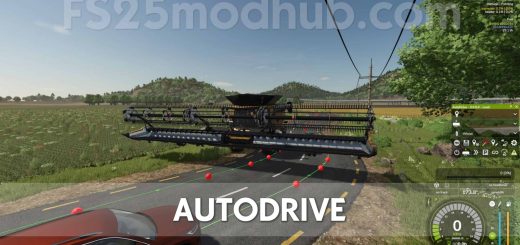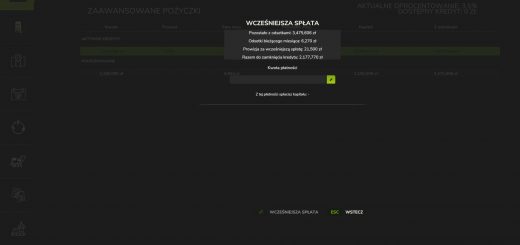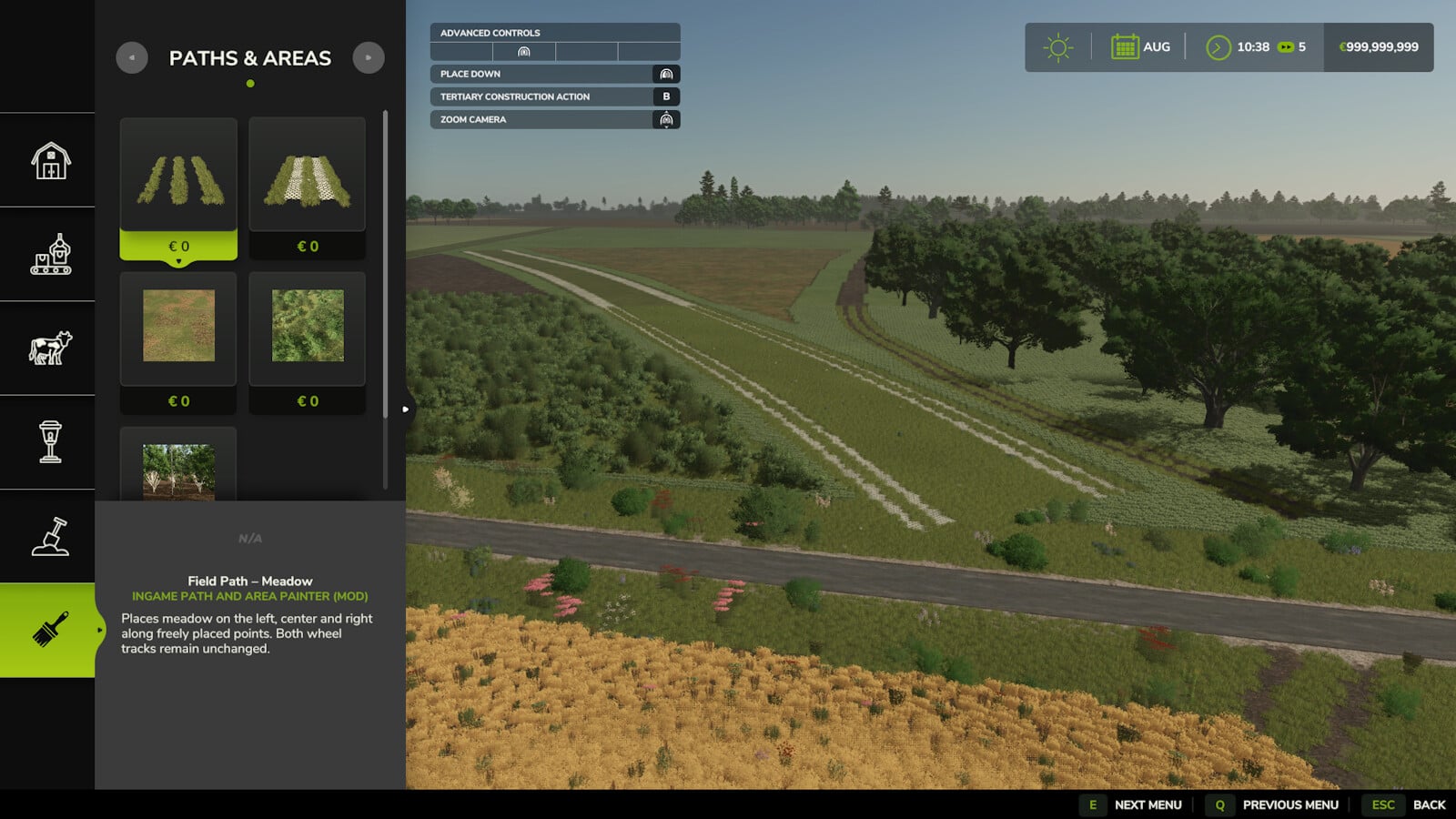
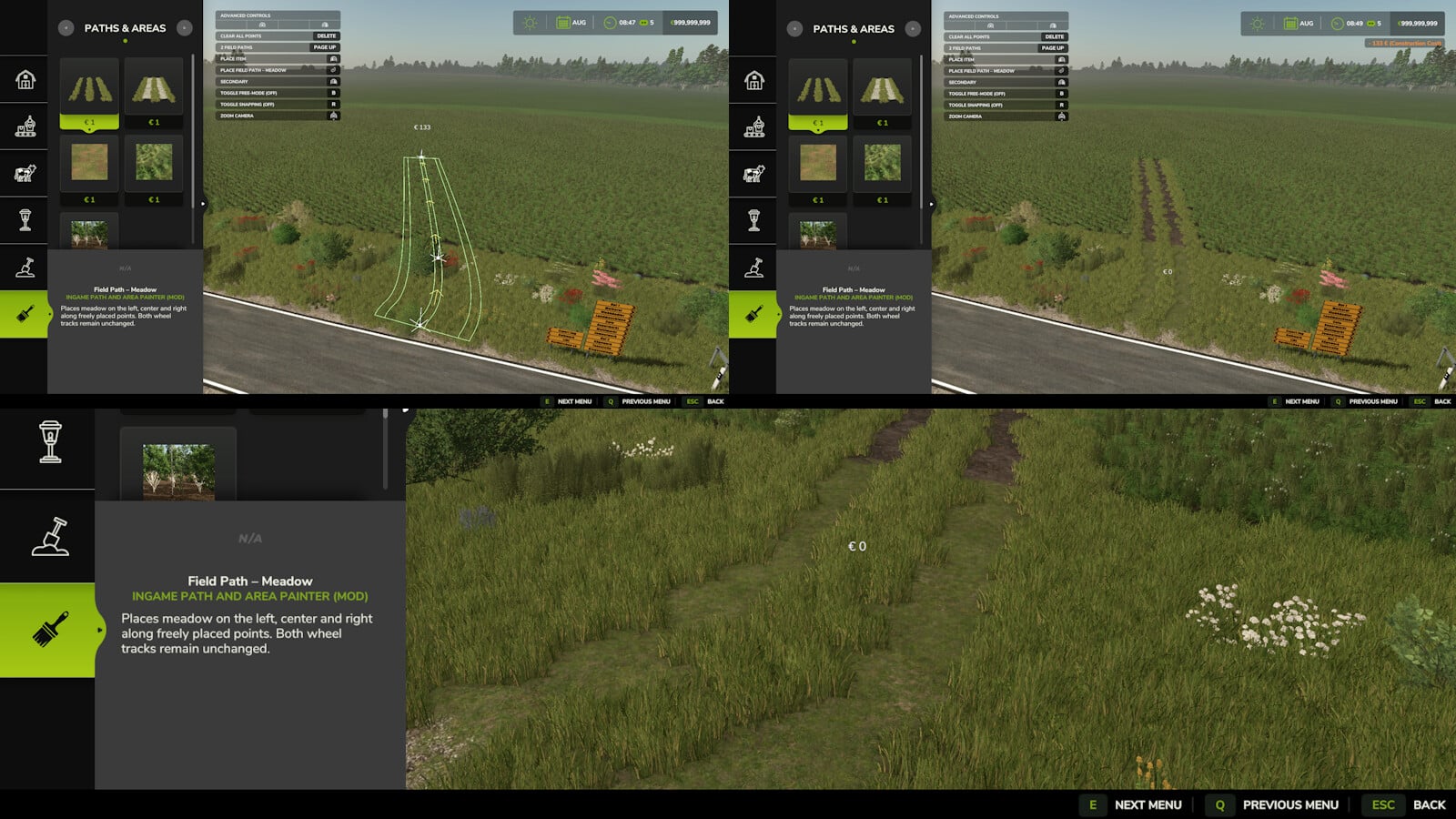
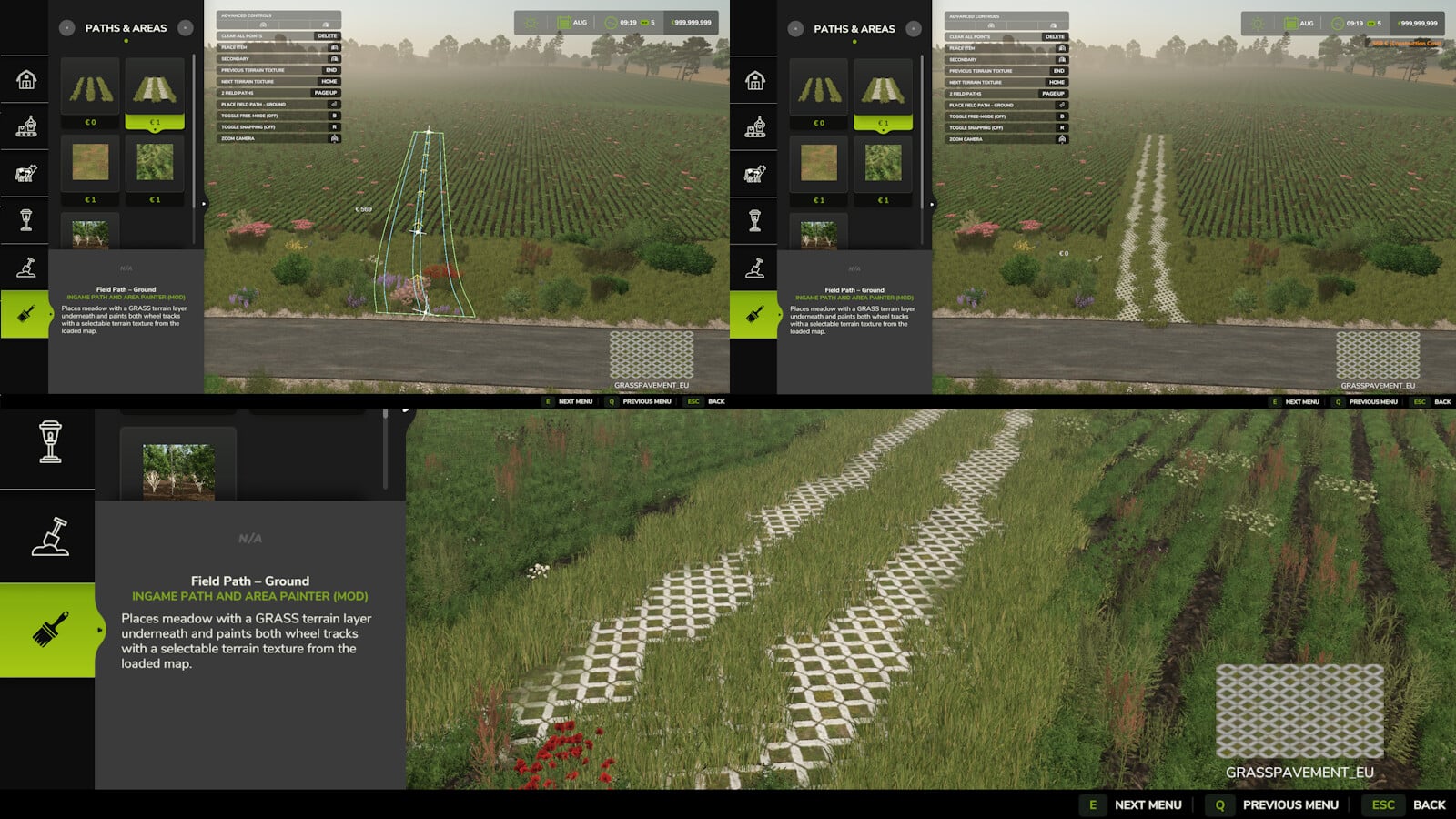
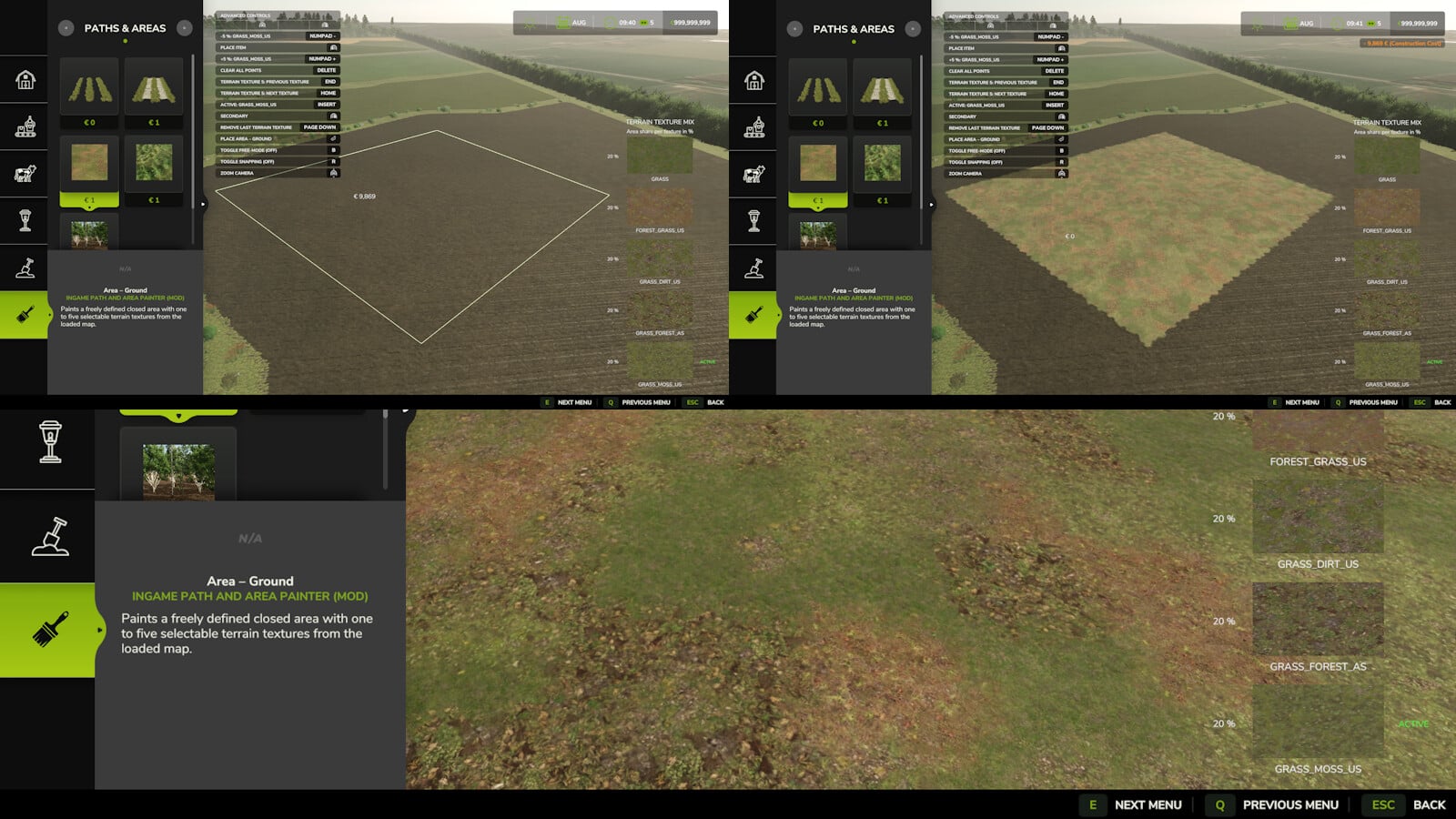
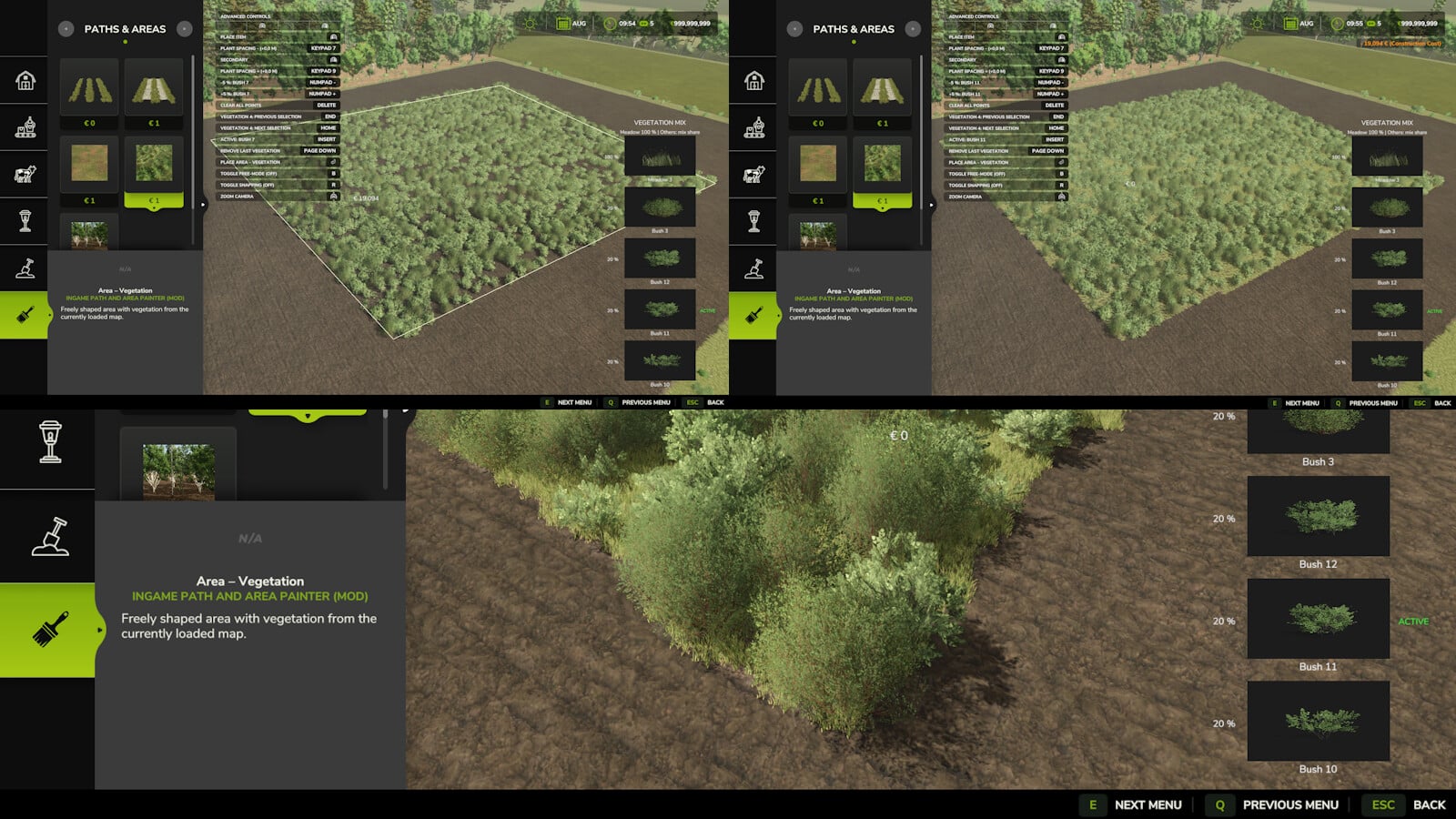
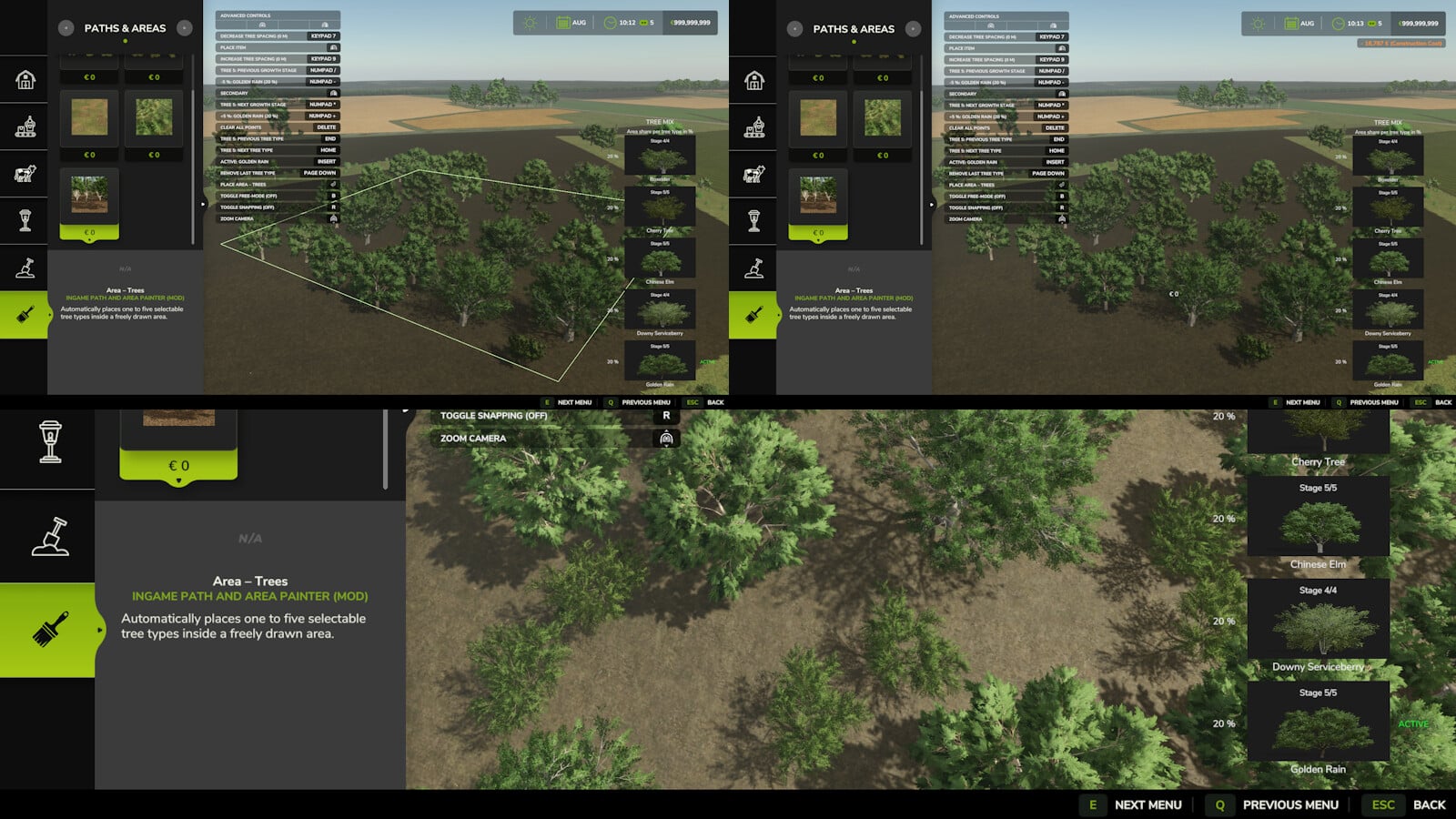
You can build field paths and shape areas directly in construction mode. Drop your control points, change the settings and use the preview to see what the result will look like.
Features
- Field paths – important:
- With 2 points, you always get a straight field path.
- To make curves, you need to start with the 3rd point.
- Pick 1 or 2 parallel field paths, then adjust their spacing and decide which side the second path should be on.
- Field Path – Meadow:
Paint meadow on both sides of the wheel tracks and through the area between them. The two wheel tracks stay unchanged, so you can shape the path while keeping them as they are. - Field Path – Ground:
The GRASS terrain layer is painted automatically below meadow areas, and meadow foliage is placed on top.
For the wheel tracks, choose a terrain texture from the current map. The mod detects the available terrain textures automatically. - Area – Ground:
Close the shape and use between 1 and 5 terrain textures.
With 1 texture, the whole area gets that texture. With several, they blend naturally, and you can adjust their proportions. - Area – Vegetation:
Close the area, then select 1 to 5 vegetation types from the current map.
Selected meadow covers the complete area, while bushes are spread out naturally with sparse coverage.
Set extra plant spacing in 0.5 m steps. You can place up to 5,000 bushes in one area, and meadow does not count toward that limit. - Area – Trees:
Draw the closed area and choose 1 to 5 tree species from the current map.
Change the proportions of the selected species and set the tree spacing in 1 m steps. You can also pick the growth stage.
Only stage 1 saplings keep growing once placed. Higher growth stages stay unchanged. - Controls:
- Left mouse button: Place a control point.
- Right mouse button: Take away the last control point.
- Enter: Place the field path or closed area.
- Delete: Start over by resetting all control points.
- Page Up / Page Down: Switch between 1 and 2 field paths, or add/remove an area slot (max. 5).
- Numpad + / -: Change the gap between 2 field paths by 1 m, or change the active area slot share by 5%.
- Numpad 7 / 9: Change plant spacing by 0.5 m, or tree spacing by 1 m.
- Insert: Move the second field path left or right, or change the active area slot.
- Home / End: Choose the next or previous terrain texture, vegetation type or tree species.
- Numpad * and /: Choose the next or previous tree growth stage.
- Notes:
- Closed areas and looped paths: After placing at least 3 points, click near the first one and the endpoint snaps within 2 m.
- You can place control points only on land you own.