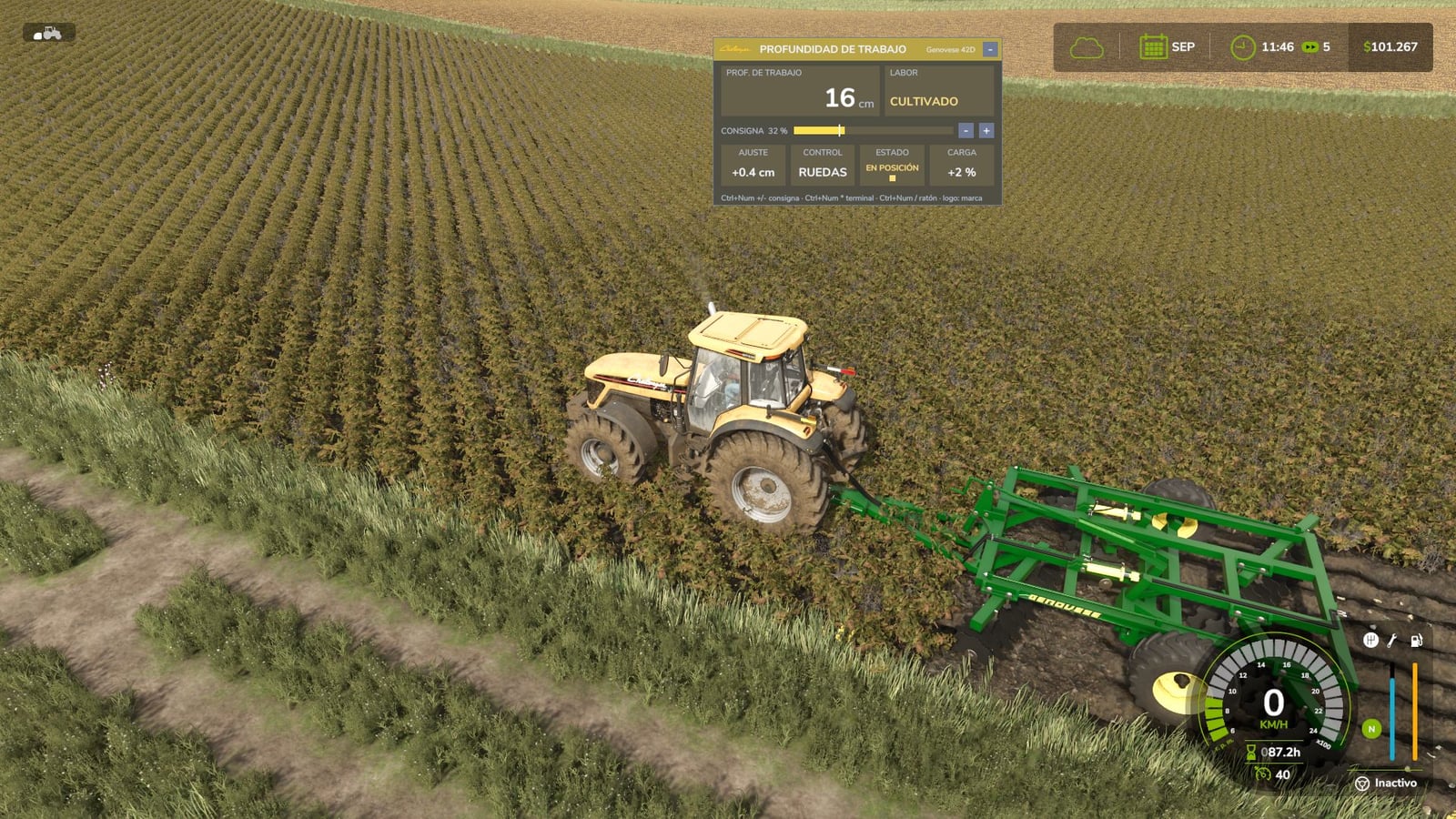
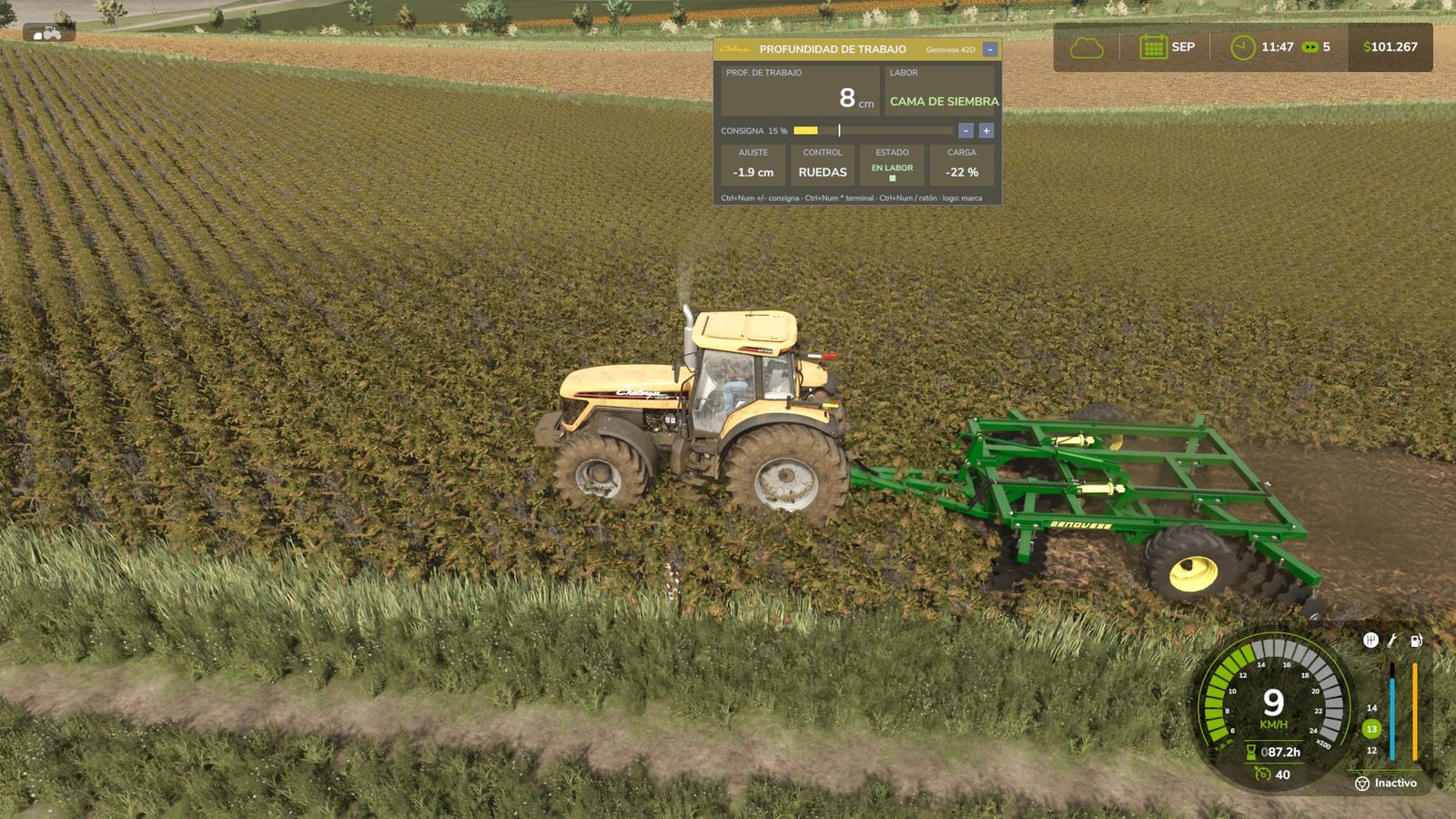
Want to change how your disc harrows and cultivators work? Variable Working Depth lets you pick the working depth, and the implement follows it. You can use it with base-game equipment and mods, with no XML editing and no store purchase.
Right after you install the mod, nothing strange happens. Each implement keeps its factory position and works like it does in the original game. The mod starts controlling depth only after you move the depth setpoint.
Set the depth anywhere from 0 to 100% with Ctrl + Num Plus / Minus. At 0%, the discs barely reach the ground and do no tillage. So an implement being lowered does not automatically mean it is working.
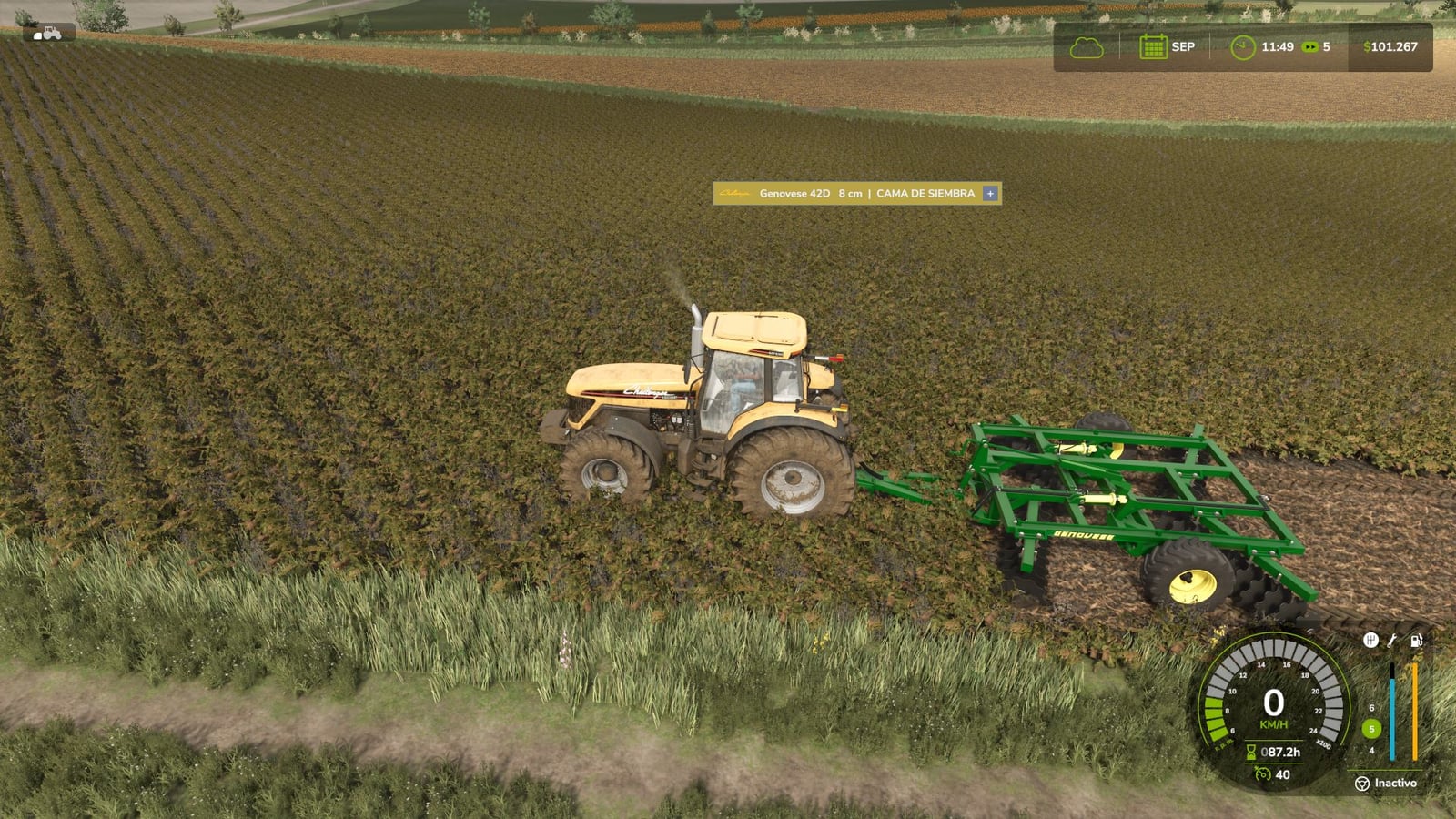
- Shallow is for seedbed preparation, the normal disc harrow job.
- Medium is for cultivation, like the work done by a cultivator or a heavy disc harrow.
- Deep is for plowing. You can also use subsoiling with
vwdSet deepMode subsoilerin the console.
The working modes use hysteresis when they change. That keeps the system from jumping back and forth between states while you drive over uneven terrain.
Features
- Use the mod with any disc harrow or cultivator, including equipment from the base game and modded equipment.
- If an implement has support wheels, those depth wheels move compared with the frame. The frame sinks too, just like on a real offset disc harrow.
- For a mounted implement without support wheels, the 3-point hitch height is adjusted. Once set, the hitch stays rigid in height.
- The mod checks how each implement is built and automatically selects its control mode.
- Working deeper increases draft load. Your tractor needs more power, consumes more, and moves more slowly. A lower setpoint saves power.
- You hear the hydraulic cylinder while the depth is being changed.
- AI workers and Courseplay still lower, raise, and run the implement normally.
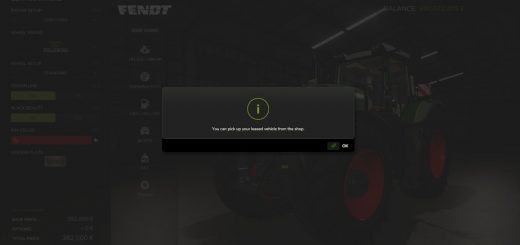
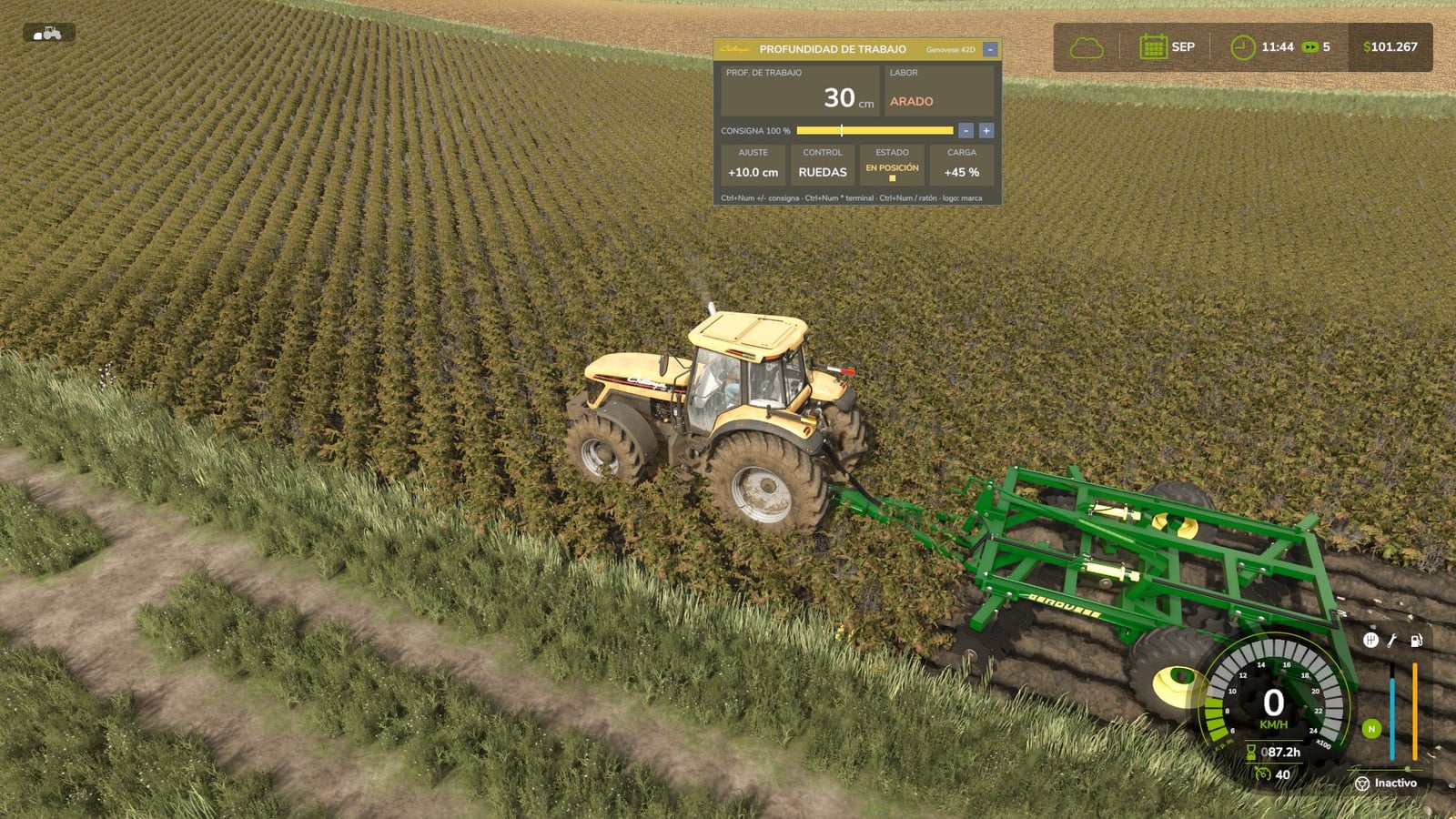
- The on-screen terminal is made to resemble the onboard computer in a real tractor.
- Its colors and real logo automatically match the tractor brand operating the implement: John Deere, Case IH, New Holland, Fendt, Claas, Massey Ferguson, Valtra, Deutz-Fahr, Kubota, Challenger, Steyr. For other brands, it uses a generic color scheme and their own logo.
- The terminal gives you the working depth in centimeters, operation type, a setpoint bar showing the factory position, the adjustment in cm from the factory setting, control mode, a status LED for raised, position, and working states, plus draft load.
- Press
Ctrl + Num Multiplyto expand the terminal, shrink it to one line, or hide it. - Press
Ctrl + Num Divideto show the cursor. Then you can click the – / + buttons, fine-tune with the mouse wheel, and drag the terminal to the place you want. - Clicking the logo lets you choose the tractor brand manually.
- Between game sessions, the terminal remembers both its position and its state.
- Only technical information is shown on the terminal, with no unnecessary data.
- The depth setpoint is saved separately for each implement in the savegame.
- Use the
vwdconsole command for global settings, including deep-work type, depth range, thresholds, and draft load. - For each implement, the in-game depth reference calibrates itself.
- Multiplayer and dedicated server use are supported, and setpoint, work mode, and draft load stay synchronized for all players.
- The mod is translated into Spanish, English, German, and French.
- Disc harrows and cultivators can make fields at any working depth, just like a plow. Drive beyond the edge of an existing field and the ground is converted into a field.
- You can turn field creation on or off for each implement with the same key as the game’s default plow function, the ‘Y’ key by default. The farm’s “create fields” permission is respected too.
There is no XML editing and no store purchase involved. Hook up the implement you already have and it works.
Changelog
- V1.1.0.0
With this version, disc harrows and cultivators can create fields at any working depth, just like a plow. Move past the edge of an existing field and the ground is converted into a field. You can toggle this per implement using the same key as the game’s default plow function, the ‘Y’ key by default, and the farm’s “create fields” permission still applies. The cultivation type now comes from the actual working depth in centimeters rather than a percentage: up to 10 cm is “seedbed preparation,” 10 to 25 cm is “cultivation,” and anything over 25 cm is “plowing.” A disc harrow now reaches from 8 to 30 cm, so all three cultivation types are covered. The terminal now displays the target depth in centimeters. Fixed: When a save game was loaded with an implement attached to the 3-point hitch, loading could hang at 89% (“Loading vehicles”). A multiplayer client could also run into this issue while changing working depth. Existing save games are compatible. Install this over the previous version, and starting a new game is not required.