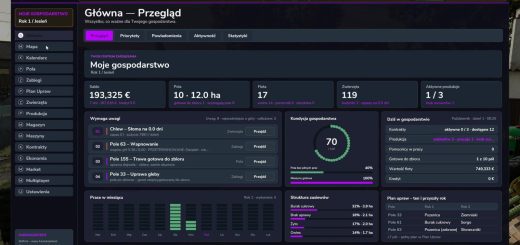
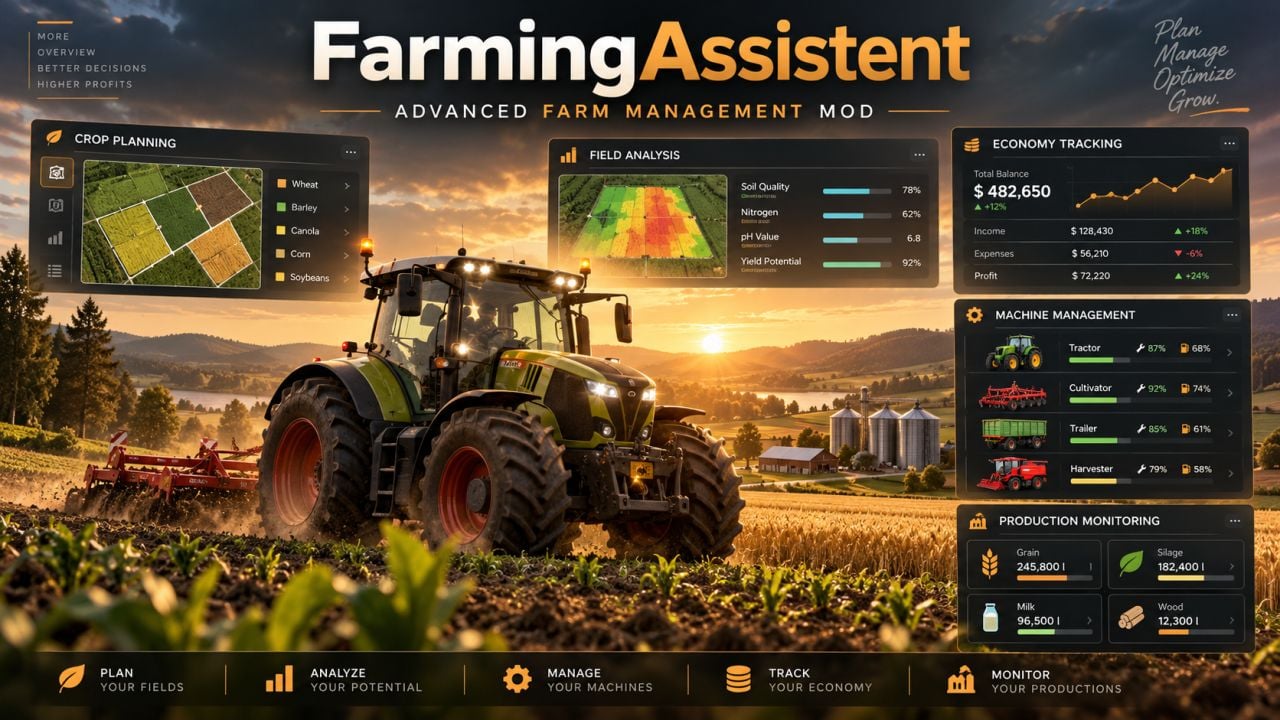
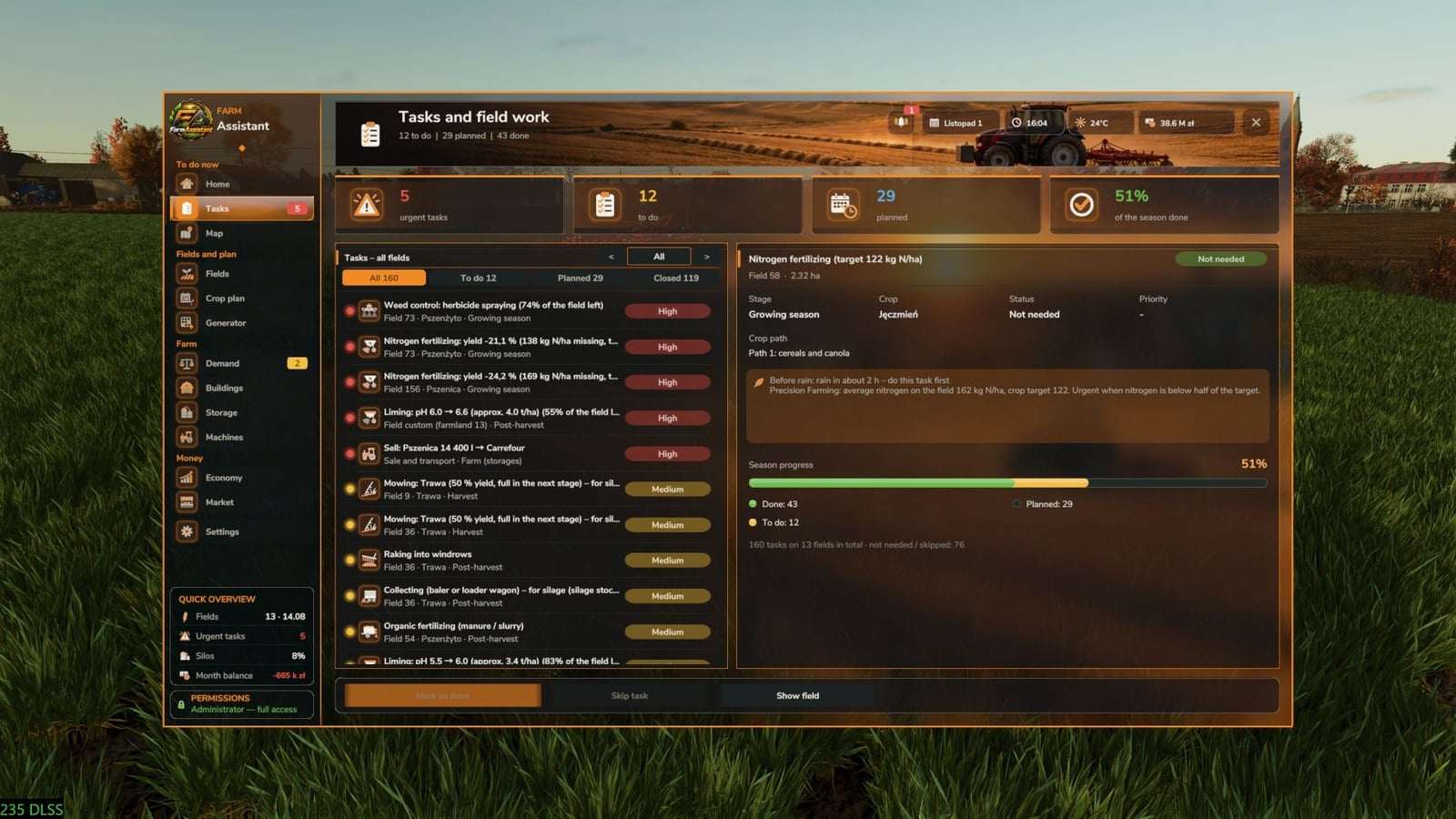
With FarmAssistent, you get a farm management and planning tool for Farming Simulator 25. Field monitoring, work recommendations, crop rotation planning, finances, storage and other farm information all come together in one interface, so you can plan what happens on your farm from one spot.
Features
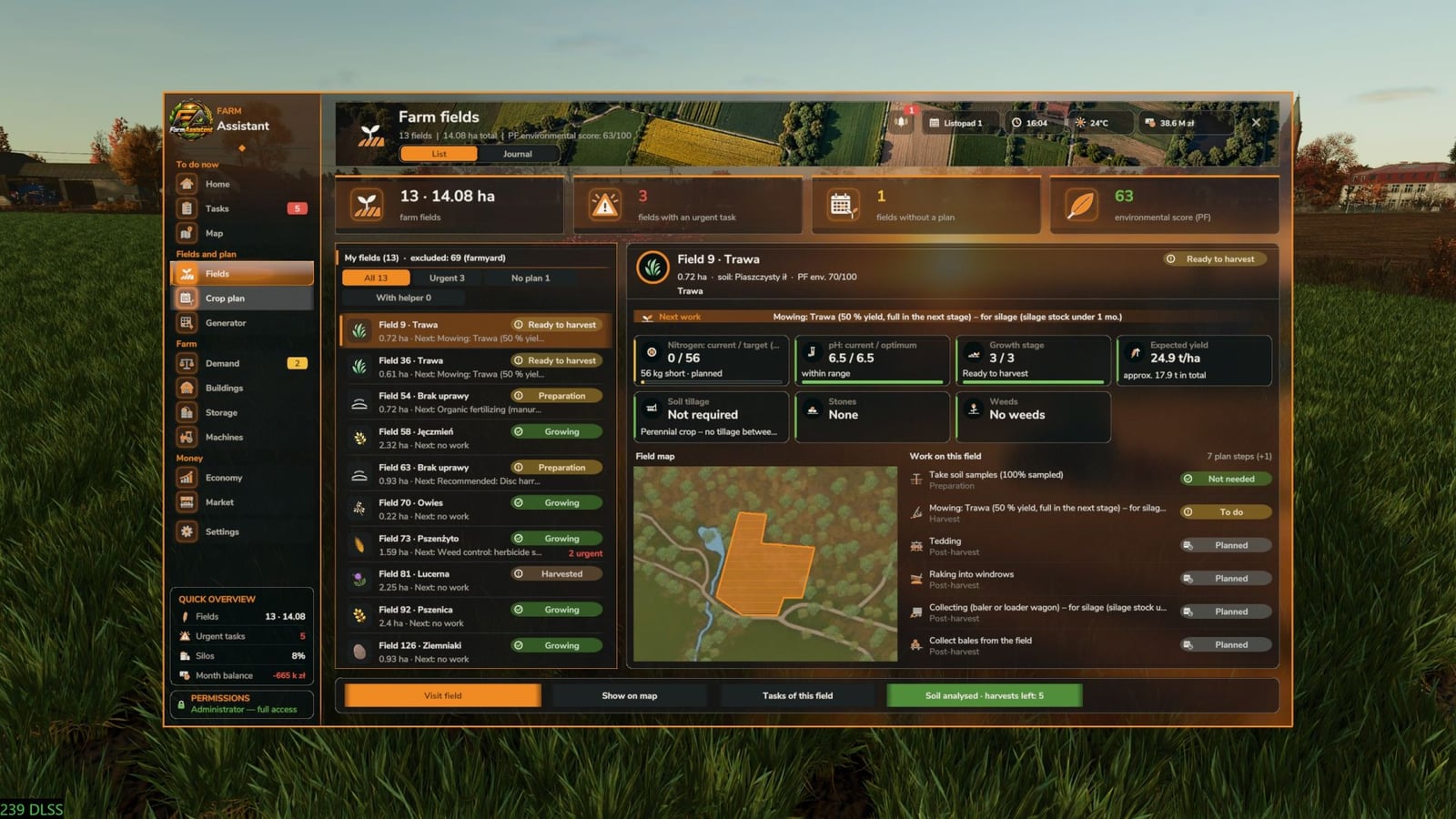
Advanced Field Management
- See all your fields together in one place.
- Look up crop types, growth stages and field conditions.
- Keep an eye on fertilization, weeds, stones, plowing and soil requirements.
- Precision Farming integration gives you nitrogen and pH information.
- Check each field’s status and the actions recommended for it.
Intelligent Field Work Planner
- The tool checks field conditions automatically.
- It points you toward the next agricultural operations.
- Urgent, planned, blocked and pending tasks are easy to see.
- Get help choosing suitable soil cultivation methods.
- Track the operations you completed and the ones you skipped.
Multi-Year Crop Rotation Planner
- Build crop rotation plans for multiple years.
- The planner uses crop availability and the game’s seasonal calendars.
- It supports crop rotation rules as well as catch crops.
- Use it to organize sowing and harvesting schedules.
- Generated plans are validated against the available crop information.
Interactive Farm Map
- Get a map overview of your fields and their current conditions.
- Switch between different map layers for easier monitoring.
- Field status information is shown right on the map.
- See which fields AI helpers are working on right now.
Farm Economy & Market
- Follow the financial information that matters for the farm.
- Check what the current selling prices are.
- Compare the selling opportunities available to you.
- View estimated gross margins per hectare.
- Look back at seasonal farming activity.
Storage, Production & Machinery
- Check your stored crops and the resources you have available.
- See production facilities and the supplies they require.
- Keep track of machinery fuel levels and condition.
- Have important farm information together in one place.
Agricultural Calendar & Weather
- Check when sowing and harvesting periods take place.
- Plan agricultural operations around the season.
- Receive warnings for upcoming precipitation and freezing temperatures.
- Stay updated on important field activities.
Field Journal & Seasonal Reports
- Build a history of harvesting, preparation and sowing.
- Review what happened on individual fields.
- See yearly summaries for harvested and sown crops.
- Get notifications when the year comes to an end.
Modern Interface
- A modern graphical interface gives you detailed dashboards.
- Choose between four selectable interface themes.
- Field information comes with task indicators.
- Custom icons and visual status indicators help show what is happening.
- Set up a configurable HUD with useful information during gameplay.
- English and Polish language support is included.
Multiplayer Support
- Play with multiplayer and dedicated server support.
- Farm information is shared through the server.
- The server administrator or host handles farm settings, crop plans and task statuses, while other players can use read-only access.
Specifications
- Game: Farming Simulator 25
- Version: 2.0.3.0
- Multiplayer: Supported
- Dedicated servers: Supported
- Languages: English / Polish
How to open: Left Shift + G
Important Information
- FarmAssistent is there for management and advice, not for automatic farming.
- It helps you choose what to do next, but it will not run machinery, buy equipment, sell crops or do field work automatically.
- Precision Farming integration works when the DLC is installed.
Changelog
Version 2.0.3.0
- Stubble mulching detection is now improved.
- Field status after mulching has been corrected.
- Seasonal summaries and notifications have been improved.
- Field journals and seasonal reports were added during the 2.0 series.
- Weather warnings and AI helper field tracking were added.
- Interface performance and usability have been improved.
V2.0.0.3
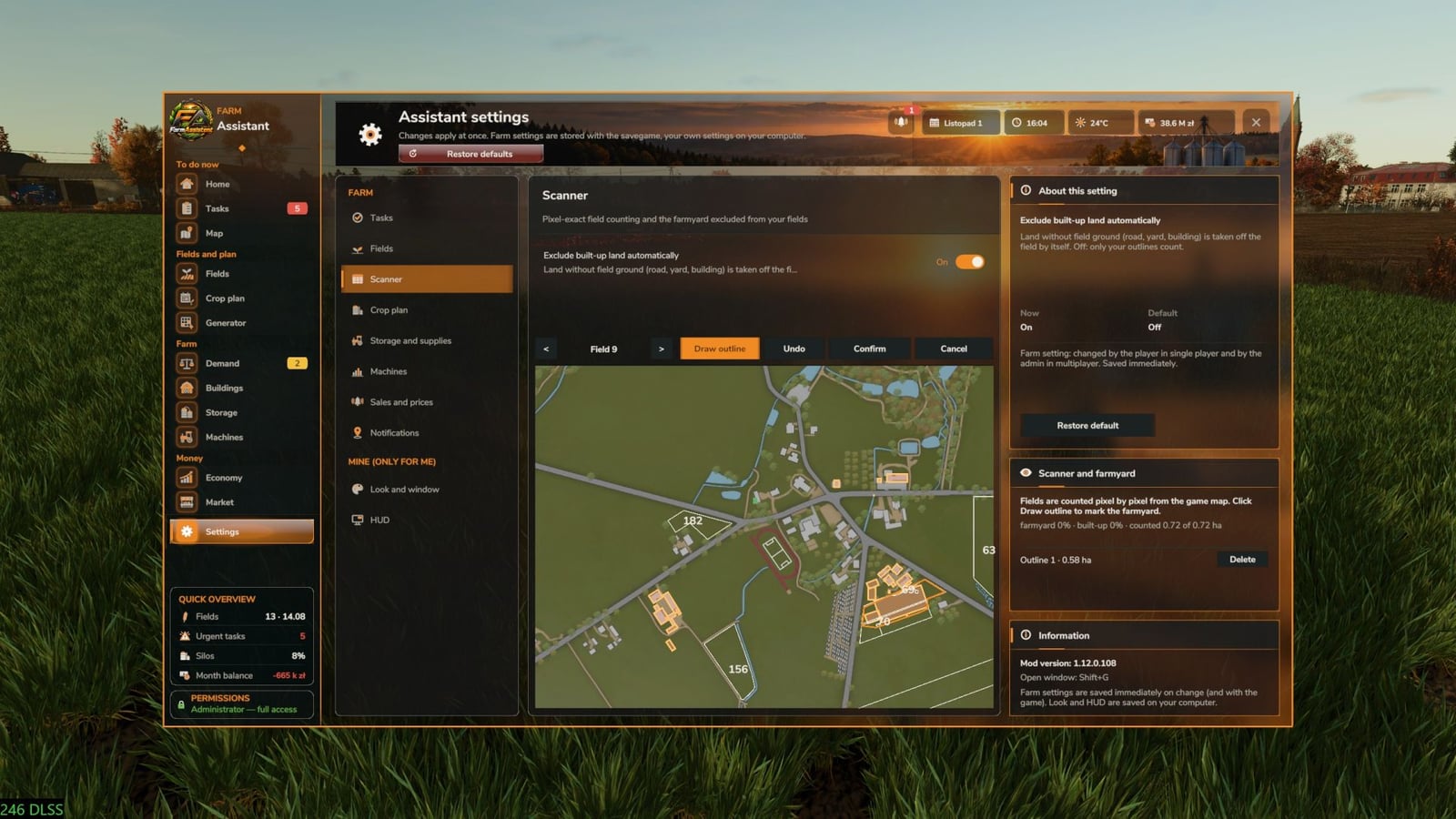
- New: You can use the “Ignore field” button on the field card (Fields). An ignored field (e.g. land bought for the farmyard that the mod reads as grass) is left out of the field list, tasks, the HUD, notifications and the crop plan generator. Ignored fields are shown in the Fields header and can be restored through Settings > Scanner.
V2.0.0.2
- Fixed: On southern hemisphere maps (e.g. the Alpacas and Beans DLC map), month names in the mod (market, calendar, crop plan, demand, economy, storage) were half a year off. They now follow the game date.
V2.0.0.1
- Fixed: You can now open the mod window in a vehicle with
Shift+G. While in a vehicle, this key replaces “previous implement” (Gstill works). Set a different key in Settings > Controls > FarmAssistent if you want.