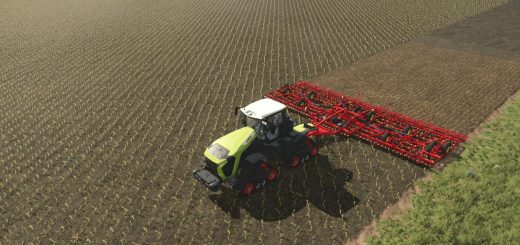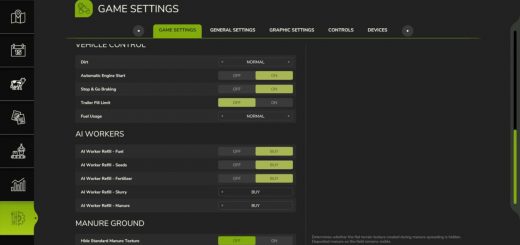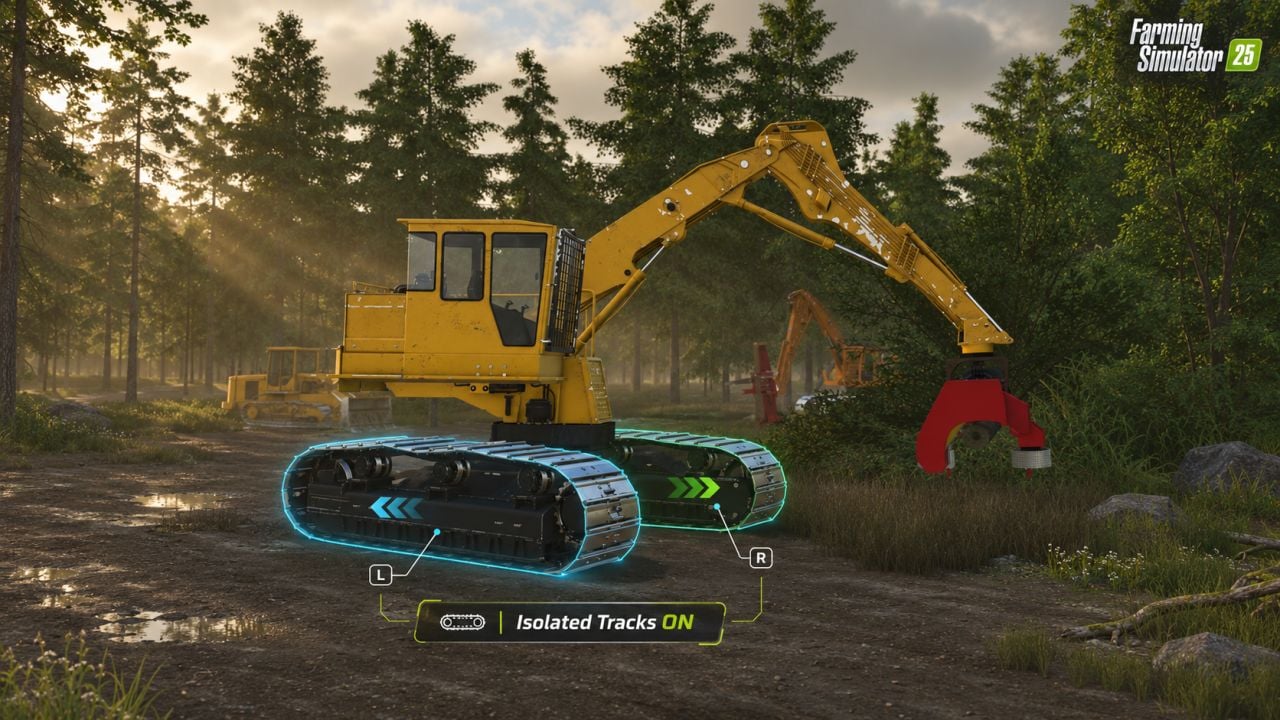
Want to really control a tracked machine yourself? Independent Track System gives you separate left and right track inputs on compatible machines. Push both tracks the same way to go straight, use one track for a gradual turn, or run them against each other for a tight pivot.
It is a standalone script mod, so you do not have to edit separate vehicle files.
Features
- Control the left track and right track independently.
- Send both tracks in the same direction when you want to travel straight.
- Move just one track to turn, or send the tracks in opposite directions to pivot.
- Set isolation to On and the independent track inputs take control from the usual forward, reverse, and steering controls.
- Pick Off whenever you want the machine’s normal driving controls back.
Getting started
- 1. Drop
FS25_IndependentTrackSystem.zipinto your FS25 Mods folder. Keep it zipped. - 2. Turn the mod on as you load your save.
- 3. Buy or customize a compatible machine, then use Isolated Tracks: On. The option starts On by default.
- 4. Climb into the machine, start the engine, and try the independent track controls.
Default keyboard controls
Here are the numeric keypad controls:
| Action | Default key |
|---|---|
| Left track forward | Numpad 7 |
| Left track reverse | Numpad 1 |
| Right track forward | Numpad 9 |
| Right track reverse | Numpad 3 |
Custom controls
Open Settings → Controls and find the Independent Track System actions for the left and right tracks.
You can bind these actions to your own keyboard controls, or use analog inputs with FS25-recognized game controllers and joysticks. Controller and joystick defaults are not supplied, so choose the buttons or axes you want.
Tune each machine
While you are in the machine, open its Independent Track System settings tab. You will find it immediately after Devices.
Start with Balanced, Precision Excavation, Field Travel, or Soft Ground, or set the options one by one:
- Braking strength: Changes how strongly moving tracks brake.
- Holding brake: Changes how strongly a stationary track fights rolling.
- Acceleration response: Changes how quickly the tracks answer your inputs.
- Pivot speed: Sets the target speed when the tracks counter-rotate.
- Traction: Changes how strongly the tracks resist sliding sideways.
Your tuning is stored separately for each machine and comes back when you reload your save. The actual movement still depends on the machine, terrain, grip, and load.
Compatibility and testing
This is made for compatible full-track machines using FS25’s standard wheel and crawler systems. The way a vehicle is built affects compatibility. Some custom controllers, animations, articulated machines, and mixed wheel-and-track layouts may need additional support.
Gameplay and saved settings have been tested in-game. Controller, joystick, and multiplayer testing is still being completed. For multiplayer, everyone, including the server, must install the same version.