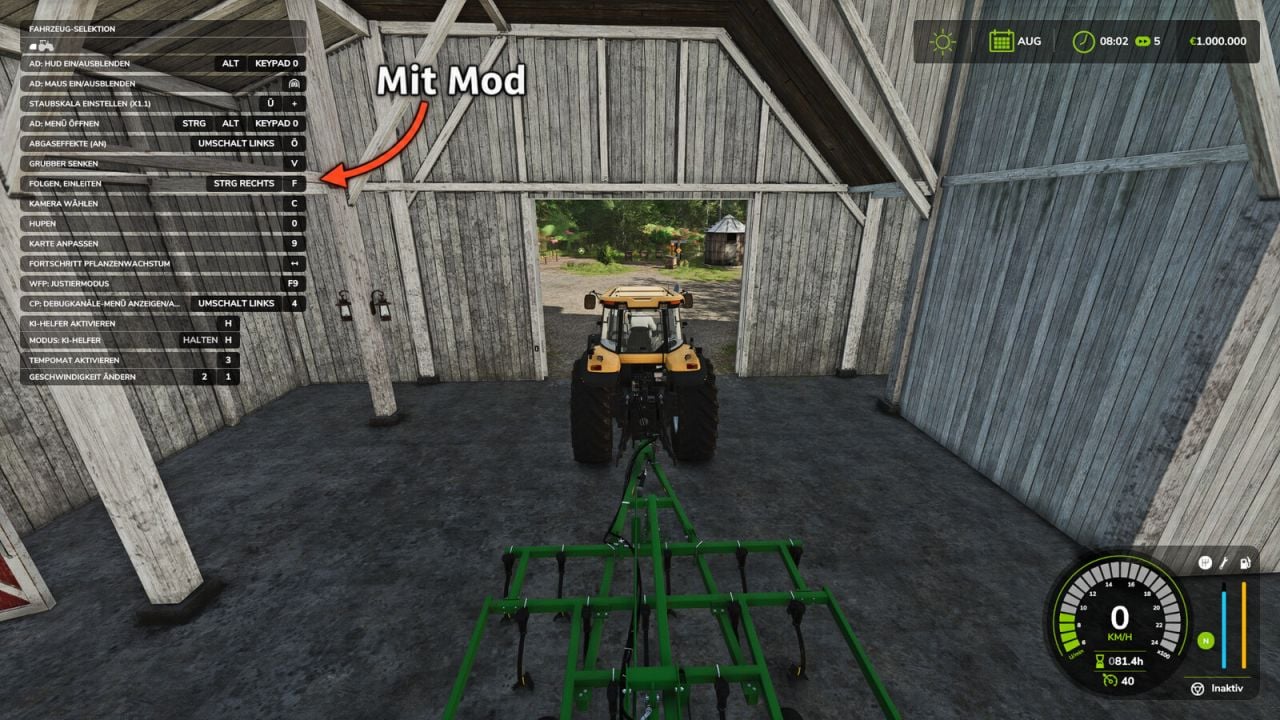
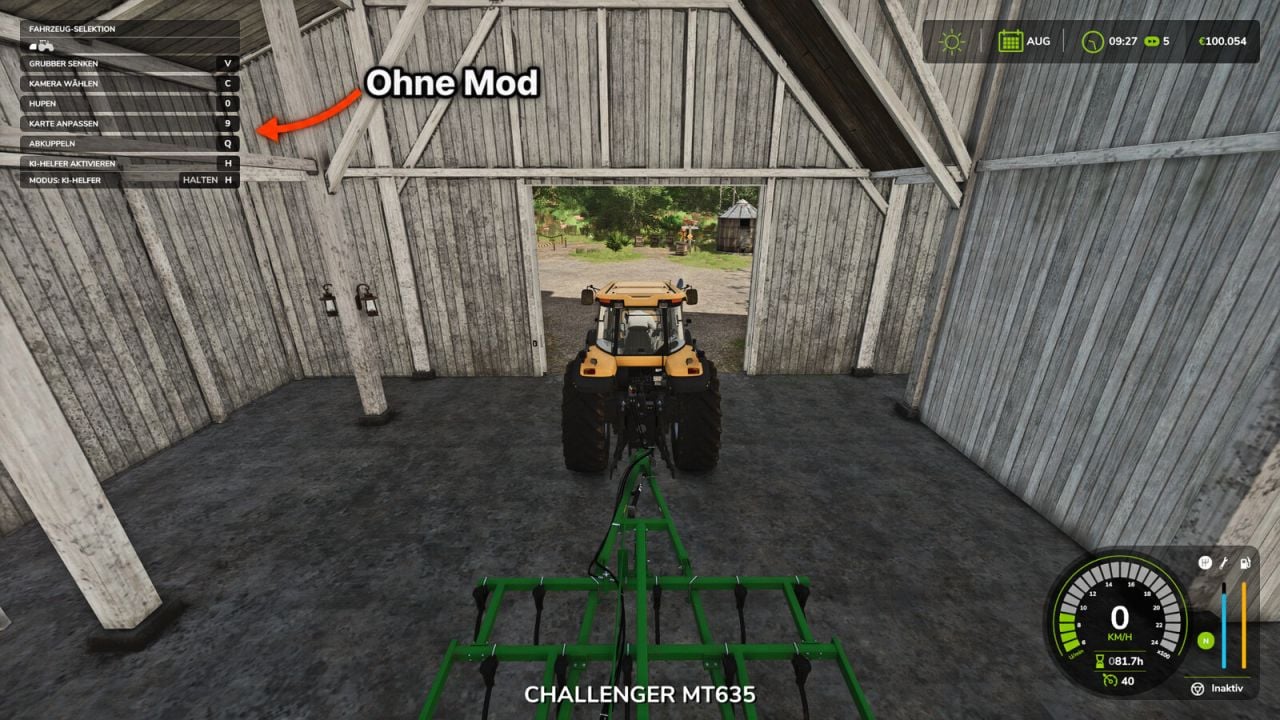
With Extended HUD, you can see all key bindings for your current vehicle and implement right in the expanded F1 help window in Farming Simulator 25. Bindings from mods like AutoDrive or Courseplay show up there too, so using lots of mods and new vehicles is much easier.
Features
- Way more entries are displayed in the F1 help window
- Other mods’ key bindings are displayed as well
- You avoid lengthy searches through the control settings
- Ideal when you use many mods and new vehicles
Controls
- Press F1 as usual to show or hide the help window
Multiplayer
You can use it in single-player and on servers.
Changelog
- Version 1.0.0.0, initial release