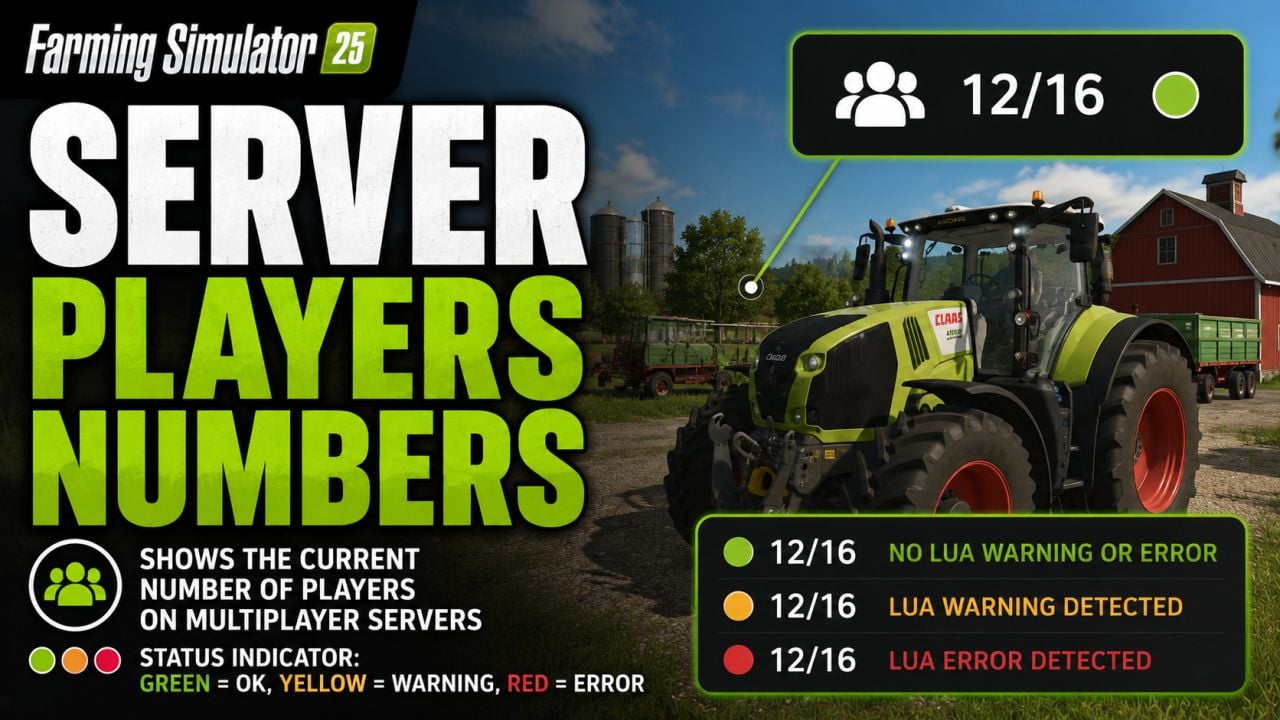
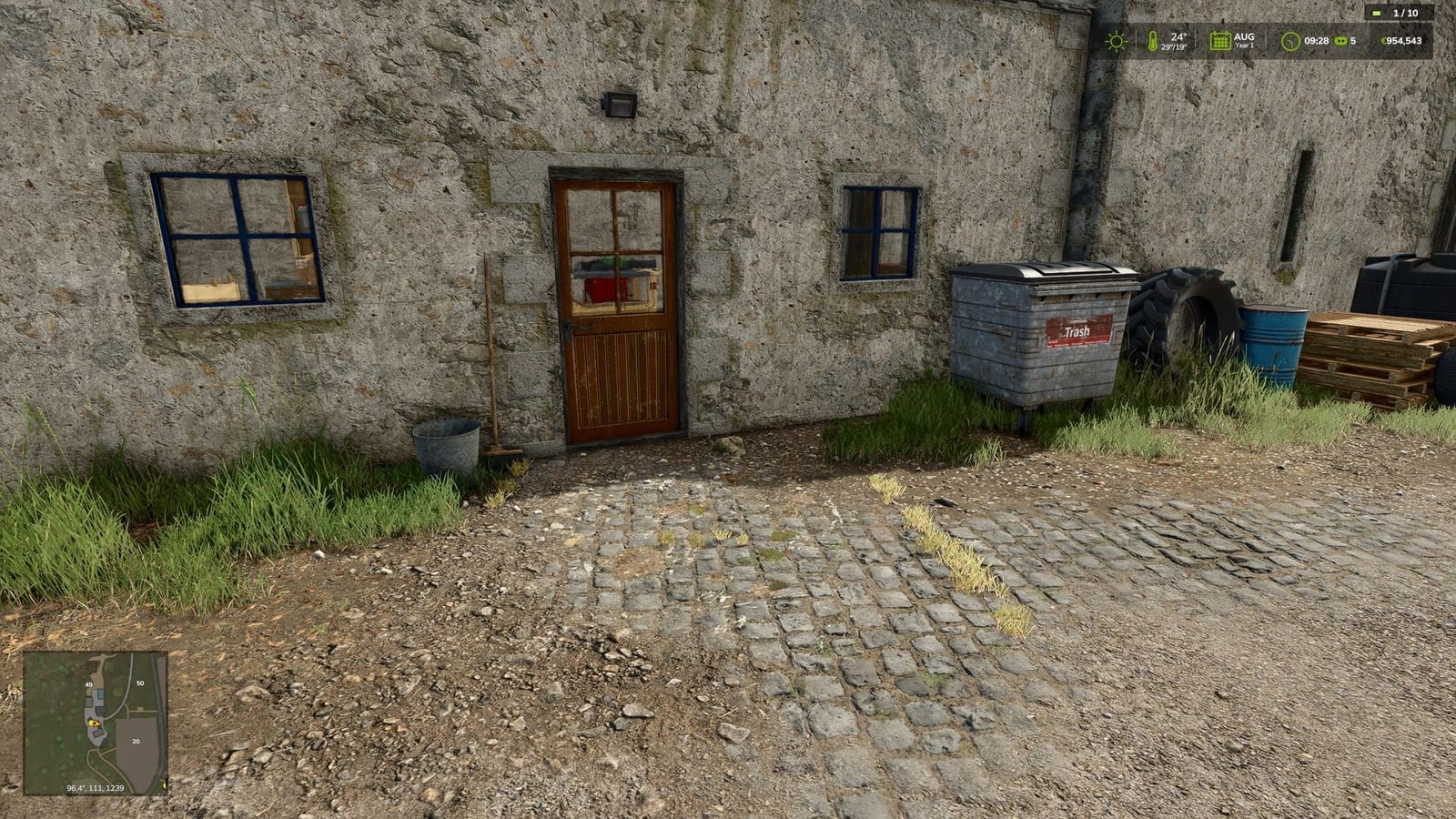
Playing on a multiplayer server? You can see the current player number right in your HUD, so the server info is easy to keep in view while you play.
Features
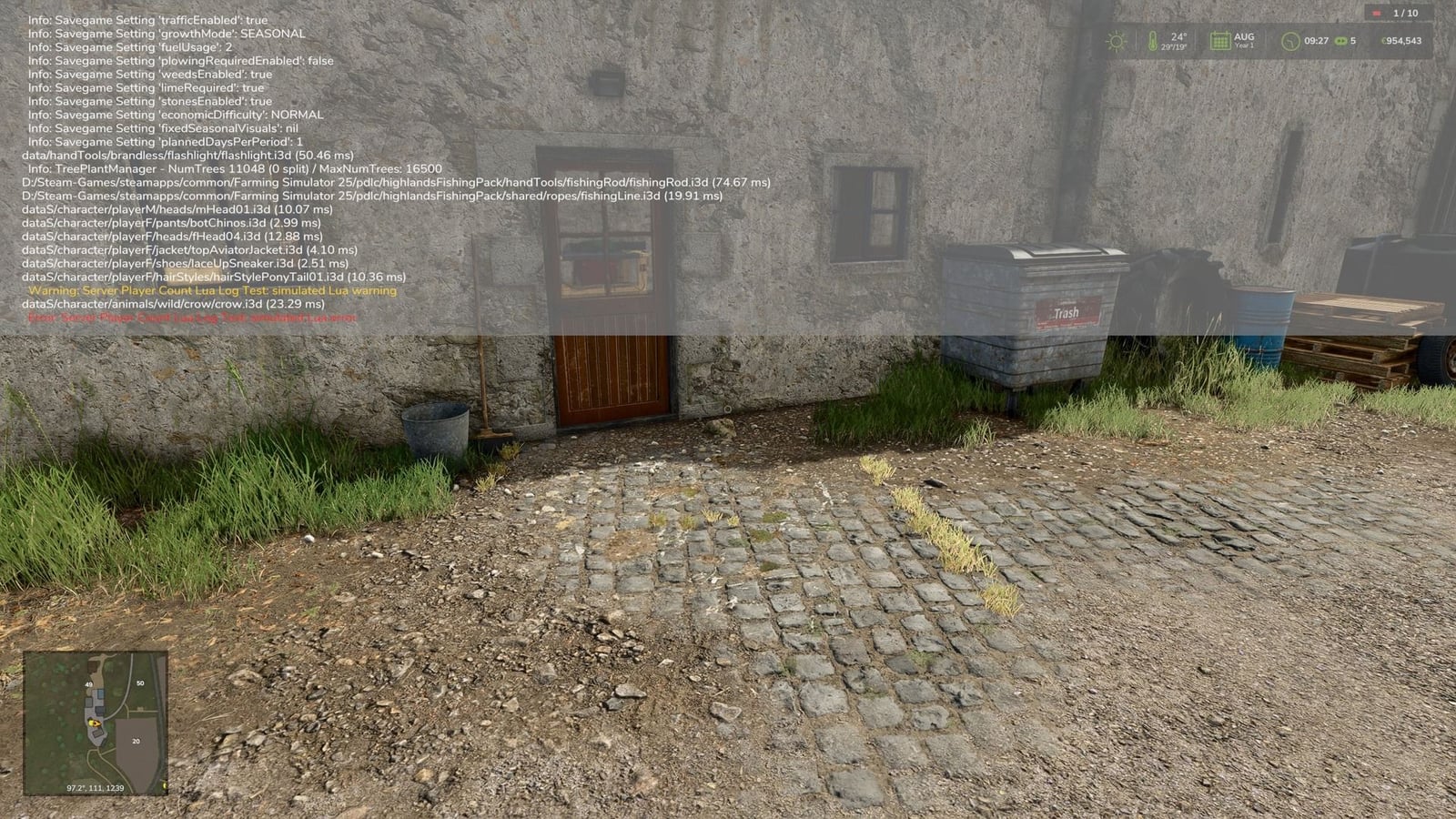
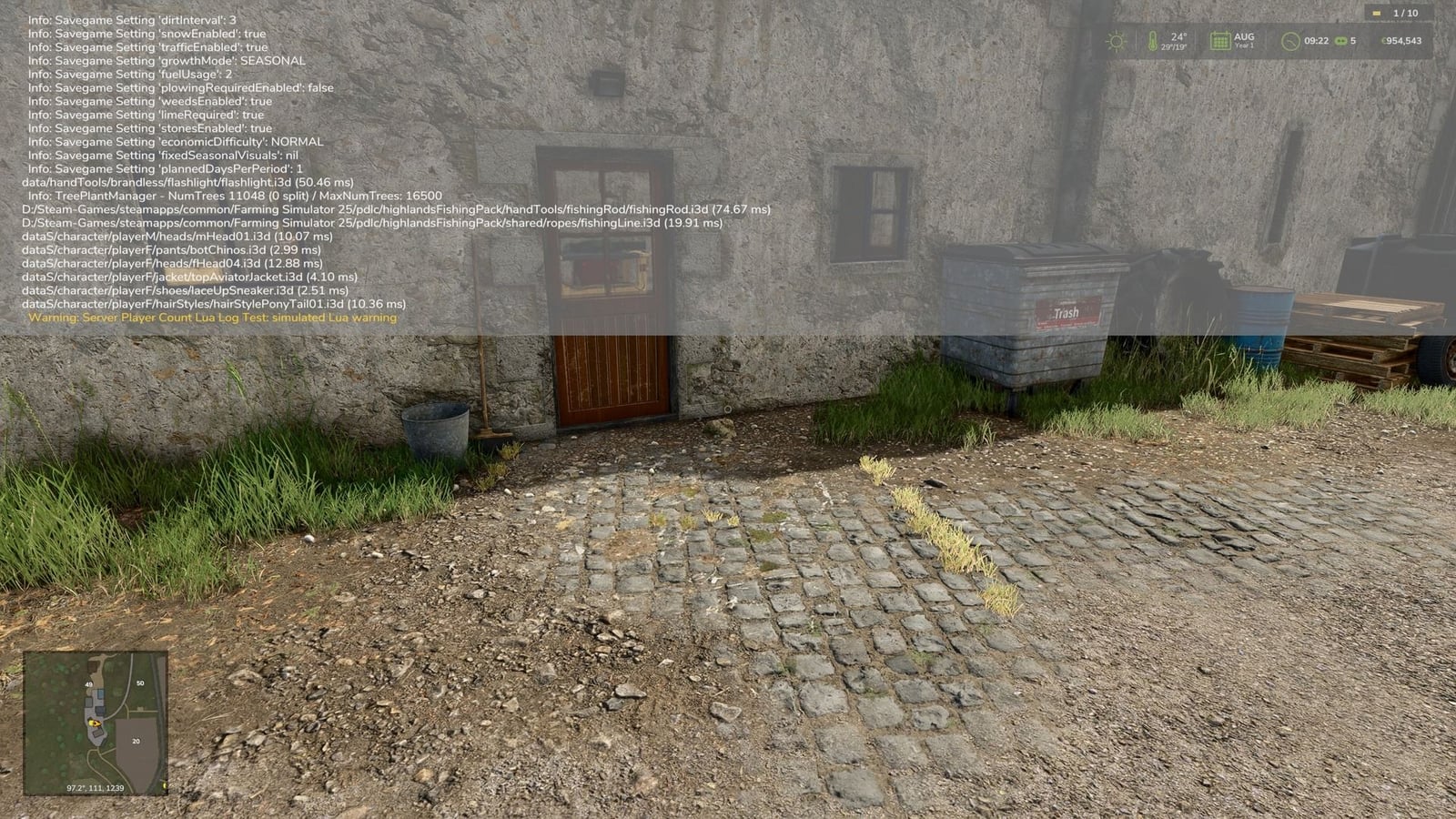
- The compact player count comes with a status point that shows what is going on:
- Green: no Lua warning or Lua error detected
- Yellow: a Lua warning detected
- Red: a Lua error detected
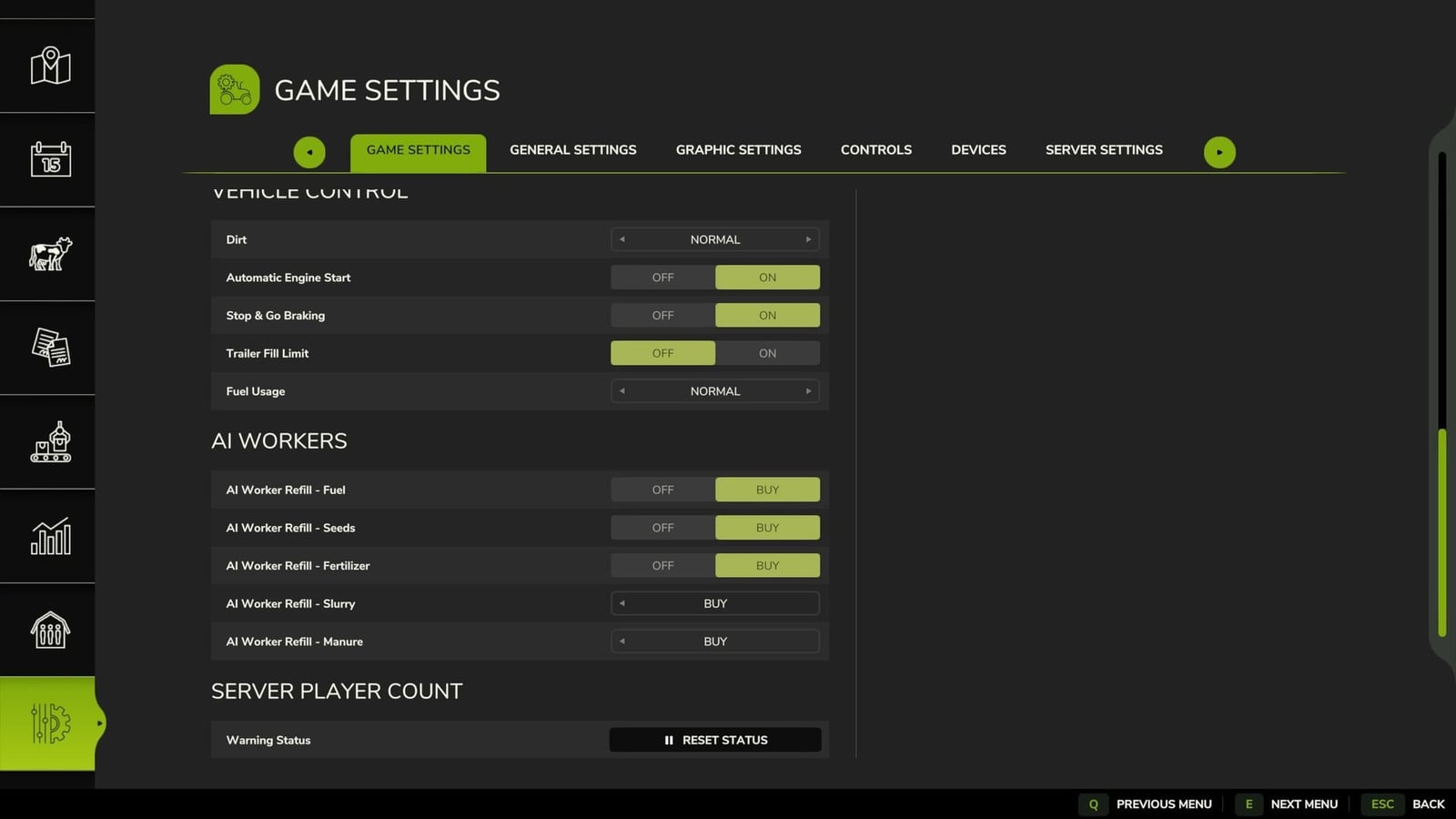
- Once you have checked a detected message and it is not critical, reset the status point from the game settings.
- If you turn the mod on by accident in single-player mode, its HUD display hides itself automatically.
- More detections may come later when log data can be analyzed more cleanly in the game.
Changelog
- V1.1.1.0
- Admins on dedicated servers can use the settings now too.
- Admins on dedicated servers can also switch “Show warnings” on or off now.
- The “Reset status” button now has the same look as the in-game buttons.
- There are now separate explanatory texts for the two settings.
- V1.1.0.0
- The HUD display got a new design that matches the game’s style. It now sits right beside the time and weather display with the player icon.
- The mod now detects script errors and other error messages from the game and other mods.
- Warnings stay ignored by default, while the host can enable them in the game settings.
- Only the host or an administrator can reset the server status point.
- Other players cannot change the server status point anymore.
- V1.1.0.0
The player count display for dedicated servers was improved.