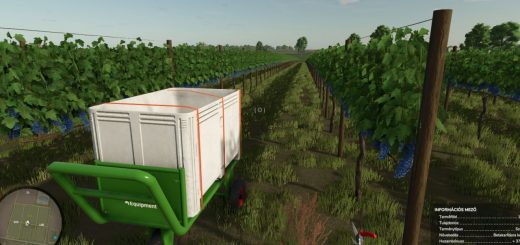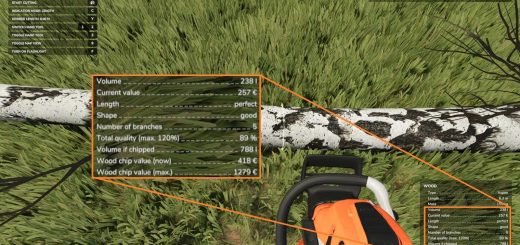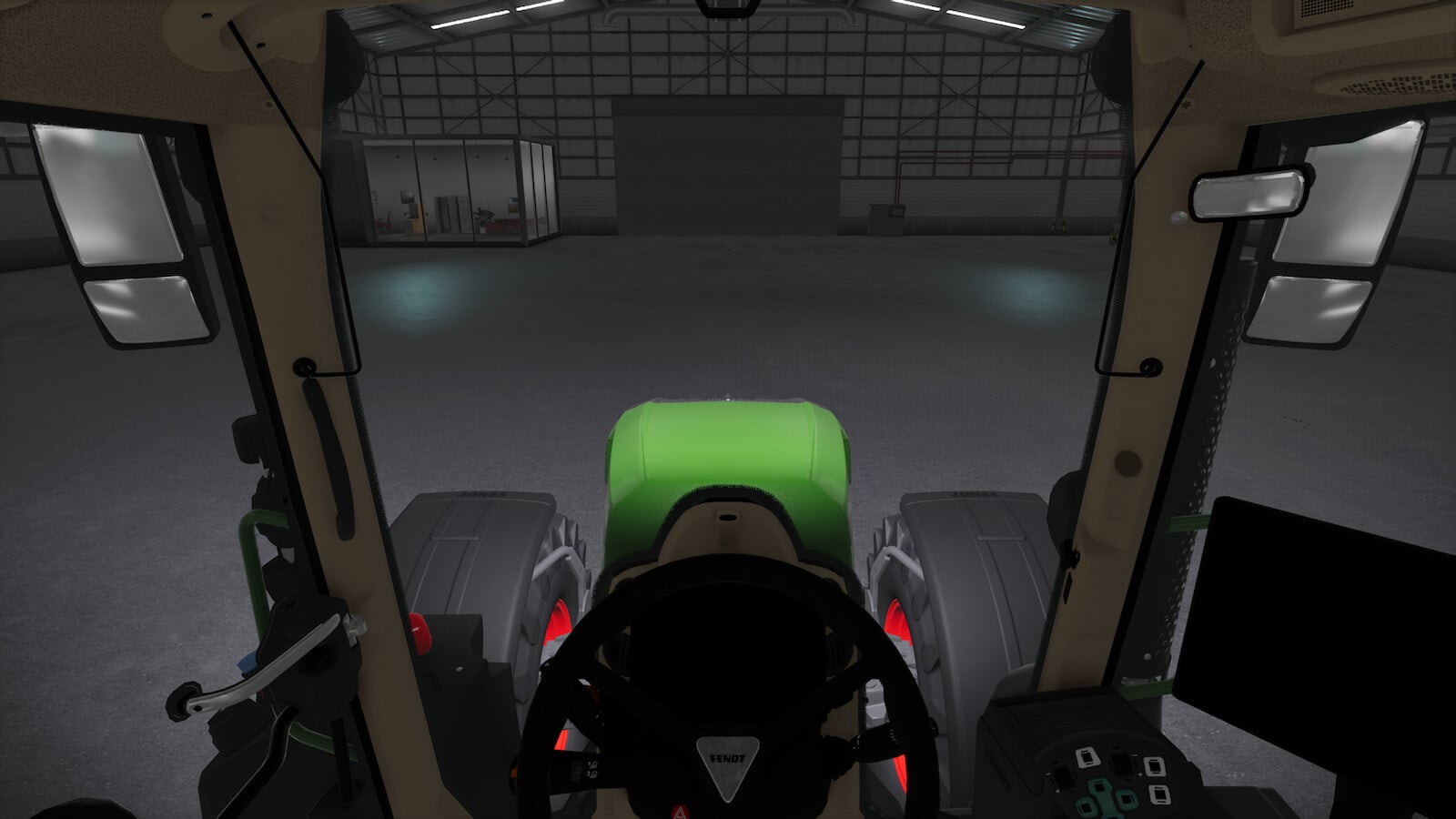
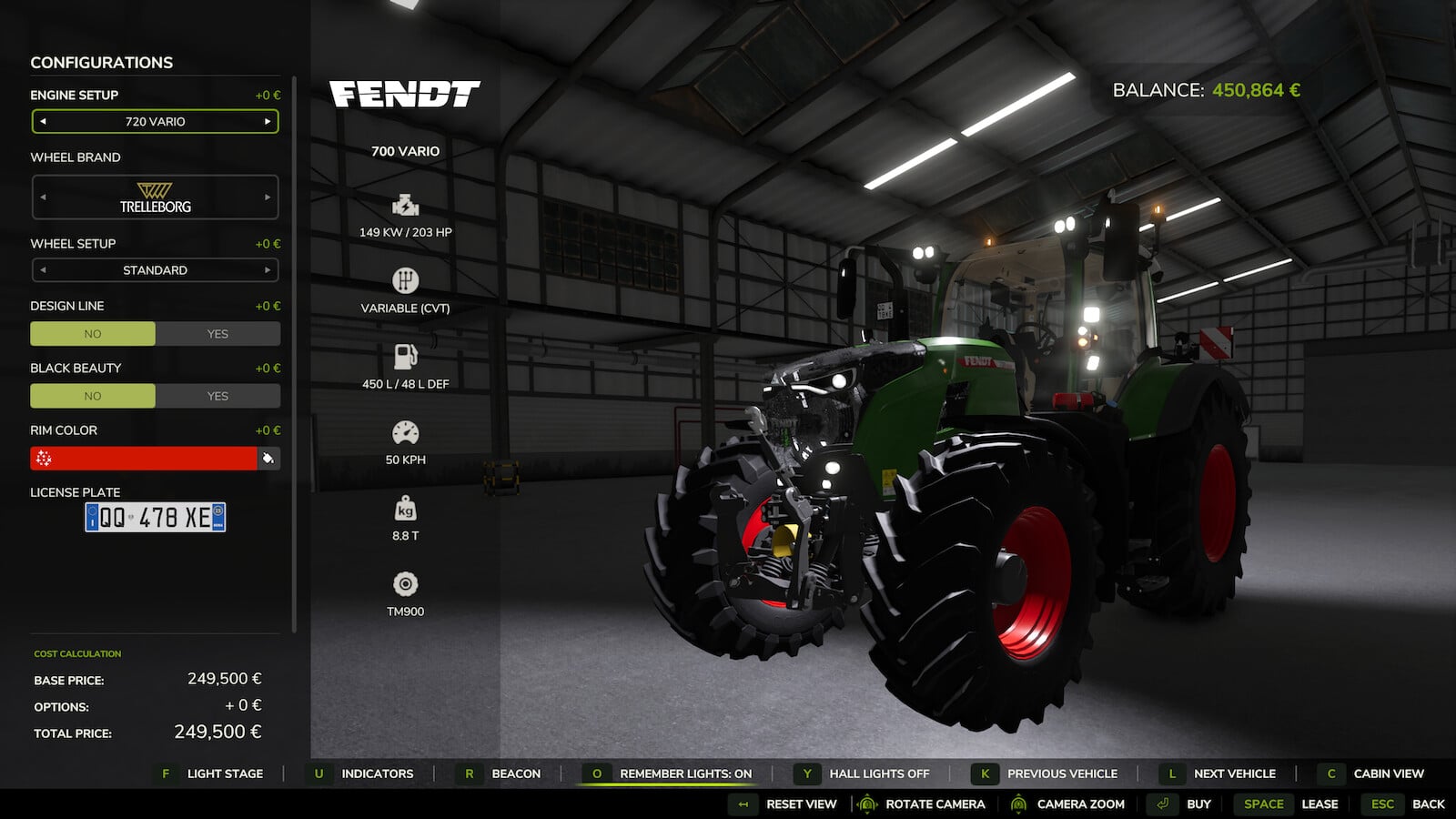
With Shop Vision, the shop becomes a showroom you can step into. Sit in the cab, check out the vehicle configurations, use Interactive Control points and try the lights before you buy.
You can use it in singleplayer or multiplayer with tractors, harvesters, implements and trailers that have their own lights. There is nothing to set up.
Features
- Press
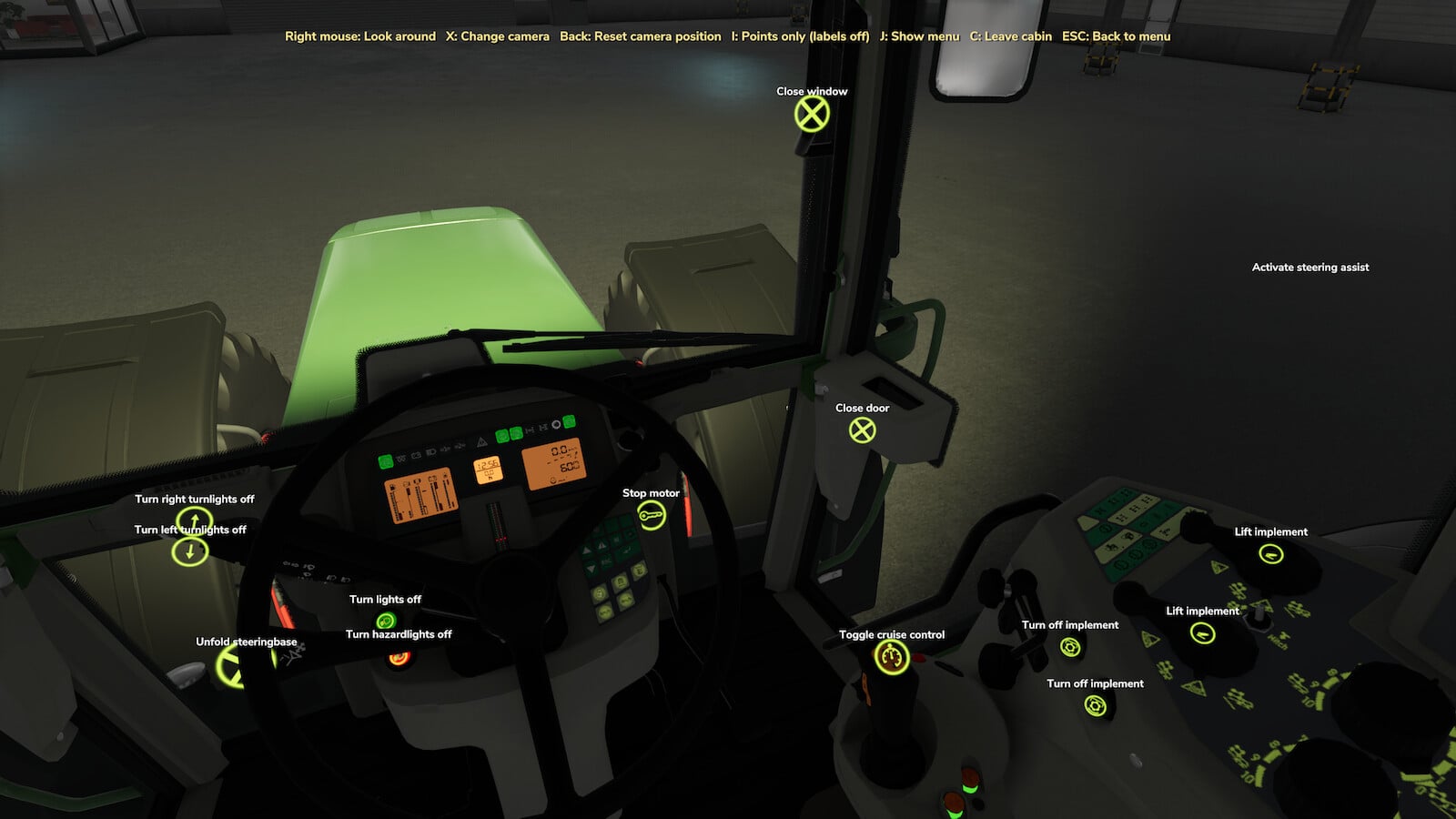
[C]and jump into the driver’s seat right at the shop. Look around by holding the right mouse button, switch between all vehicle cameras with[X]and remove the menu with[J]. [K]puts you in the previous tractor, while[L]takes you to the next tractor’s cab.- Install the Interactive Control mod, then press
[I]to see all IC points on the vehicle, with optional labels available. - Use the Interactive Control points inside or outside to open the door, window or hood, and to switch on the indicators.
- Have the Shop Sounds mod installed and you can start every shop engine, rev it and hear it.
- Interactive Control points also let you move the pipe out or back in and fold or unfold an implement before purchase. This is available wherever that vehicle has Interactive Control points.
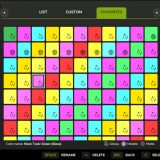
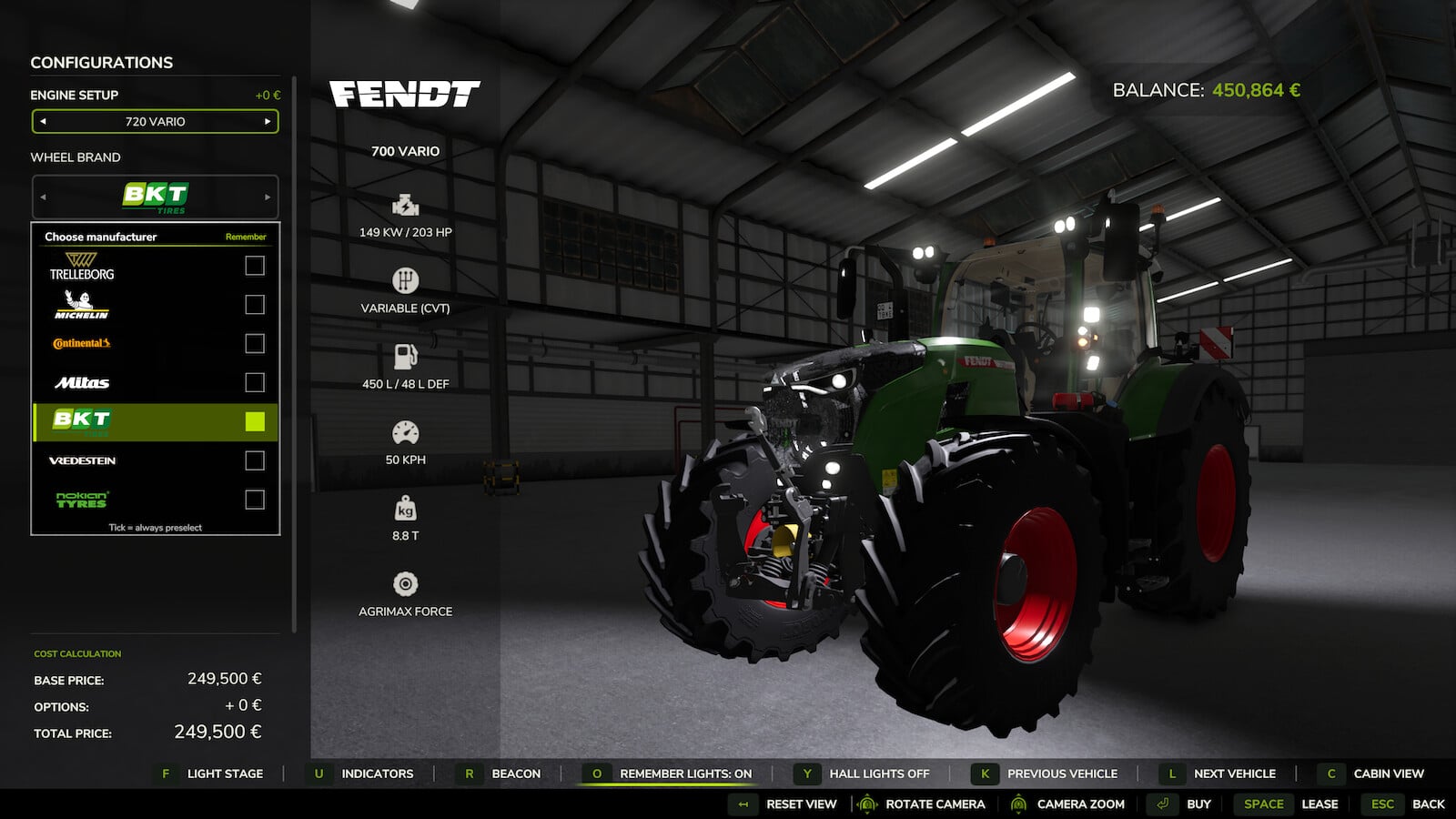
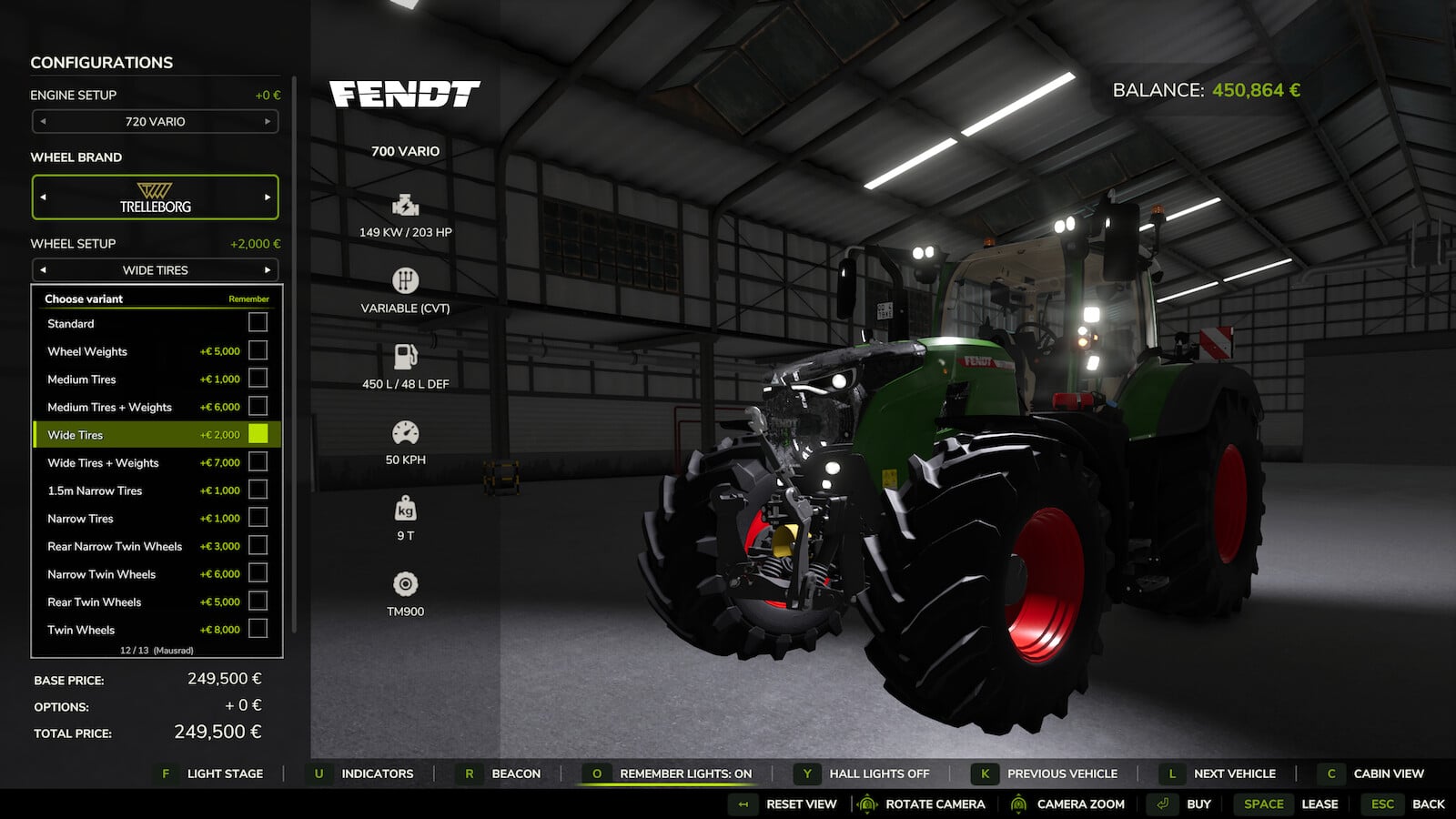
- Check every configuration from one clickable list, complete with brand logos and prices. The list covers tire brand, tire variant, beacon lights, exhaust, front loader, front attachment, engine and configurations from mods like More Motor Sounds or Tire Sound.
- Keep wide tires on screen while changing the brand, without the tire variant going back to standard.
- Tick Remember for the tire width and a specific brand, and that combination is preselected on every tractor that offers it.
- If your chosen brand has no requested tires for a tractor, Shop Vision uses the next brand that does. If needed, it selects the closest tires with the same width and tells you which choice it made.
- Any brand missing the selected tire variant is greyed out in the list.
- Want to check the machine in the dark. Press
[Z]to turn off the hall lights. - Use
[F]for each light stage,[U]for indicators and hazard lights, and[R]for beacon lights. - If the machine has no beacon fitted,
[R]picks the first beacon light from the configuration menu automatically. - Press
[O]to save the lights, so the next tractor uses the same lighting setup. - The buttons only show up when the selected machine actually has the related function.
Hotkeys
[C]Cab view on/off[X]Change camera in cab- Right mouse button: Look around
[J]Menu on/off[I]IC points: on / points only / off[K]/[L]Previous / next vehicle[Backspace]Reset camera position[F]Light stage[U]Indicators / hazard lights[R]Beacon lights[O]Remember lights[Z]Hall lights, German keyboard:[Y]- Left click on a configuration: open the list. Tick Remember to preselect.