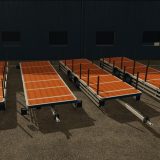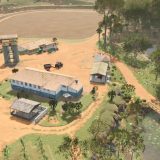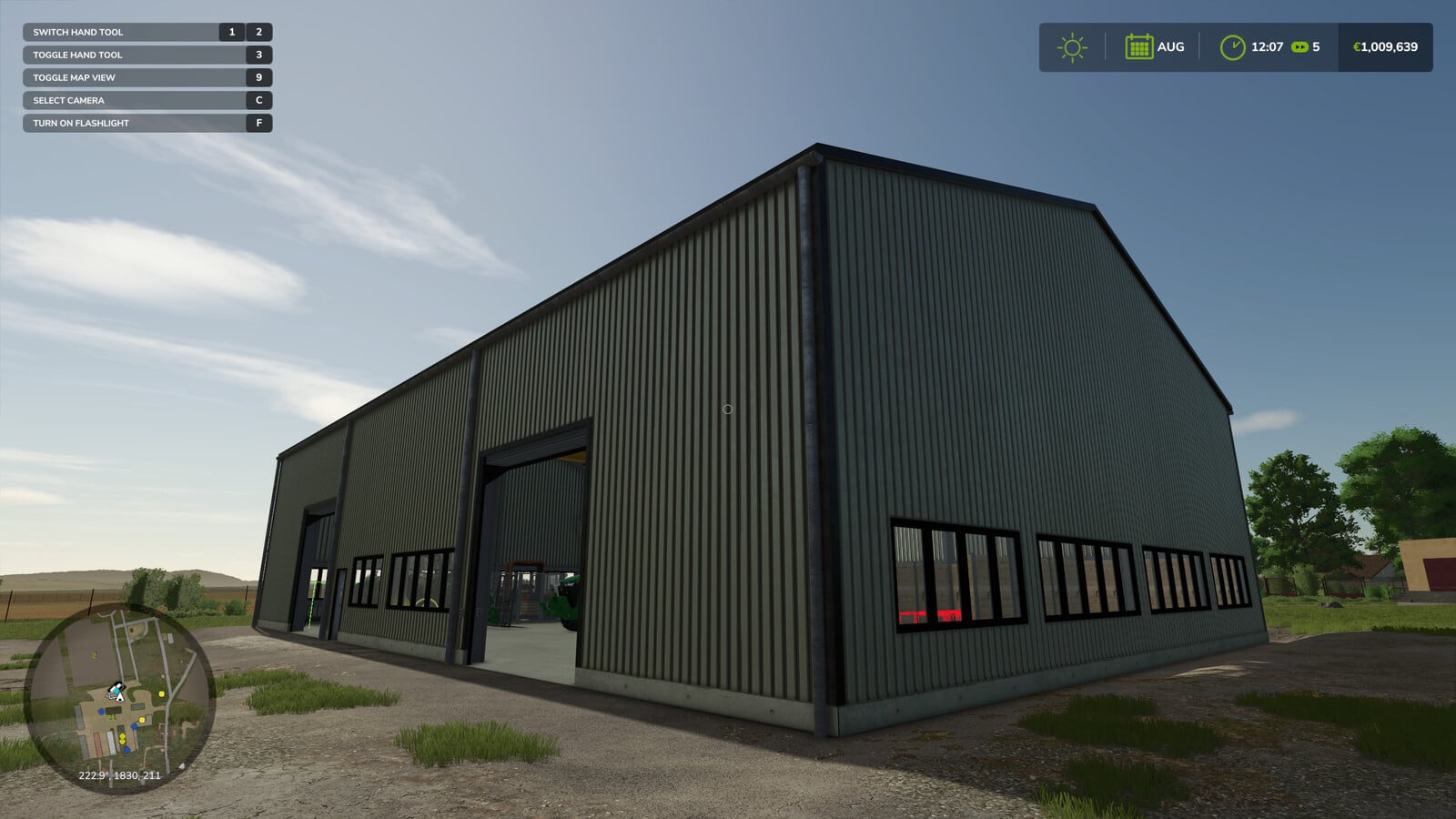
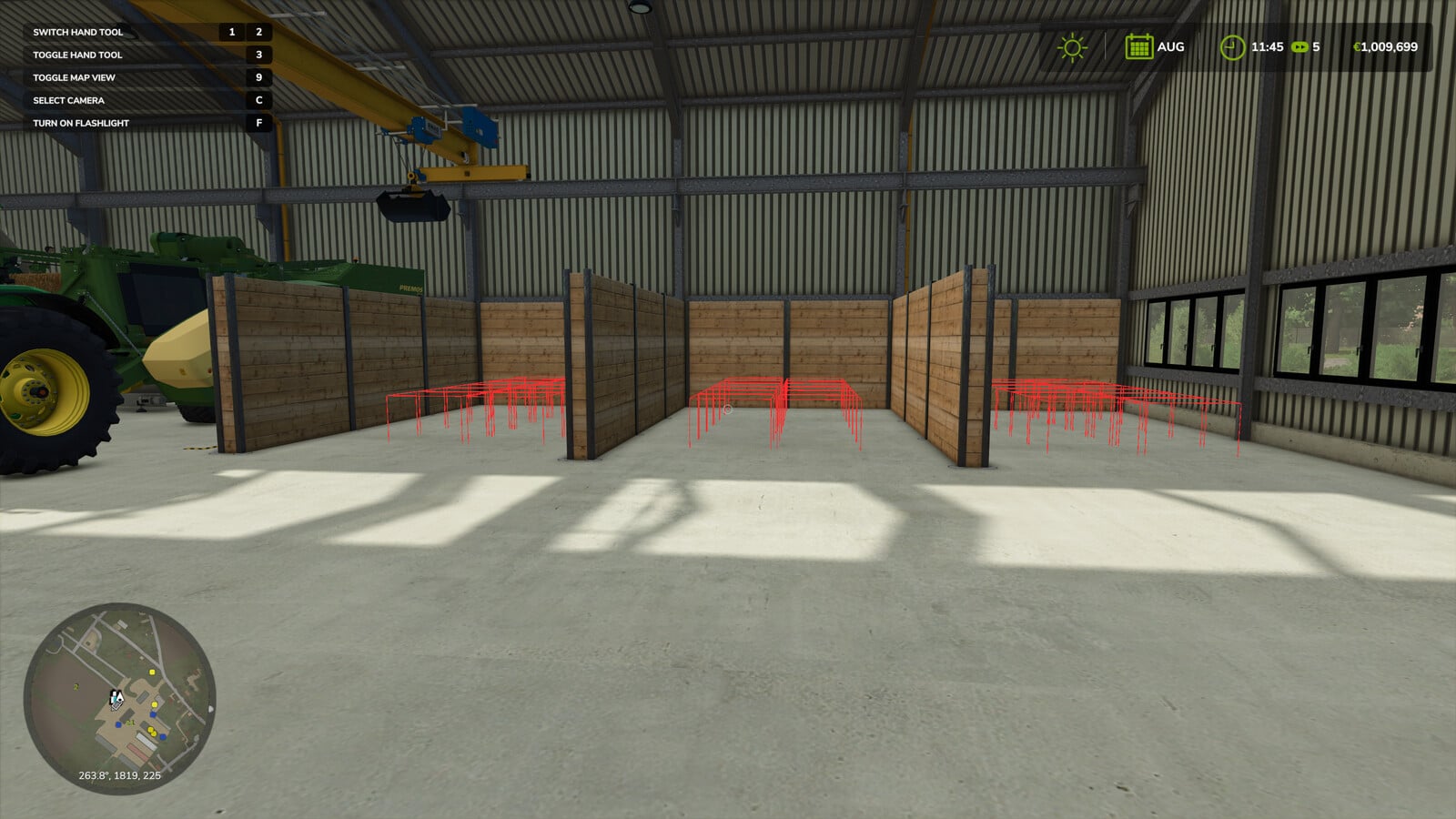
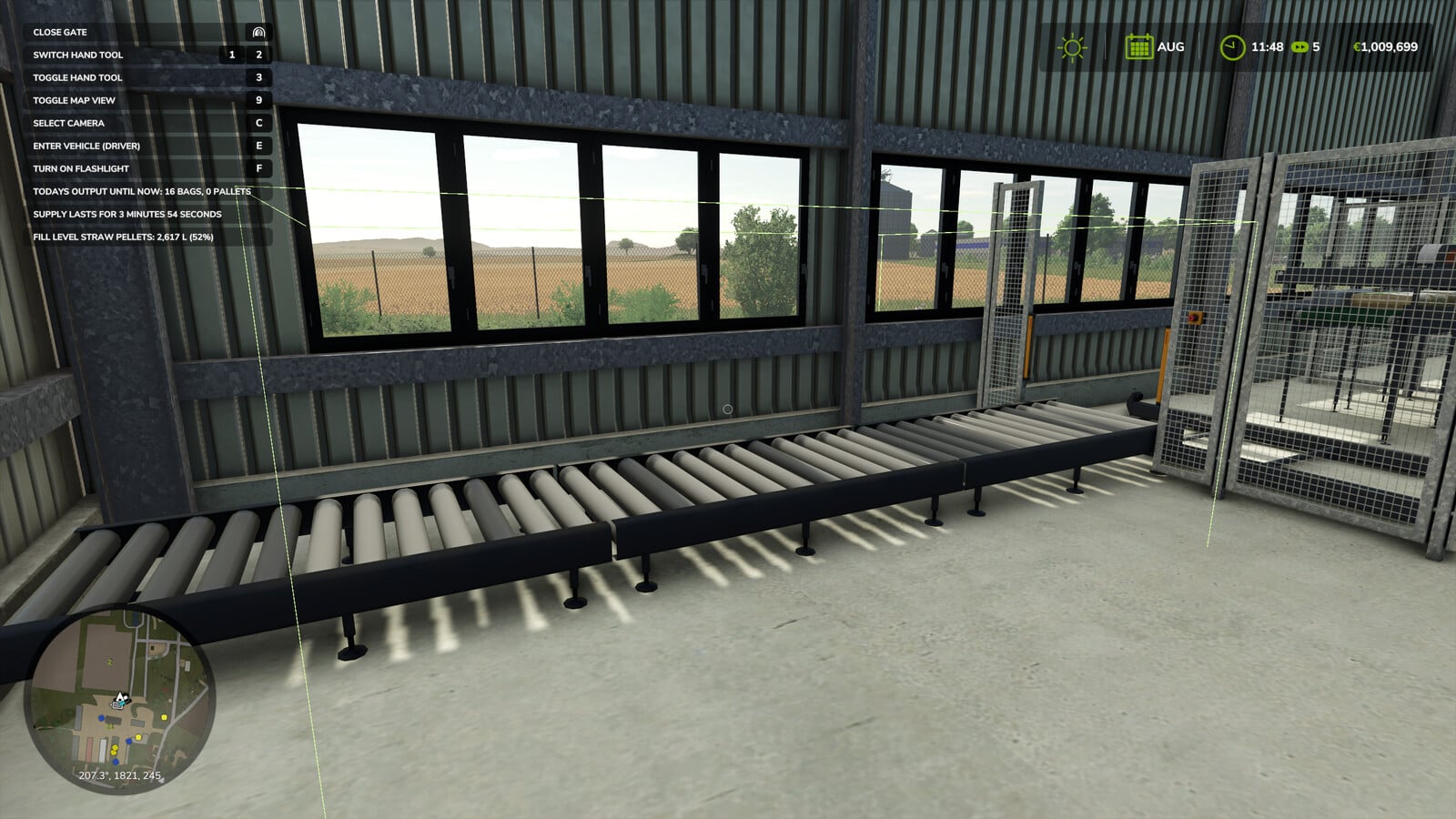
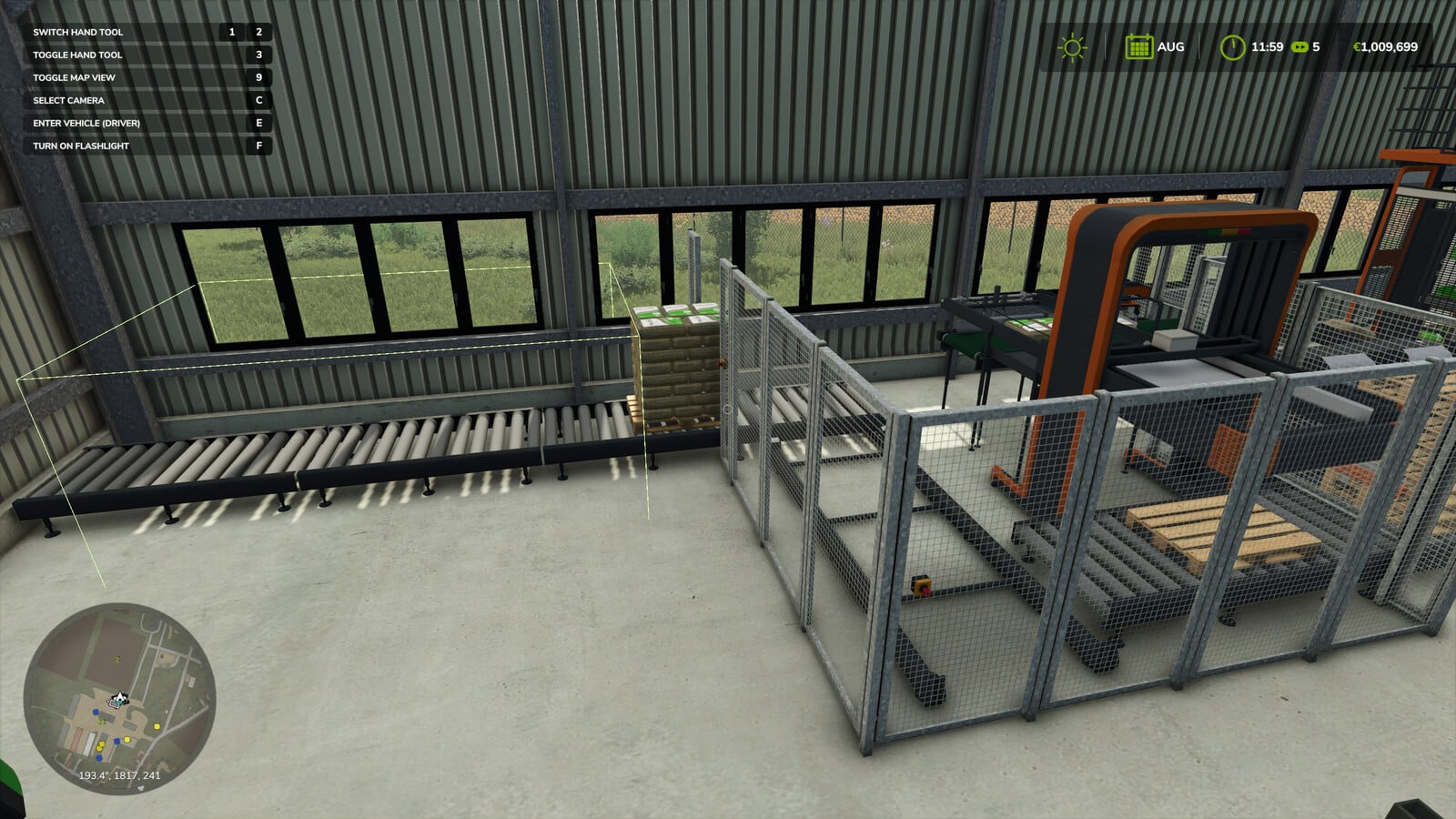
This script is made for the Pellet Hall from the Straw Harvest add-on. It takes finished pallets off the output belt, brings them into the storage bays and stacks them two high. Production keeps running until the bays are all full, so you can let the hall handle the stacking while you play.
YOU NEED: Straw Harvest add-on
Features
- It works with the Pellet Hall only, and stays inactive on everything else in the game.
- Your vehicles and other mods stay unaffected.
- You get no key binding and no panel to manage.
- The script runs through a global listener instead of being attached to a vehicle or placeable.
- Because slot positions use the hall’s own local coordinates, the stacking still follows the building wherever you put it on the map.
- The palletizer has to release a pallet before the script moves it.
- If the first try does not take, it retries and then stops cleanly instead of fighting the game.
- When every bay is full, the belt fills with its three pallets and production halts exactly as it does without the mod.
- Once per session, after the physics has settled, pallets already in the bays are returned to their proper slots.
- Single player only.
- There are no new buildings, models or textures, because this is a script.
Settings
If you want to tune it, the optional settings are in modSettings/FS25_PelletHallStacker/settings.xml. Bay positions, grid size, stacking order and timings can be changed there without opening the zip. You can also turn on the onscreen calibration boxes if the hall is placed differently.