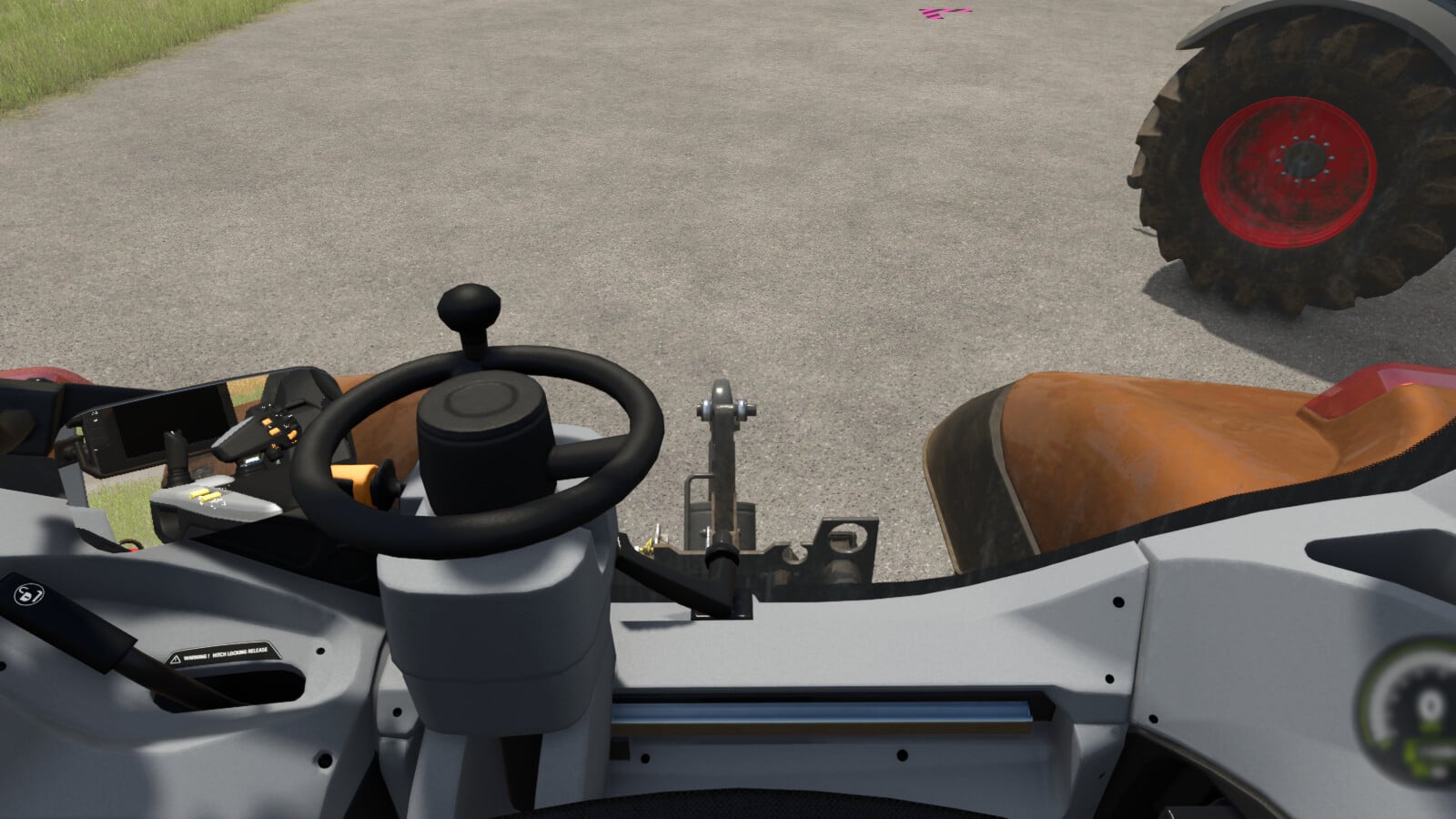
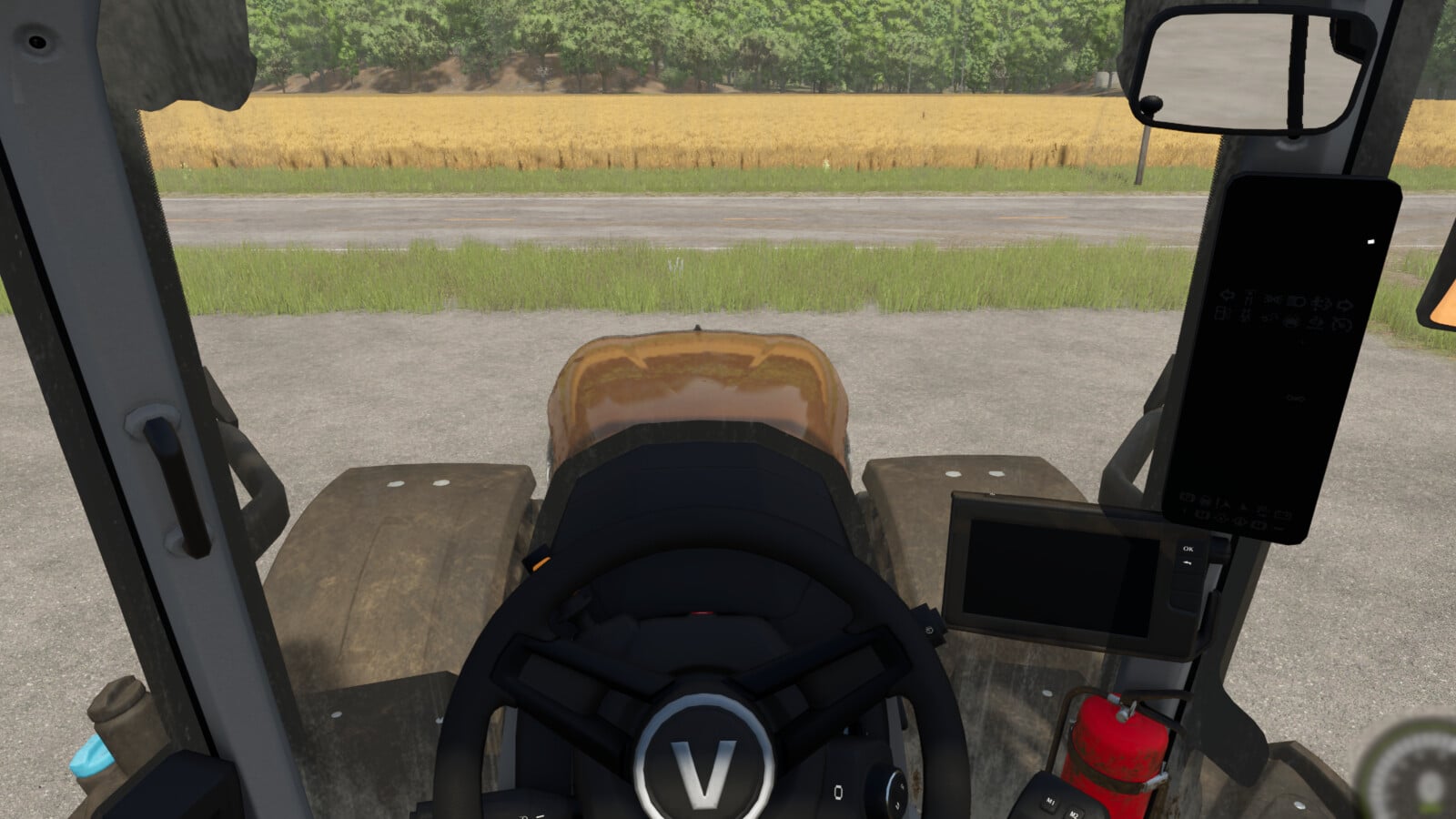
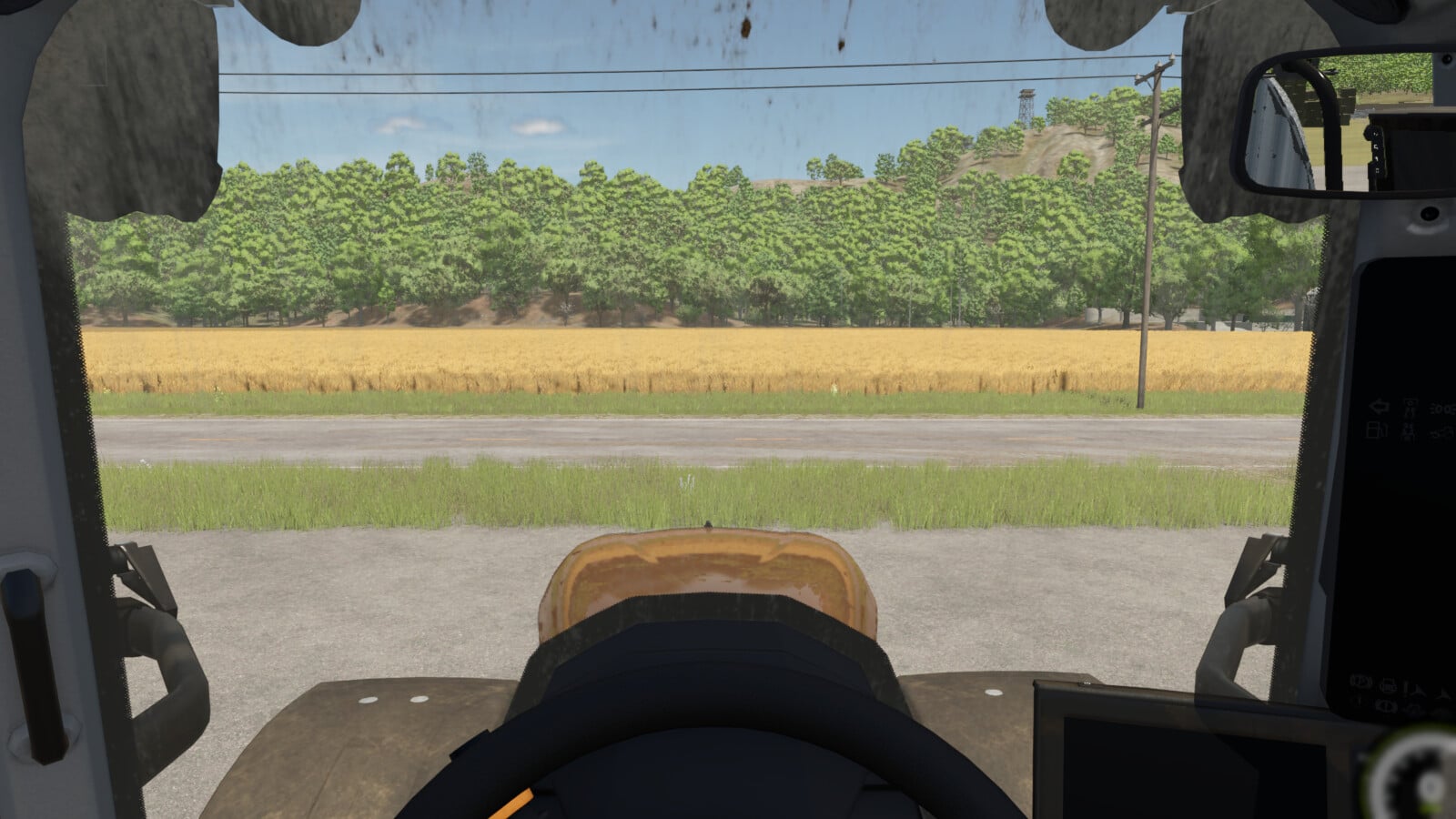
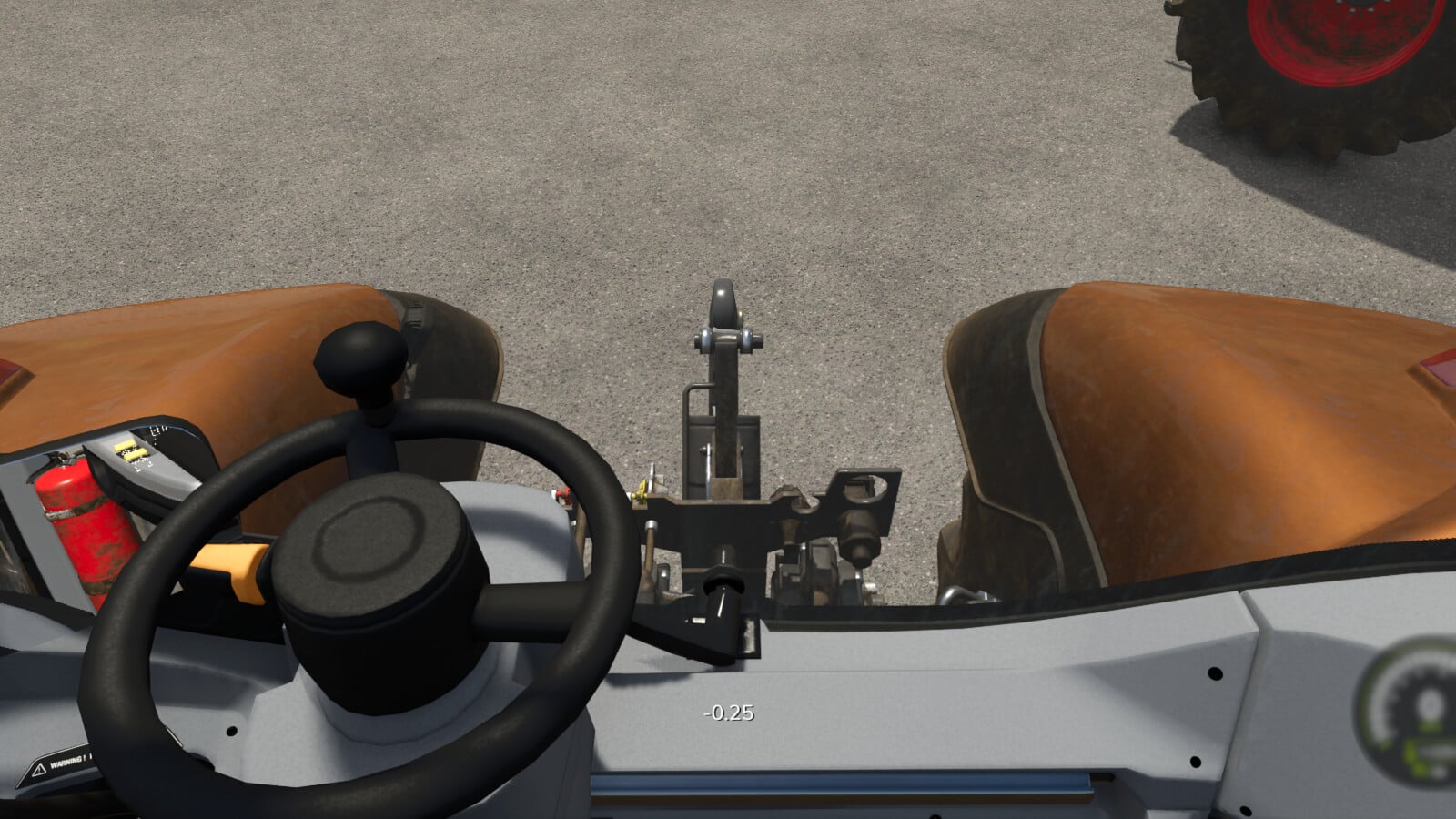
You can set the position of the indoor vehicle camera and get the view where you want it while driving.
Features
- Roll the mouse wheel to move the camera up or down.
- Want to look farther forward or back? Hold the Left Shift key and use the mouse wheel.
- Hold the Left Ctrl key and roll the mouse wheel to move the camera left or right.
- Press the middle mouse button, meaning the mouse wheel, to reset the up and down position.
- For a forward and backward reset, hold the Left Shift key and press the middle mouse button.
- Hold the Left Ctrl key and press the middle mouse button to reset the left and right position.
Changelog
- v1.0.1.0, mouse adjustments are prevented while you are in menus.