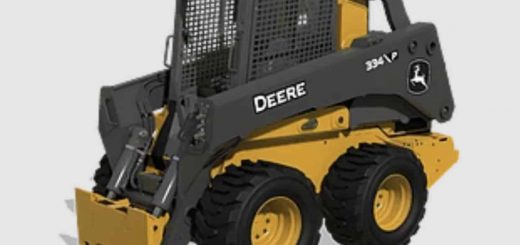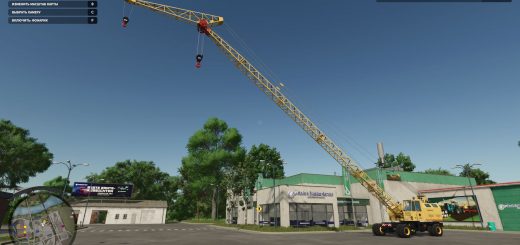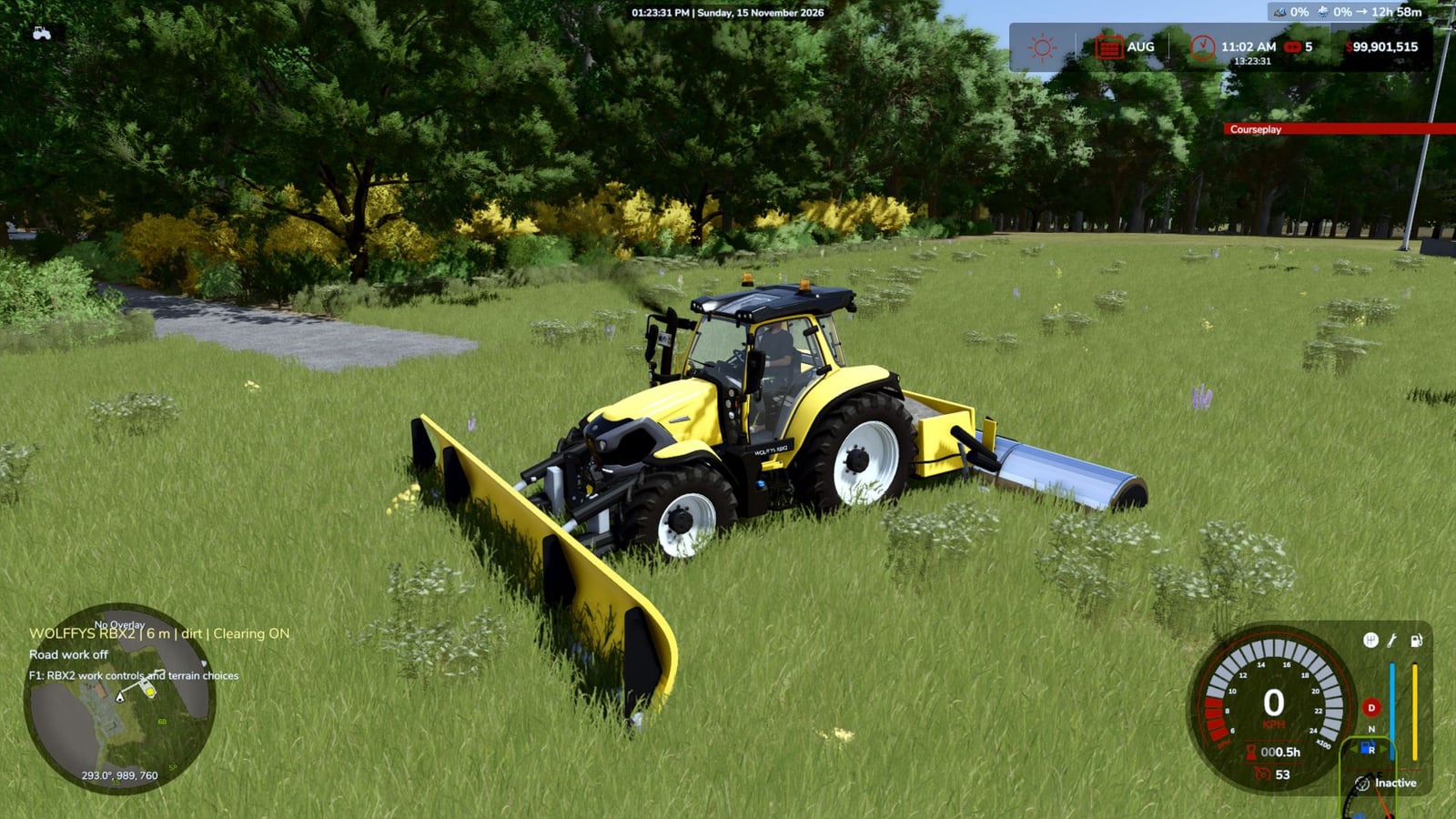
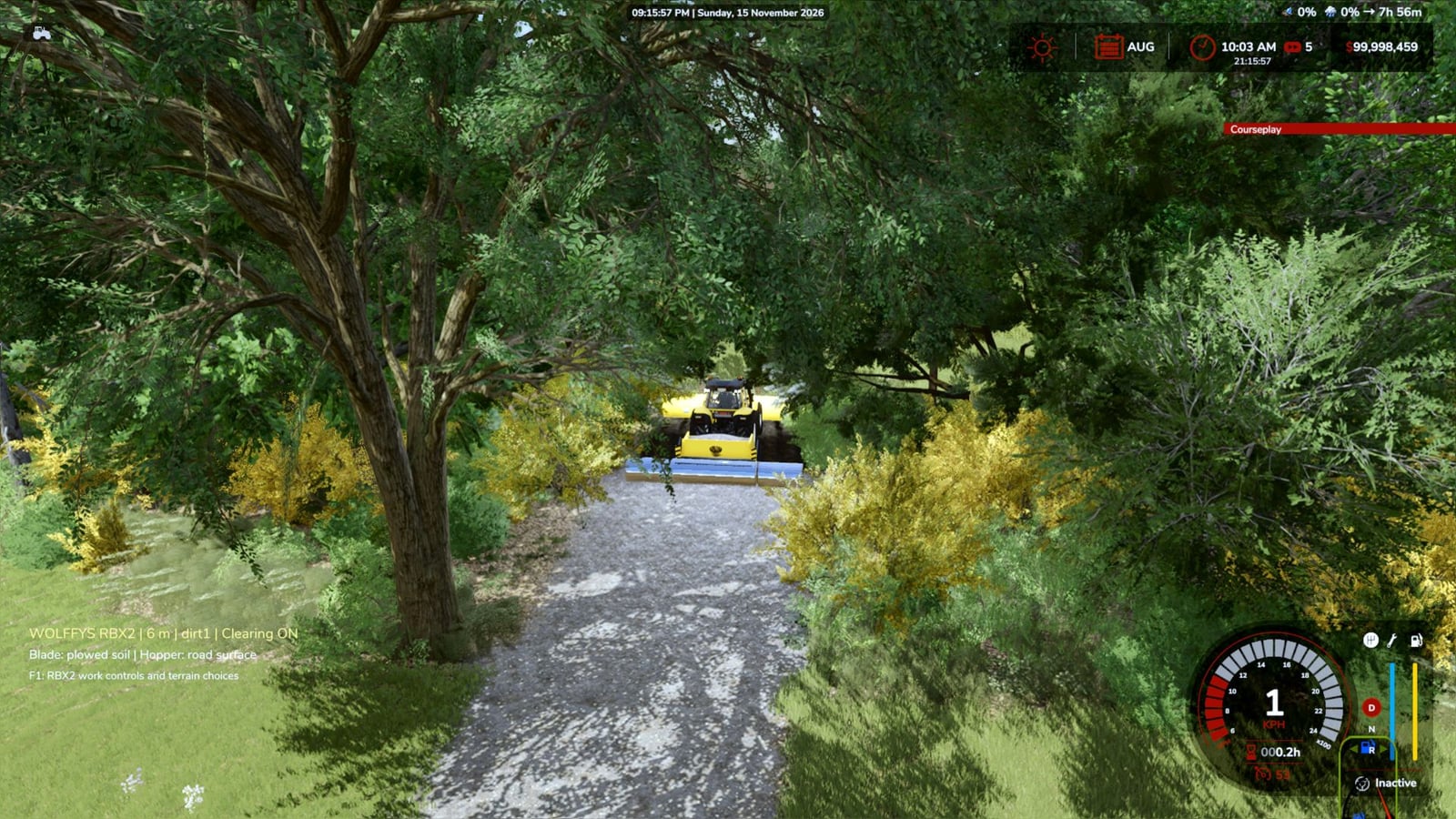
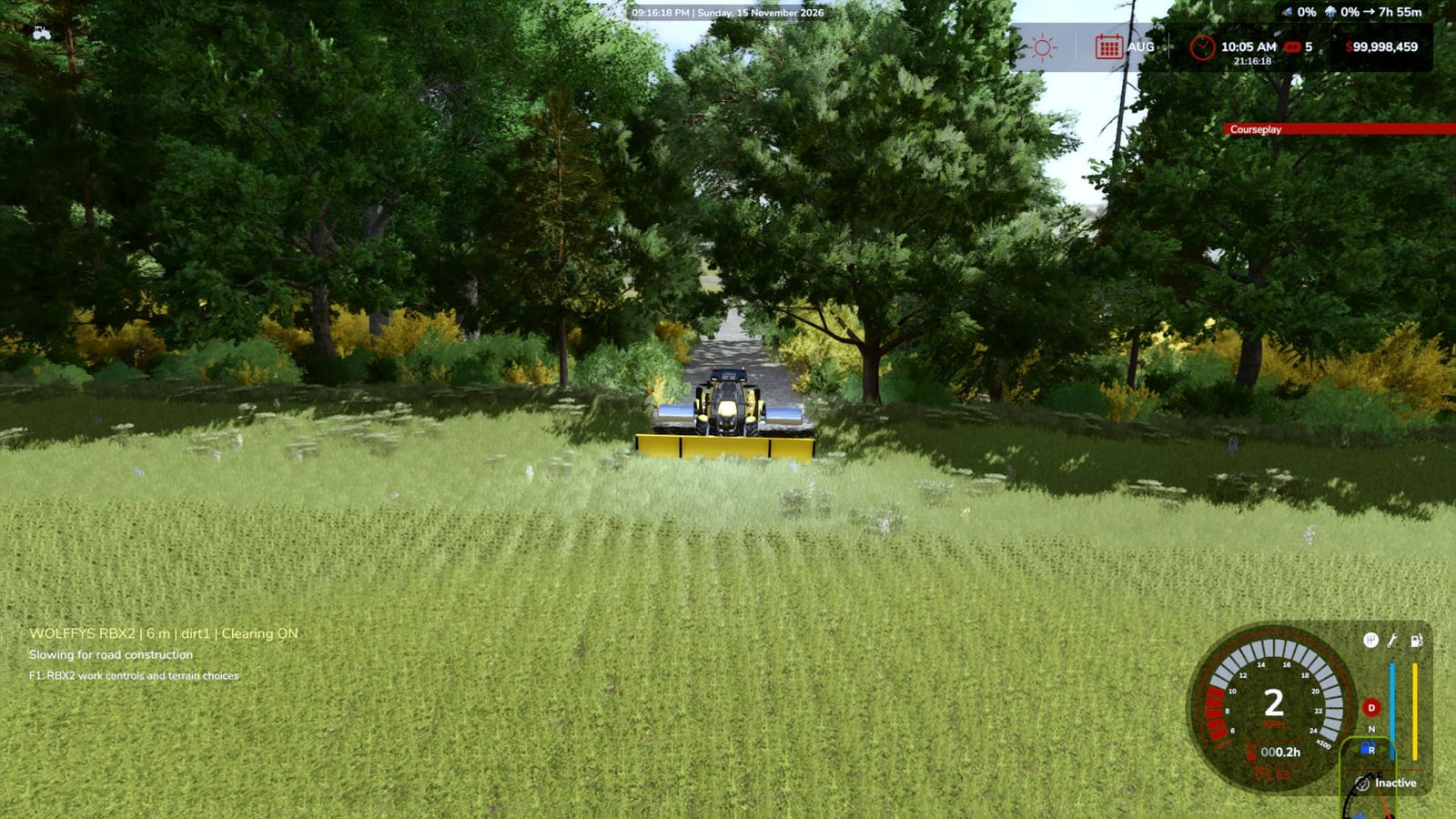
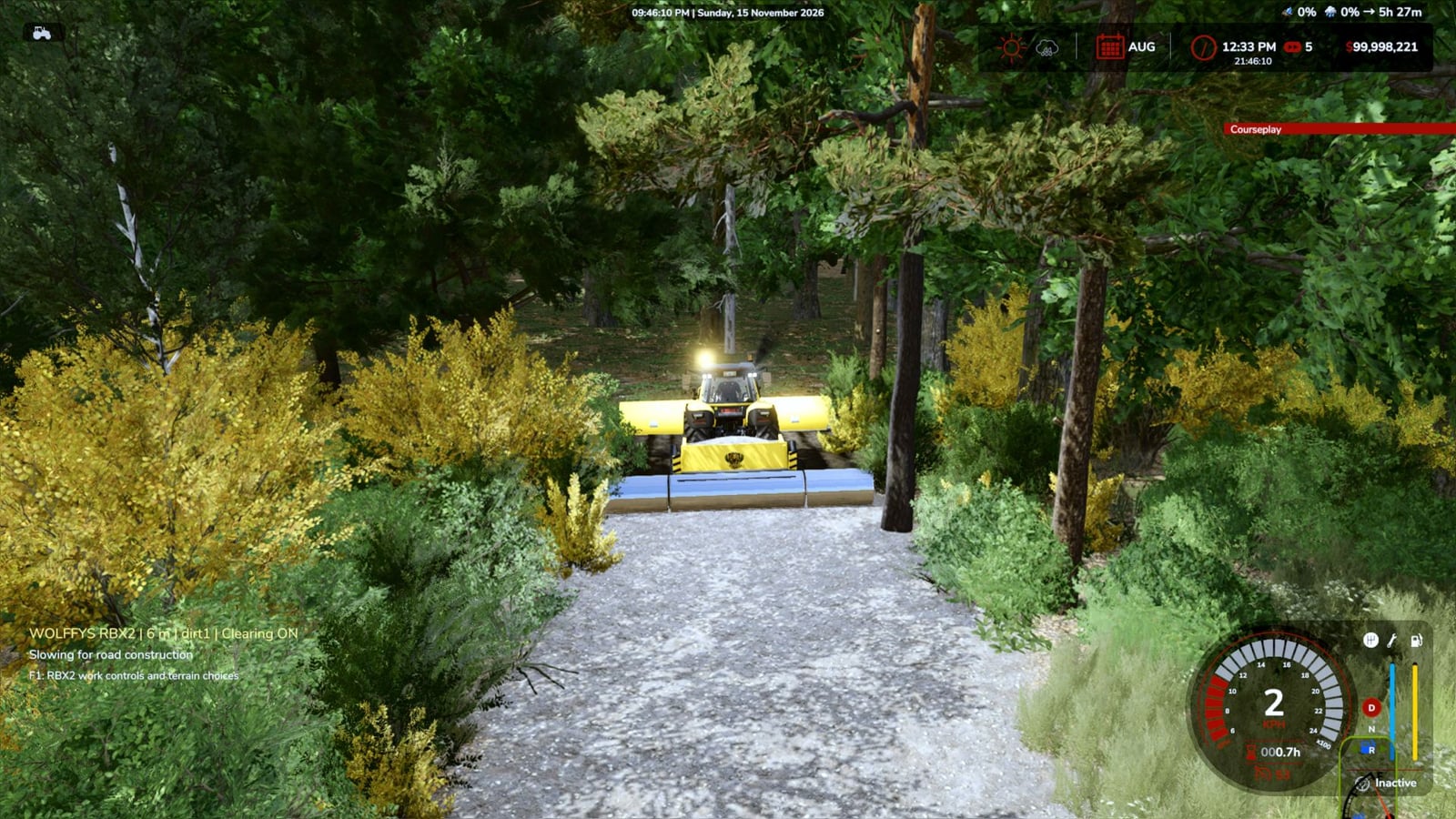
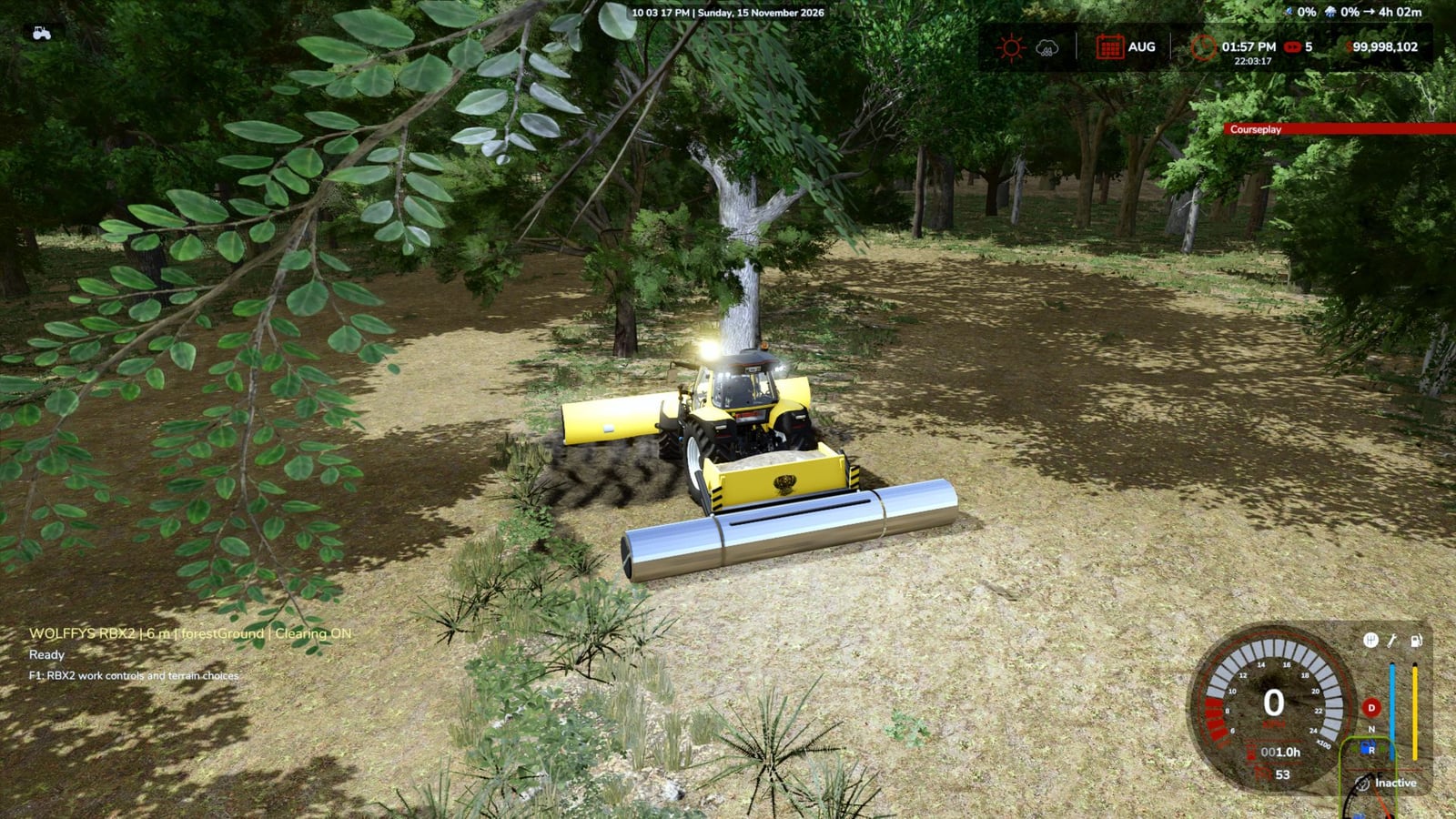
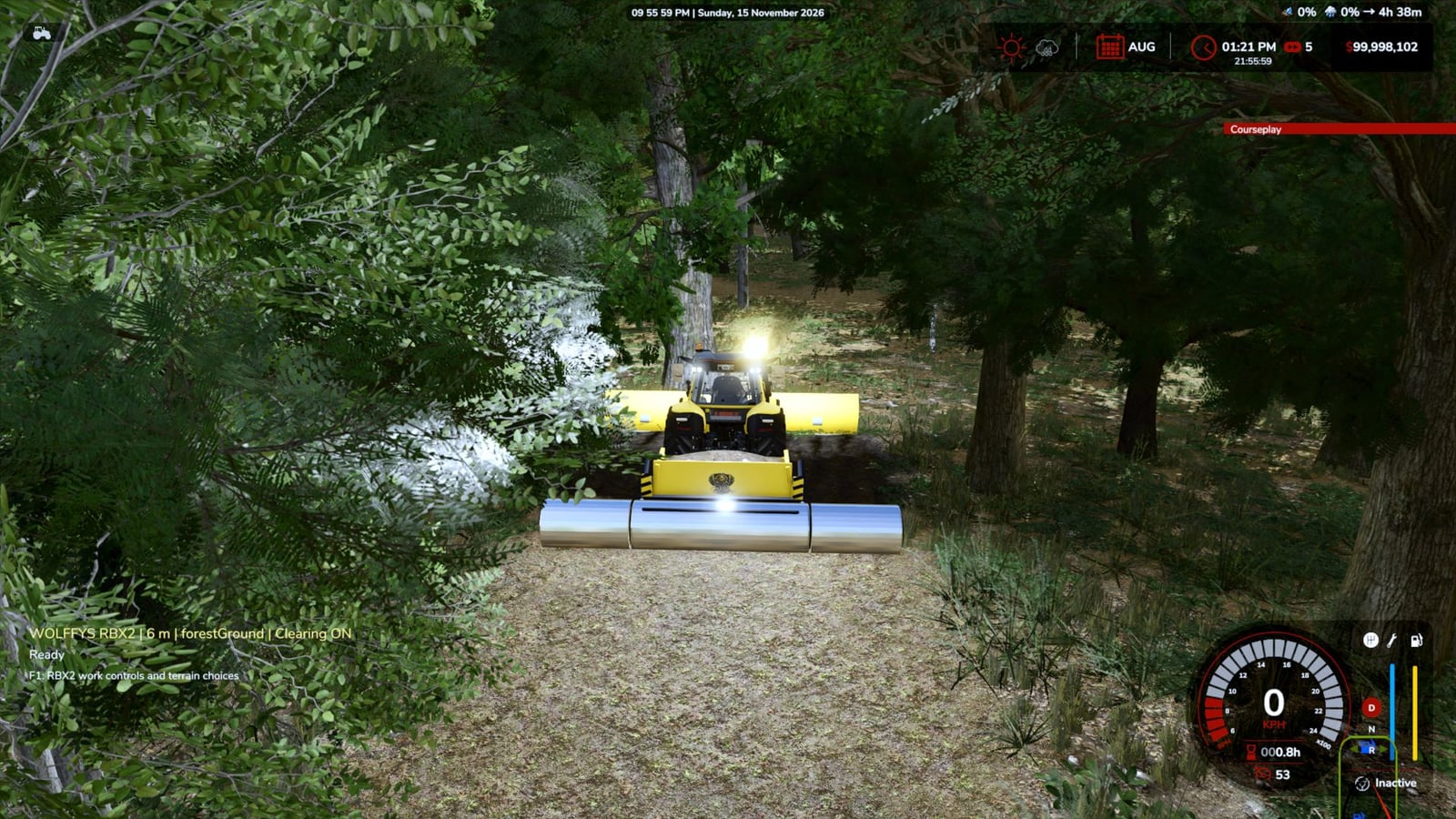
The WOLFFYS RBX2 packs a front clearing blade, a rear surface hopper and a finishing roller into one compact machine. You can run the blade and hopper independently, which makes it possible to clear land, get dark brown plowed soil ready and lay down the terrain surface you picked.
It works on land you own and land you do not own too. Mission protections and tree-cutting permissions still apply.
Features
- Clear and build: Turn on Clear land and the front blade takes out trees, brush, shrubs, rocks, grass and weeds along the working corridor. The result is dark brown plowed soil, while the rear hopper applies your chosen terrain surface as it moves across the cleared ground.
- Cut into the forest for an access road, open up a logging route, or make room for a farmhouse, cottage or new farmyard.
- Paint only: Switch Clear land off, leave the hopper on and apply your chosen surface without having the blade clear or plow.
- Run painted roads through fields, clean up the edge of a building plot, hide exposed dirt or touch up patches you missed. Paint-only mode lets you travel faster than full clearing mode, with the speed managed for the terrain-work load.
- The RBX2 clears supported trees and natural obstacles that are in its path. Tree detection covers native forestry shapes and supported whole map-tree objects.
- Fences, buildings and other built objects are not meant to be cleared by it. Some unusual custom map objects may need separate support as well.
- Open the settings window when you want to pick the working width and terrain surface.
- Pick a working width of 3 m, 5 m or 6 m.
- Land clearing can be turned on or off.
- You can also turn the hopper’s surface application on or off.
- Automatic wood-chip sales can be turned on or off.
- Check which terrain surfaces the current map makes available.
- When previews are available, picture samples beside the surface variants help you choose the finish.
- The map decides which surfaces are available. They can include gravel, asphalt, dirt, concrete, grass, forest ground and other finishes supported by that map.
- Automatic wood-chip sales give you income from trees removed during clearing, without collecting the chips or setting up a trailer afterward.
- For native wood, the available volume and chip-yield information is used. Whole map trees without usable forestry-volume data get a conservative estimated yield based on their growth stage.
- The payment comes from the average of the wood-chip buying prices available on the current map.
- Look beneath the RBX2 status display for litres sold and session earnings. Estimated map-tree yields are identified on screen.
- Rocks, shrubs, grass and weeds do not create wood-chip income.
- If you do not want automatic sales, switch them off in the settings window.
- Routes and paths you make with the RBX2 show up on the mini map and the full-size map. Their muted gray-brown overlay makes them easier to spot without a harsh bright-white look.
- Logging: Cut routes into the woodland and reach the forest middle, then work from the inside out.
- Field layouts: Break big fields into two, three or more sections and leave useful access lanes between them.
- New building plots: Clear room for a farmhouse, cottage, sheds or a new farmyard.
- Farm access: Connect your yards, fields, storage areas and forestry sites.
- Finishing and repairs: Use paint mode to tidy cleared spaces and cover surface patches that were missed.
- Full clearing mode moves deliberately slowly. It coordinates three jobs, removing obstacles, preparing the dark plowed ground and applying the selected surface from the hopper.
- Doing those jobs in controlled amounts helps reduce sudden workload spikes and the risk of lag or stuttering, especially in dense woodland.
- The working speed adapts to the conditions. Your computer, map and other active mods still affect performance.
- On open ground, turn clearing off and use the faster paint-only mode for surface work.
- The RBX2 is ready for work after dark with front, rear and surrounding work lighting, wider-reaching front headlights, beacons, an illuminated dashboard, working gauges, indicators and hazard lights.
Controls
| Control | Function |
|---|---|
Ctrl + Alt + Numpad 2 |
Open the RBX2 settings window |
Ctrl + Alt + Numpad 9 |
Toggle work mode on or off using your selected settings |
F1 |
Display the in-game help controls |
Stop the machine first before changing anything in the settings window. The standard vehicle controls cover driving, lights, indicators and hazards. You can change the key assignments in the game’s control settings.
Specifications
- Purchase price: 1,000 in your game’s currency.
- Compatibility: Farming Simulator 25, PC/Mac, single player.
- Shop category: Wheel Loaders.
- Brand: WOLFFYS.