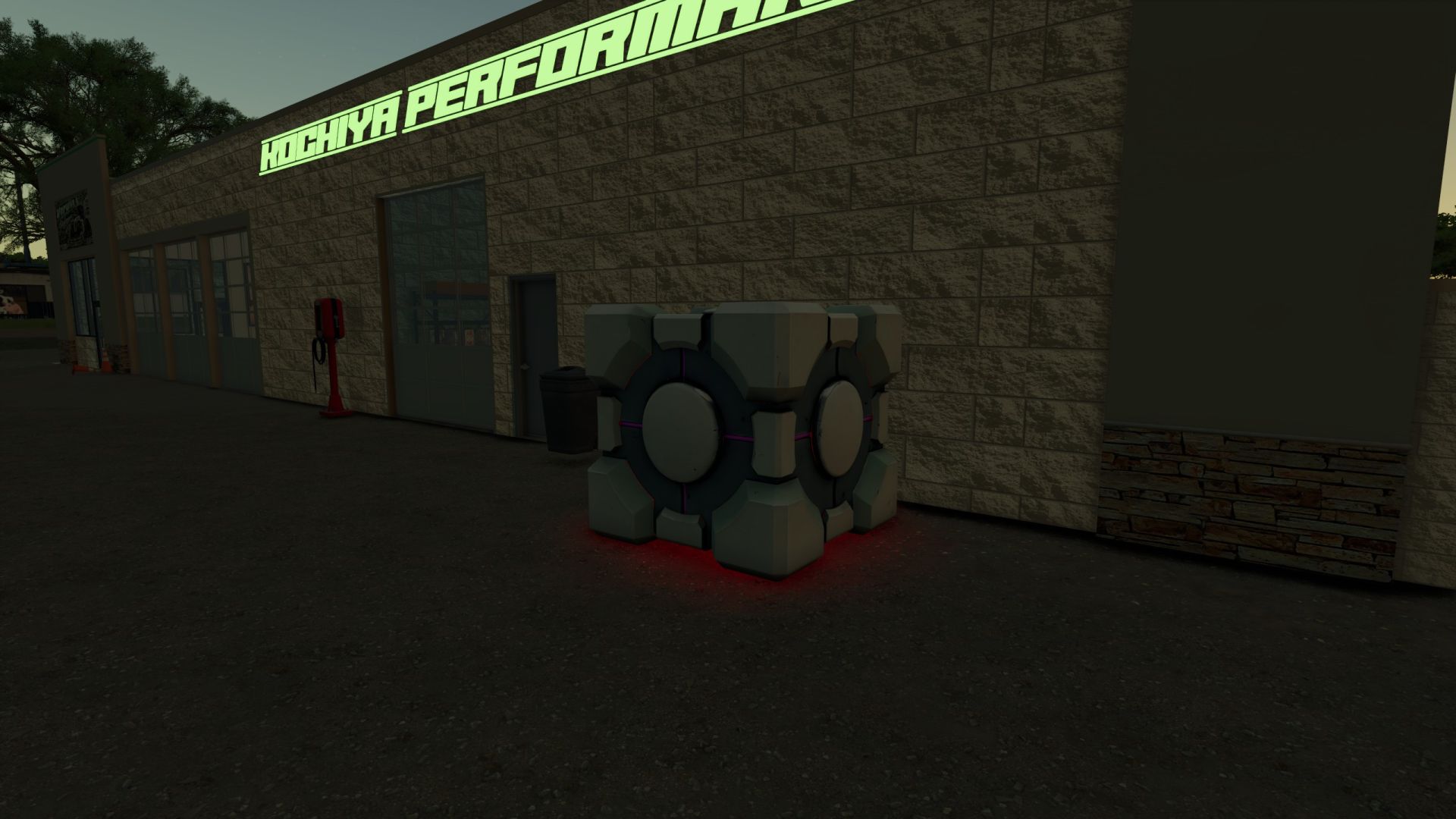
Your Farm’s Forecast at a Glance! Ever looked outside and thought, “Hmm… should I harvest today, fertilize the field, or maybe panic because it is about to rain?”
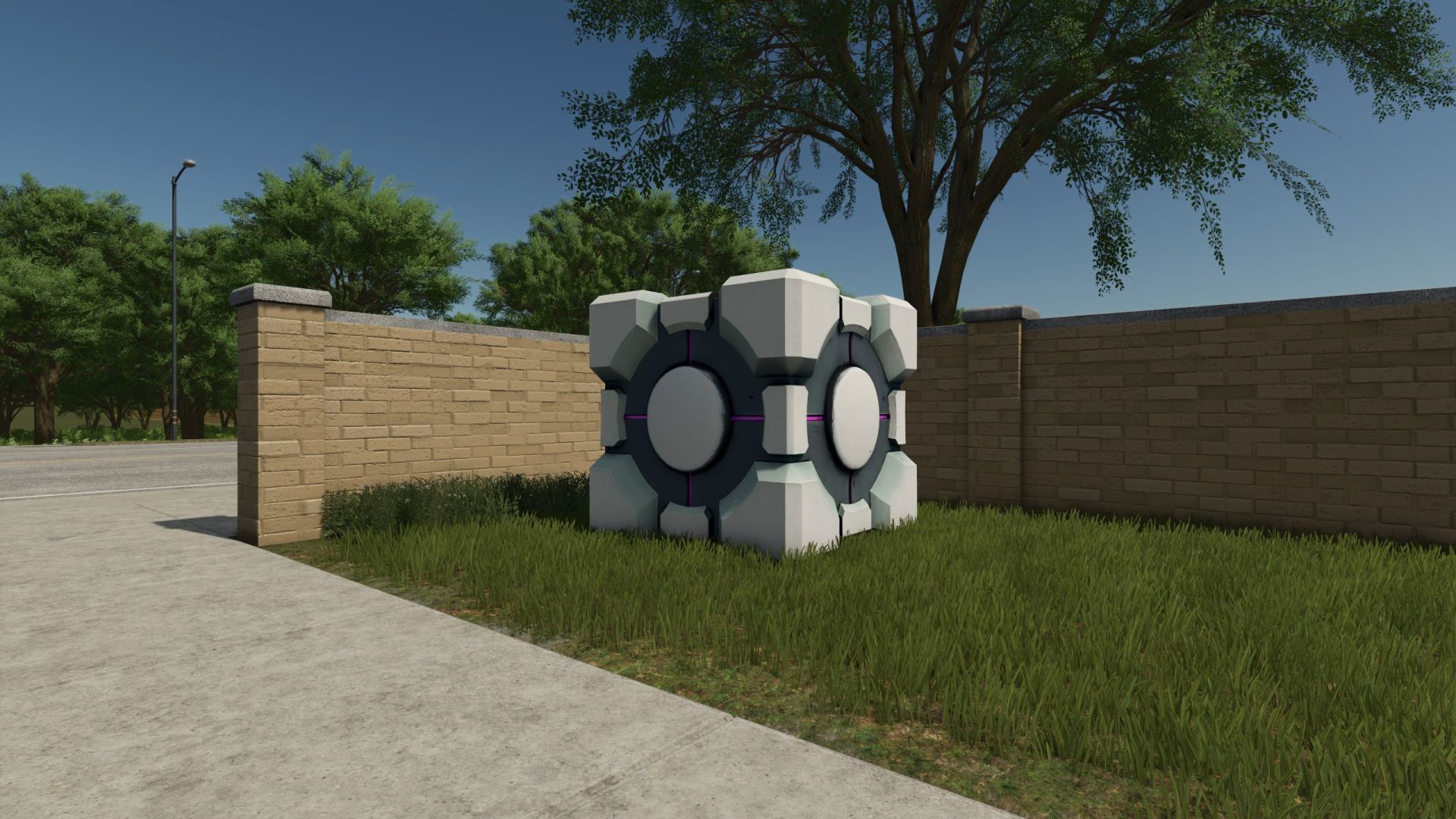
The Weather Cube is here to help! This simple and convenient weather station provides an easy way to check current weather conditions directly from your farm. No complicated machinery, no giant meteorological tower, no expensive equipment just a mysterious cube sitting peacefully on your property, doing the important job of telling you what is happening outside.
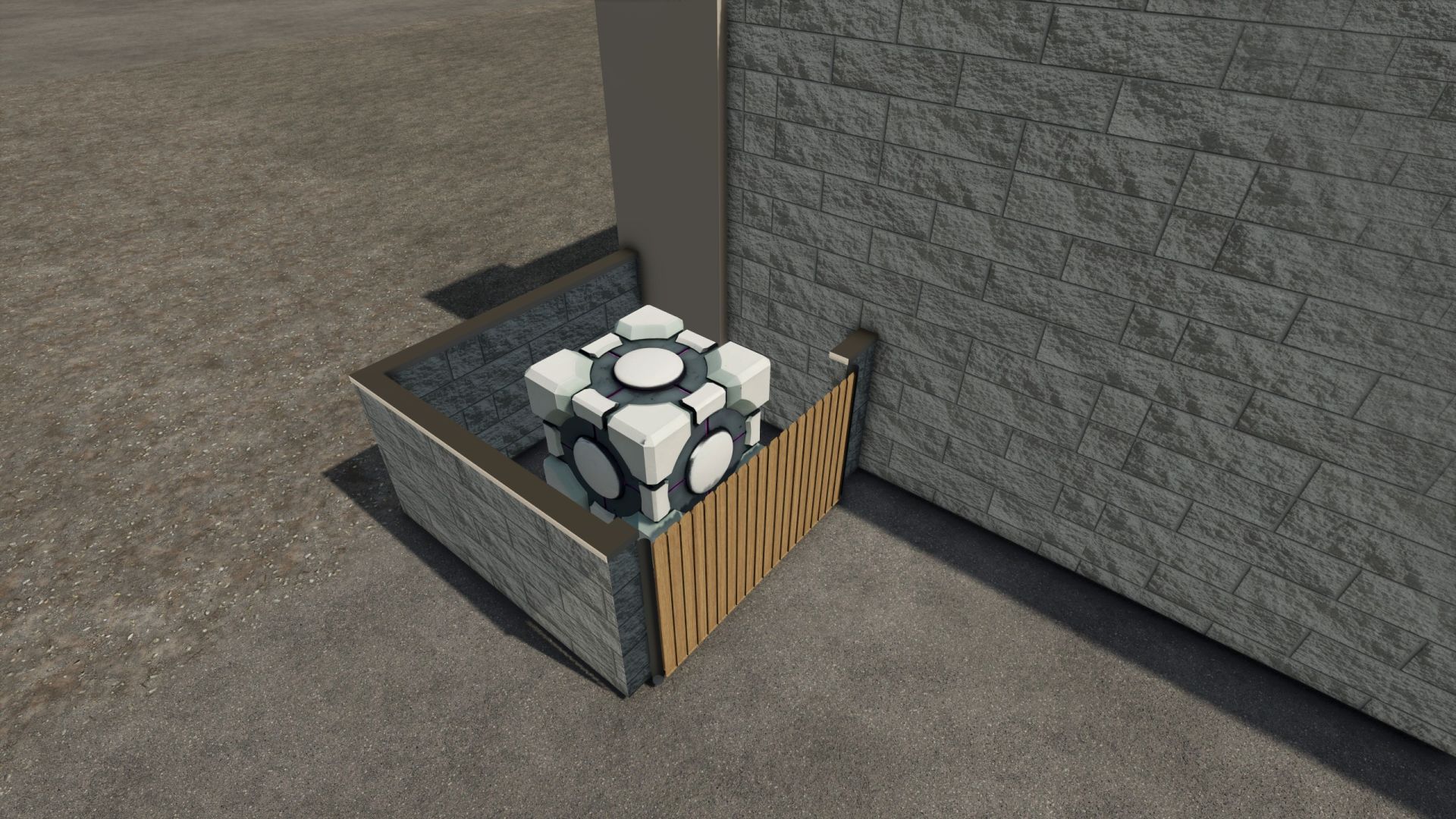
Place the Weather Cube wherever it is most convenient for you: near your farmhouse, workshop, equipment shed, field headquarters, or directly beside the machinery that you definitely should have put away before the rain started.
Whether you’re planning your next field operation, preparing for changing conditions, or simply curious about what kind of weather Farming Simulator has decided to throw at you today, the Weather Cube gives you a dedicated weather station for your farm.
Features
– Displays weather information
– Compact cube design
– Easy to place anywhere on your farm
– Useful for planning your daily farming activities
– Fits naturally near farmyards, workshops, and equipment areas
– A simple and convenient addition to any farm
– Glows in the dark
The Weather Cube doesn’t judge your farming decisions. It doesn’t lie to you and tell you there’s cake. It just tells you the weather.