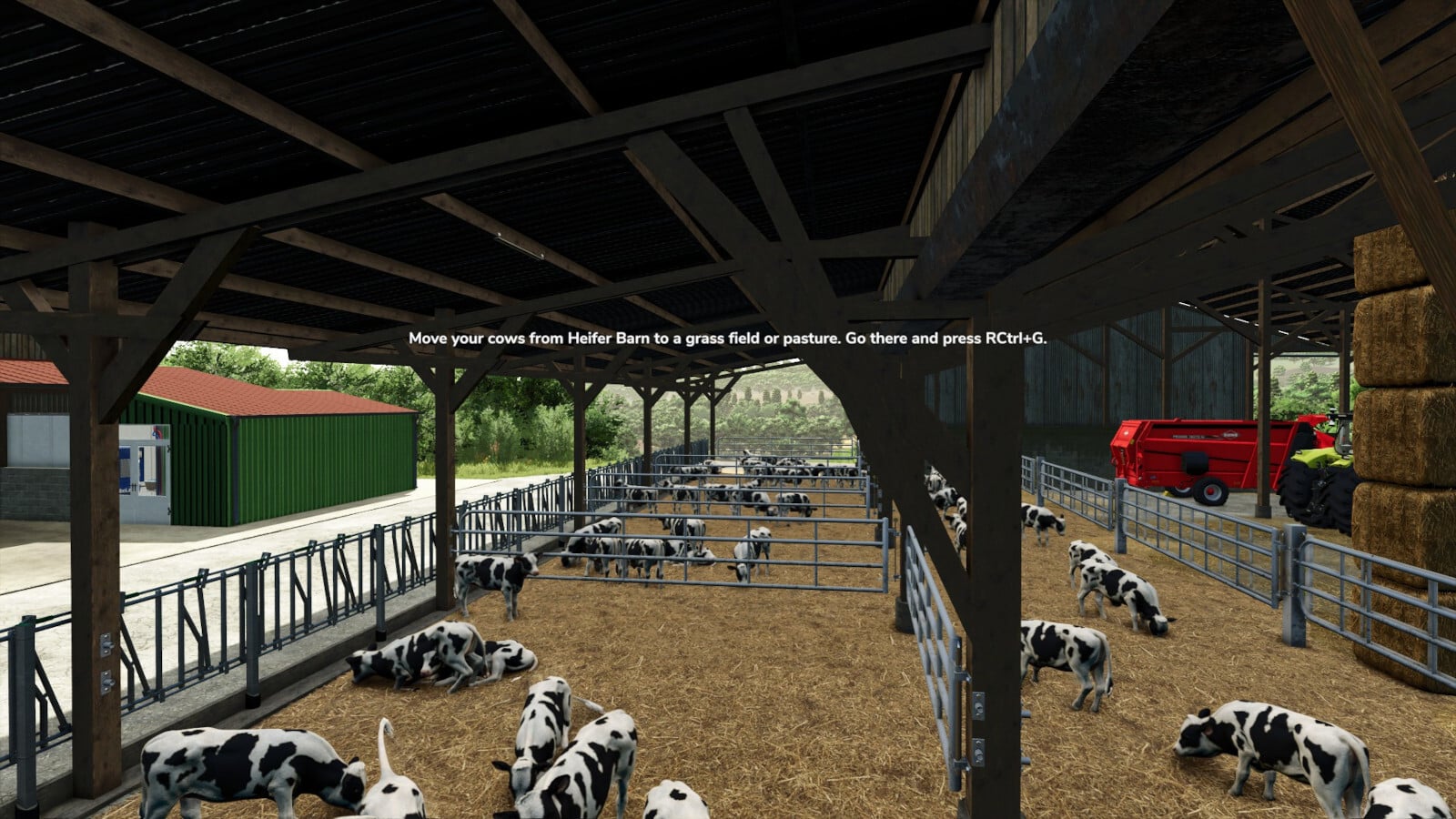
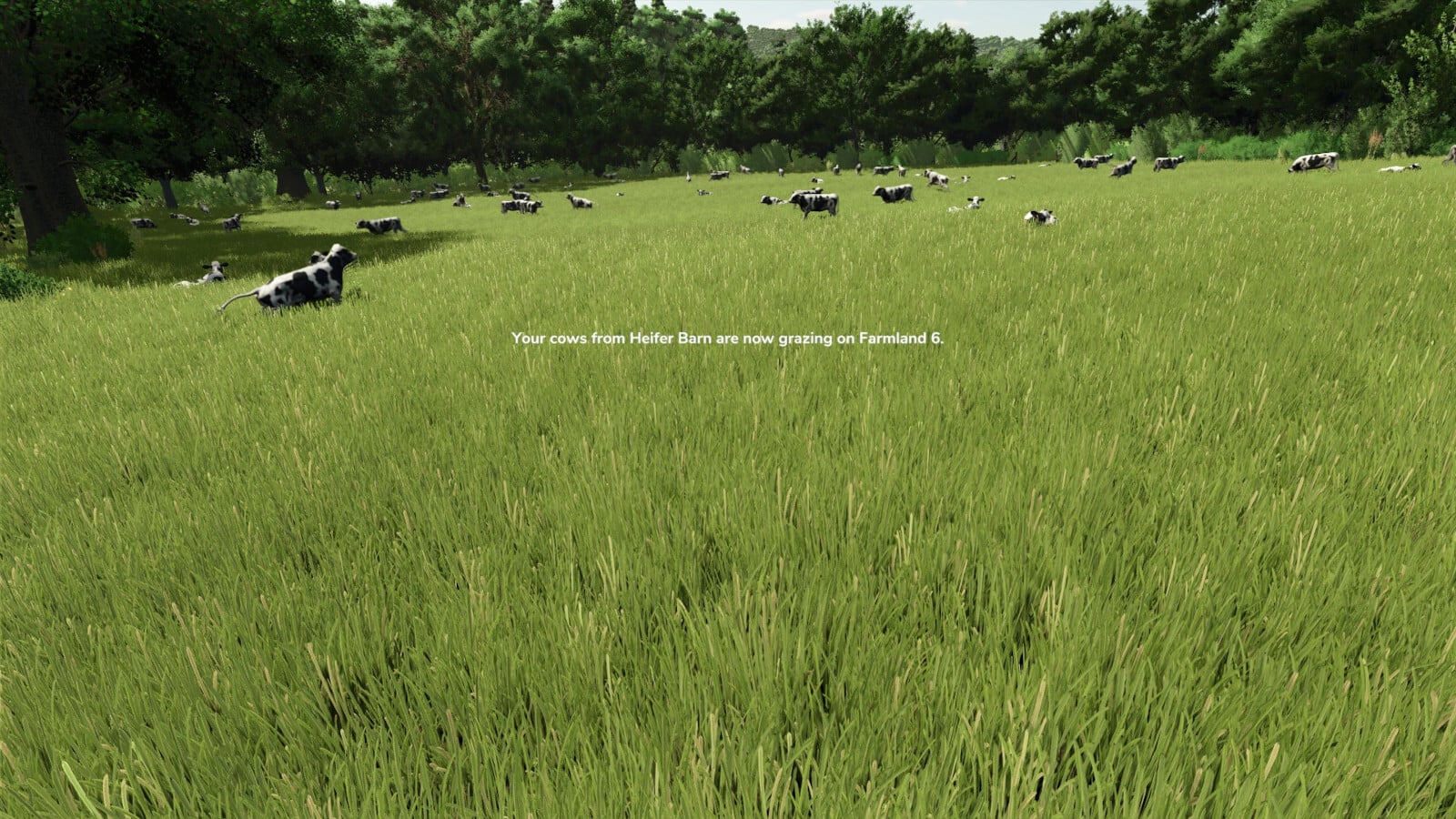
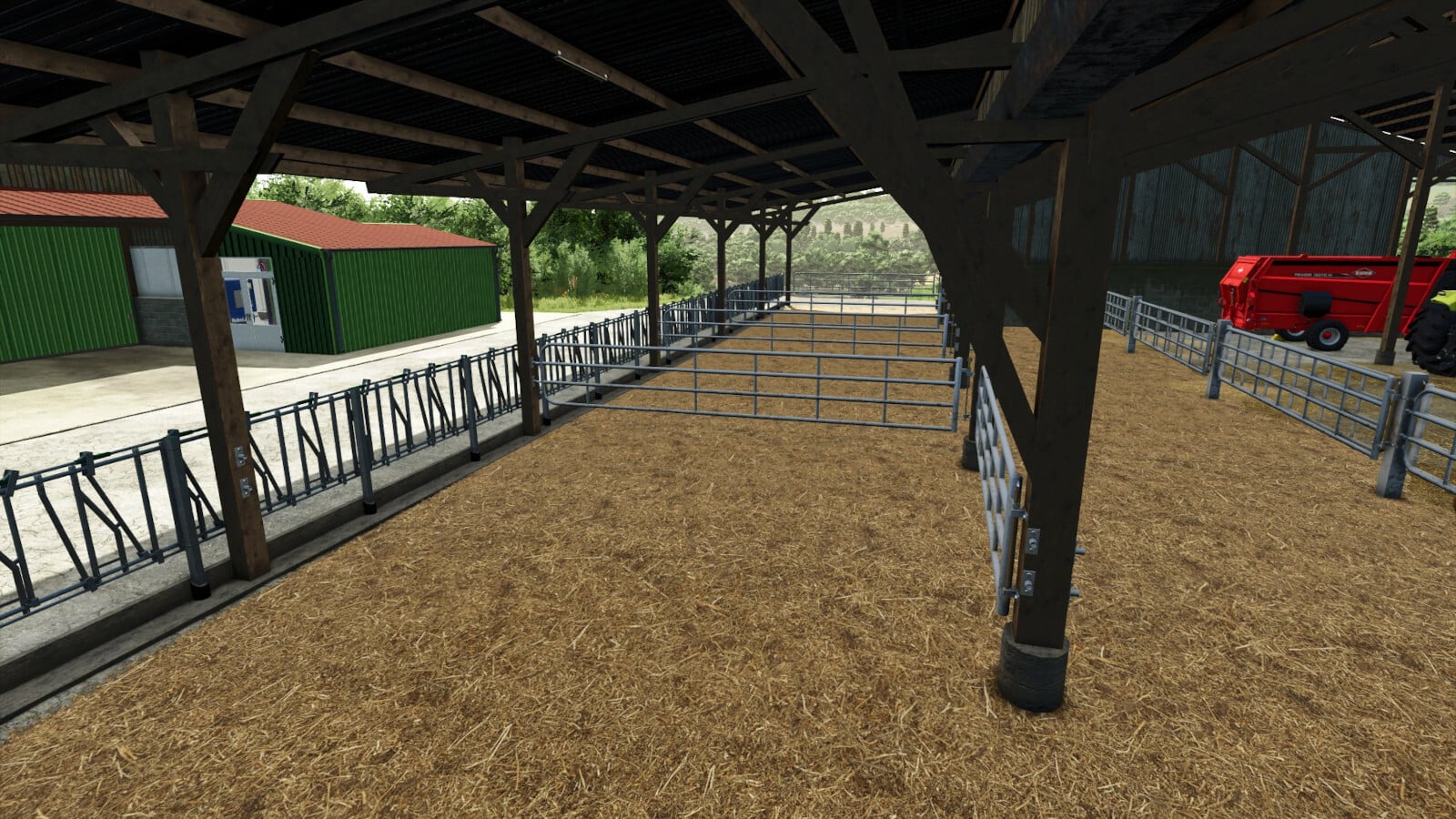
To Pasture And Back lets you take a herd from the barn out to a field or pasture, then bring it back home. Feeding, breeding and production still happen in the barn just like in the base game, so the mod focuses on moving the animals when you want them out.
Features
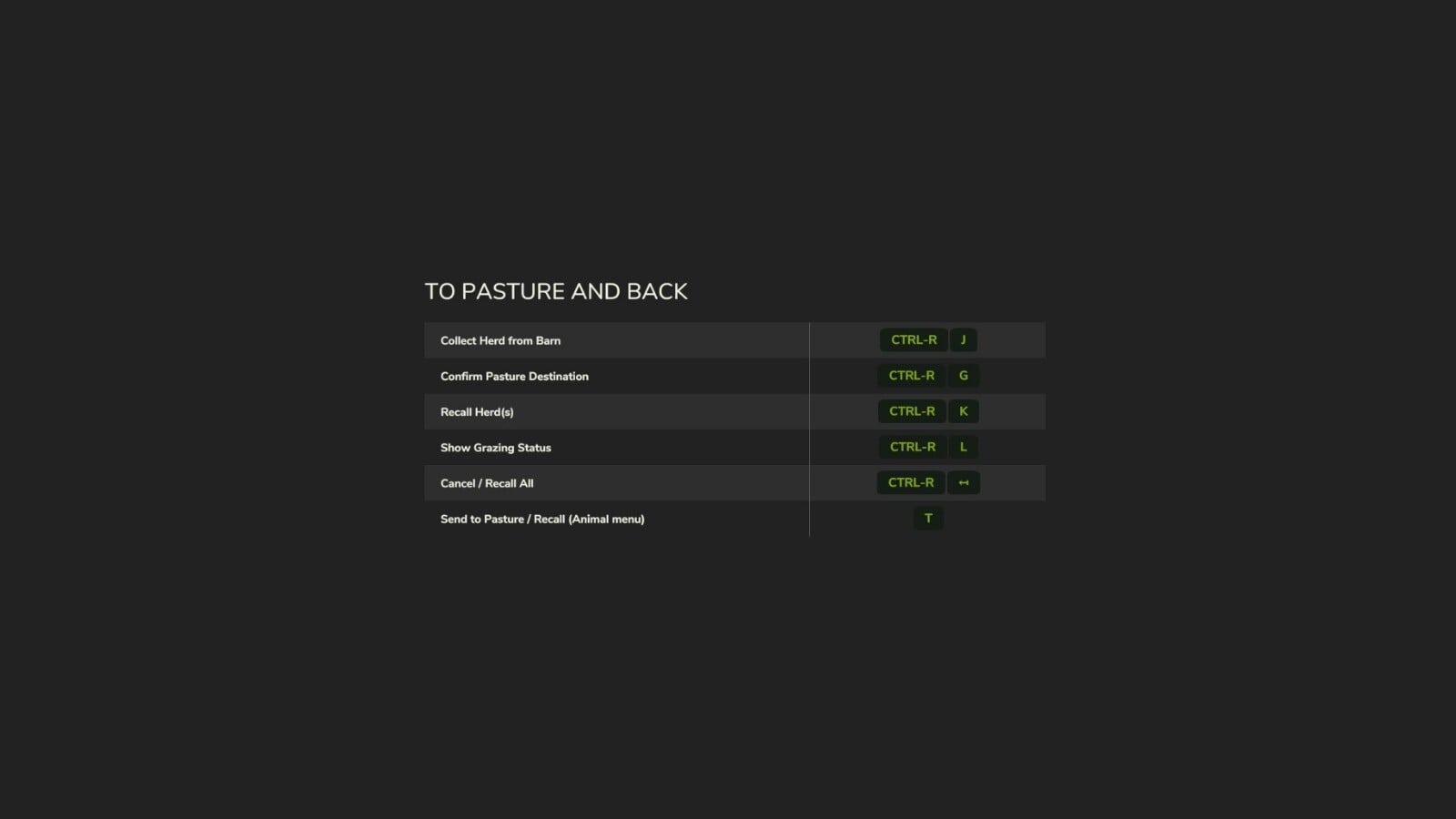
- Press Right Ctrl + J at a barn to pick up its herd. You can also use it on a field to grab the herd out on the farmland where you are standing, then move it to another field.
- Right Ctrl + G drops the herd onto the field you are standing on.
- Open a barn’s animal menu and hit T to pick up the herd for a drop with Right Ctrl + G, or bring it home if it is already out.
- You can move several herds, one per key press, onto one field or multiple fields. Pigs always stay separate from the other species when picking up herds.
- The ground has to match the species: cows, horses and alpacas need standing grass, sheep and goats can use grass of any height, and pigs can use mowed fields, stubble, fallow, plowed or cultivated ground. Growing crops are off limits to every species.
- Young animals that are too young to leave remain visible in their stalls while the rest of the herd is out.
- Take horses out to a field and they cannot be ridden or brushed until you bring them home again.
- No fence on the field? A decorative temporary fence appears there without collision, and you can switch it off.
- Right Ctrl + K brings home the herd on the farmland where you are standing. If you are somewhere else, it brings home every herd on your farm. By default, a second press confirms the action.
- Changed your mind during pickup? Right Ctrl + N cancels it, and every herd you are transporting returns to where it started.
- Use Right Ctrl + L to check which herds are out and where they are.
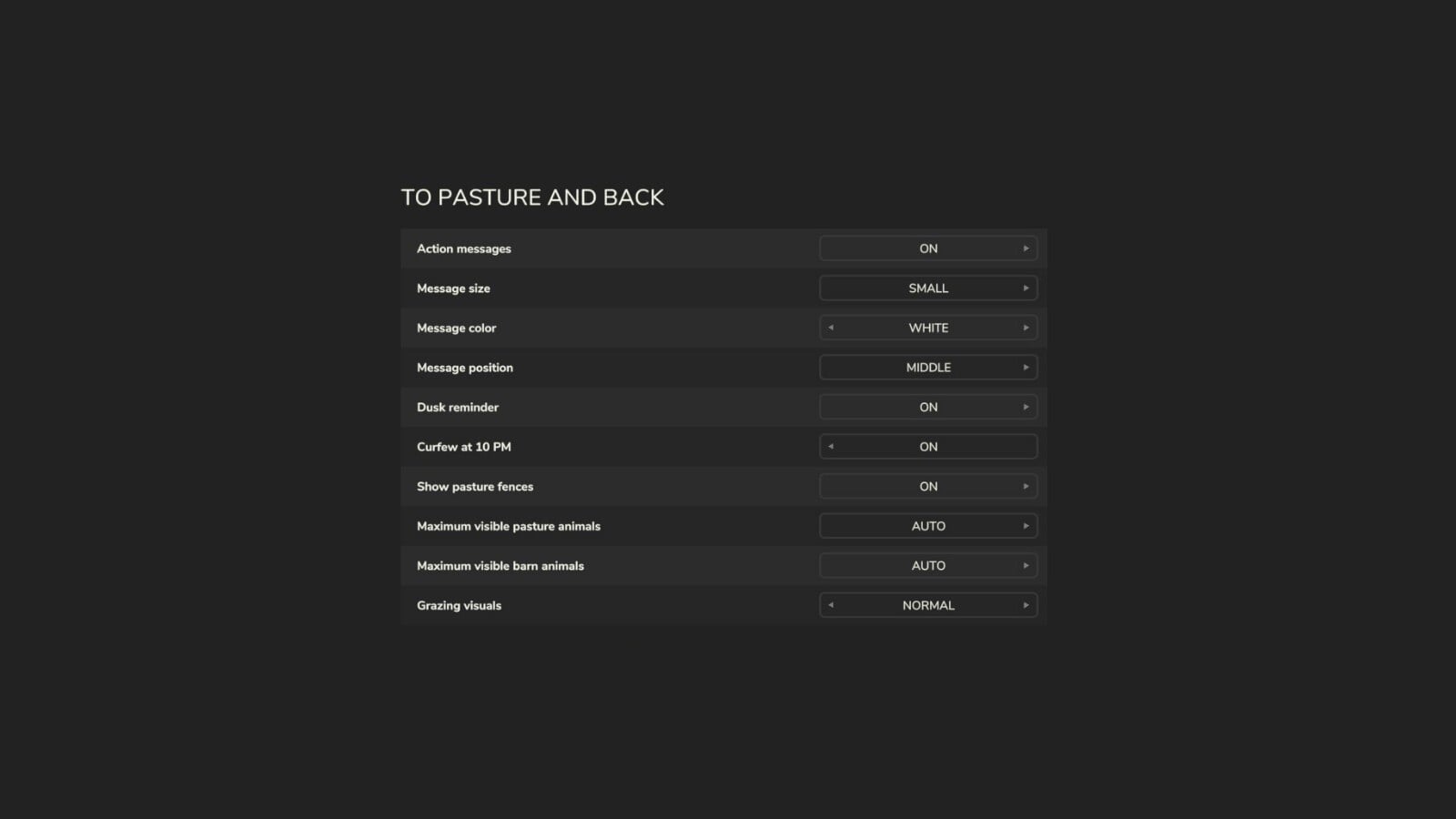
- Turn on the optional curfew to bring every herd home at 10 PM. The optional 6 PM reminder tells you when herds are still out.
- Grass gets worn down under a standing herd and regrows with the base game’s growth. Set the pace yourself or switch it off.
- Choose the number of animals displayed on the pasture and at the barn for each player: Auto, or 25 to 500.
- Adjust the message size, color, background and position, as well as the warning style.
- Right Ctrl + F12 opens the Kijbev help panel with the keys for every active Kijbev mod.
- Herd messages appear for the players of the barn’s farm.
The supported animals are cows, water buffalo, sheep, goats, pigs, horses and alpacas. Chickens are not included. Realistic Livestock RM switches this mod off when it is loaded.
Changelog
v1.0.1.0
- A new confirmation setting is on by default. Press the recall key once to see which herd, or how many herds, would come home, then watch the countdown.
- When you are on a field, Right Ctrl + J picks up the herd that is out on the farmland where you are standing.
- Visible-animal settings now apply right away, including to herds already out and young animals left in the barn.
- Horses that are home in their barn use the game’s own display, so they can be ridden and brushed.
- Only players of the barn’s farm see the herd messages.
- Right Ctrl + L now lists only the herds belonging to your own farm.
- If another player from your farm is transporting herds, Right Ctrl + L and Right Ctrl + K tell you who it is and how many herds are being transported.
- New settings add the message background and warning style, a third message position and more message colors.
- Messages match the game’s HUD scale and stay visible long enough to read.
- Messages from several Kijbev mods stack instead of covering each other up.
- Right Ctrl + F12 opens the Kijbev help panel.
This mod may only be hosted on the official GIANTS ModHub. Redistribution on other websites is not permitted without the author’s written consent.