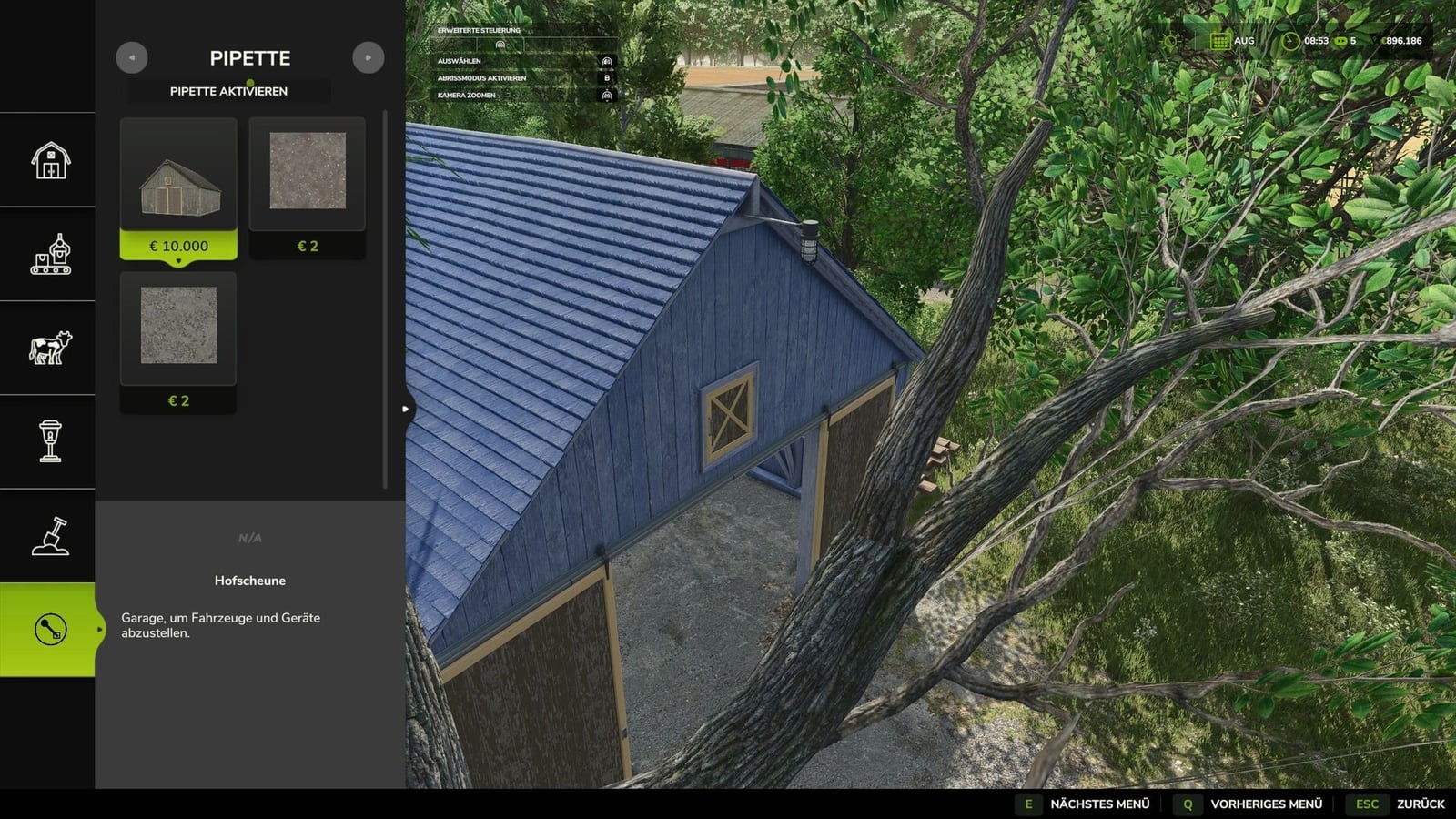
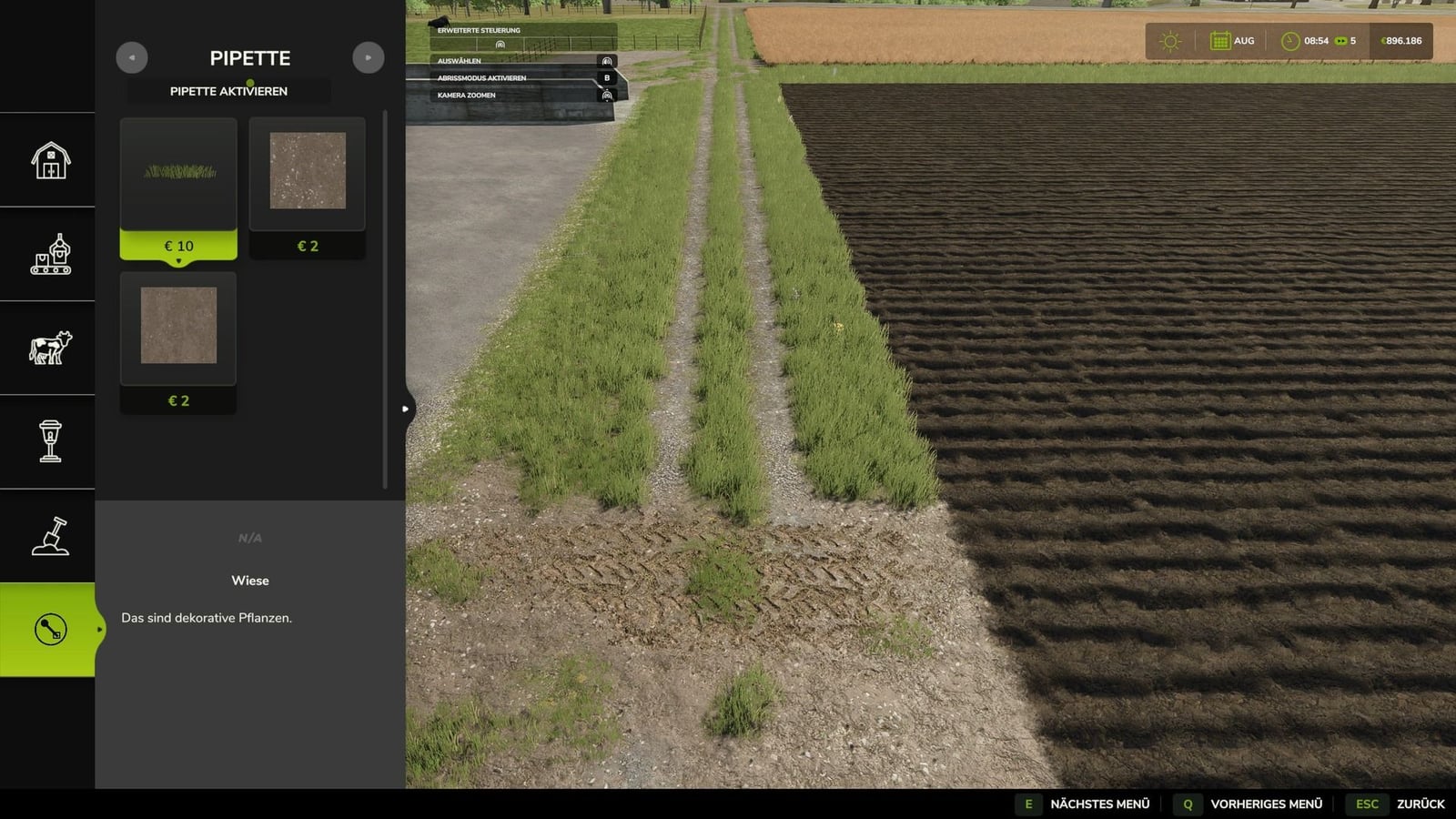
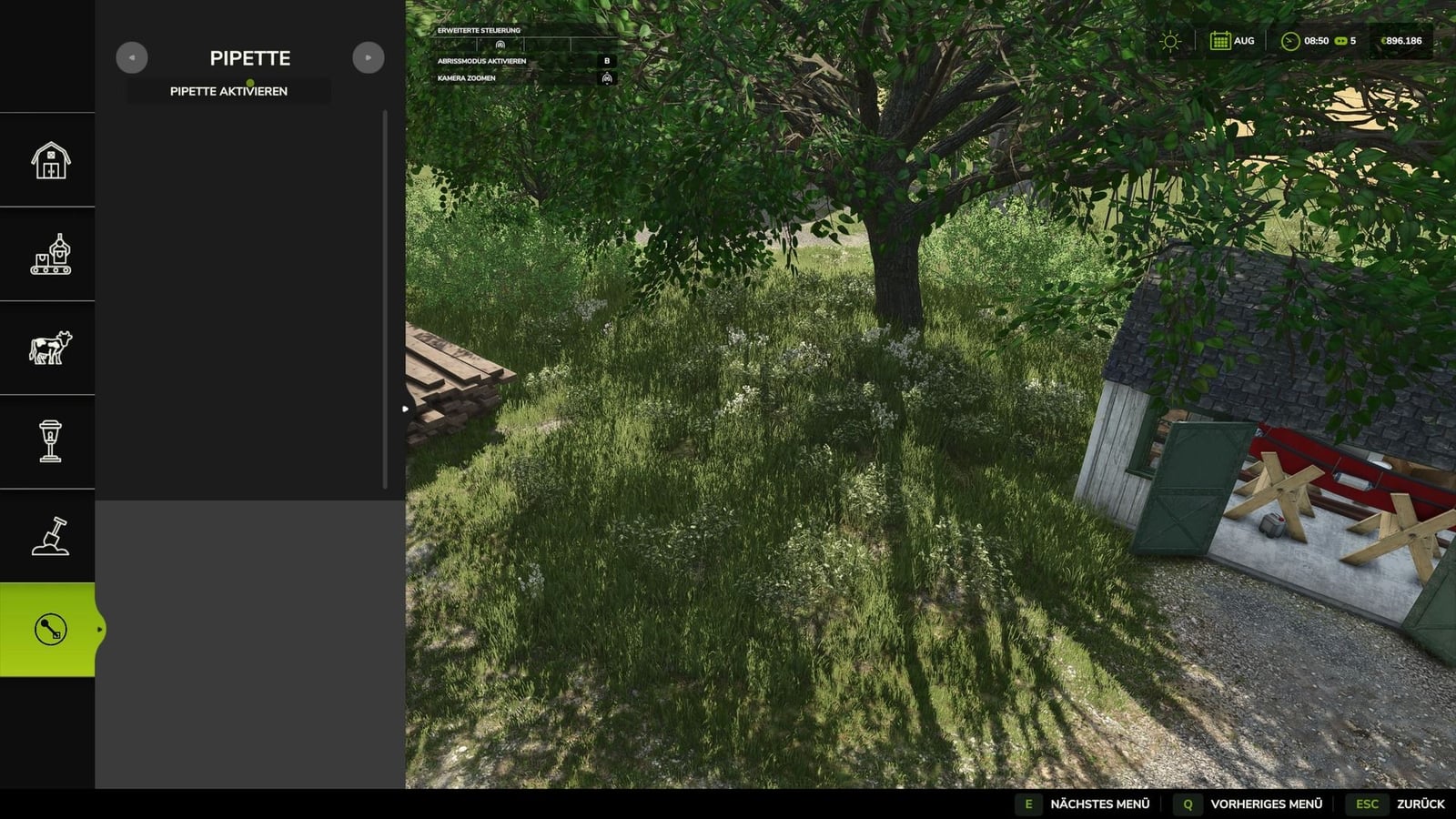
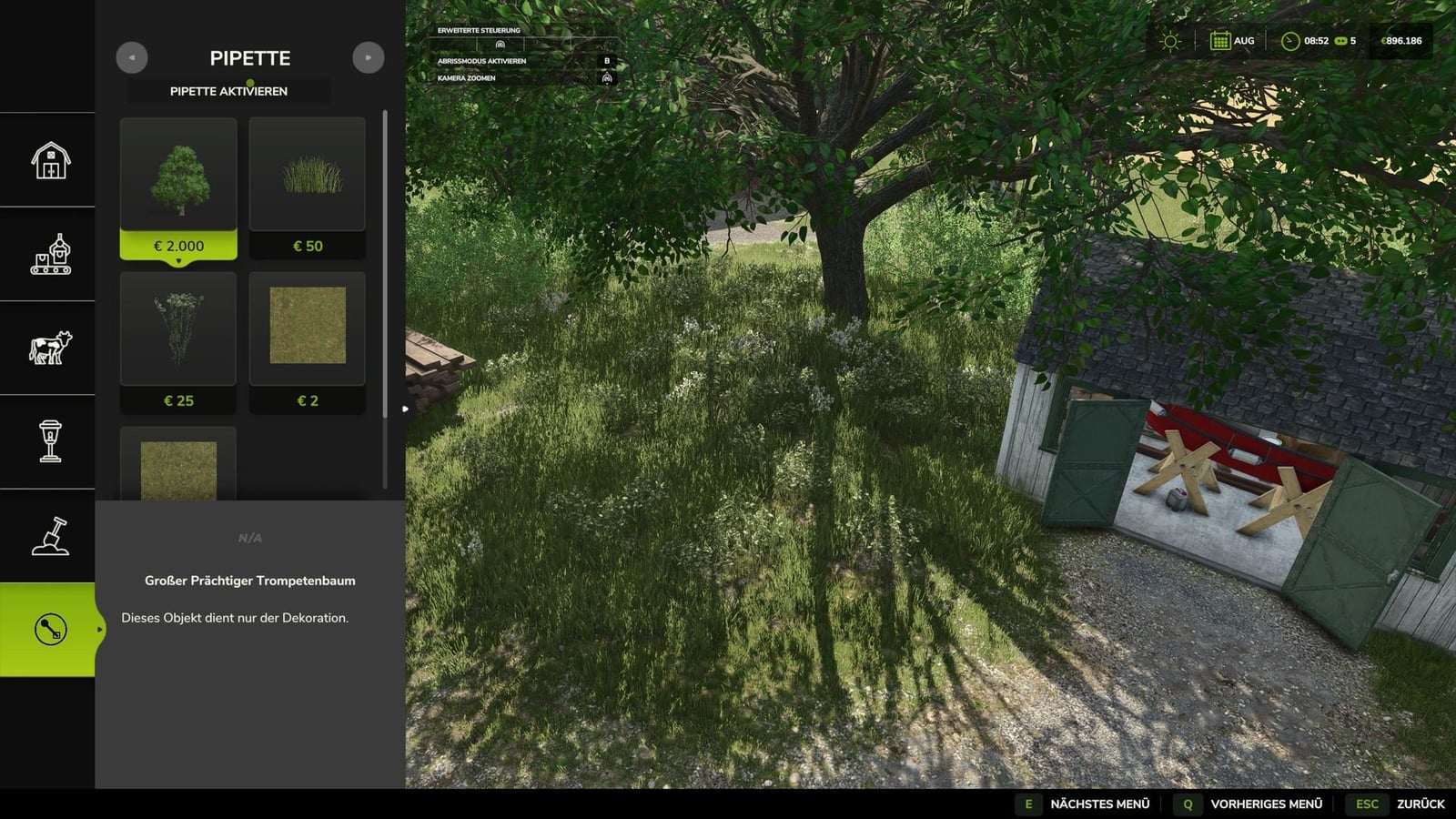
Terrain Texture And Object Picker gives your build menu an eyedropper for ground textures, foliage, bushes, trees and supported placeable objects. That makes picking something you are already looking at much more direct.
You can grab painting textures already used on the map, plus visible grasses, flowers, bushes, placeable trees and supported objects. The pipette finds them again in the construction menu, so you can get back to painting or building with what you picked. If an area has several matching results, the mod can show multiple hits.
Features
- 1. Start by opening the “Pipette” tab in the build menu.
- 2. Press “Activate pipette” to switch it on.
- 3. Click the ground texture, foliage, bush, tree, or supported object you want.
- 4. In the construction menu, confirm the hit you want to use.
- 5. Paint or build as usual.
- You can reactivate the pipette whenever you need it.
- The active brush is reset before the recording happens.
- The mod checks the ground textures available on the map and its suitable foliage.
- Map foliage is recognized without loading additional entries into the normal build menu without checking.
Changelog
Changelog 2.0.0.0:
- The mod was renamed Terrain Texture And Object Picker.
- Bushes and trees now have expanded detection.
- Ground texture, foliage and supported construction menu item detection received improvements.
- Additional map content is handled better through improved map foliage detection.
- The old debug mode is gone because it created extensive log entries during normal use.
- V2.2.0.1
Use Shift + mouse wheel in the build menu to move through brush size, tree growth stage and bush size. It stops when the smallest or largest level is reached. - V2.2.0.0
Log error messages during pipetting were fixed. They could happen on maps with incorrectly entered foliage layers.
Internal revision: diagnostic code that was no longer needed was removed, and error handling was adapted to current GIANTS specifications. - V2.1.0.0
Version 2.1.0.0 – A new “Search” tab is available in the construction menu. Search every category for keywords, with word order not mattering, and sort matches by relevance.
The first related object groups supported by the search are trees and animal husbandry. Both can be found even without a literal name hit.
StoreItems from new prefab/card templates are now found reliably, even when the spelling of paths differs.
If a tree has no clear assignment to a construction menu entry, it is no longer wrongly shown as a tile and appears only as information text.