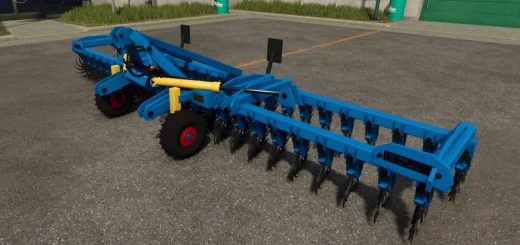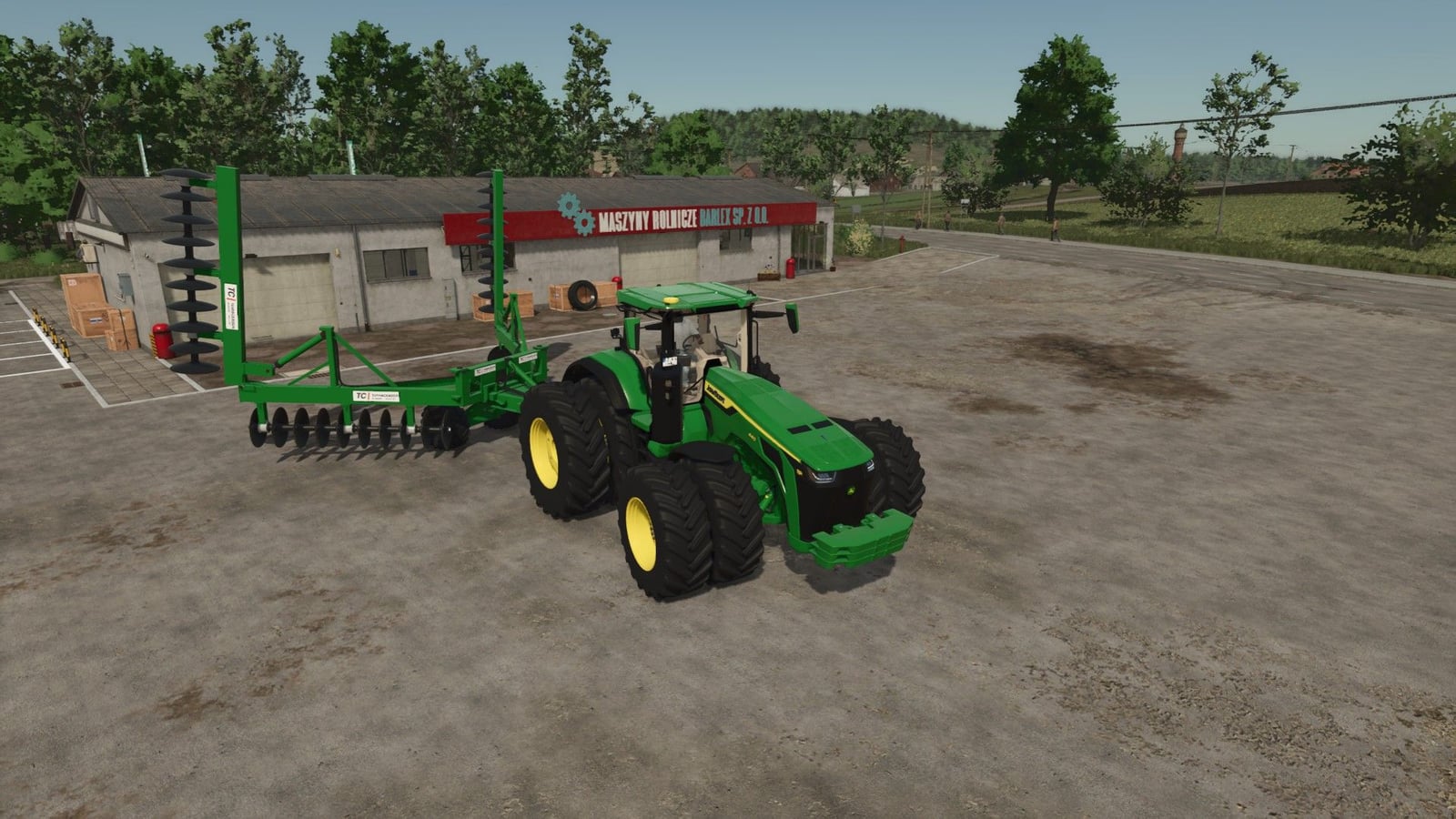
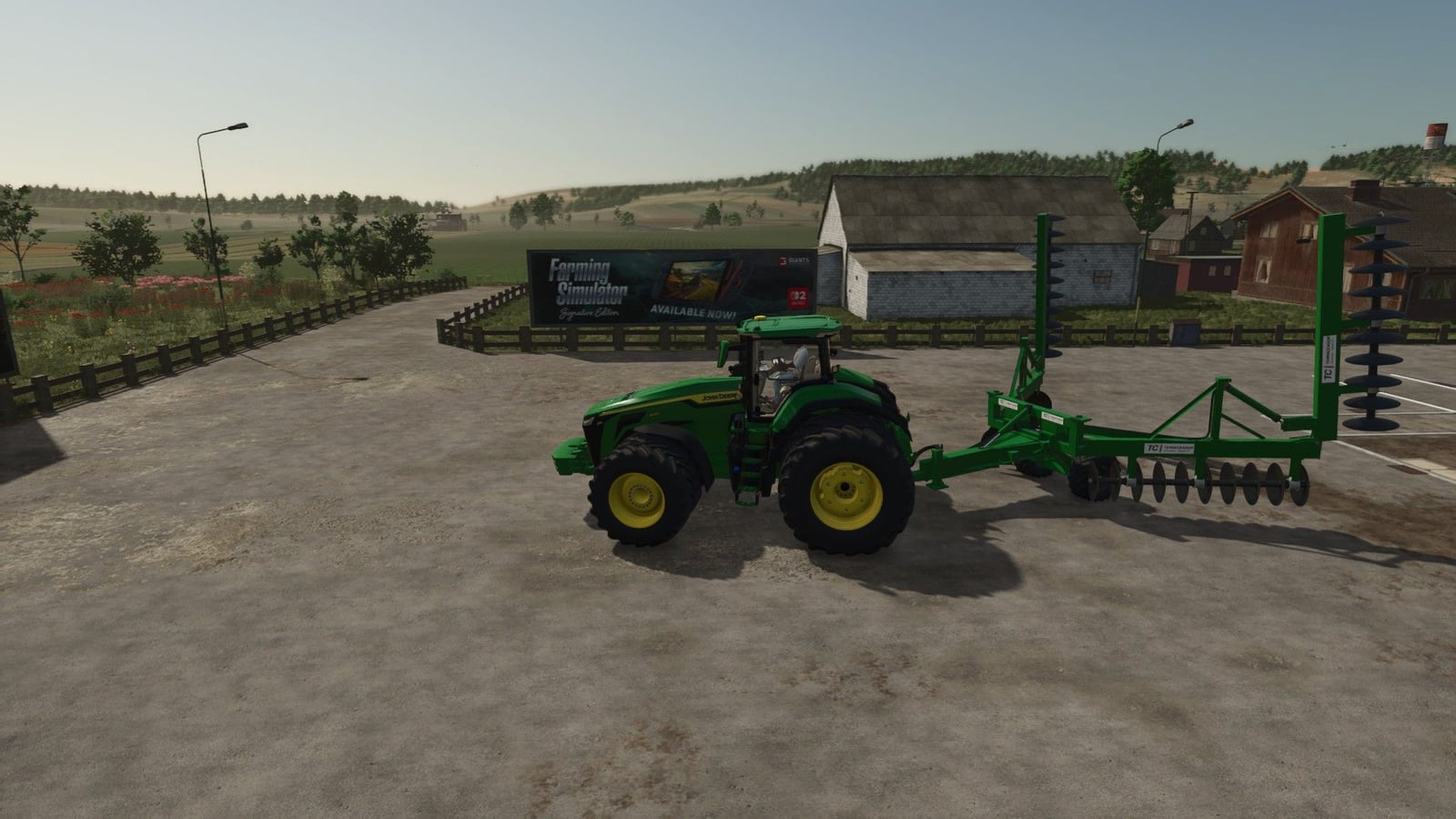
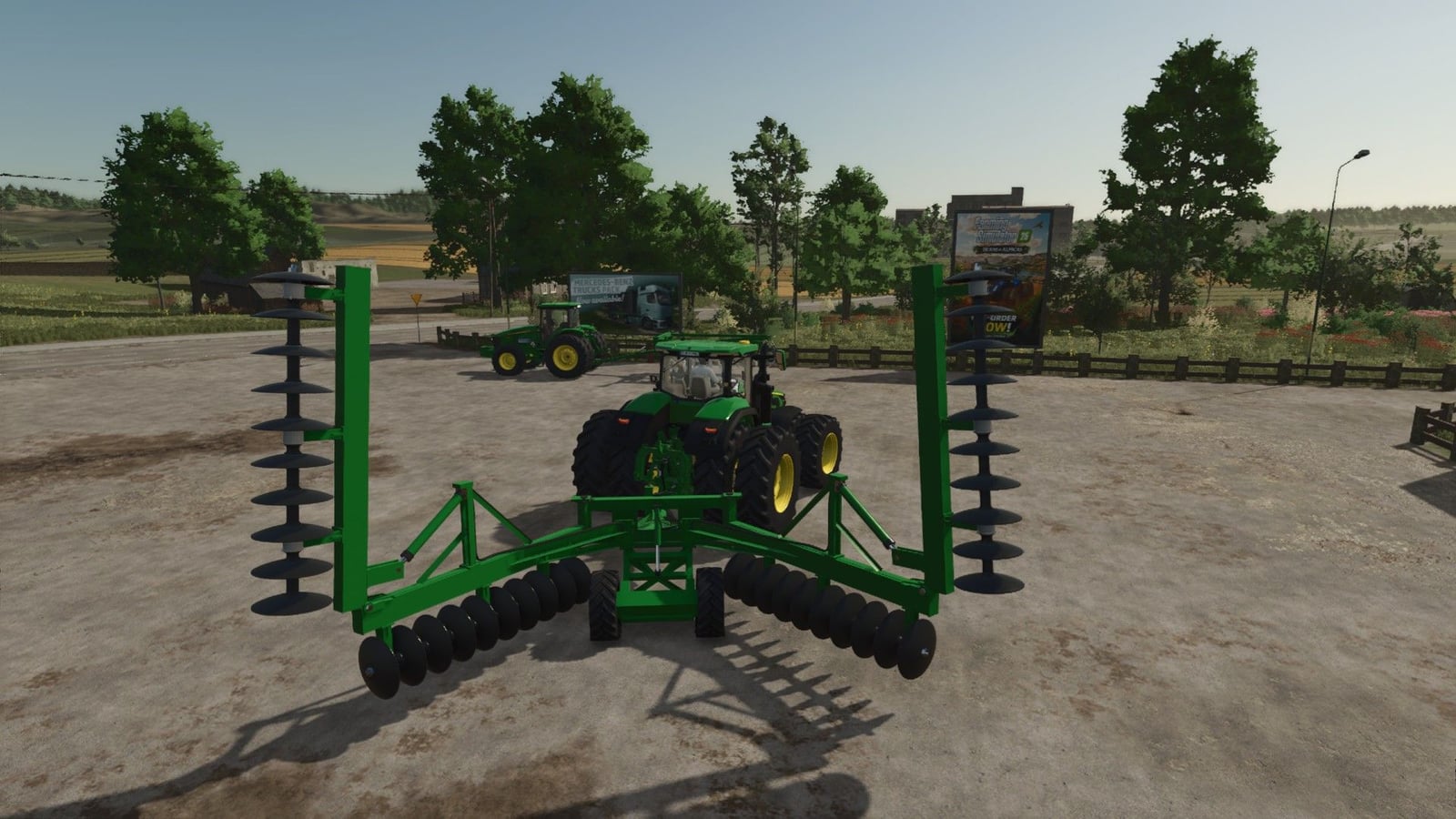
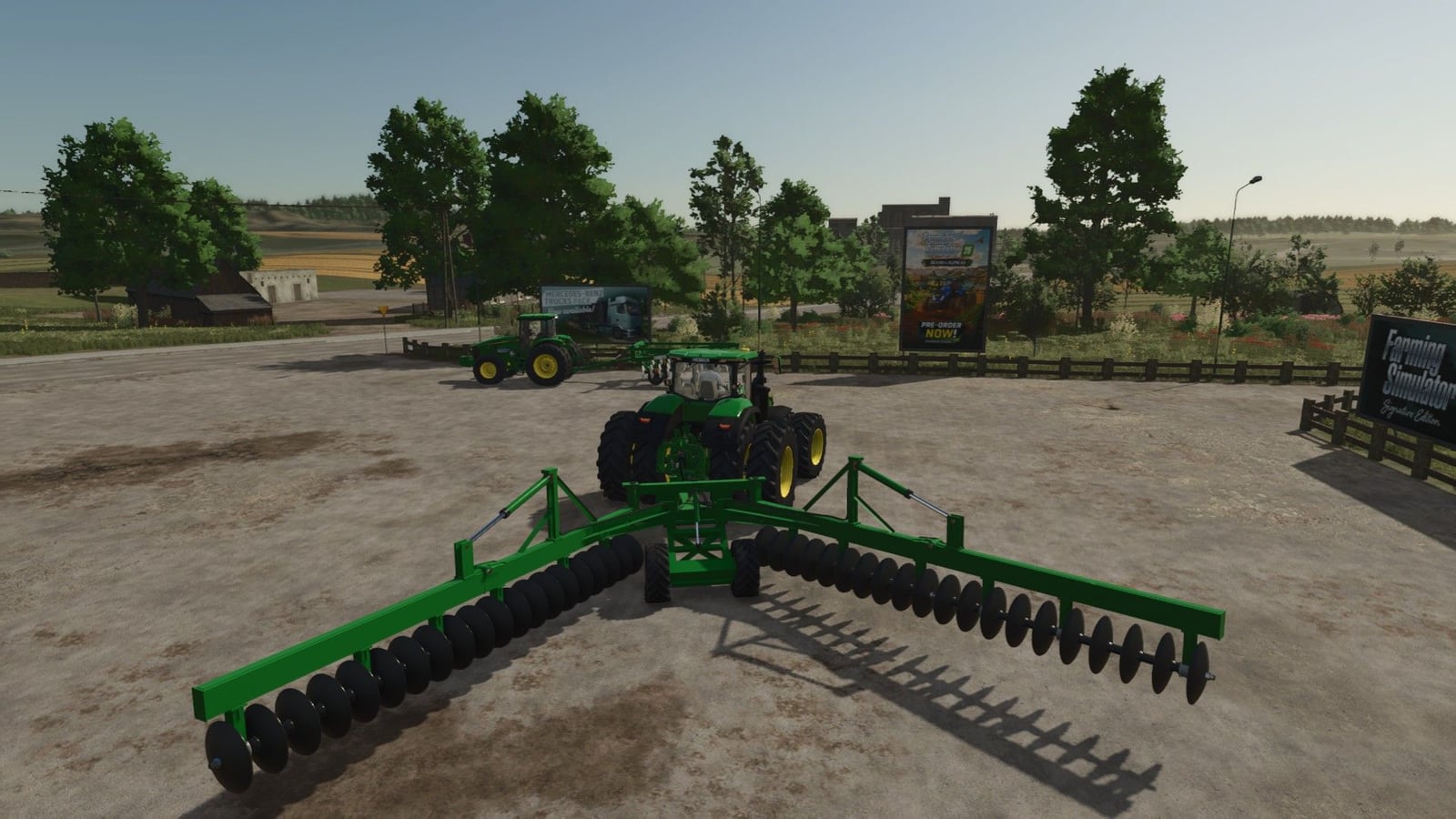
Drop the machine into the field and drive forward to do more than harrow. The ground behind you rises into a terrace, with a flat top and sloped sides. It is a hands-on way to shape the land while you work.
Features
- Lower or raise the implement with the implement lower key, set to V by default.
- Need to move it? Use the implement fold key, X by default, for the second sections. The front sections are fixed. If you leave them unfolded, raise the machine first with V.
- Press Alt+T to turn the terrace on or off. With it off, the machine only harrows.
- Set the terrace height with Alt+G: 0.3 / 0.5 / 0.7 / 0.9 m.
- Shape the terrace profile using Alt+M / Alt+J. There are 5 positions, starting with a narrow top and steep slope, 0.9 m / 24°, and reaching a wide top with a gentle slope, 1.8 m / 8°.
- Alt+Y toggles “allow field creation”. In FS25, the harrow only works within a field. Turn this on to create a new field on your land, including in pastures.
- Hold Alt+R / Alt+F and the hydraulic cylinder articulates the header on the frame pin, ±8°, raising or lowering the frame front.
- You can install it together with the Lizard Terraceador TC because the names, keys and scripts are separate.
Specifications
- Price: 68,000
- Weight: 4,400 kg
- Category: Disc harrows
- Recommended power: 220 hp
YOU NEED: TerraFarm