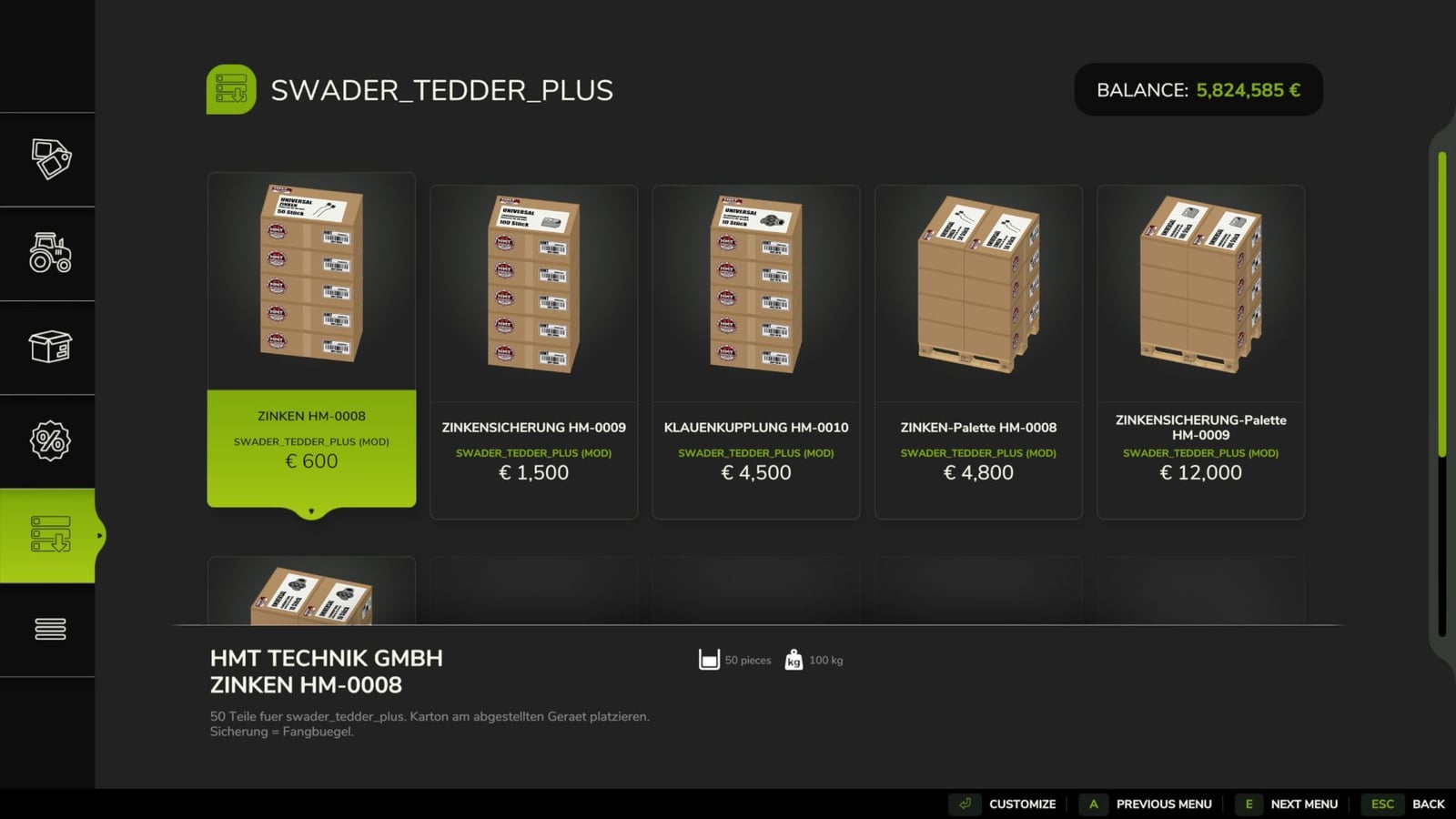
With Swather / Tedder Plus, your windrowers and tedders in LS25 can wear out, take overload damage and use purchasable spare parts. The mod checks how many rotors and arms are fitted, then adjusts spare parts consumption to match.
Features
- While you are windrowing or tedding, tines, tine guards or catcher bars, plus claw couplings, wear down.
- Put the equipment under a high workload and additional damage occurs.
- For supported equipment, the parts needed are matched to its rotors and support arms. If the mod cannot identify them correctly, it uses default values for the working width.
- The rotor and arm count is detected automatically. If that check is not possible, the default values are used instead.
- Go to General Settings in the pause menu, open → Swather / Turner Plus and pick the operating mode.
- Switch the mod functions off and they pause. Your equipment then runs with the normal LS25 functions.
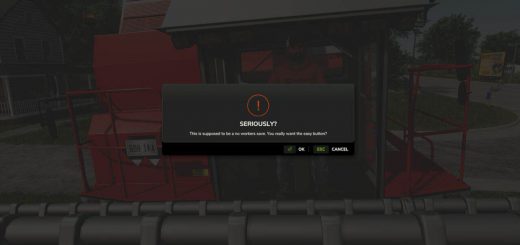
- Easy turns off blockages for you and the helpers and clears any blockages already there. Load, load limit, wear and spare parts maintenance stay active.
- This turns on all mod functions. If a blockage happens, the field helper finishes their task and tells you the reason. Clear the blockage, then restart them.
- Your operating mode is saved in the savegame. In multiplayer, the host or server administrator sets it.
Spare Parts and Partial Maintenance
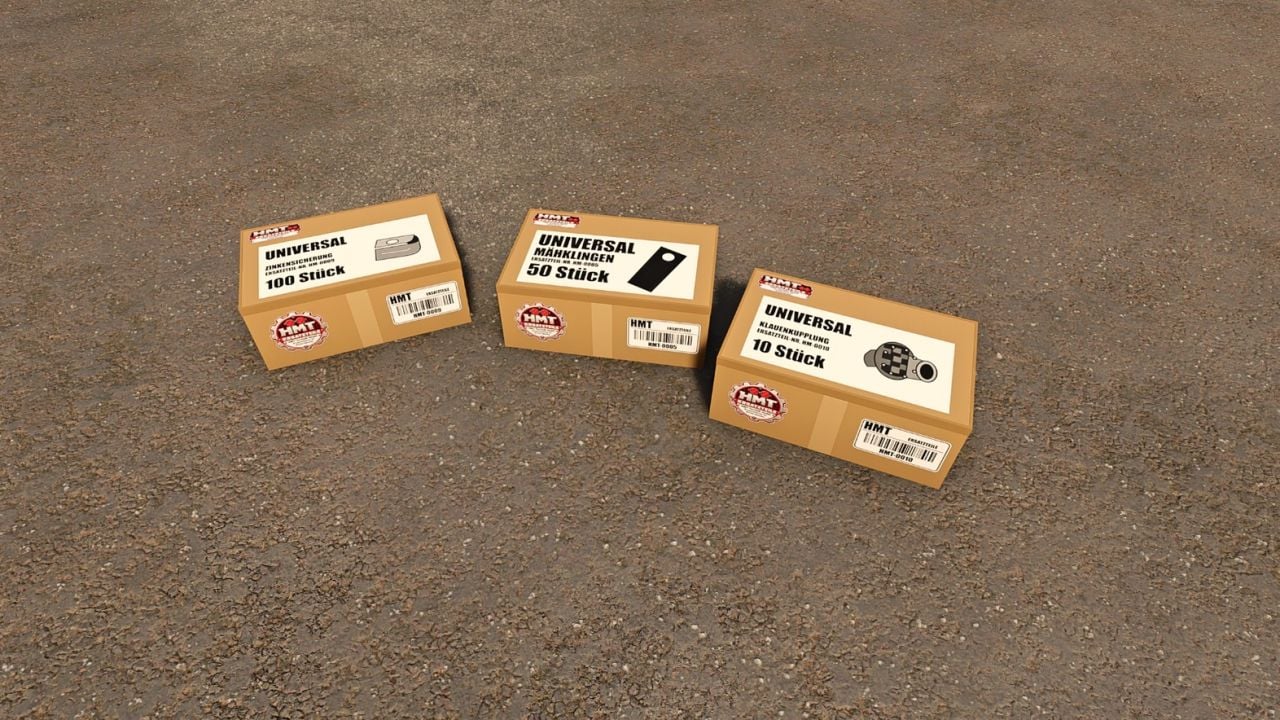
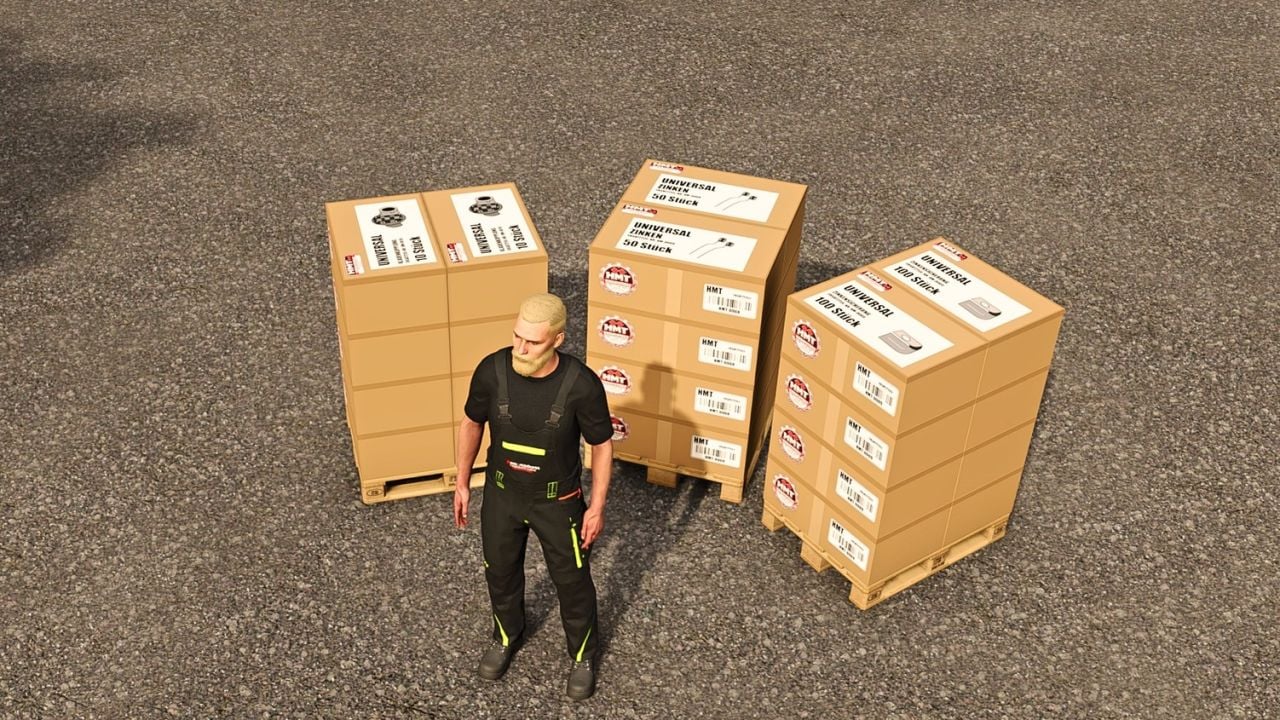
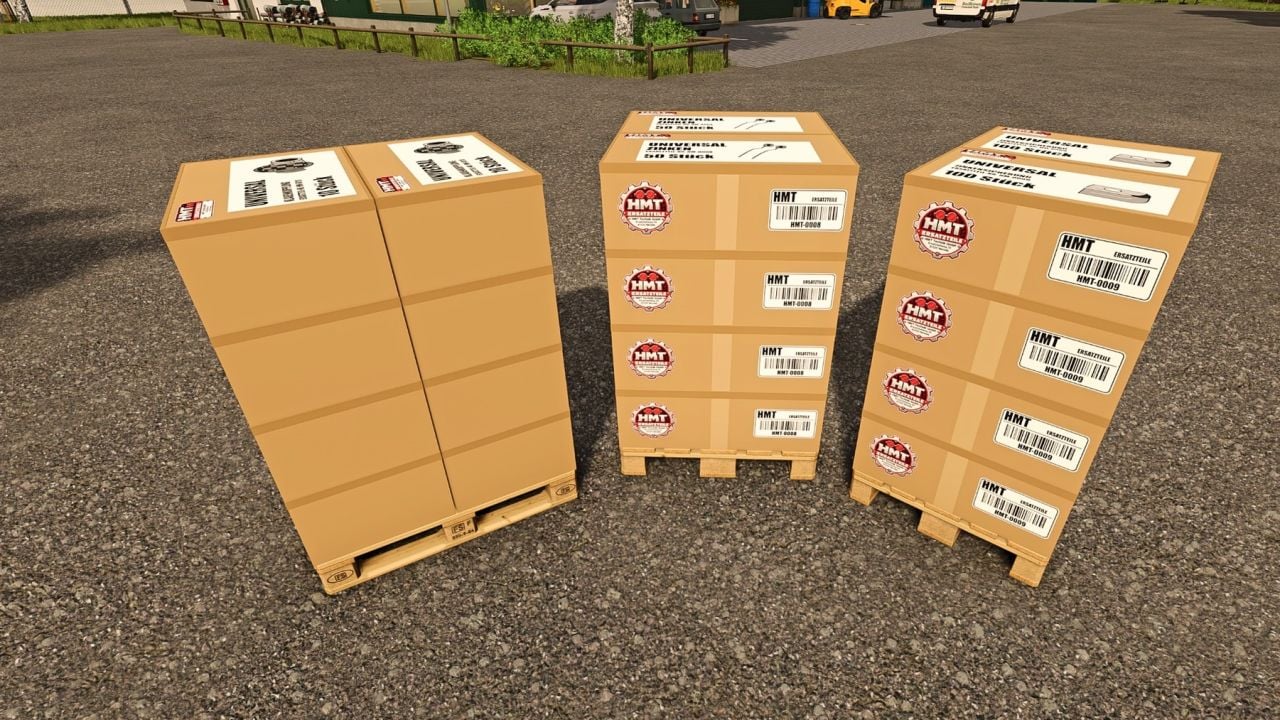
- Look under HMT Ersatzteile for the spare parts that fit. Crates come with 50 tines, 100 tine holders or ten claw couplings each. You can purchase multiple crates at once, and pallets cover larger quantities.
- Bring the equipment to a stop and switch it off. Raise passive rakes or tedders before maintenance. By default, crates or pallets from your farm need to be within five metres.
- As soon as a suitable spare part is available, partial maintenance starts. Need ten parts with only five available, and those five are installed. The final message tells you how many parts are still required.
- A pallet takes eight seconds to empty, and this does not consume spare parts. Replacing parts takes 20 seconds. They are consumed after the job succeeds, while partly used boxes and pallets keep whatever contents remain.
HUD and Controls
- The HUD lets you see the workload and component status. For your personal HUD, choose a large or small font size.
- Press Left Ctrl + left Alt + 3 to toggle the HUD on or off.
- Left Ctrl + left Alt + 4 toggles move mode. Hold the left mouse button and drag the HUD where you want it. Camera and zoom inputs are locked during this time.
- Use Left Ctrl + left Alt + 5 to cycle the HUD size through 50, 25, 20 and 75% of the speedometer width.
- Ctrl + Alt + Caps Lock starts or stops maintenance, unless you have saved a custom maintenance key.
- You can freely assign the HUD actions and maintenance functions under Options → Controls. Once a keyboard or controller binding for maintenance is saved, it replaces the default Caps Lock key.