With Simple-Navigator, you get route guidance from the map’s splines, or from an AutoDrive course when AutoDrive is installed. You can use it on servers too, so getting around the map stays simple.
Features
- The route choice is made dynamically. It can use the map’s splines, an AutoDrive course, or both together.
- Guidance only works along splines, and those are usually not field paths.
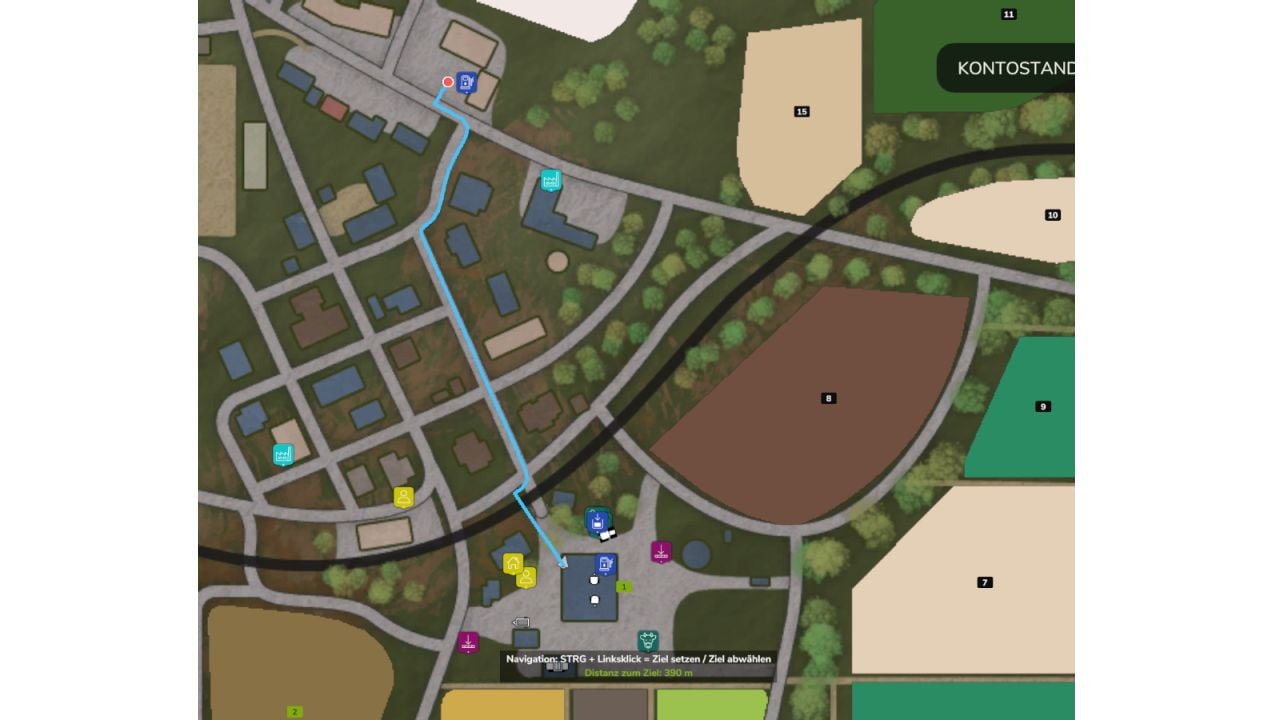
- Open the overview map or ESC menu, then use CTRL + left-click on your destination to set it.
- Changed your mind? Press CTRL + left-click on the same spot again and the destination is removed.
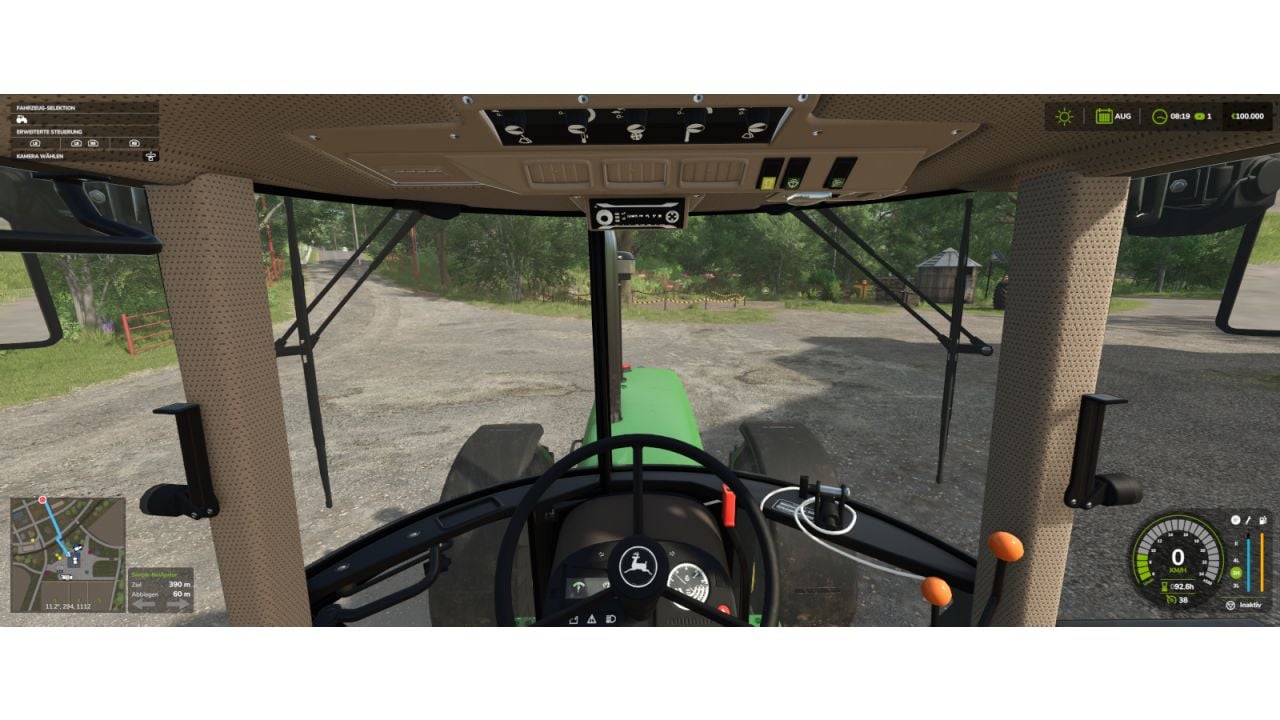
- Your route appears right on the minimap.
- Beside the minimap, you see the distance to your destination, the distance until the next turn, plus blinking arrows showing left/right.
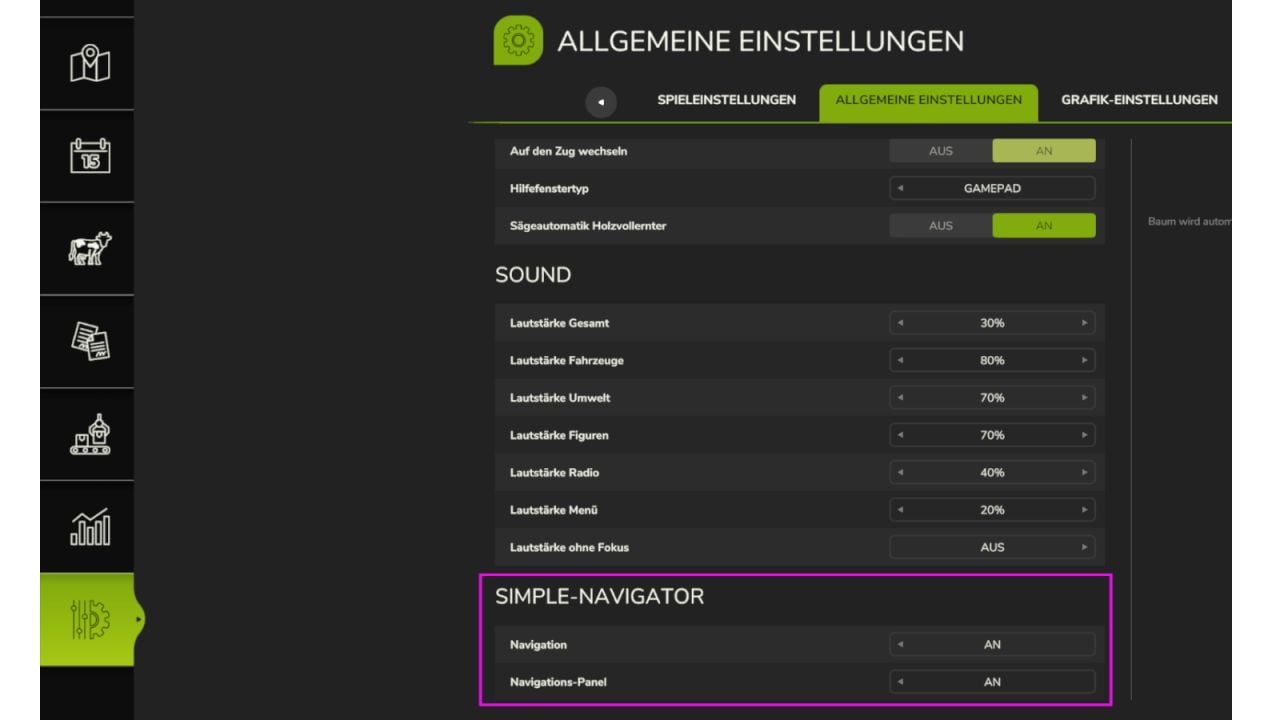
- Go to Settings > General to enable or disable the navigation and the panel for yourself. This also works on servers, with each player choosing separately.
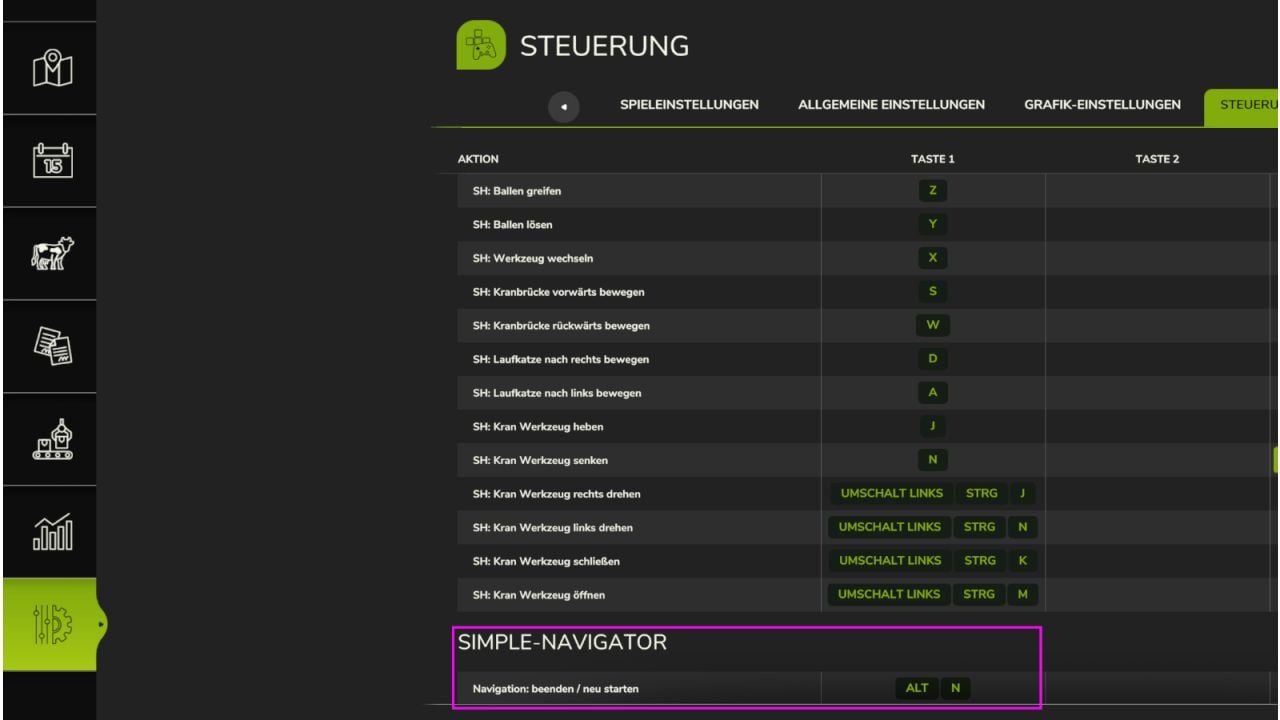
- ALT + N: End / restart navigation.
- Large 4x maps have not been tested yet.
Changelog
- V1.1.0.0
AutoDrive now joins the map’s splines as a dynamic option, so routes are possible on maps without splines. The route can use splines, AutoDrive, or both together.