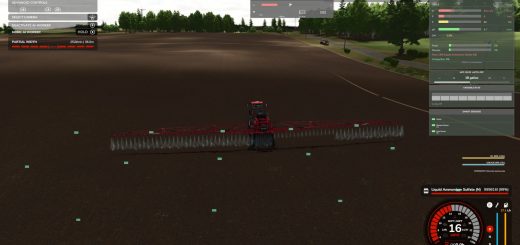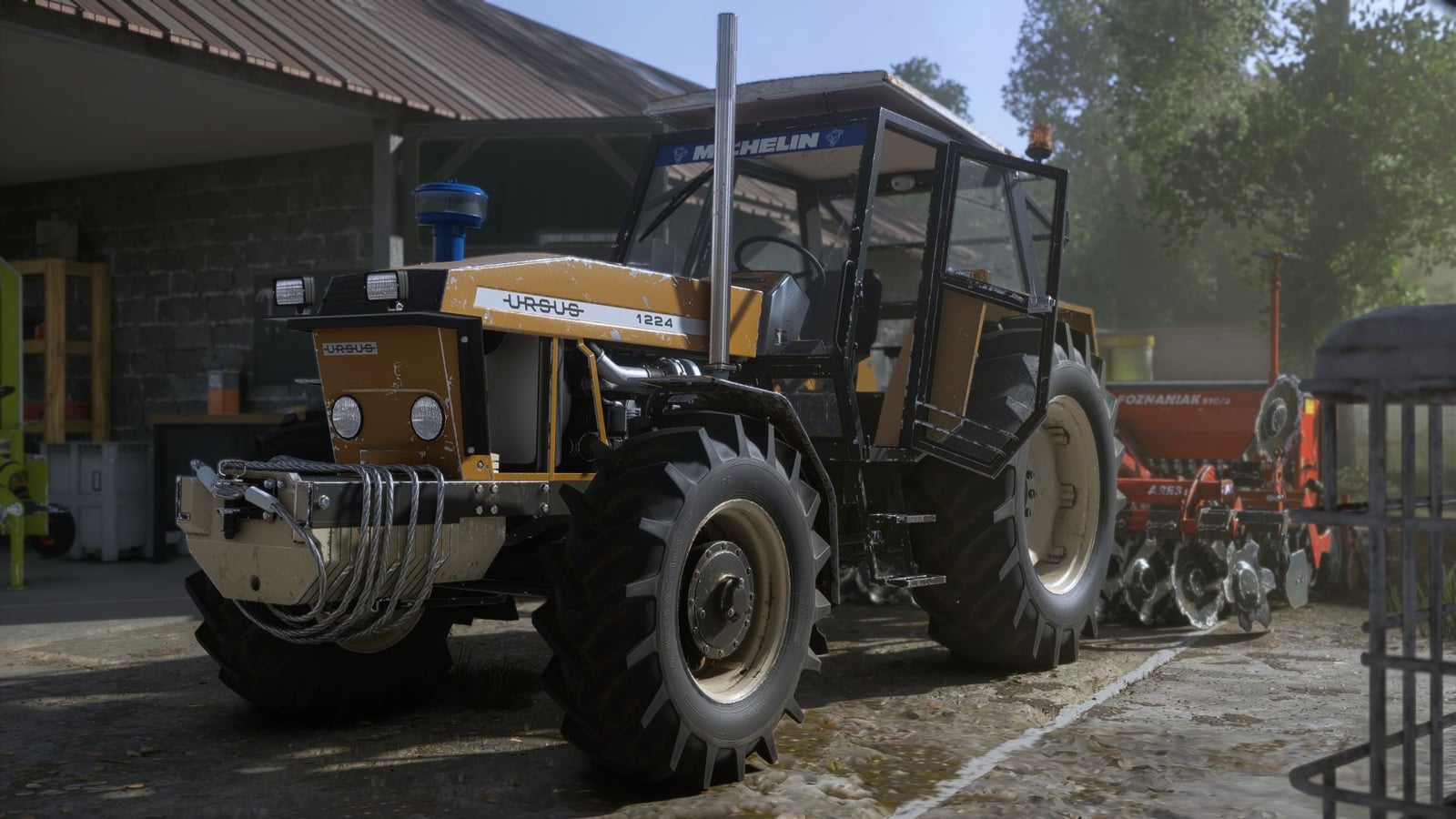
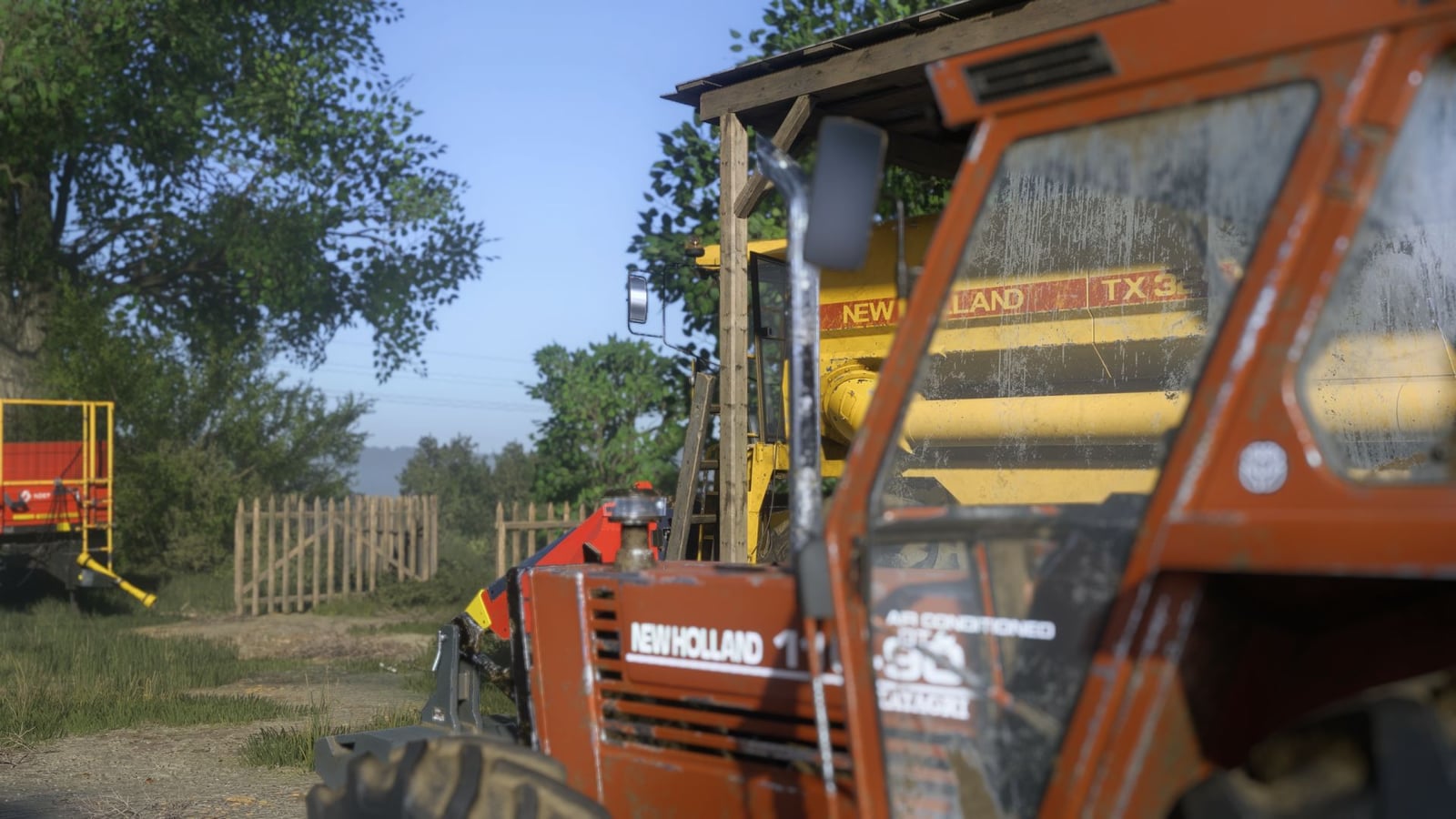
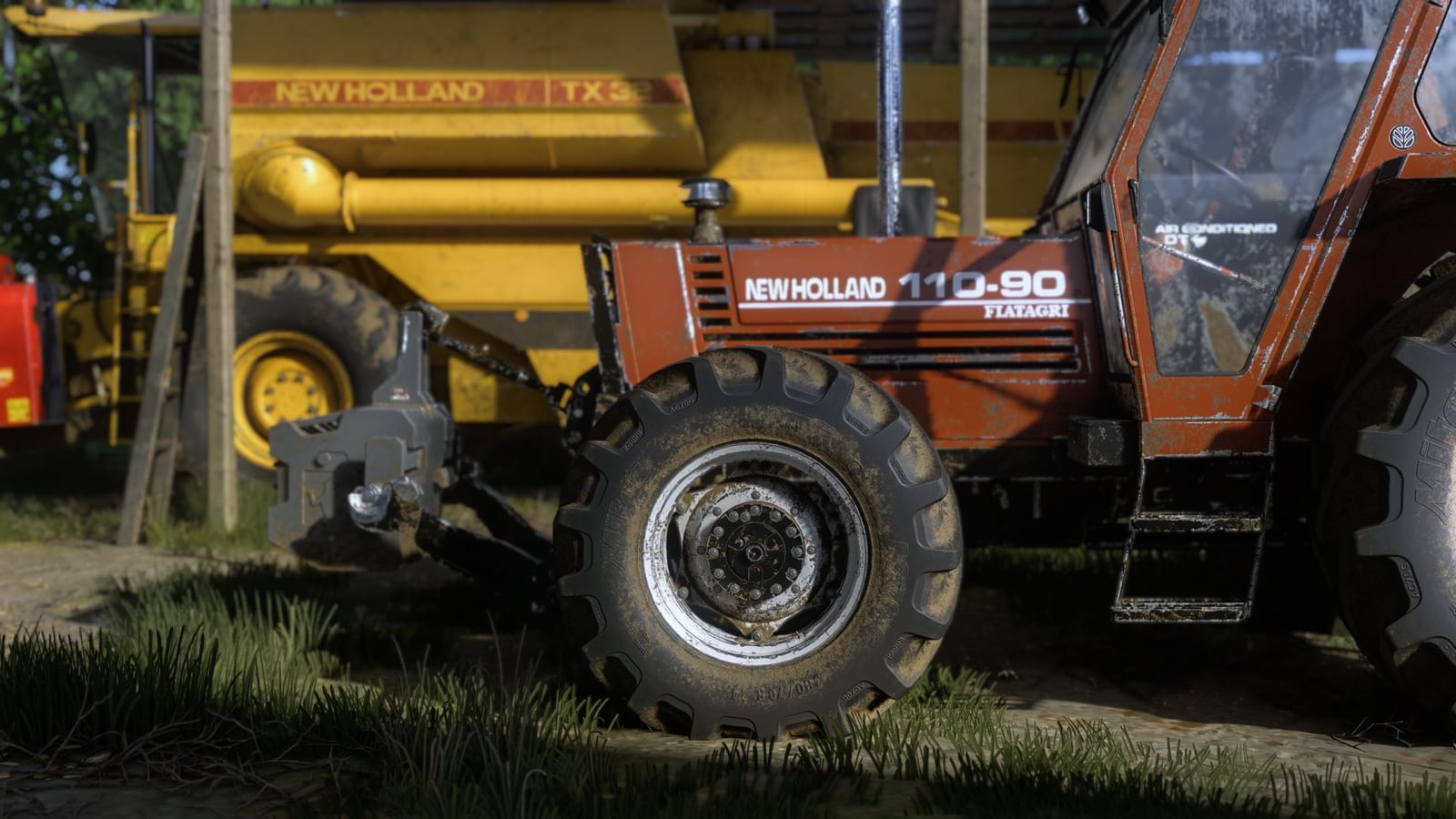
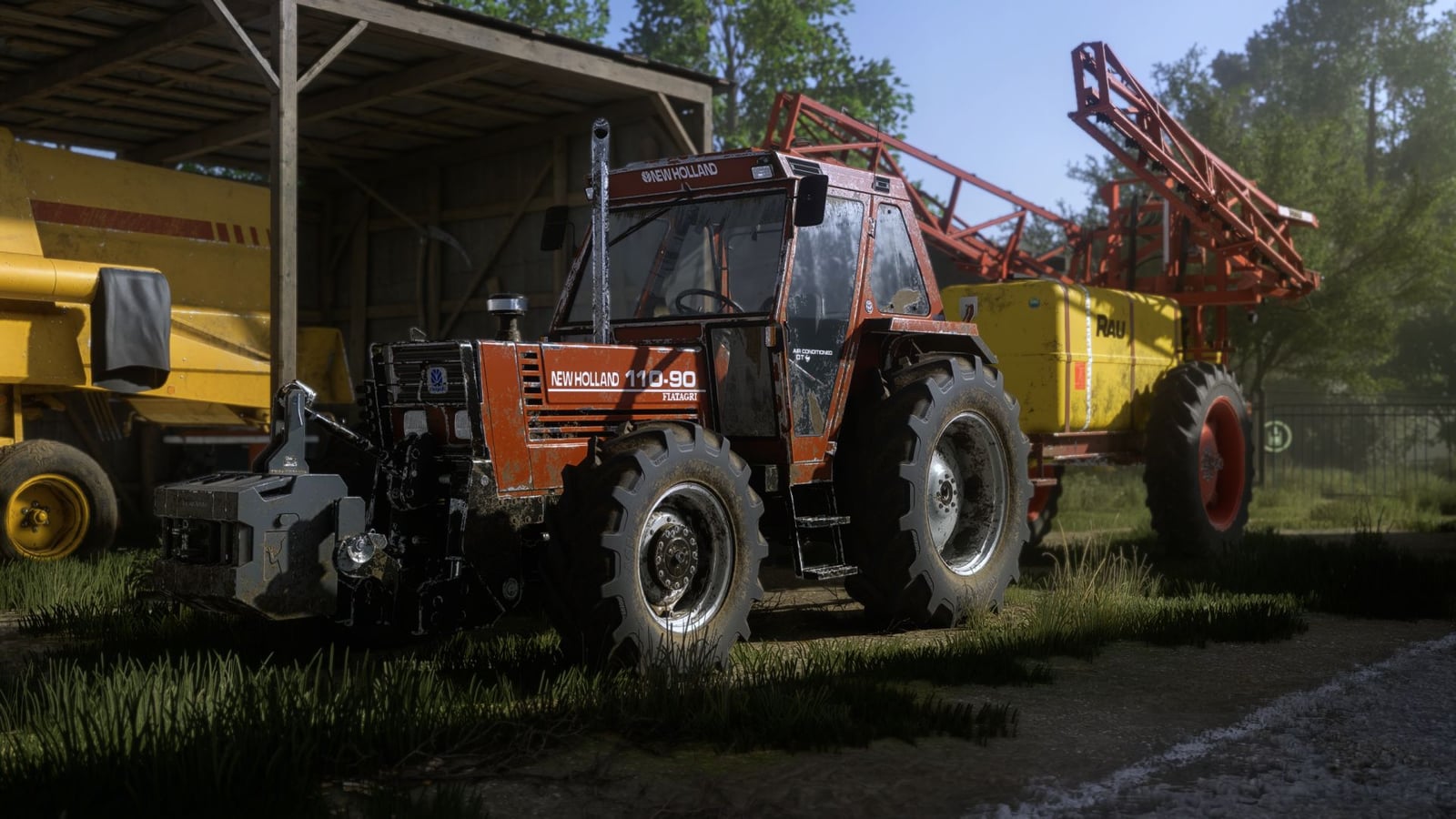
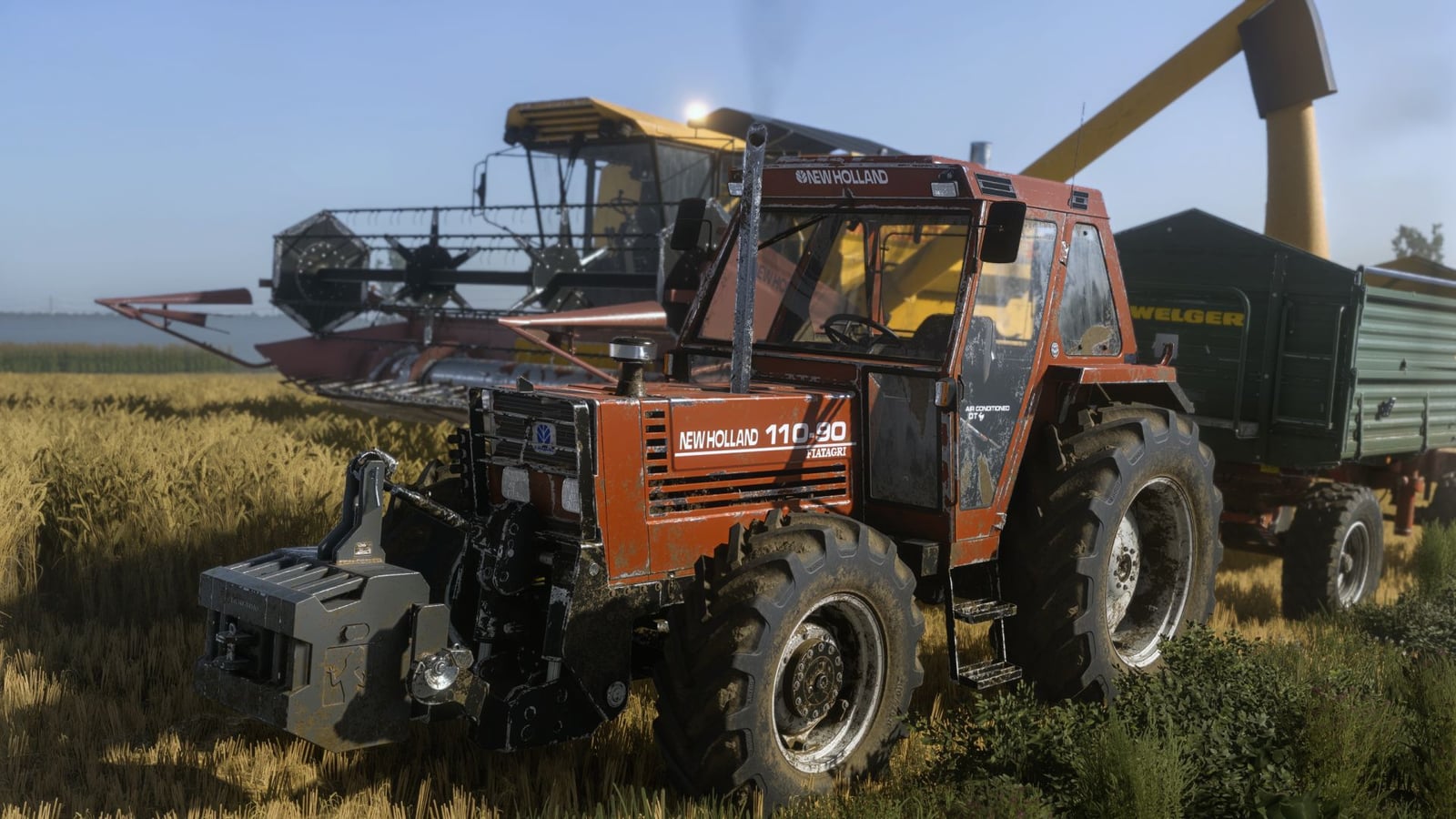
With Shader VRO 2, you get a ReShade preset for Farming Simulator 25, plus optional DLSS 5 support.
Installation: Put the VRO_lightning folder into DocumentsMy GamesFarmingSimulator2025modSettingsFS25_additionalGameSettingslighting.
Already using the VRO 1 shader? Then you do not need to copy the VRO lighting again.
Next, move VRO_Shader_2.ini to Farming simulator 25x64.
Features
- Your image gets a more realistic appearance
- Improved colors
- Colors and contrast look more natural
- Sunrise and sunset have better visual depth
- Keeps the game’s natural look without excessive saturation
- Compatible with DLSS 5
- You can use it without DLSS 5 too
- Requires ReShade 6.8.0
Recommended Setup
Want the result closest to the screenshots included with the preset? Use this setup:
- ReShade: 6.8.0
- DLSS 5: Cinematic (optional)
- Monitor in-game Brightness: 1.0
- Lightning: Included file
- Game: Farming Simulator 25
Use the included Lightning file with the ReShade preset for the best experience. They were designed to work together, so this setup keeps both parts working as intended.