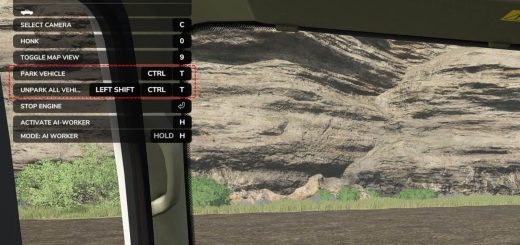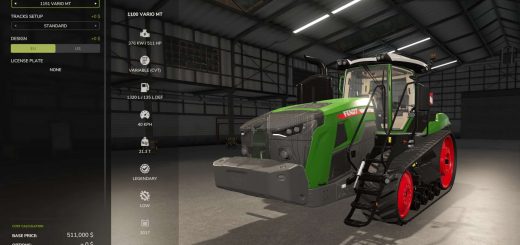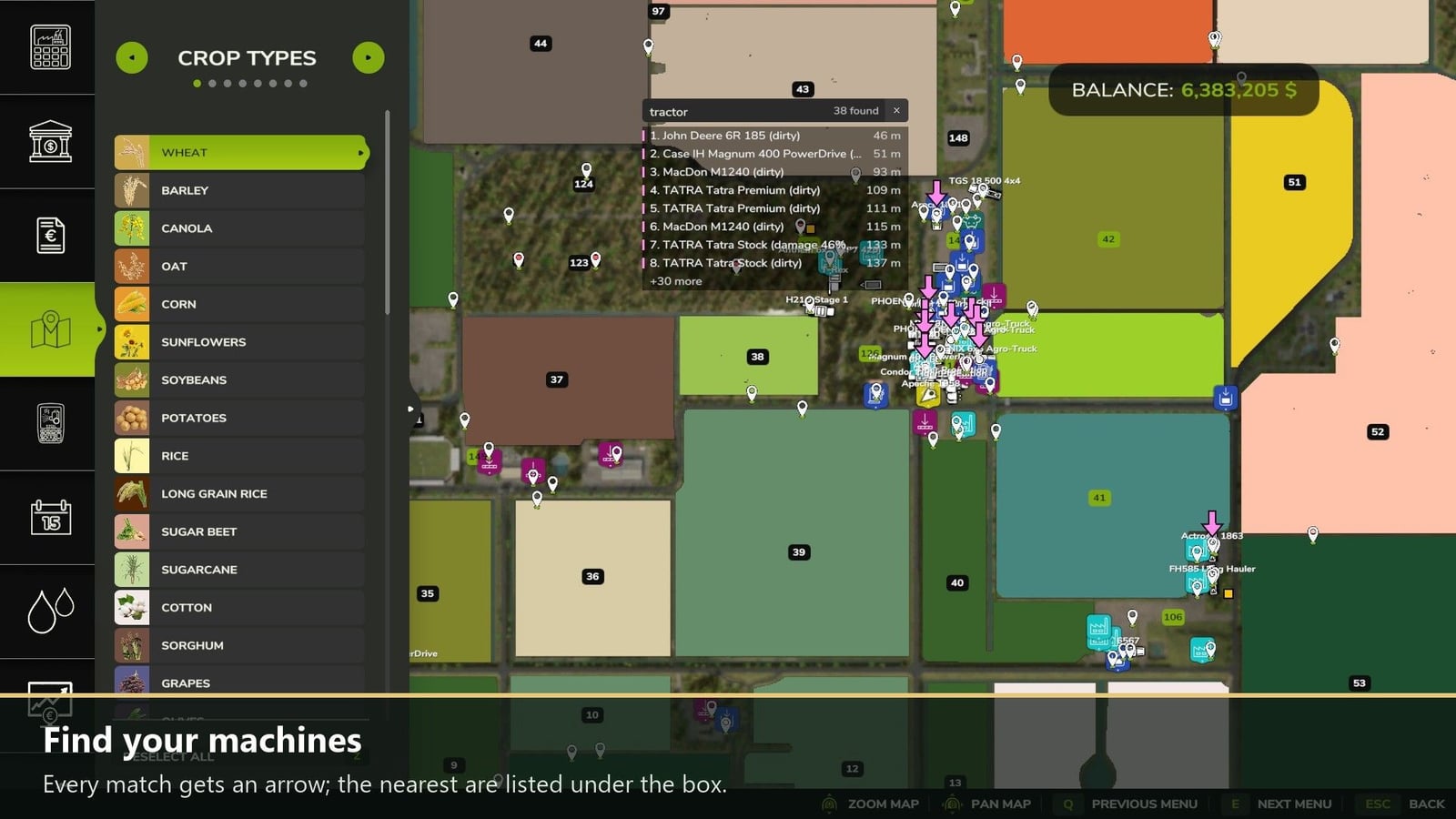
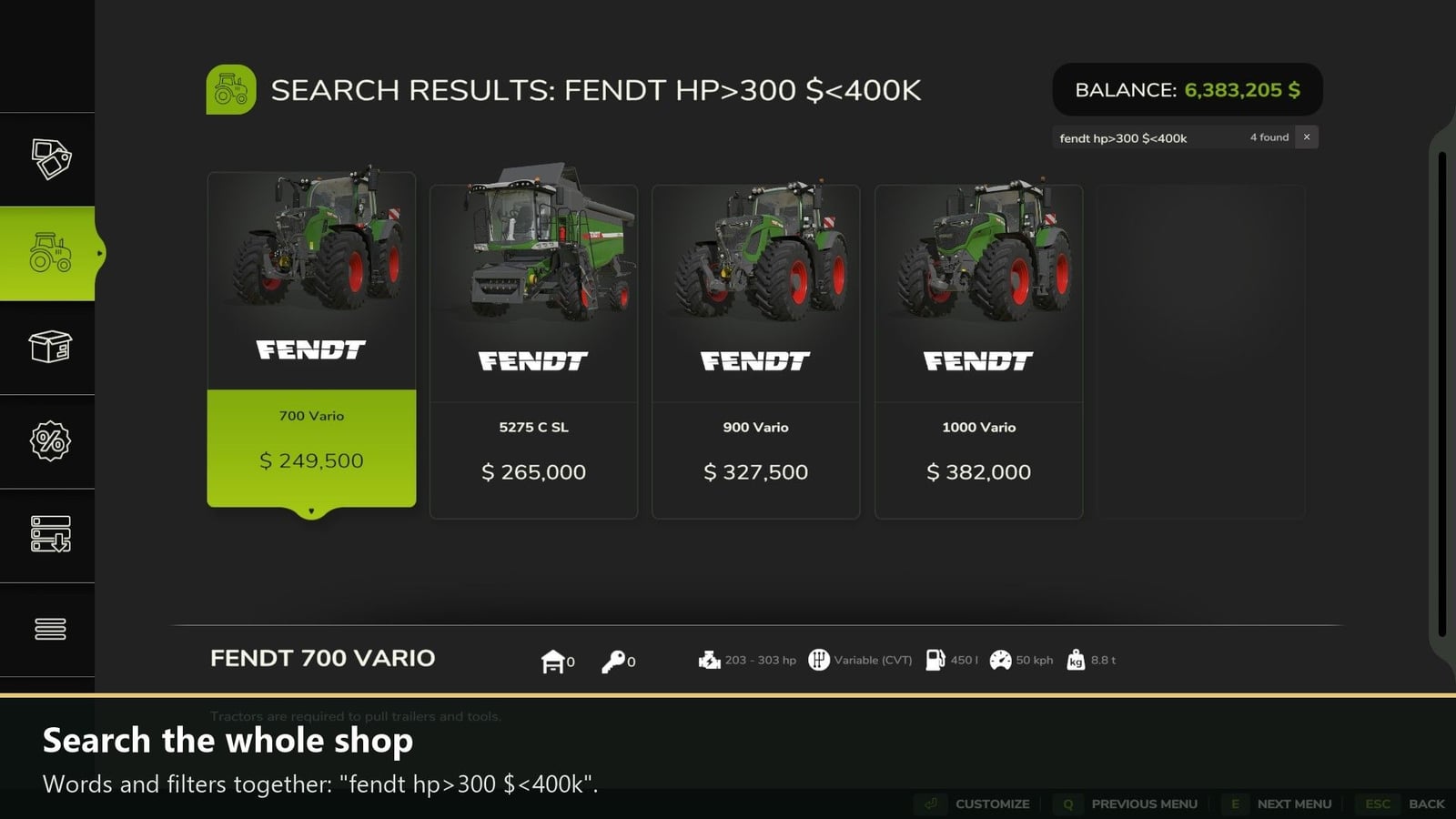
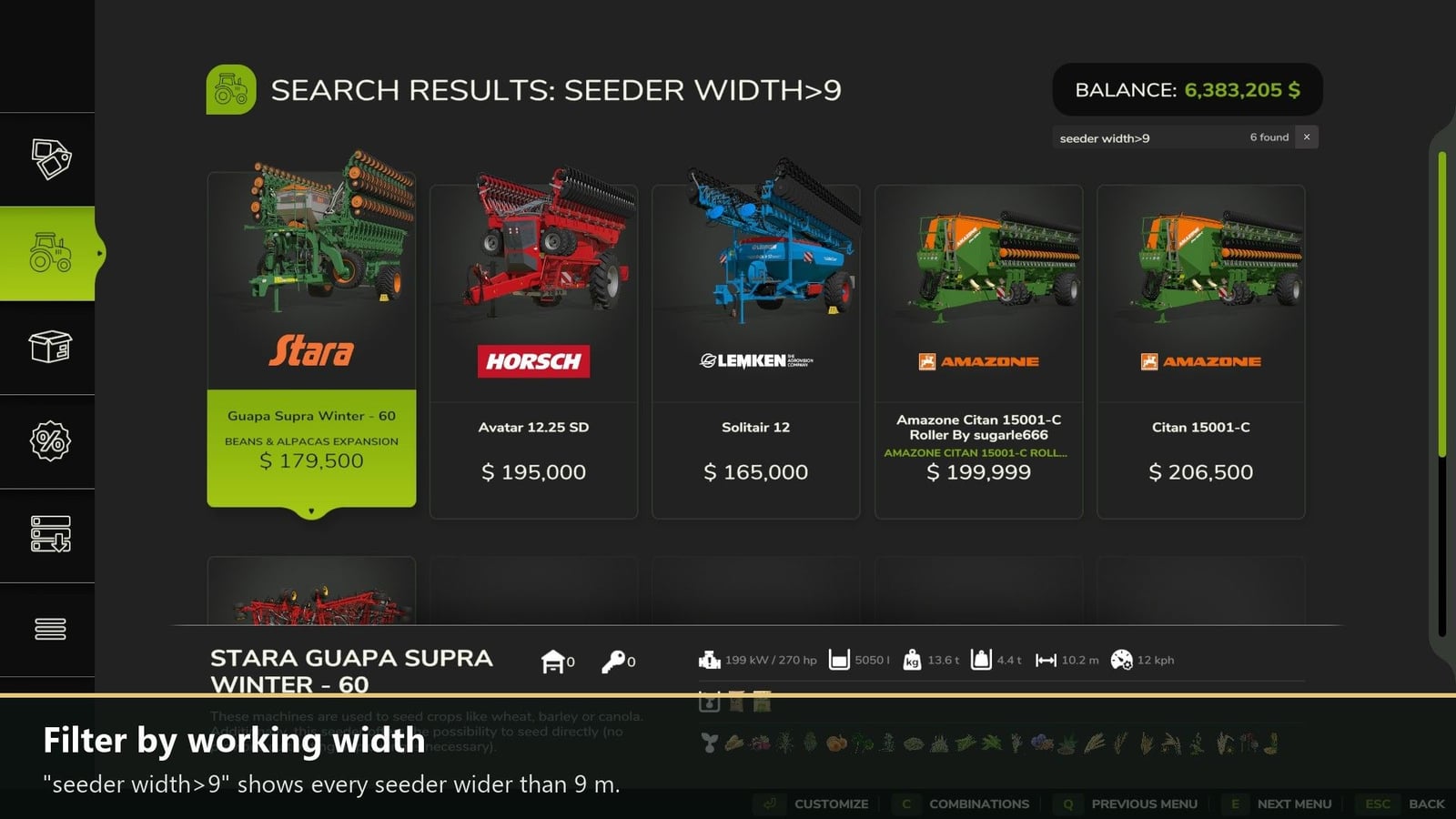
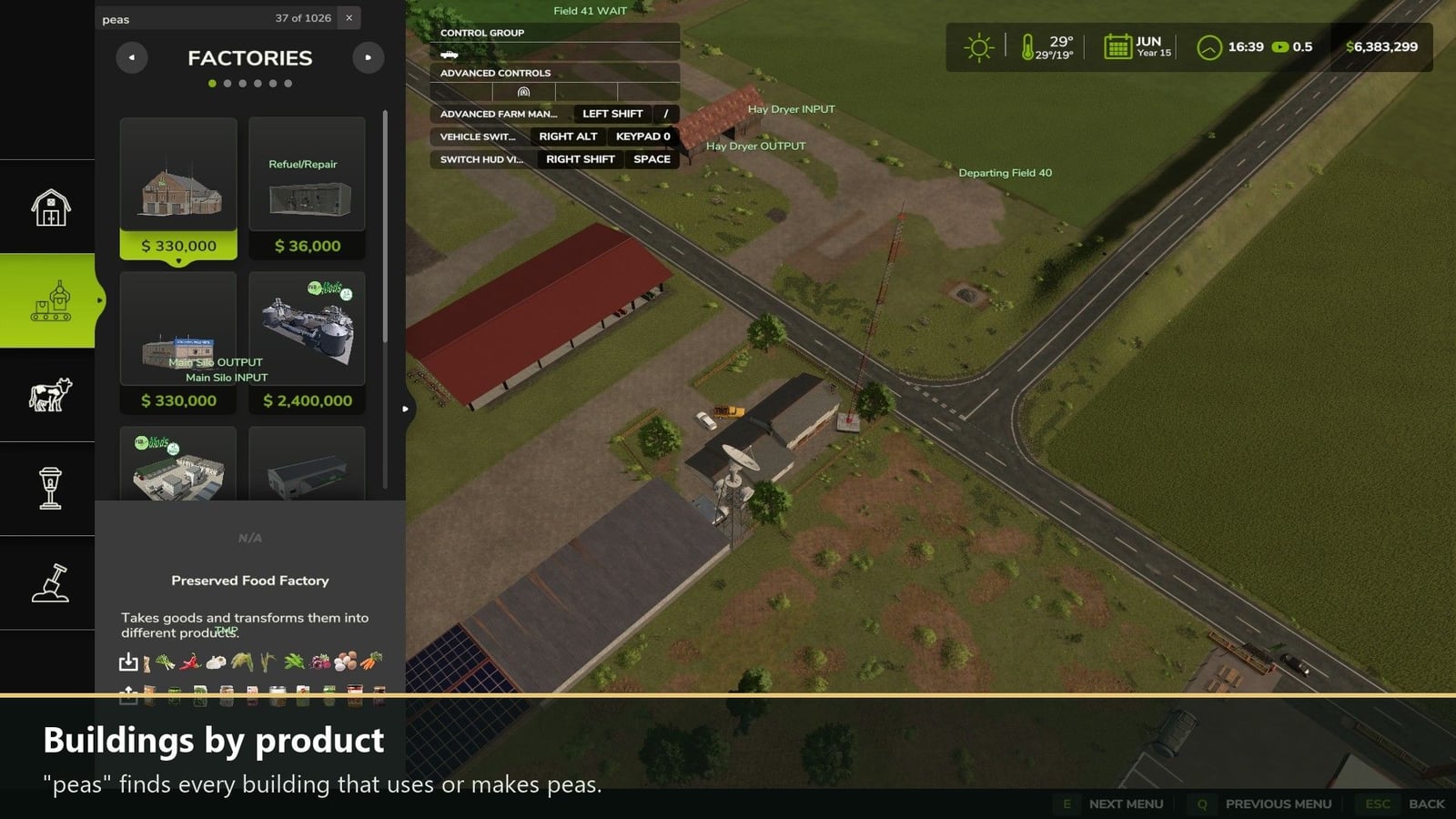
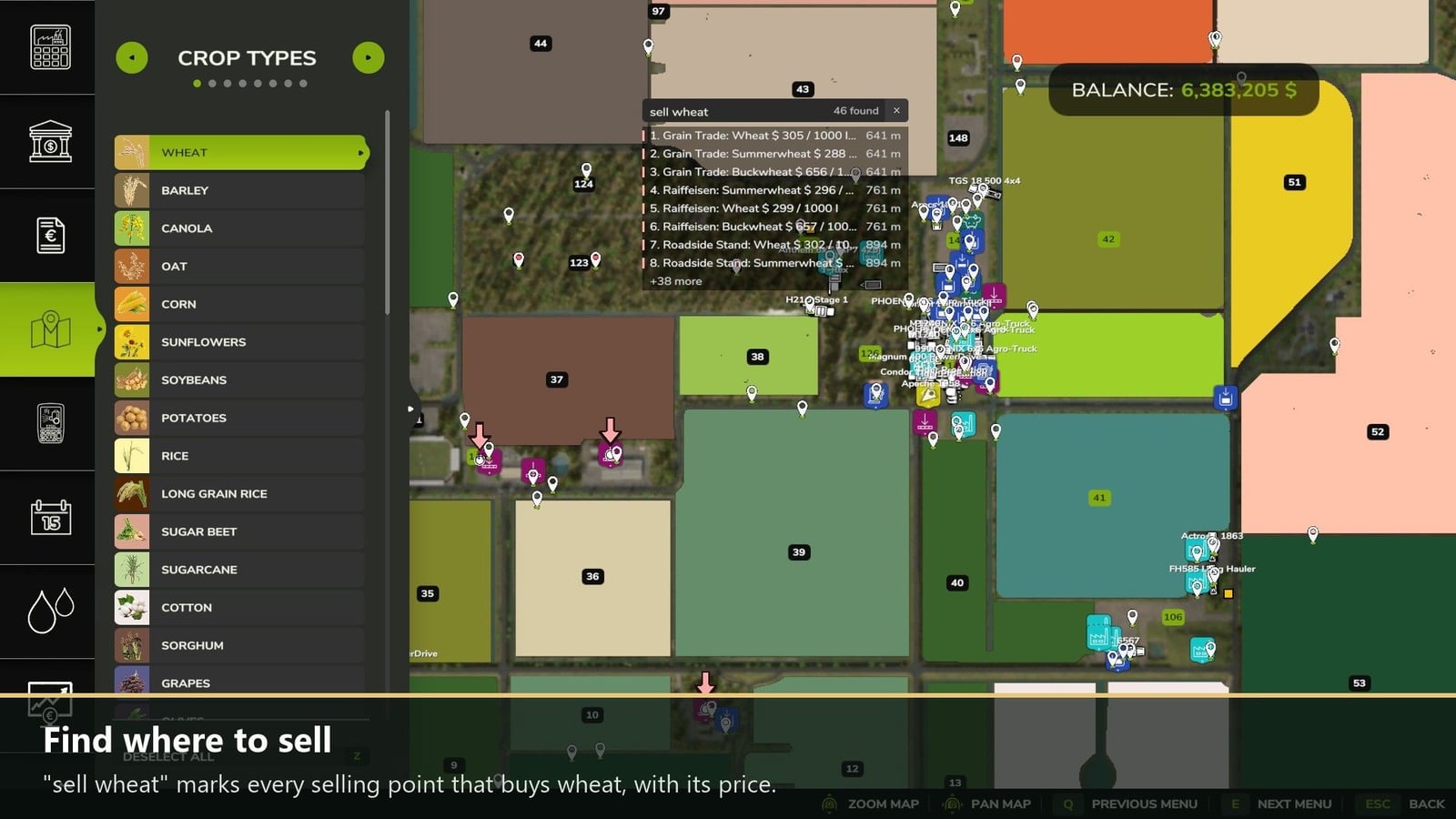
You get search boxes on the shop, construction and map screens. Click one, start typing and the list updates as you go. Where’s My Stuff is already built in, so your stuff is part of the search too.
Features
- Shop: check a single category or brand, or search the entire shop by brand, DLC, mod name and mod author.
- Spec filters: price ($<50k), horsepower (hp>200), working width (width>9), capacity (l>30000), weight, speed, power needed and “affordable” work together with words: “fendt hp>300 $<400k”.
- Construction: search buildings across every category and tab by name or product. Type “peas” and you find every factory that uses or makes peas.
- Map: look up your vehicles, even by license plate, plus bales, pallets, buildings, fields and properties. Each match gets an arrow, and the nearest matches show up below the box.
- Map searches can be “wheat ready”, “sell wheat” with the best price marked, “for sale $<100k ha>5”, “contract”, “fuel<20” or “stored wheat”.
- Settings > Controls gets a search box as well.
How to use: Ctrl+F, or a right stick click on your controller, puts you straight into the search box. Press Enter to keep the search, and Esc to clear it. The game’s Help menu has the full explanation under Searchables.
V1.8.2.8
- Fix: names such as T7, 6M or L 538 now turn up when you search for the model name. The short units t, l and m only work as weight, capacity and width filters when used with a comparison or a range (
t>7,l4,5means 4.5 and$<1,5kmeans 1,500. A comma before exactly three digits still works as a thousands separator ($144,500). - Fix: if a search box opens with a search already in it, the map box showing your last search displays only the X, not the pen underneath it.
- Offline tests (
tests/test_offline.py, 33 tests) run with every build. - Also: updated for the current game version and GIANTS’ ModHub checks.
V1.8.2.3
- In the mod list, the author now appears as DTM Mods, Fennell.
- When a search has a field state, such as “wheat ready”, “growing”, “withered” or “harvested”, it now checks only fields.
- If a map has no wheat fields, “wheat ready” no longer puts production points in the results.
V1.8.2.7
- New title: Searchables. The description now covers all 27 game languages.
- Description in the GIANTS’ ModHub layout, with category, price, upkeep or hotkeys at the top.
- New mod icon in the ModHub standard.