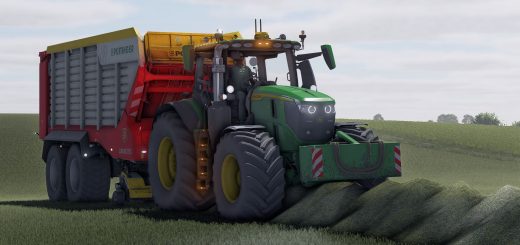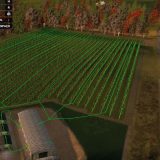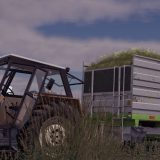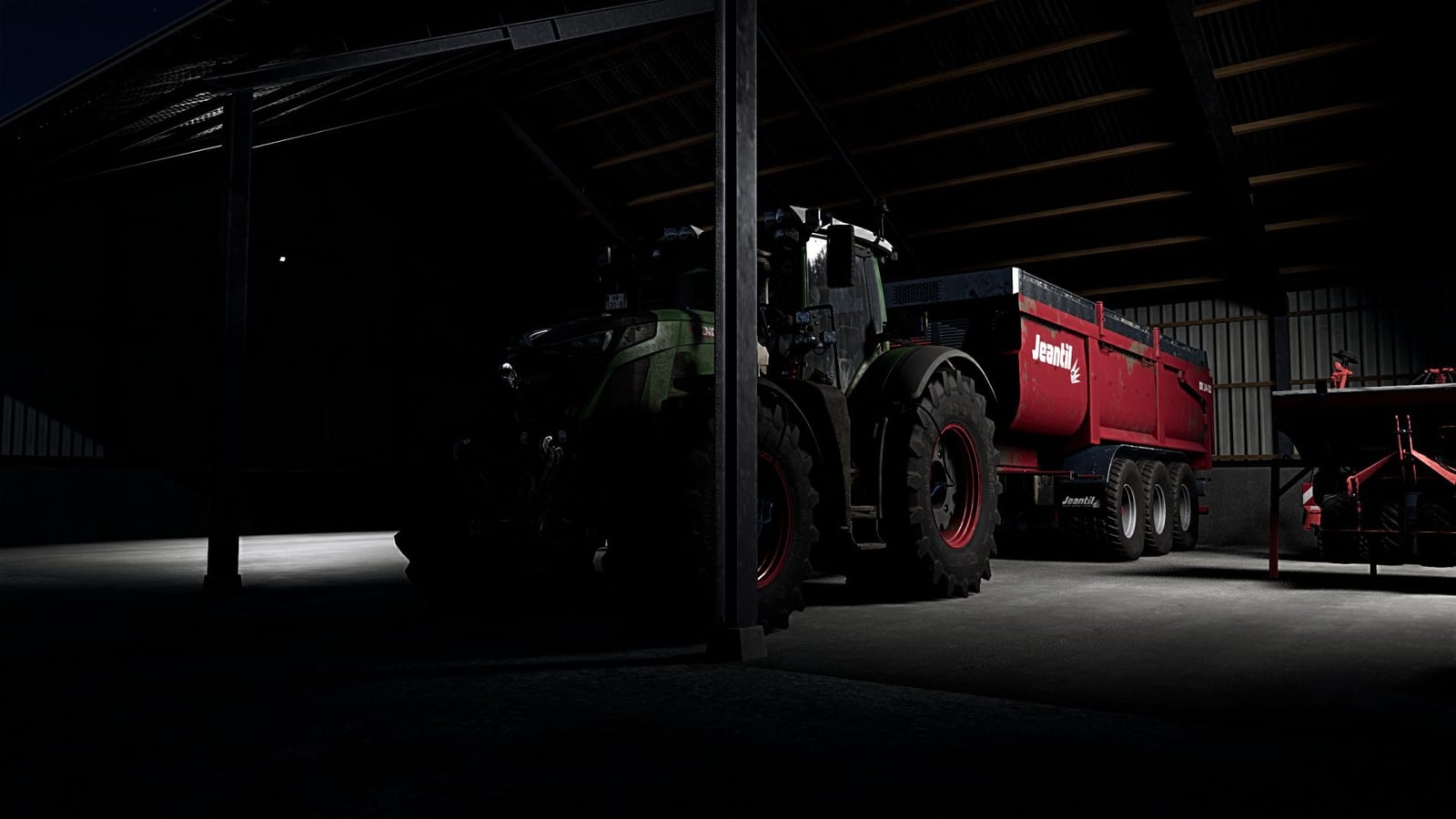
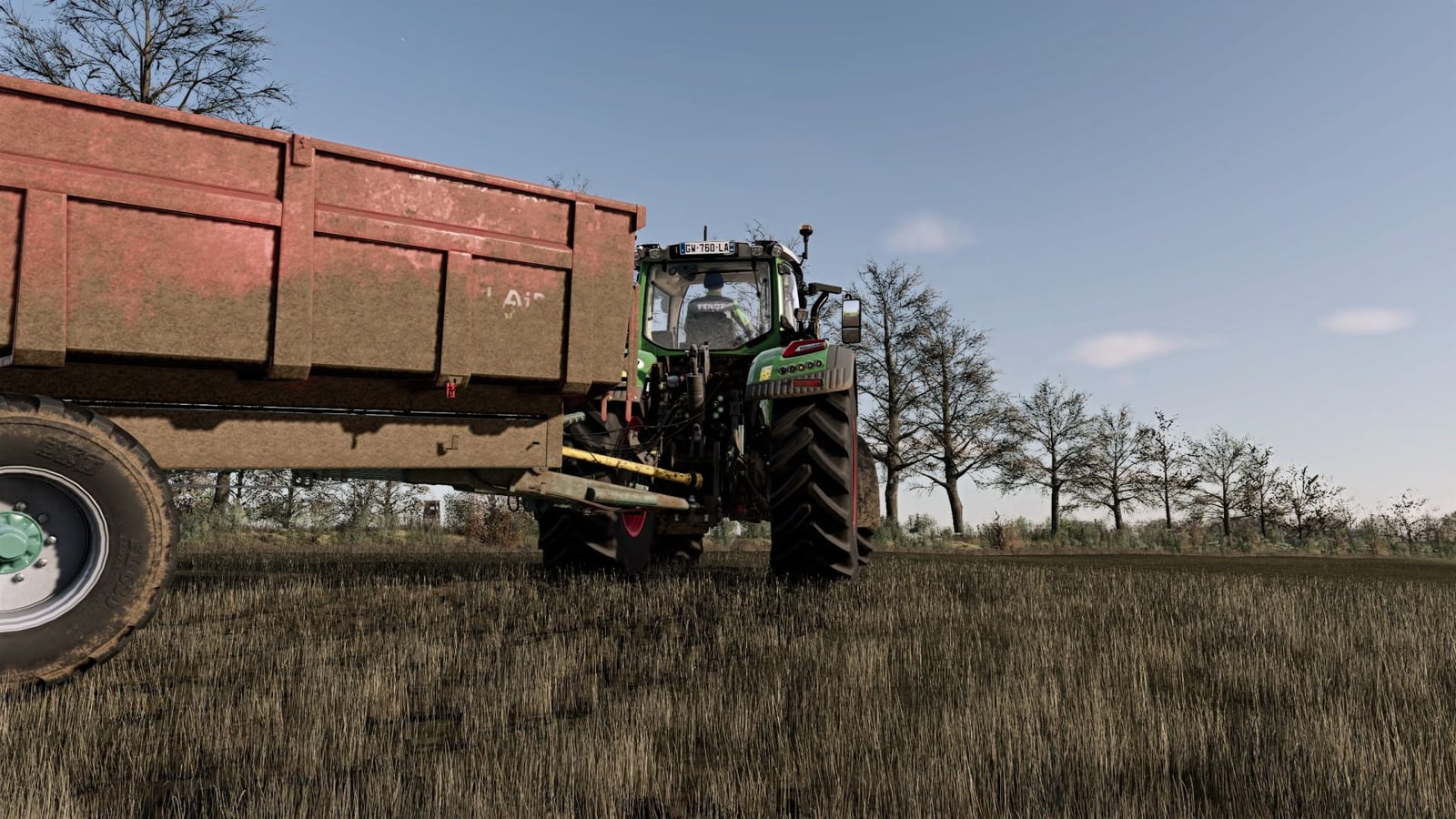
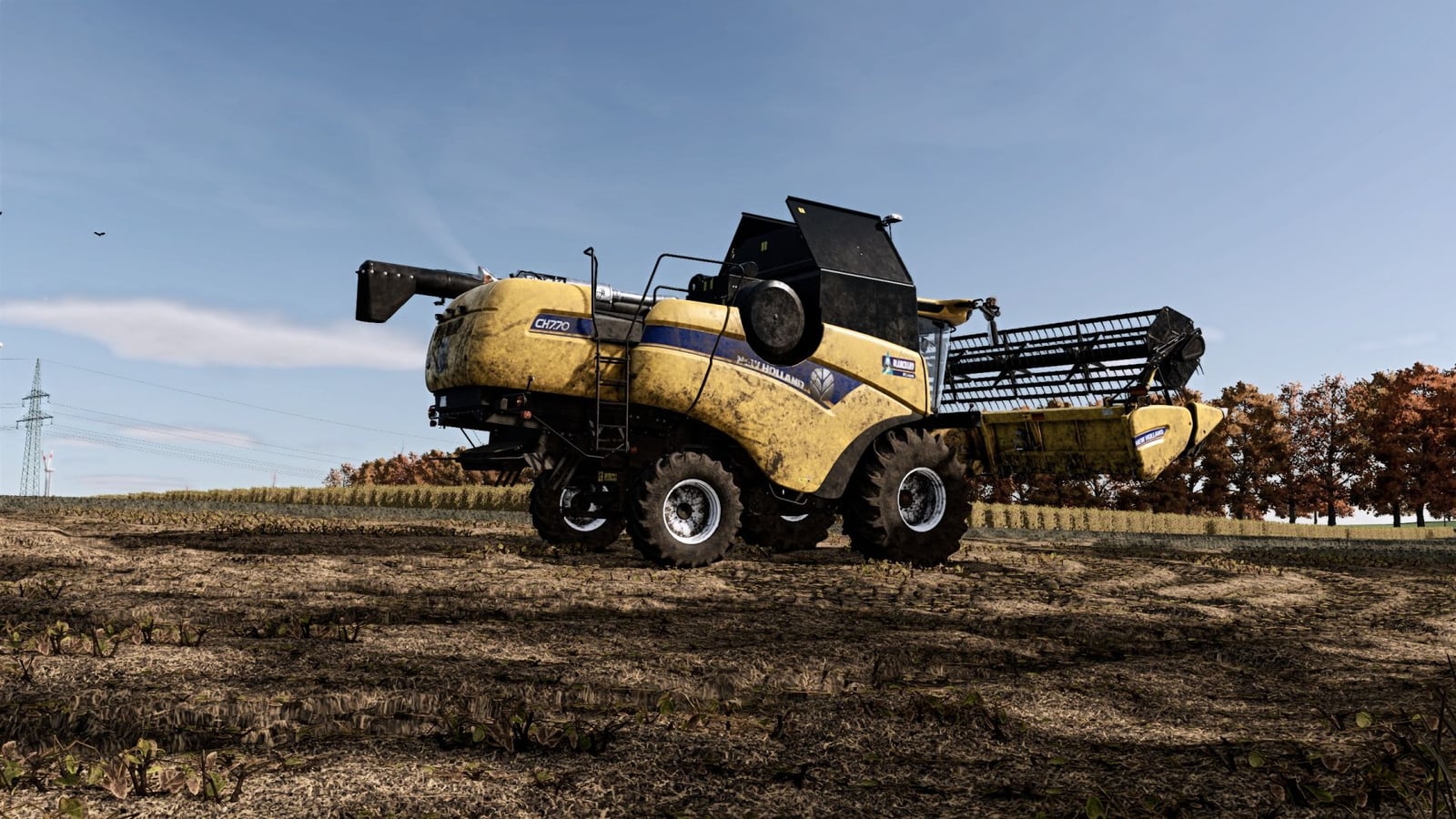
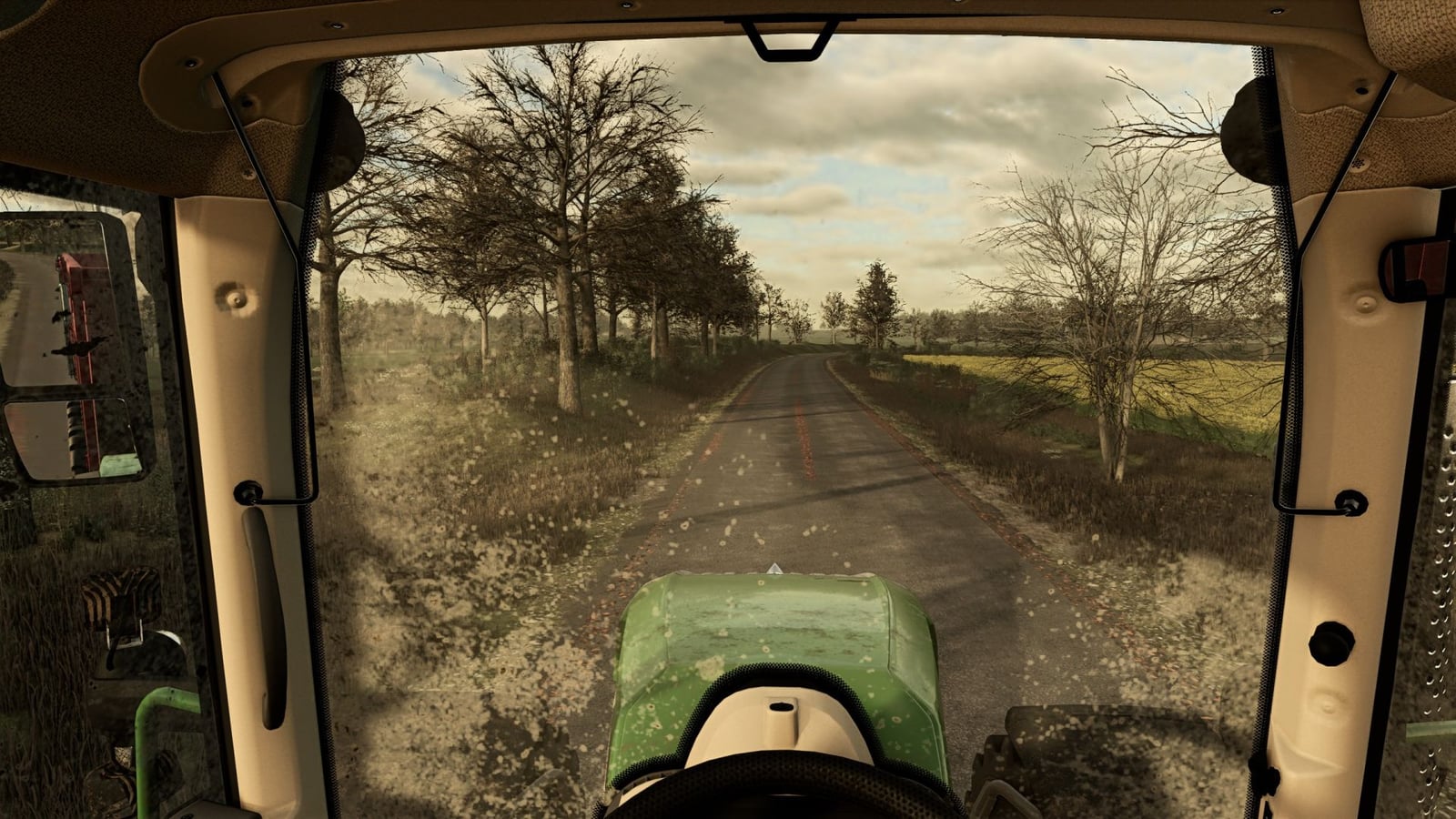
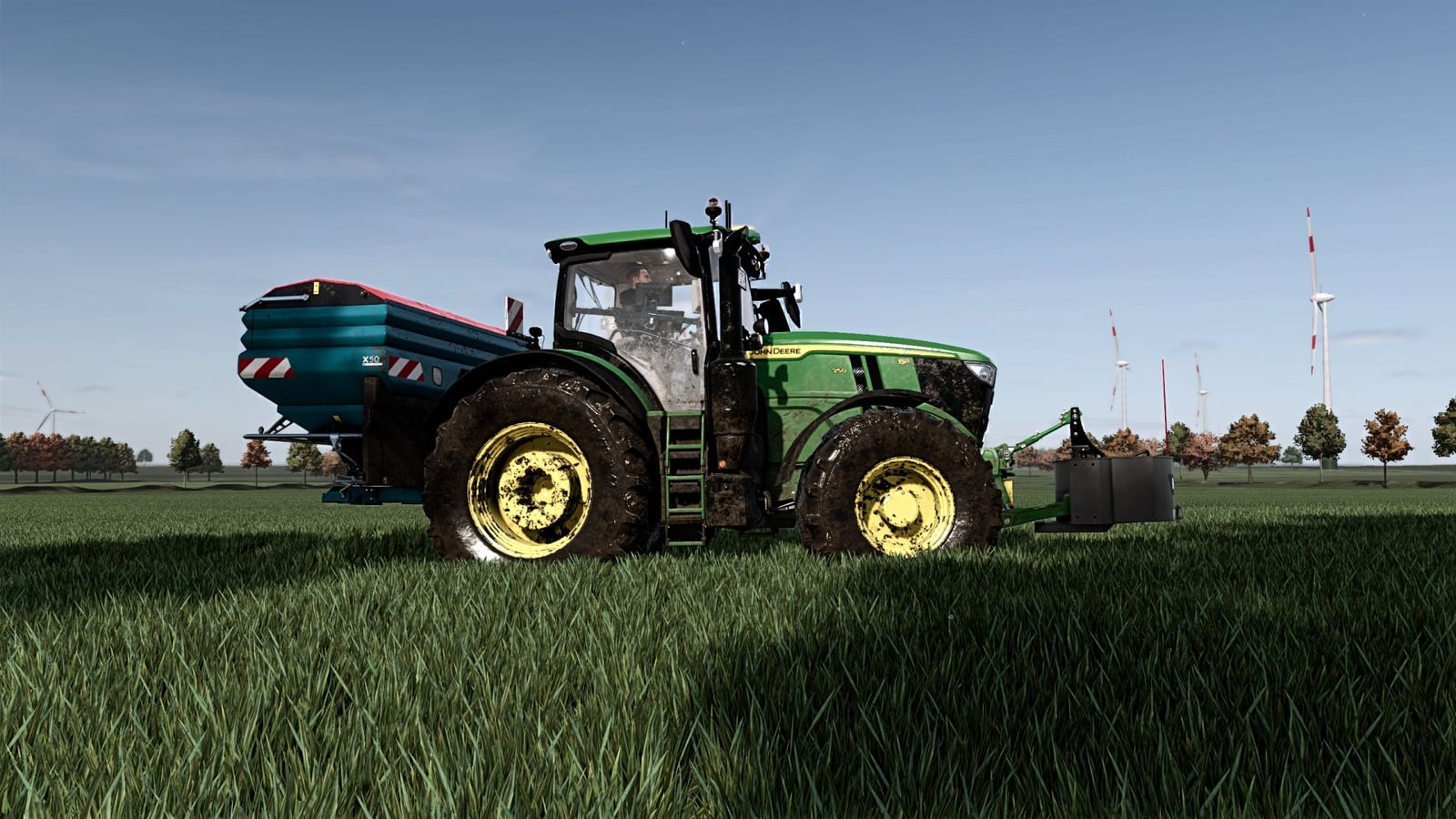
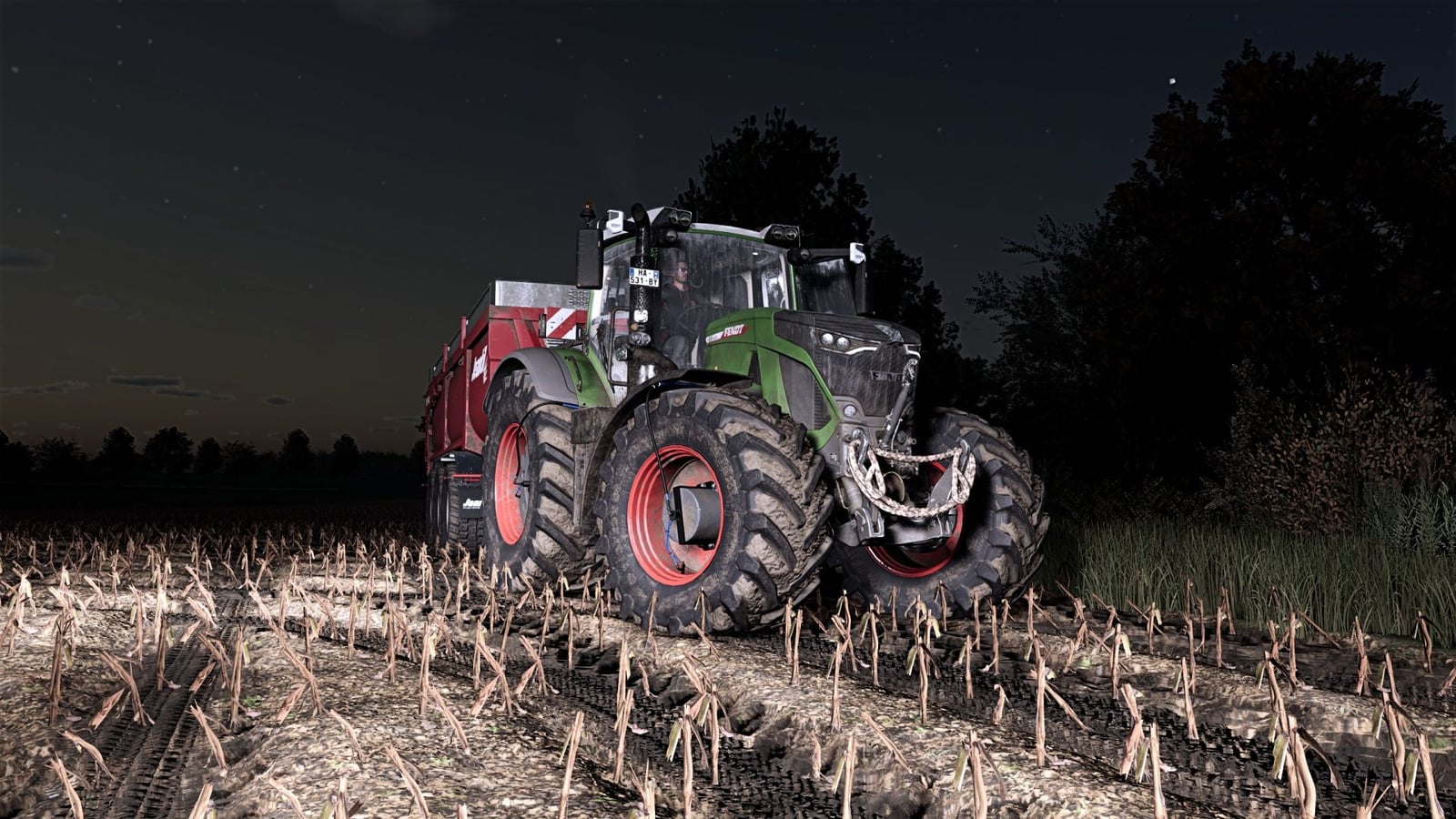
Want to change how your farm looks through the whole day? This shader adjustment is for Reshadme 6.5.1 compatible HDR screen.
Installation: First copy the franckylem35 folder to DocumentsMy GamesFarmingSimulator2025modSettingsFS25_additionalGameSettingslighting.
After that, put Franckylem35.ini in Farming simulator 25x64.
Changelog
V2.4.0.0
- Lighting settings designed for DLSS 5 give a more realistic effect.
V2.2.0.0
- Daylight lighting is improved, and the lighting at night is more realistic.
V2.1.0.0
- Shadow and lighting settings adjusted.
V2.0.0.0
- The sun no longer becomes dark before leaving the horizon.
- A new environment increases both lighting and shadows.
V1.7.0.0
- Environment setting.
V1.6.0.0
- Coloring and contrast were adjusted.
V1.5.0.0
- The day/night cycle was adjusted so switching between the two has less interruption.
- Several adjustments create a more realistic and natural effect.
V1.4.0.0
- A filter makes the image less like a video game.
V1.3.0.0
- Contrast was increased and night colors decreased for a more realistic effect.
- Game brightness was set to 0.7.
V1.2.0.0
- Contrasts were increased and lighting adjusted to make it more realistic.
V1.1.0.0
- Contrast was increased and lighting adjusted.
- Game brightness was set to 0.5.