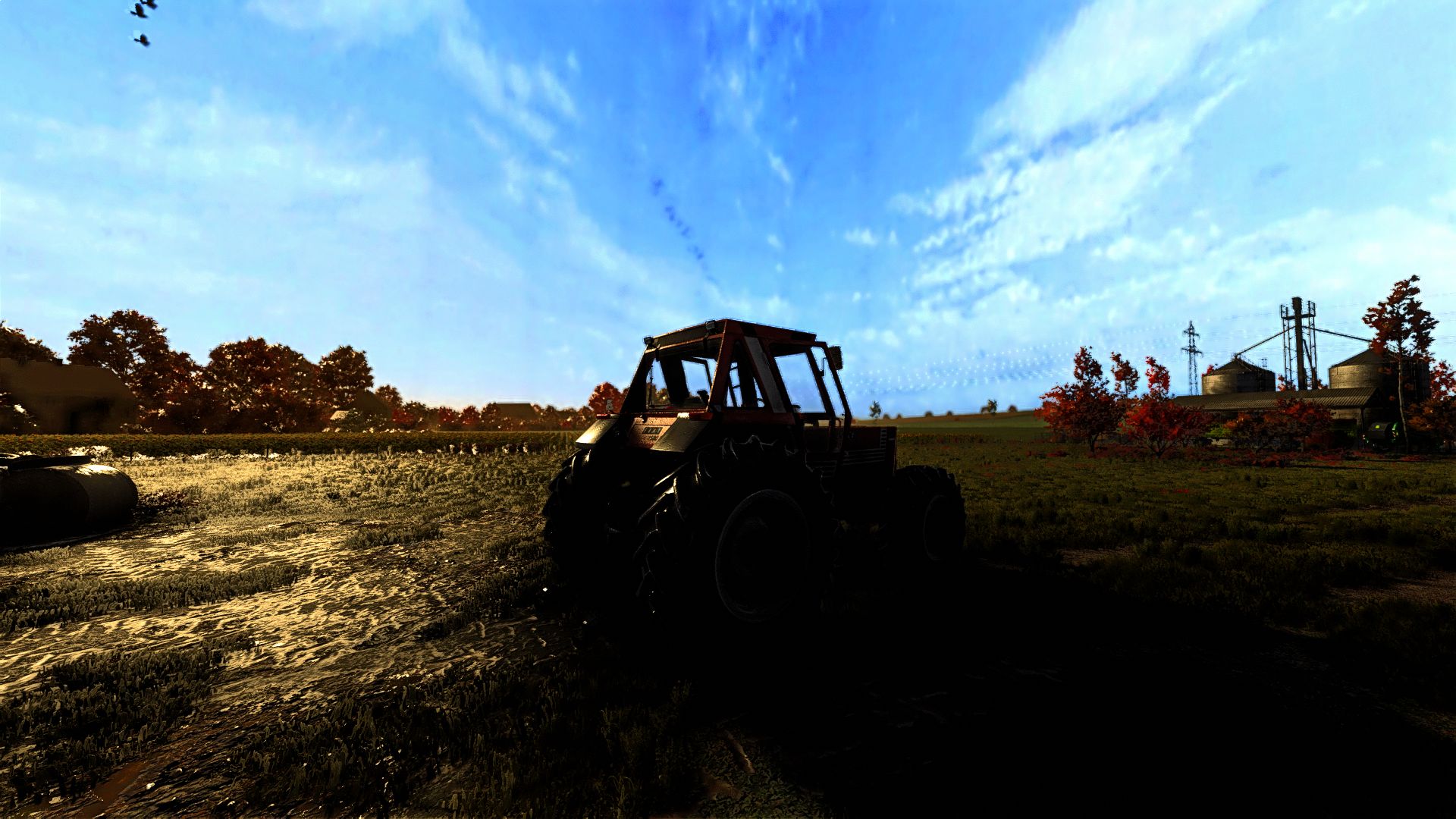
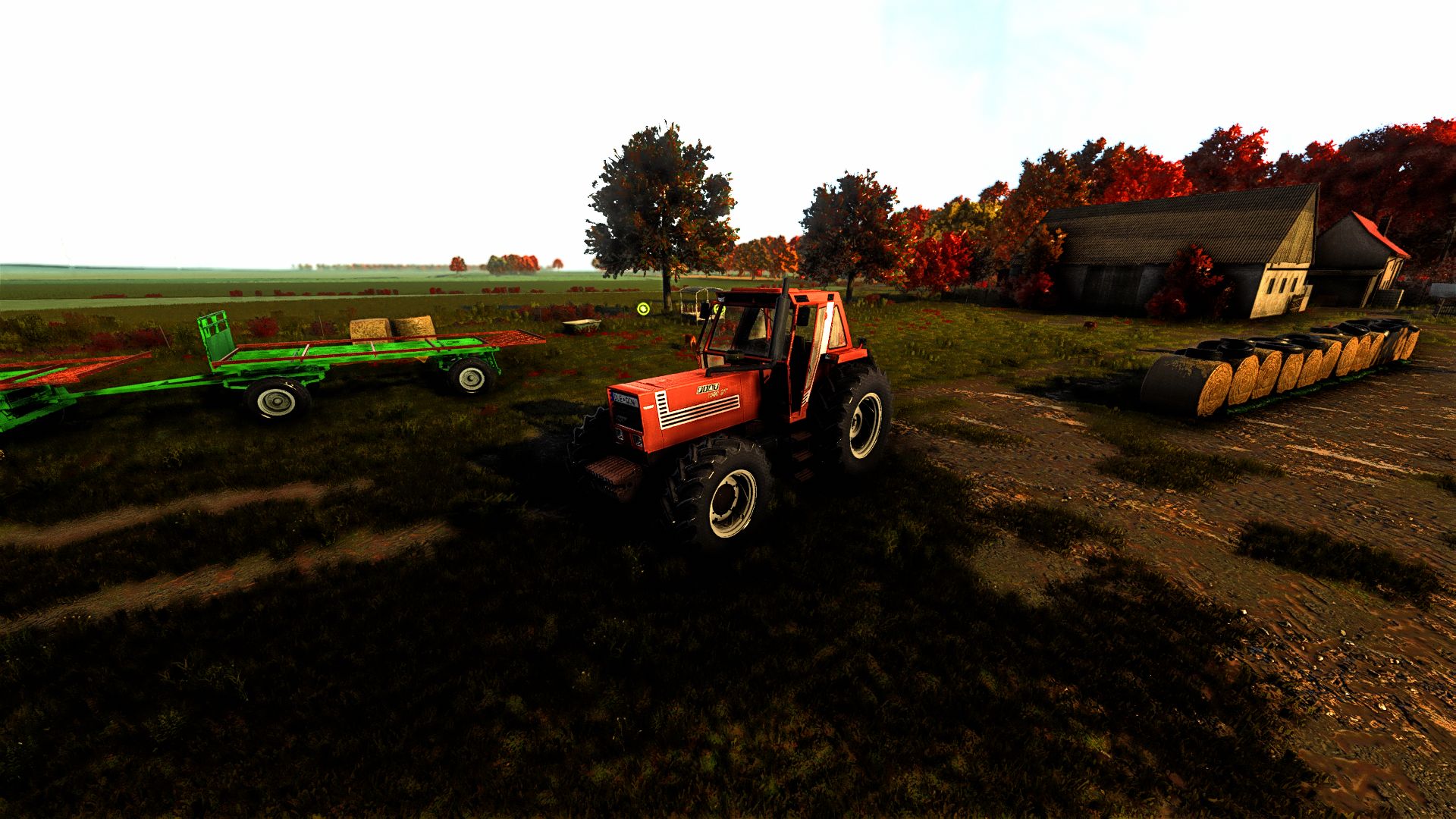
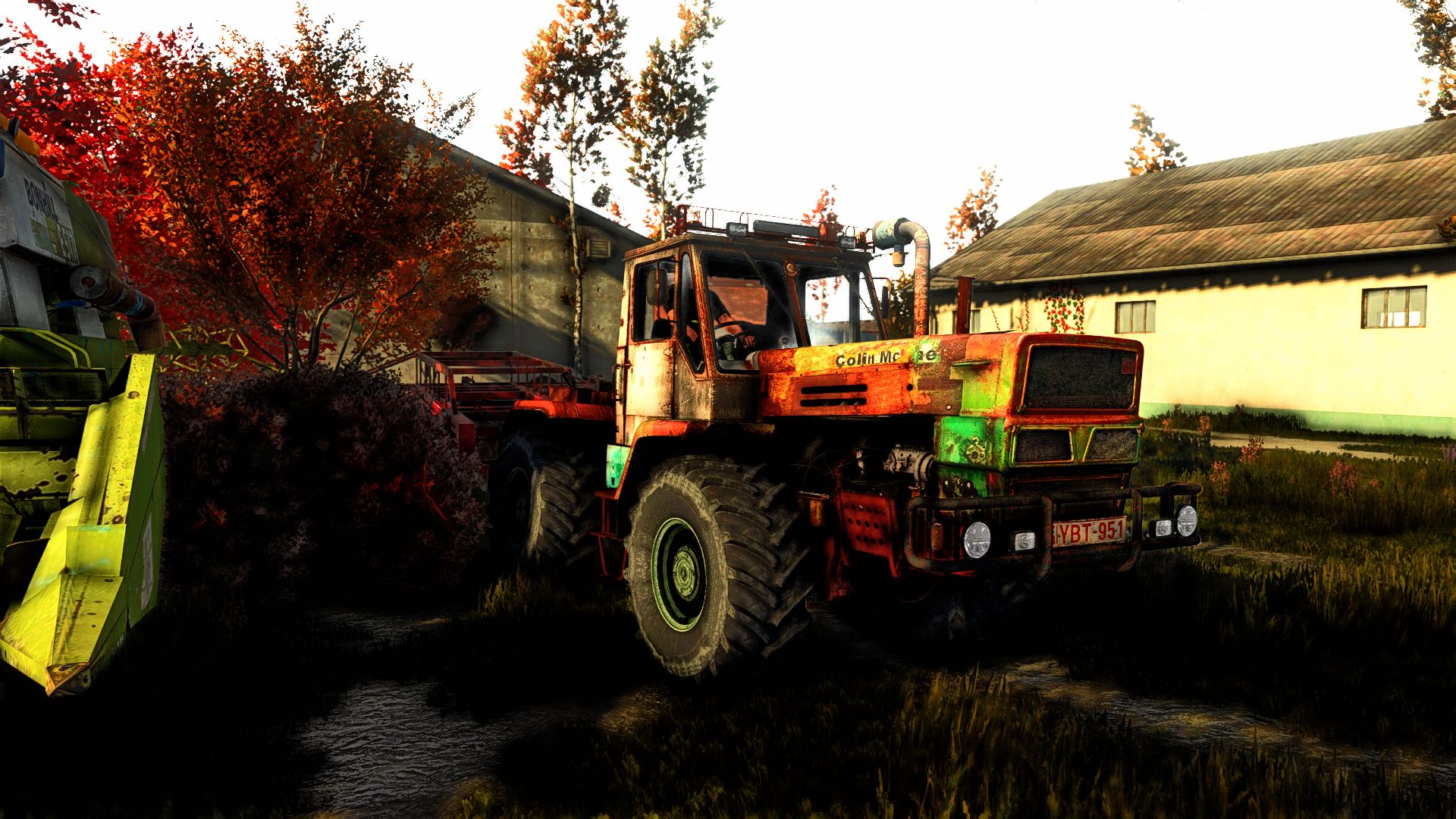
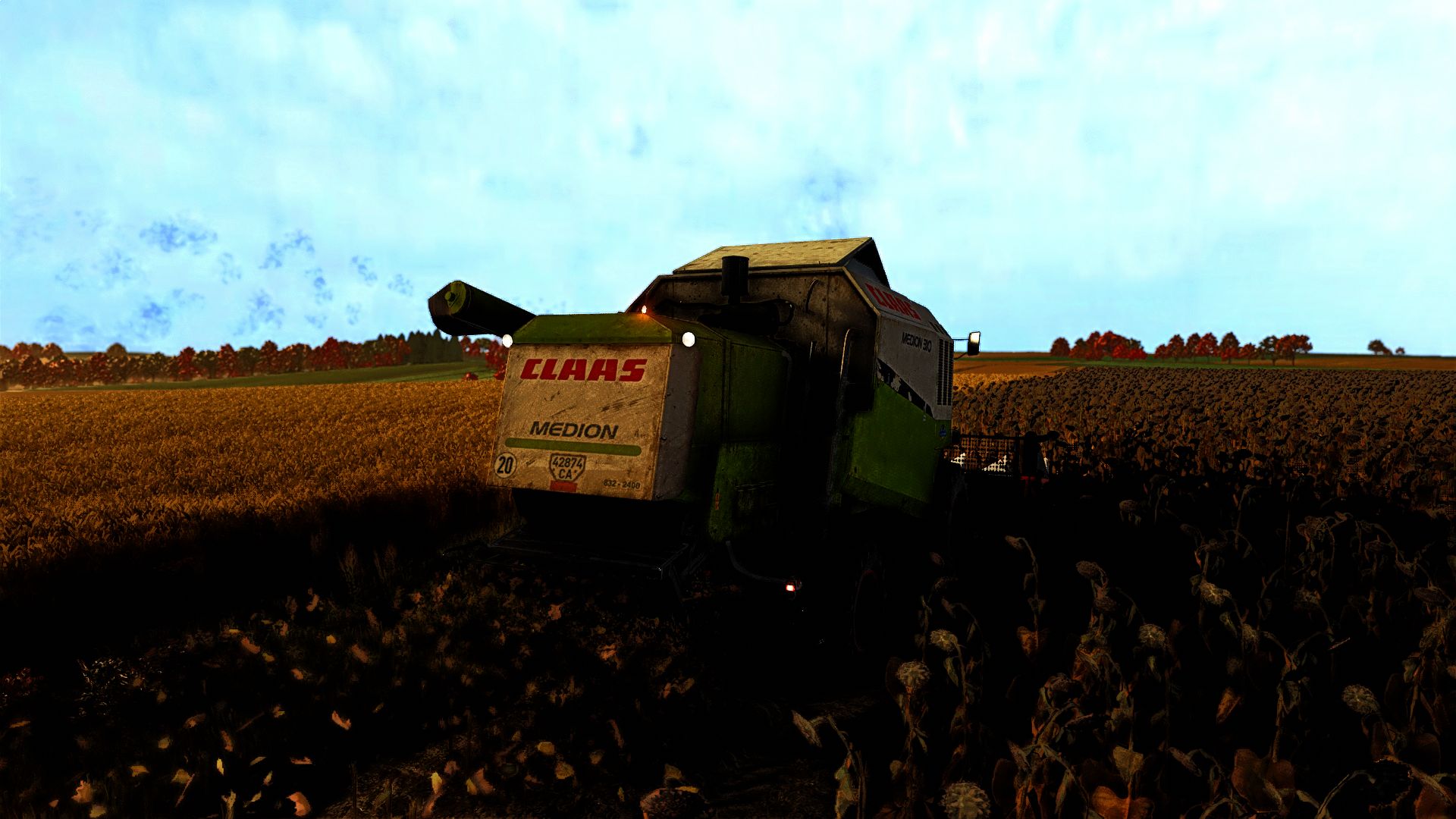
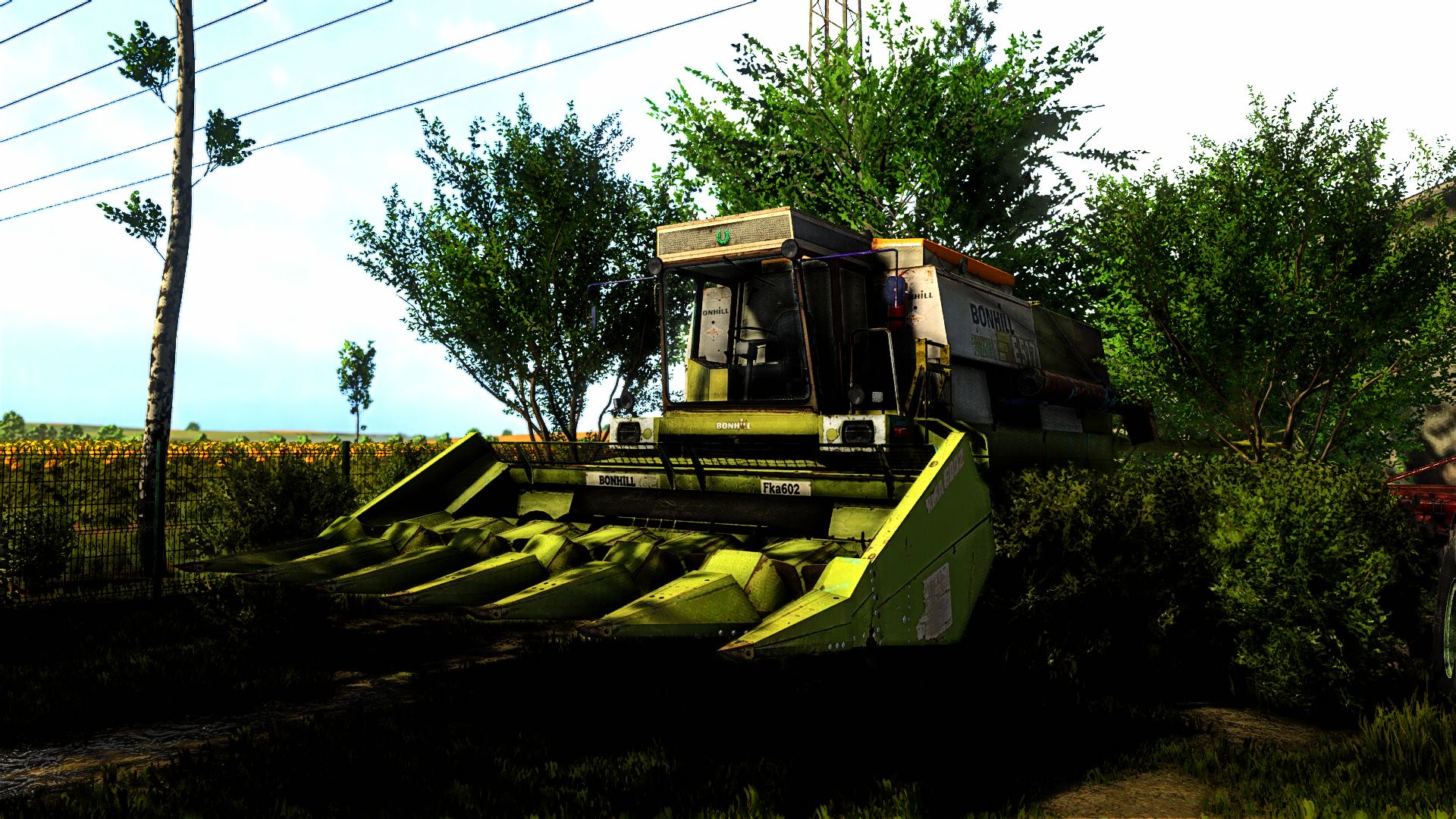
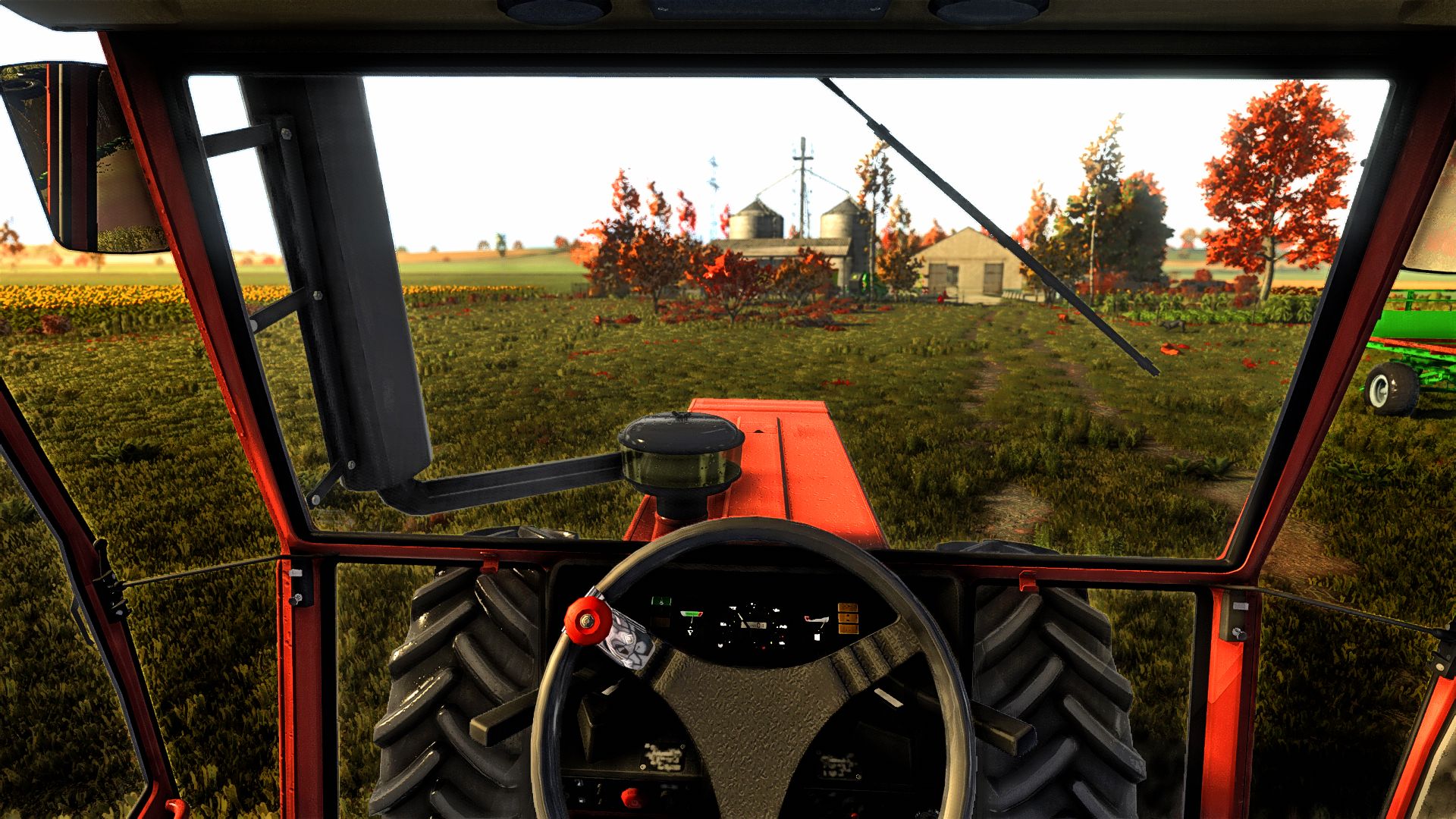
Hello everyone! This is the second ReShade version, which allows you to enhance the game’s graphics. Enjoy using it and happy farming thanks for using my shader.
1. Install ReShade (reshade.me) for FarmingSimulator2025.exe (select DirectX 10/11/12).
2. Extract the ZIP file:
– Copy the .ini file into the ‘x64’ folder next to FarmingSimulator2025.exe.
– Copy the ‘nextrealsim’ folder into modsettings -> additionalsetting -> lighting.
3. Launch the game and press HOME (or POS1) to open the ReShade menu.
4. Select the .ini file from the top drop-down menu and click ‘Select’.
More versions coming soon! Enjoy the preset and happy farming!