
Running a multiplayer farm with friends is great – until time keeps ticking while you’re offline and your bank account takes the hit.
If you’ve ever logged back in to find your balance drained because others kept playing or fast-forwarded time, this mod solves that problem while keeping things fair and consistent.
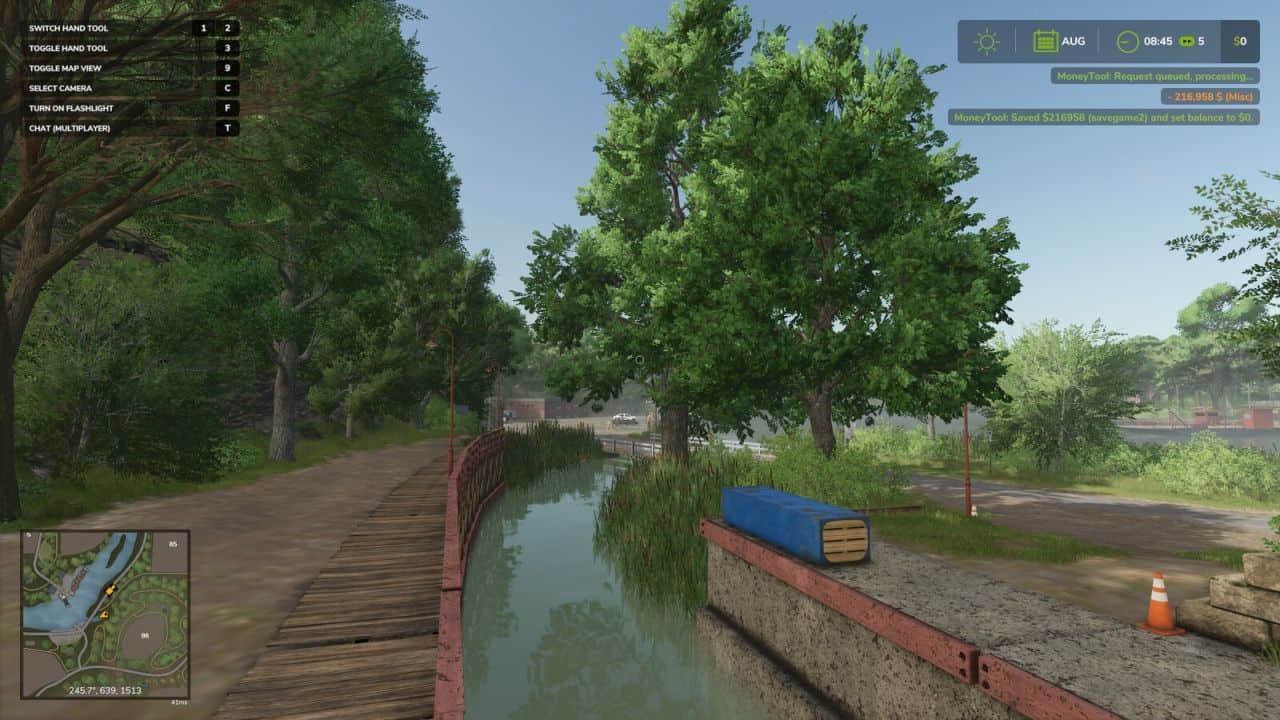
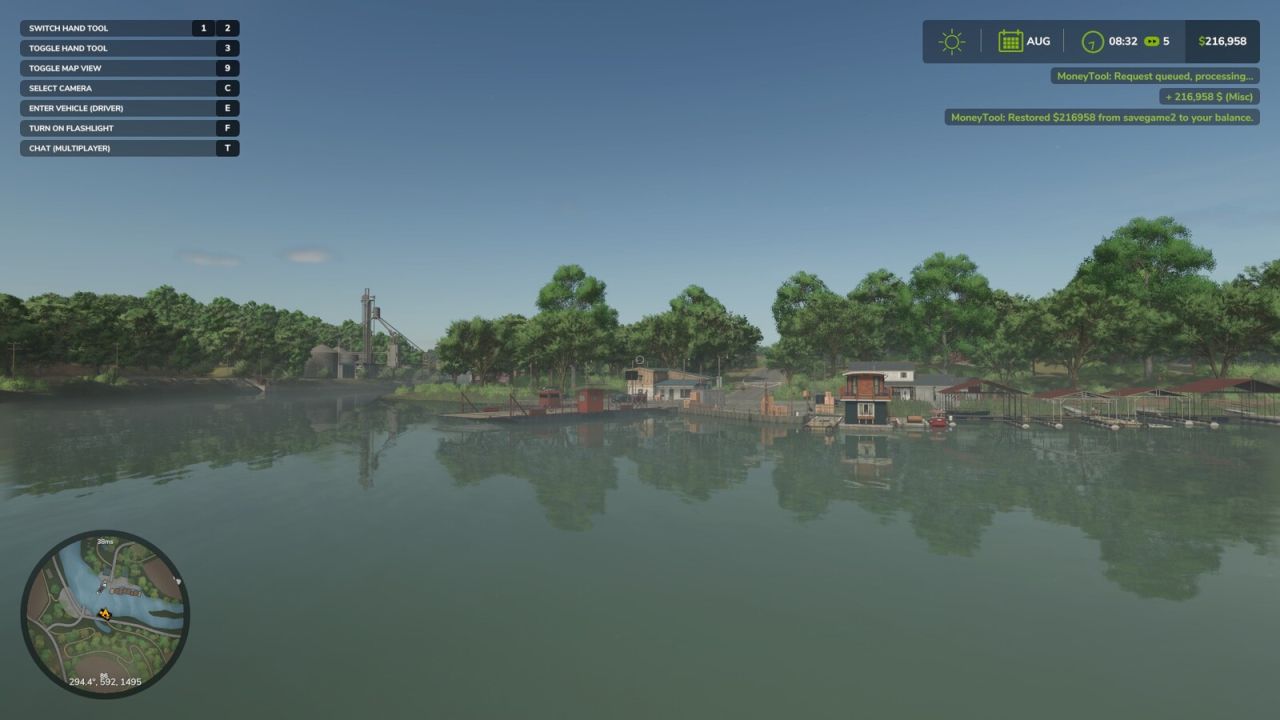
The Multiplayer Money Pause Mod allows all players on the server to save their farm balance before leaving and restore it when they return – all handled server-side for proper multiplayer support. It helps maintain realism by effectively pausing your farm’s money while you’re away.
Player Controls:
– CTRL + ALT + 9 → Save your current balance and set it to $0
– CTRL + ALT + 0 → Restore your saved balance
How it works:
– Supports saving and restoring both positive and negative balances
– Balances are stored per savegame slot (savegame1 through savegame20)
– Once saved, the server keeps your balance locked at $0 to prevent changes while you’re offline
Server Admin Console Commands:
moneyToolWipeSave savegame0 → Clears saved balances for a specific save slot
Example: moneyToolWipeSave savegame10 will only clear saved money for that save. You can specify any savegame from 1–20.
moneyToolWipeSave all → Clears all saved balances across every savegame slot on your server
Important:
– This is a multiplayer-only mod; singleplayer does not require these features
– All data is stored server-side, not on individual player machines
– Each savegame slot maintains its own independent saved balances for each farm
Ideal for dedicated servers — keeping things fair when the farm never sleeps.