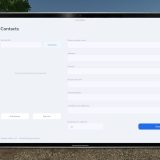
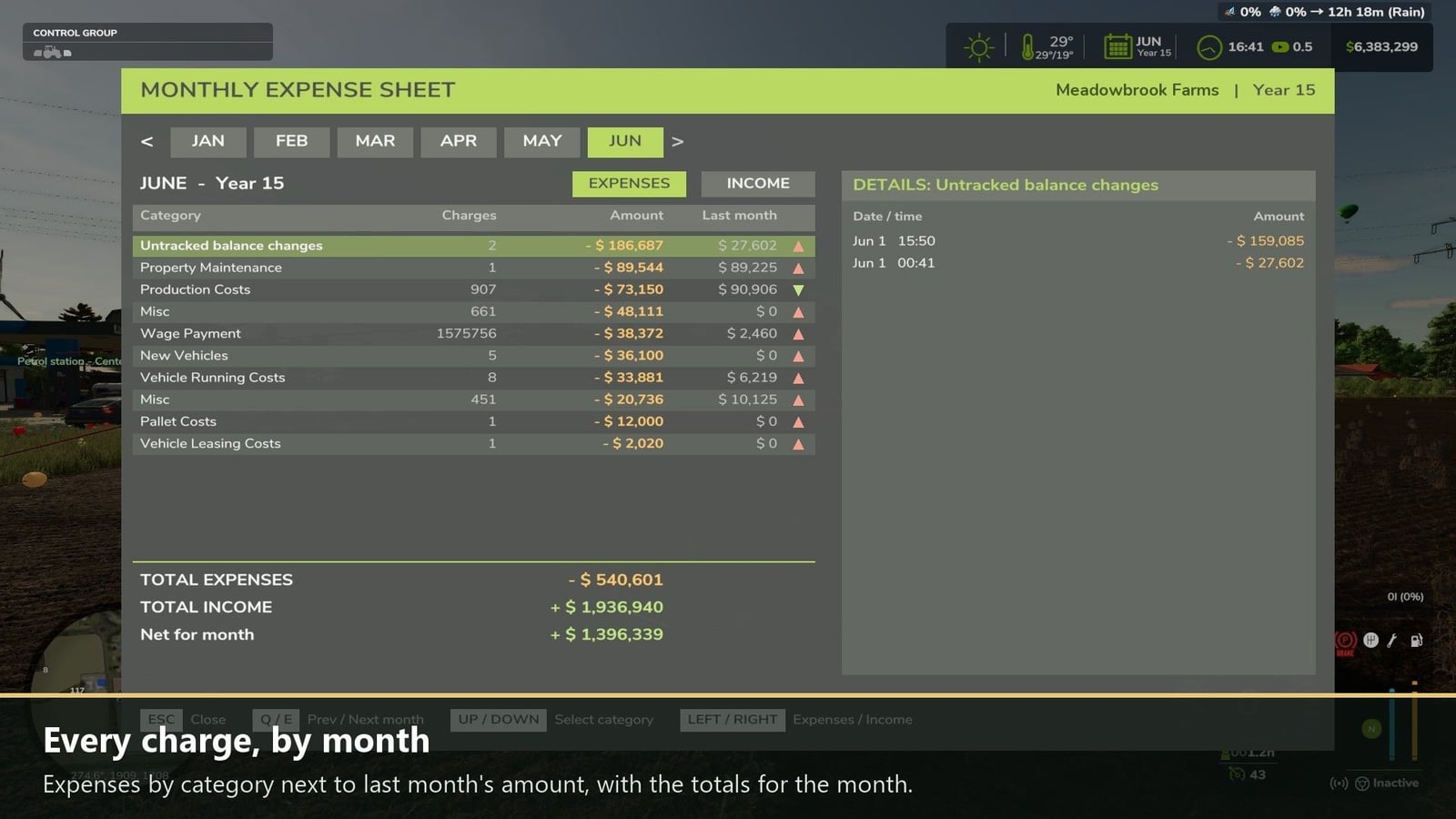
Want a clearer look at where your farm money goes each month? Monthly Expense Sheet grabs every money popup and sorts your income and expenses by in-game month. It also notices money changes that do not create a popup, so the sheet total adds up to your balance.
Features
- Pick a month and see every expense and income category, the number of charges, this month’s total and last month’s total. The red or green arrow shows if it went up or down.
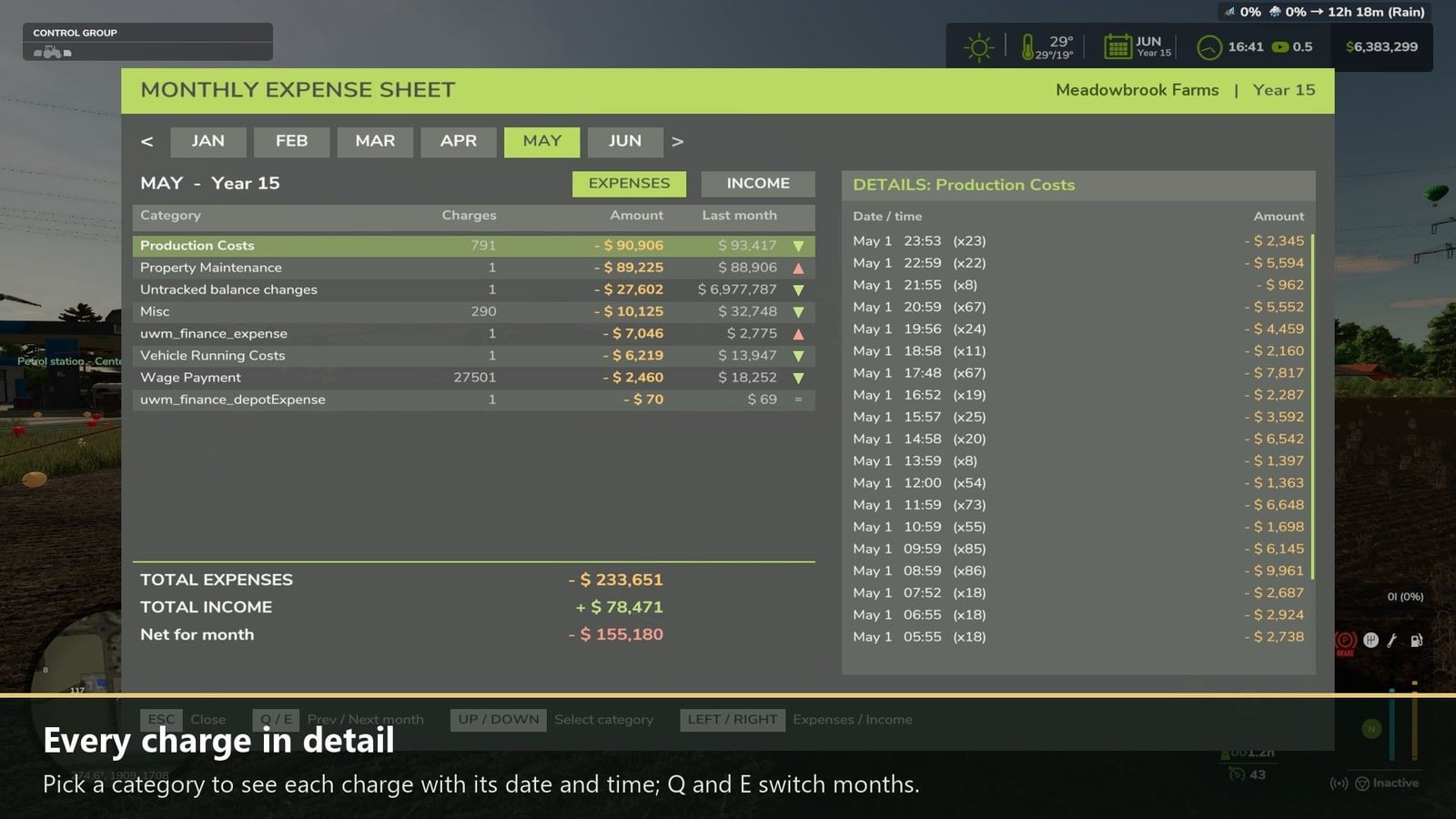
- Open a category to check every single charge inside it, together with the date and time.
- Keep an eye on total expenses, total income and the month’s net.
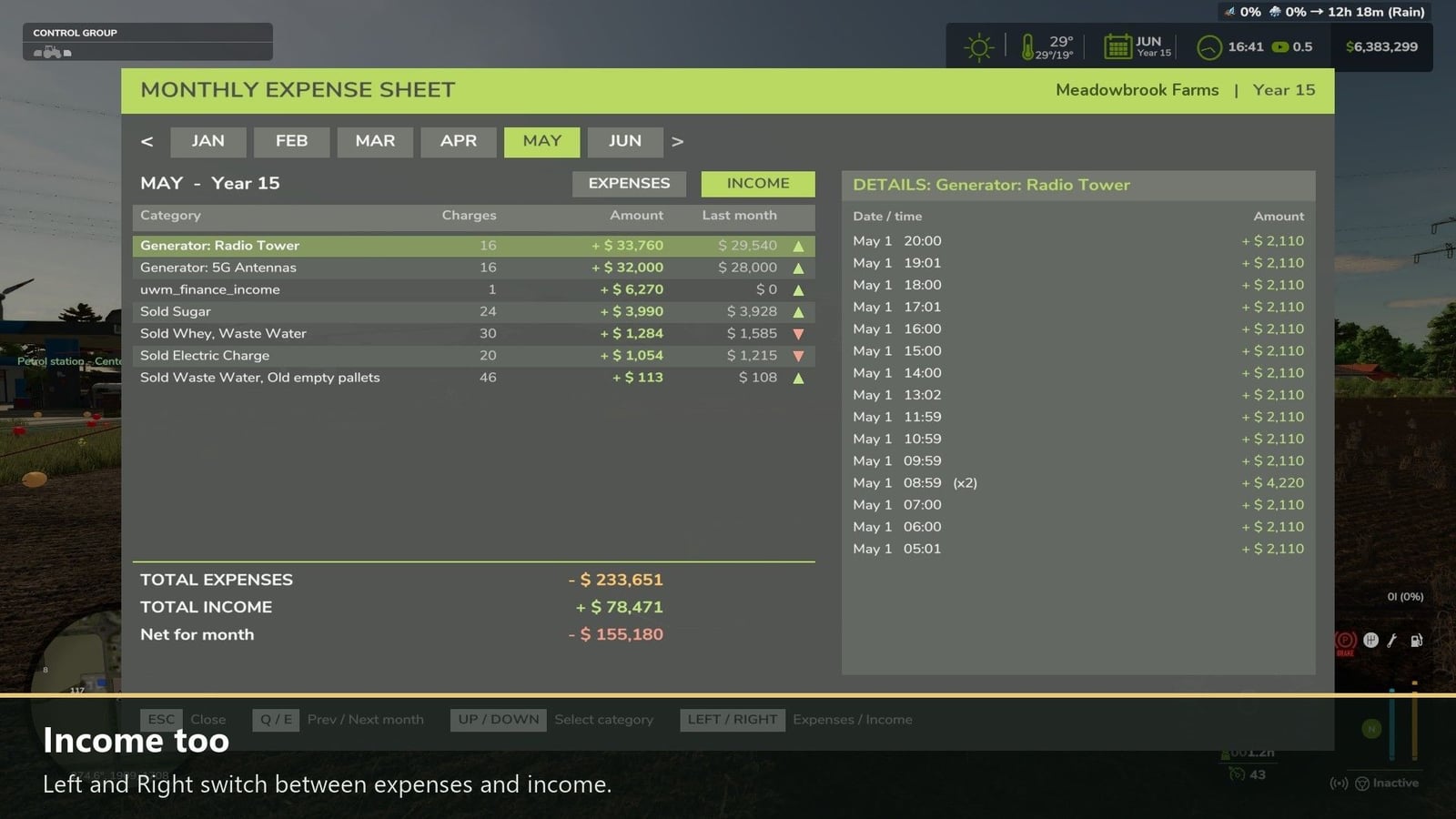
- Sales tell you what was sold, such as “Sold Wheat”. Hourly money from generators, wind turbines and solar appears for each building.
- Money coming from other mods displays the mod name or the popup text that mod uses itself.
- Your savegame keeps the records for the last 24 months. In multiplayer, the server holds the records and each player sees the records for their own farm.
How to use: Left Alt + M opens and closes the sheet. Q / E: previous / next month. Up / Down: select a category. Left / Right: expenses / income. The mouse works too.
Changelog
0.2.2.1
- In the mod list, the author is now shown as DTM Mods, PropaineX.
- Other mods now show their real money name instead of a text key (0.2.2.0).
- If a text key is unknown, it appears as readable words instead of the raw key (0.2.2.0).
V1.0.0.3
- Fix: pressing E (or the right arrow) in the current month before anything was recorded in it jumped back to the oldest month. It now goes to the newest month that has records.
- Fix: a saved entry whose category is missing from the savegame file now shows under Other instead of disappearing.
- Fix: animal names made of several words show with spaces (Water buffalo, not Water_buffalo).
- Offline tests (
tests/test_offline.py, 29 tests), run by every build. - Also: brought up to date for the current game version and GIANTS’ ModHub checks.
V1.0.0.2
- Out of BETA: the first full release (1.0), after its beta builds on KingMods.
- Also: brought up to date for the current game version and GIANTS’ ModHub checks.