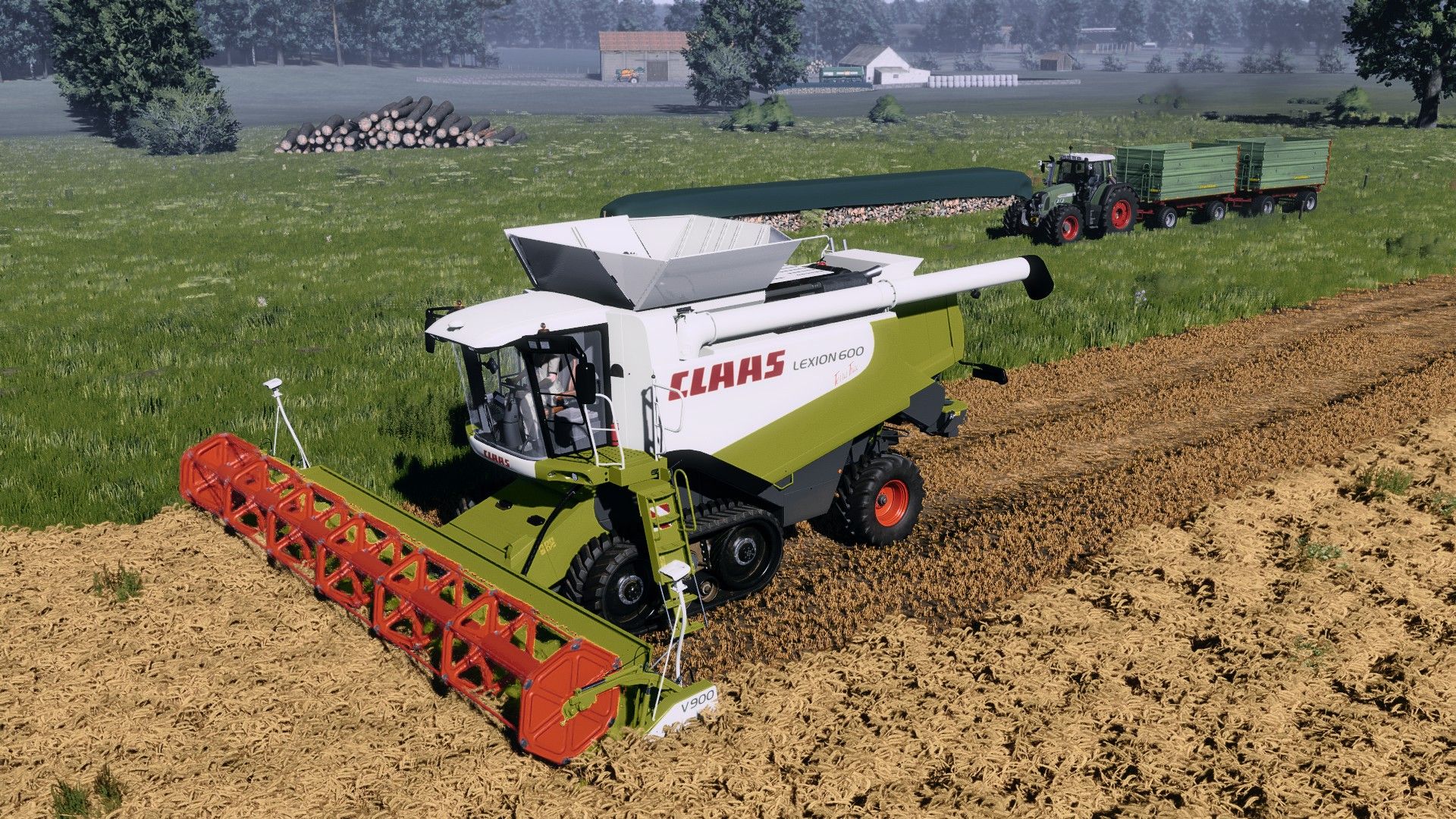
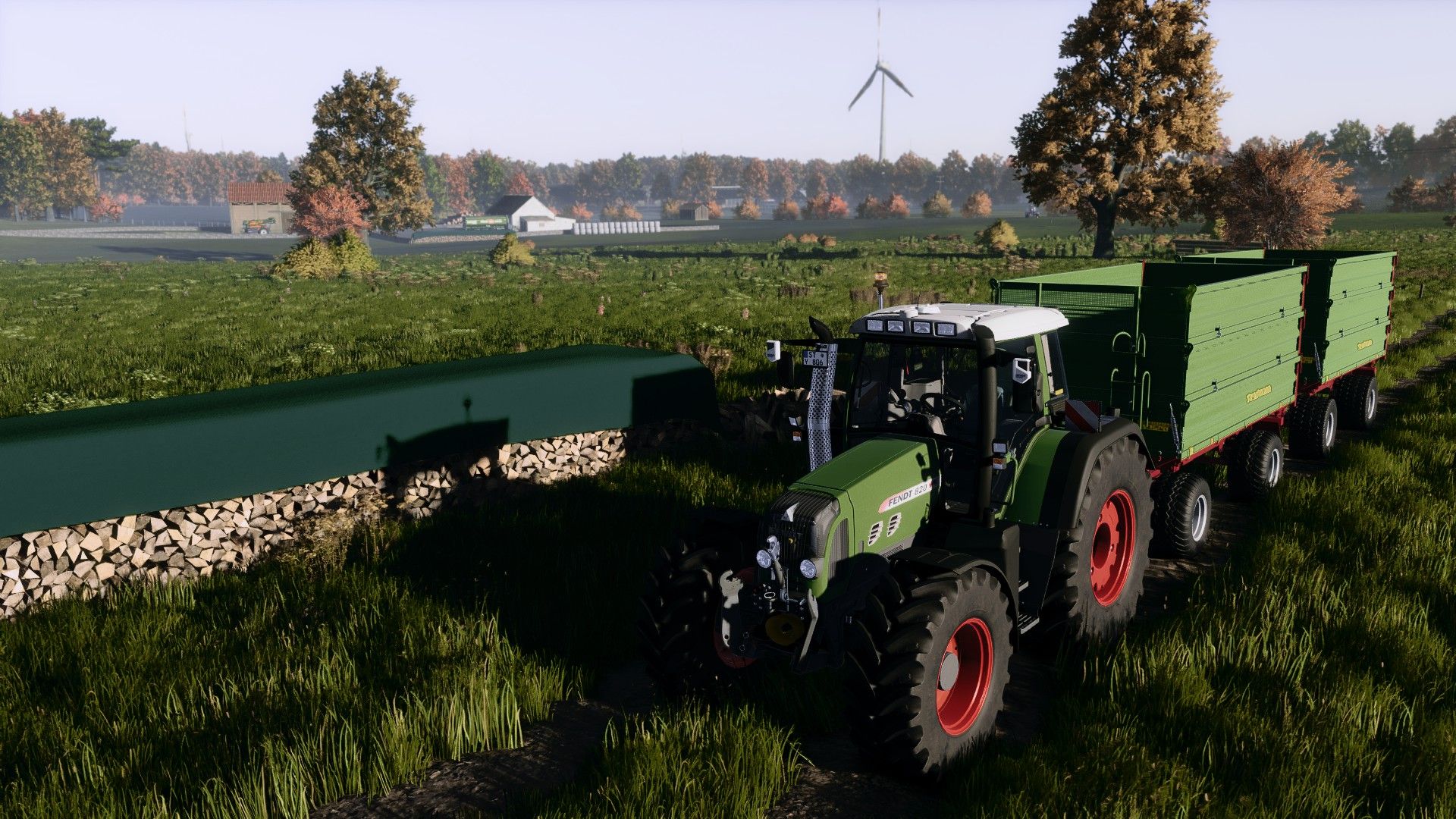
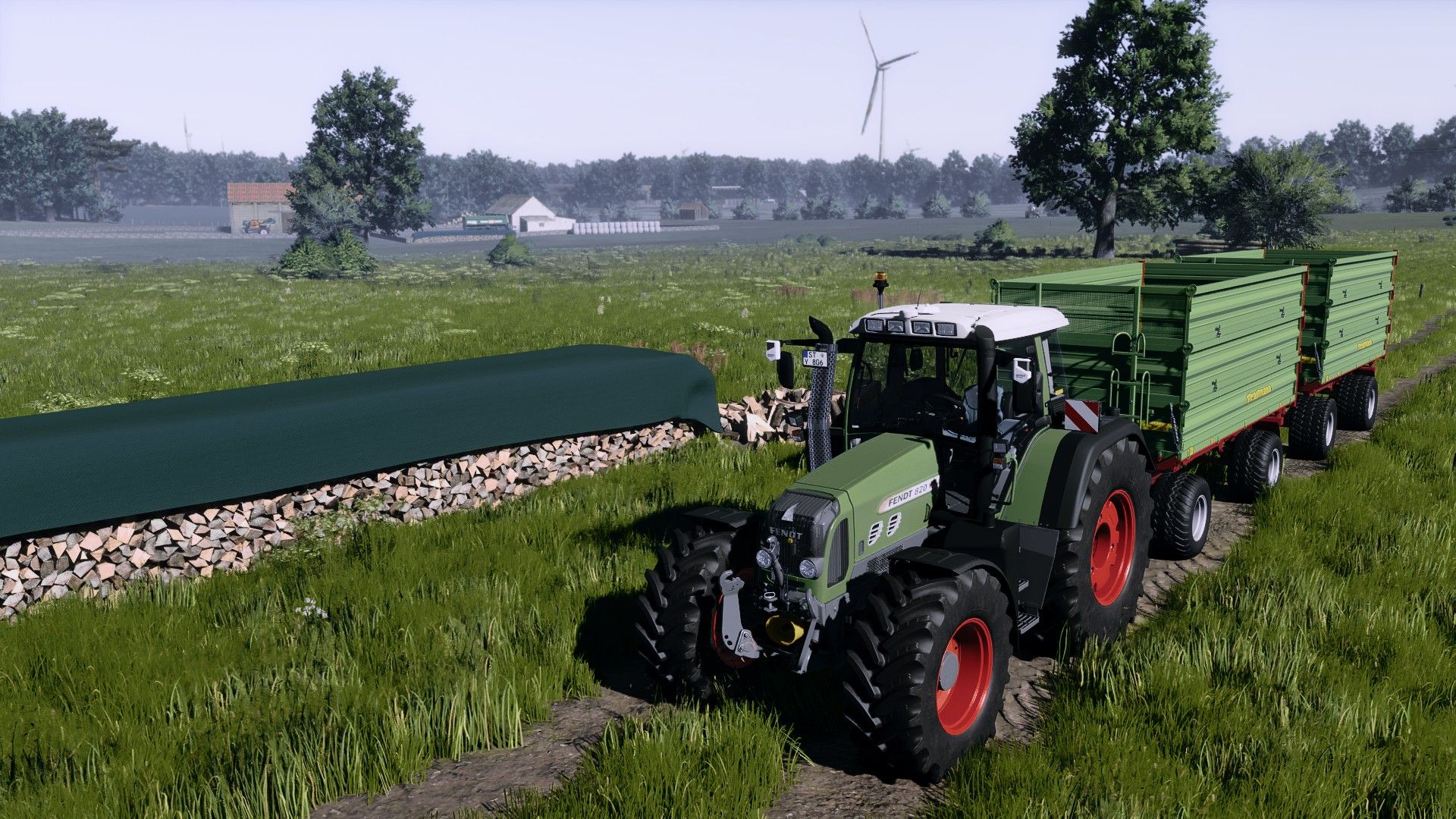
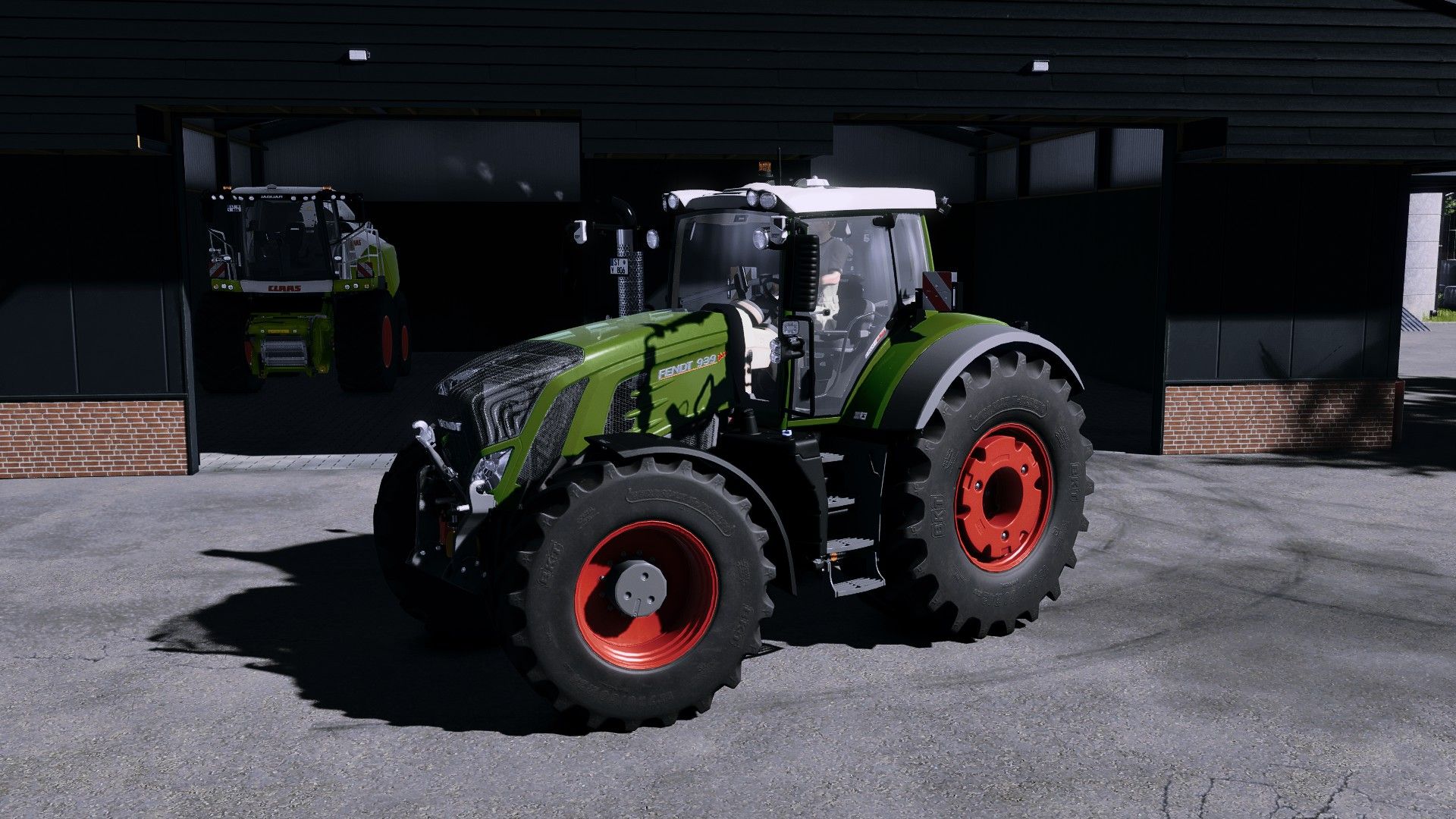
IMPORTANT!! The mod: additional game settings is also required, in which the non-standard exposure: lunow must be indicated (YOU MUST HAVE THE LUNOW INSTALLED FOR THIS!) I also use the environment xml from dnerdy, which you can get here:
– environment xml
Features and Functions
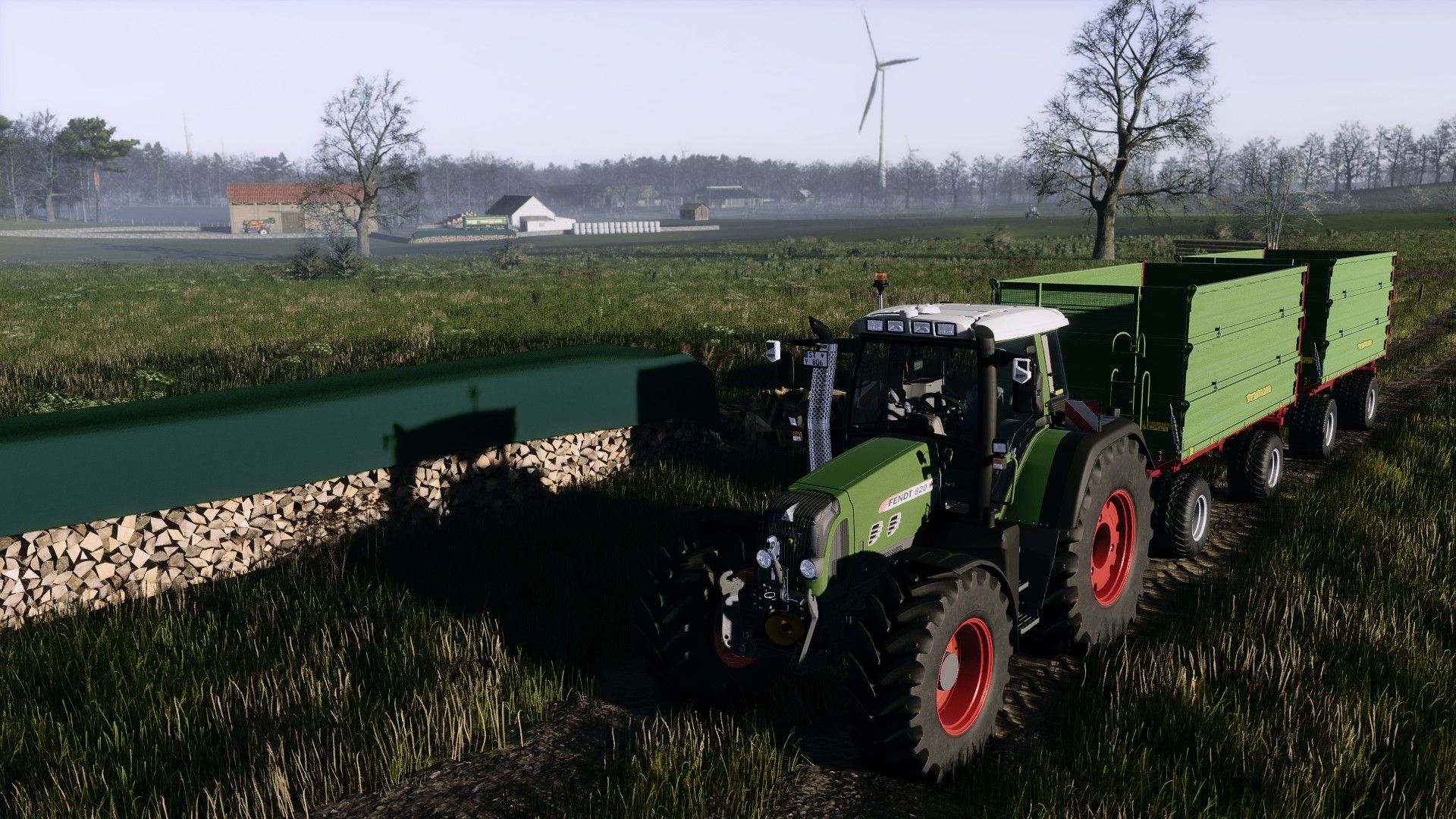
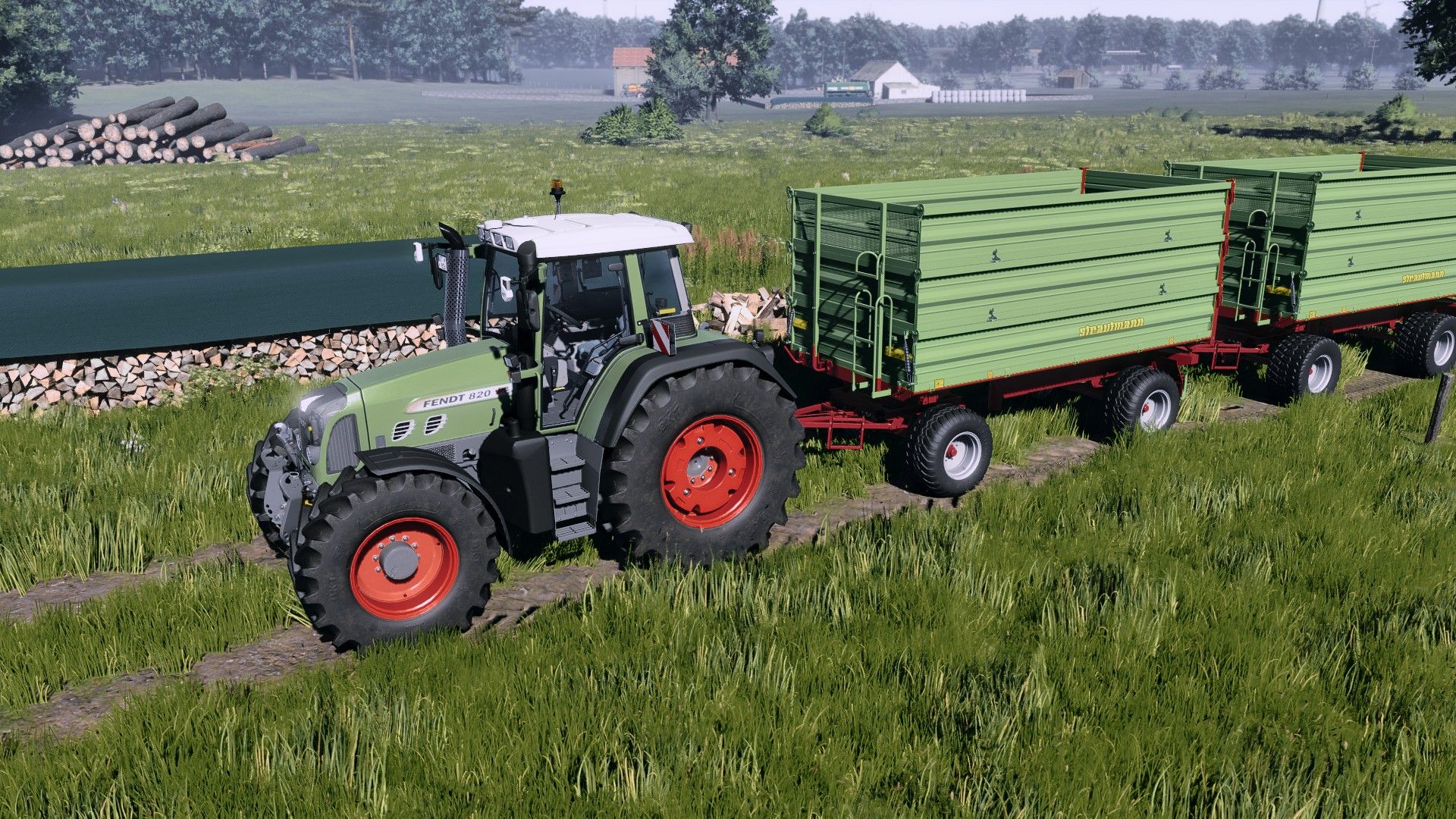
– Natural colors – neither too bright nor too dull
– Harmoniously coordinated overall picture
– Stronger, more colorful display on vehicles and paint
– No need to use additional effects such as PPFX (SSDO).
– Easy compatibility with DLSS and similar technologies
– Supports upscaling without loss of quality
– Smooth performance without stuttering
Note
The preset is optimized so that it is ready to use straight away – without complicated additional settings. Just install and enjoy!
After installing the shader, click “Extensions” in the Reshade menu, uncheck it once (with a mouse click), and then click the second box from the top to render the shader in the respective graphics setting (1080p, 4k, etc.).