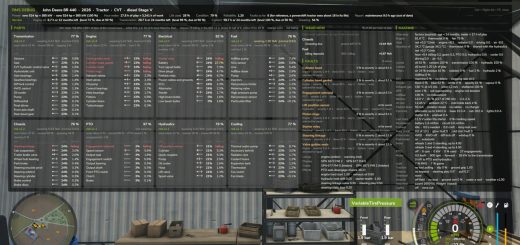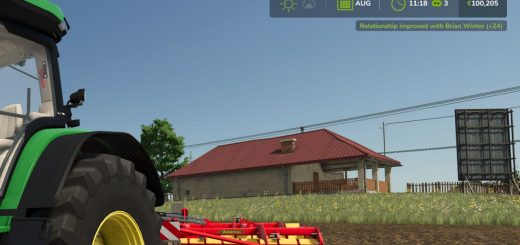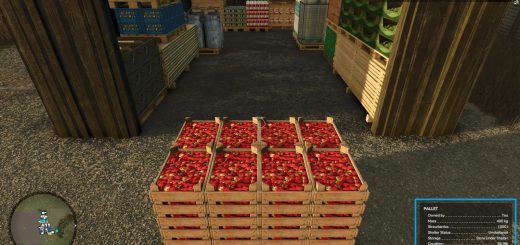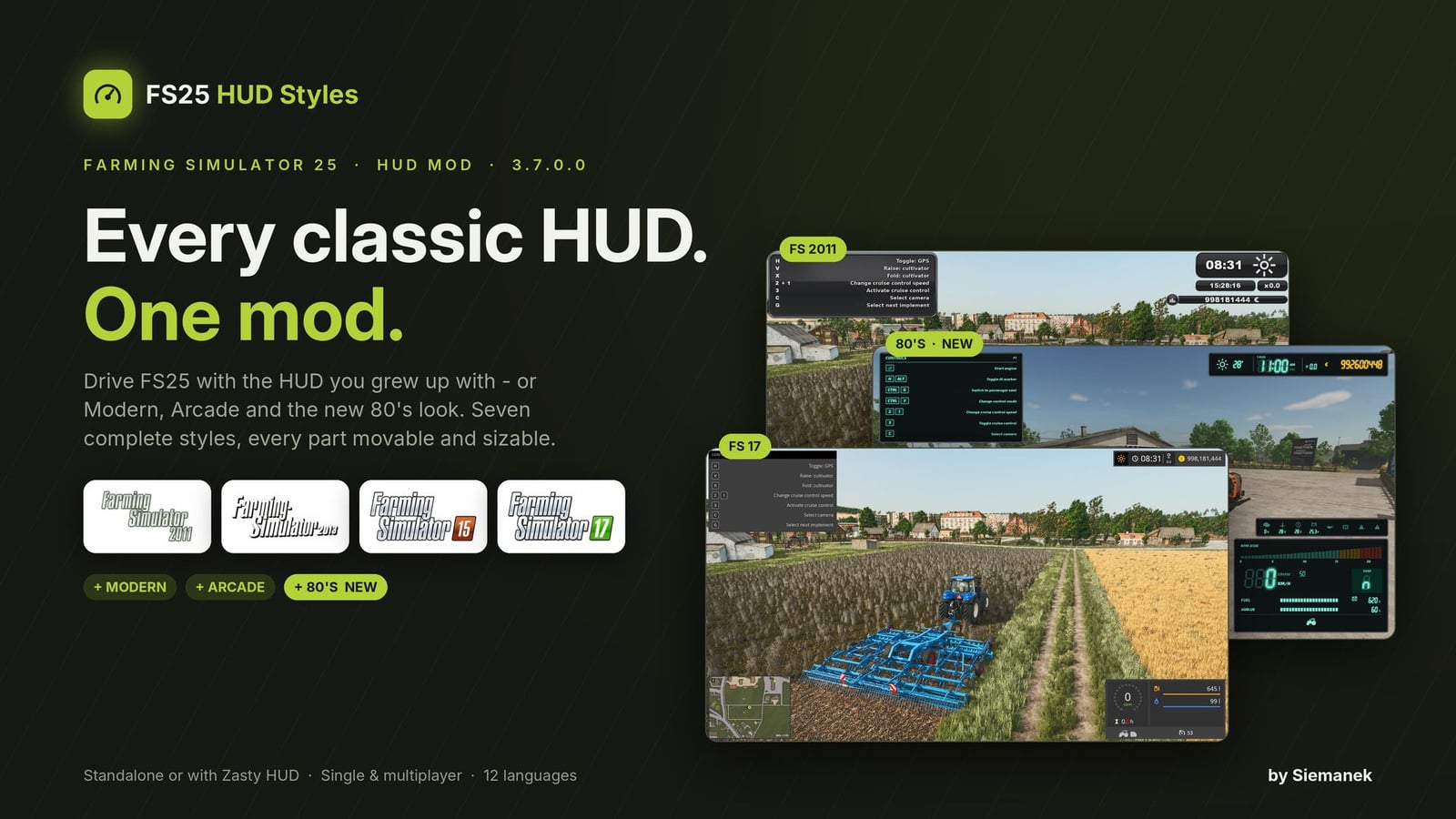
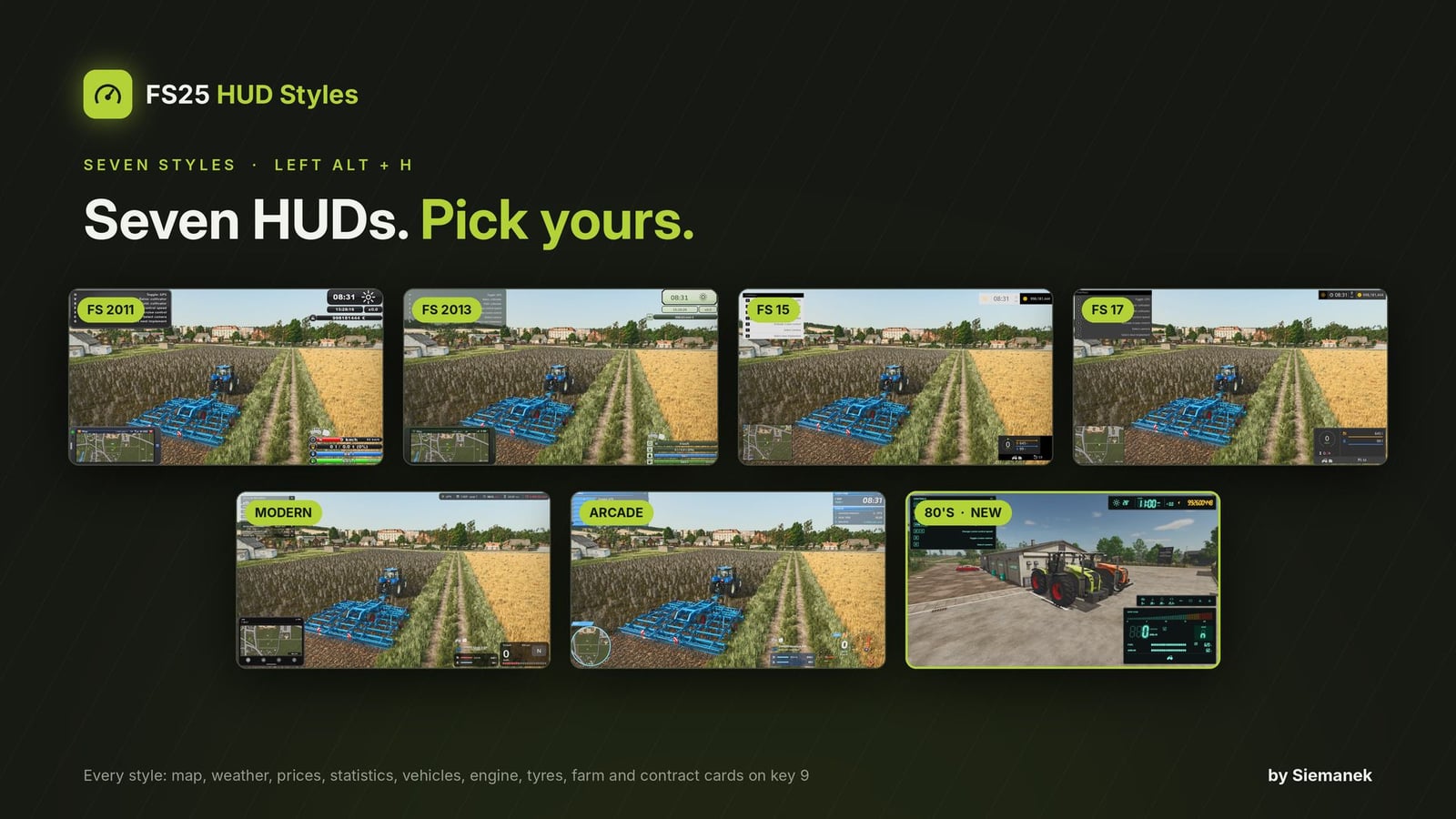
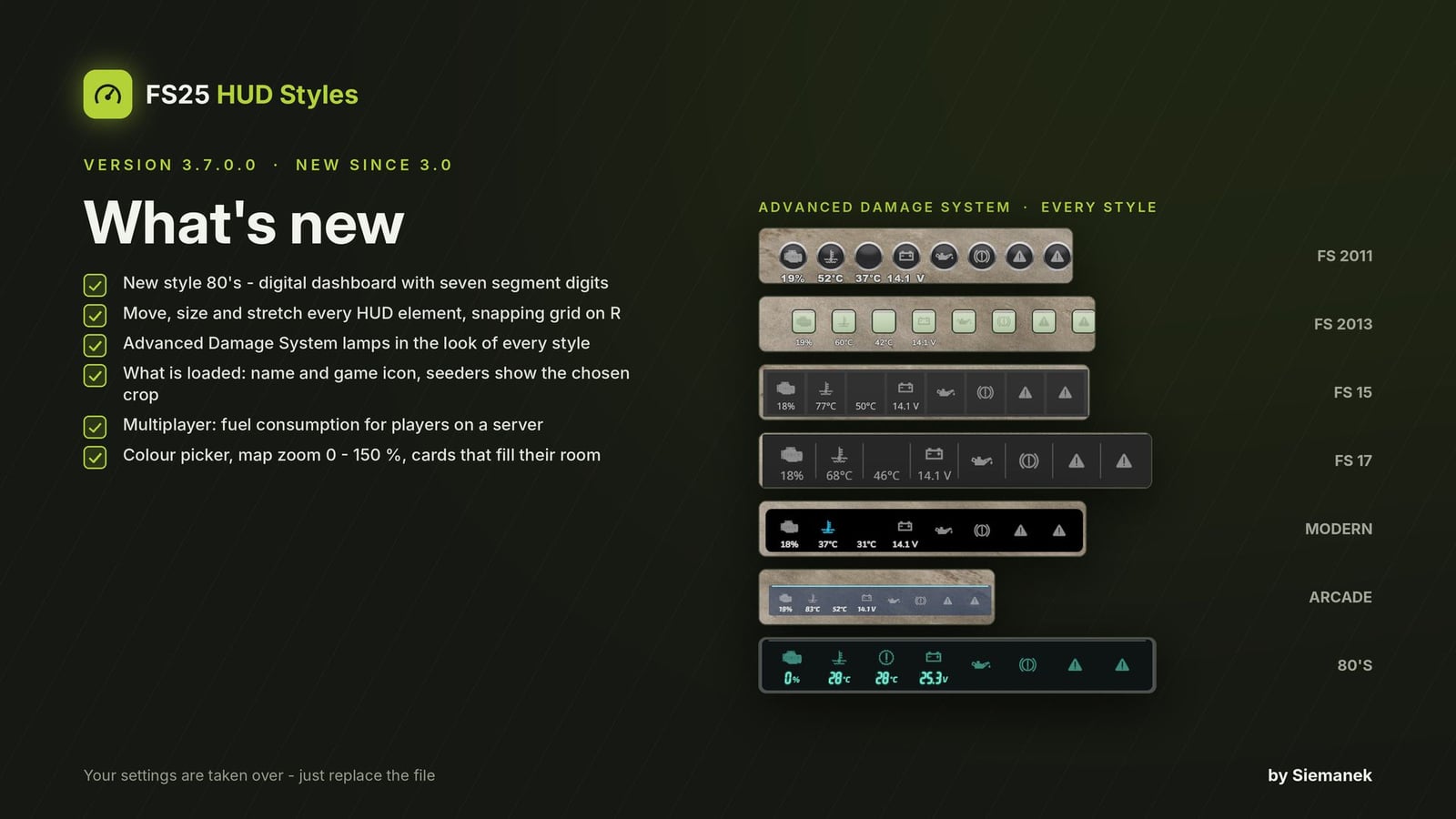
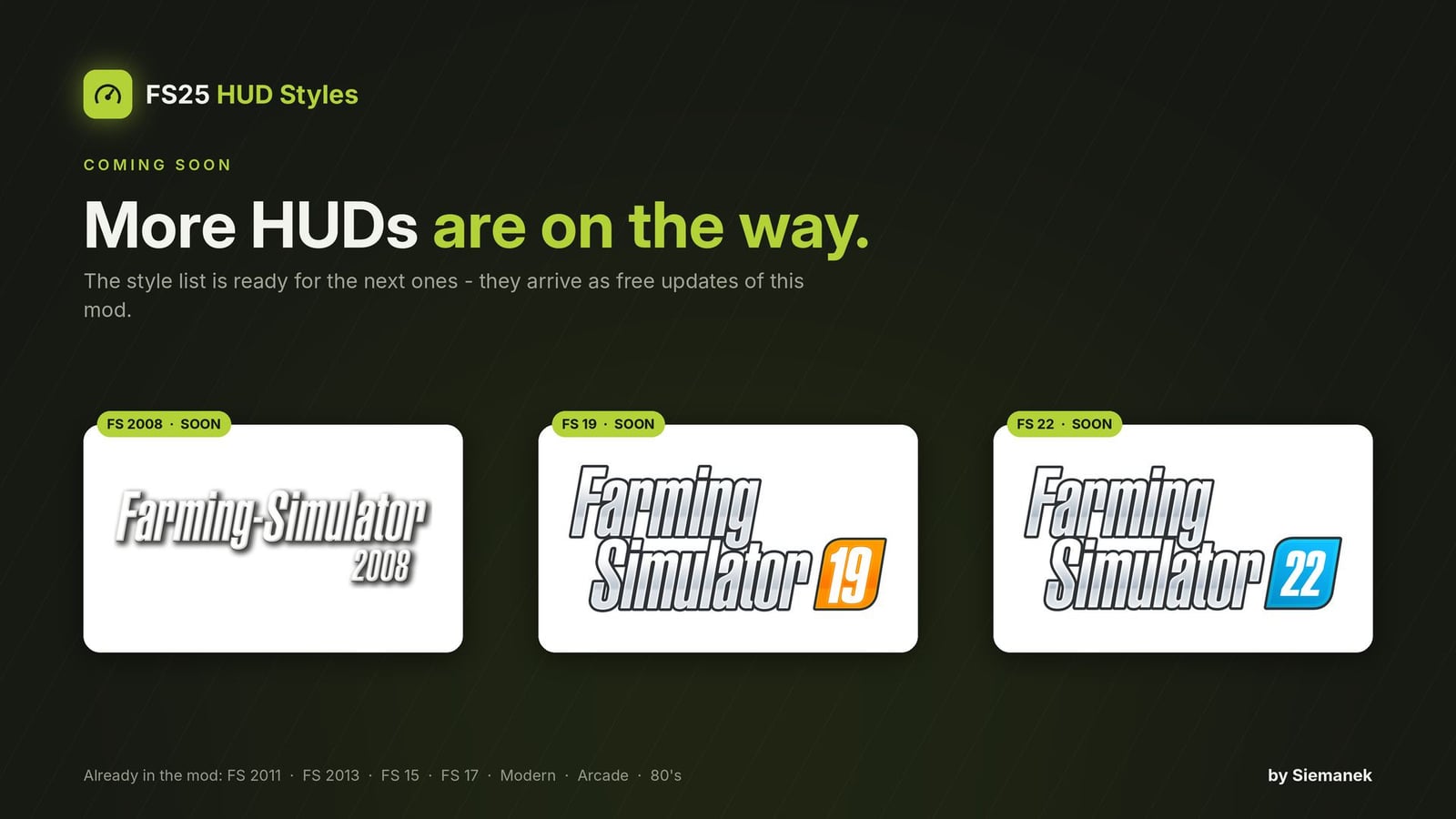
You get seven HUD styles in one FS25 mod: FS 2011, FS 2013, FS 15, FS 17, Modern, Arcade and 80’s. You can run it standalone, or use it together with Zasty HUD.
IMPORTANT – NEW FILE NAME: Starting with version 3.0.0.0, the file is named FS25_HudStyles.zip. Before launching the game, delete FS25_ZastyHUD_FS2011.zip from your mods folder. If the old and new files are both there, the new version stays disabled and the game shows a pop-up telling you to remove the old one. Your settings are kept.
FS 2011
- Go for the classic glossy bar stack with speed and rpm fill, gear, cruise control, fill level in litres and tonnes, plus AdBlue and fuel with consumption
- The vehicle schema sits above it all: switched on (B) is green, selected (G) is brighter, and lowered is tilted
- The clock brings the weather symbol, real time and time scale, with balance and contract bars underneath
- Down at the bottom left, the PDA phone gives you every tablet card and the PDA beep
- F1 help is packed into one glossy FS 2011 box
- Choose glossy or flat backgrounds, then set the background and PDA frame brightness / opacity
FS 2013
- Olive bars and pale icon tiles show speed with gear, fill level, AdBlue, and fuel with consumption
- At the bottom, two small bars handle operating hours, with the tenth in red, and cruise control
- The pale clock box shows weather symbol, real time and time scale, with balance and contract bars below it
- Your dark green phone PDA includes every tablet card, while F1 help appears in an olive box
FS 15
- The dark vehicle panel uses a black side block and a round speed ring. Its green arc fills as speed rises, and the centre shows speed and unit
- Fuel, AdBlue and fill level with % use thin lines and a knob; you also get extra fill levels for the selected implement and the bale counter
- A translucent strip below holds the vehicle schema, cruise control that is green when on, and the attach symbol whenever an implement is in reach
- Look to the top right for the white clock box with weather symbol, time and time scale. Under it are the black balance block with a gold coin and the contract progress
- The minimap is slightly see-through and sits in a thin black frame, with coordinates and player pins; the other tablet cards appear in opaque FS 15 panels
- White F1 help has a black header, each key in a black box, and a clean sharp font
FS 17
- This flat dark vehicle panel puts together a dotted speed ring, operating hours, beacon and low / high beam symbols, rows for fuel, AdBlue, fill levels and bale counter, plus a strip for the vehicle schema and cruise control
- Weather, clock, time scale and balance share one bar at the top right, and contract progress is underneath
- The FS 17 minimap brings a thin frame, page key box, coordinates, player pins and field numbers
- Every F1 help key gets its own box, along with the style’s own clean font and colours
Modern
- Pick a tachometer in analog form with dots or needle and rpm scale, digital form, or Retro form with a round dial, silver bezel, LCD speed, big gear and LCD fuel / AdBlue bars
- Slim bars keep an eye on fuel, AdBlue and fill level, with consumption next to the fuel
- The vehicle schema (G) is above the bars, like the base game one. It also shows the selected implement’s fill levels, such as net / twine rolls as segments, folding and lowering state, and shop picture
- Place the top bar on the left or right. It carries weather, date, time with time scale, real time, balance and contract progress
- Press key 9 for the tablet, with 5 looks – Basic, Tonal, Rounded, Retro-futurism and Modern glass. You can use any shape, even stretched like a window, and the look colours the entire Modern HUD and can be recoloured
Arcade
- The twin dials, tachometer and fuel, come in 5 looks and switch to night colours when the lights are on
- You get a big gear digit, gear group badge, speed and cruise control speed
- Game time, status with weather, real time and balance, contract panels and a round minimap are all part of the setup
- F1 help matches the Arcade look and uses its own italic font and colours
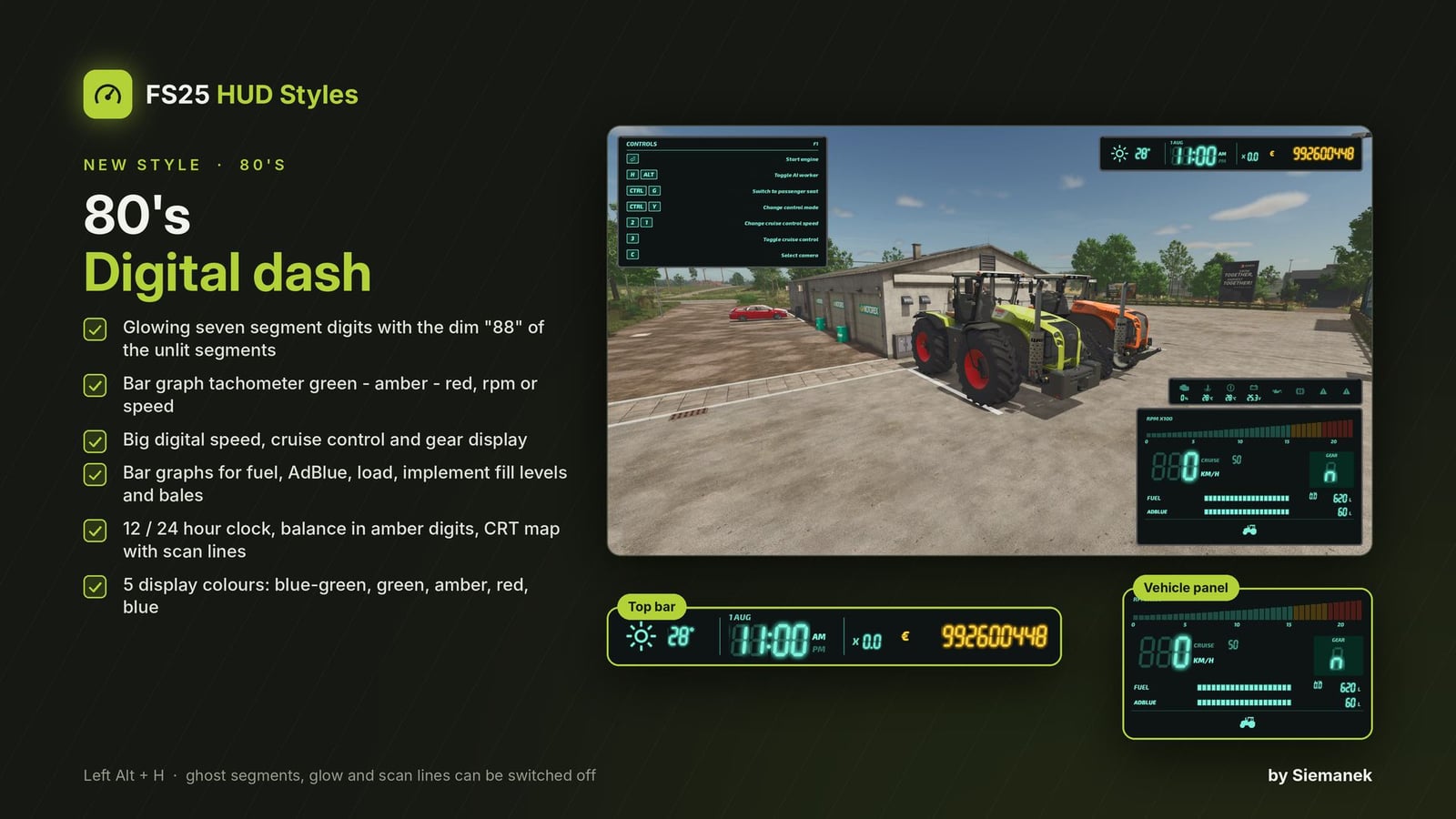
80’s
- Use a digital dashboard like the 80’s displays in US market sports coupes, with glowing seven segment digits, the dim “88” from the unlit segments and smoked black glass
- The bar graph tachometer runs from green through amber to red, alongside big digital speed, cruise control and gear display
- Bar graphs show fuel, AdBlue, load, implement fill levels and bales, together with the vehicle schema
- The top bar has a 12 / 24 hour digital clock, temperature, time scale and balance written in amber digits
- The map looks like a CRT screen with scan lines, and F1 help plus ADS lamps share the same look; choose blue-green, green, amber, red or blue for the display colour
Every style
- Every tablet card is available: map, weather forecast, prices, statistics, players for multiplayer, vehicles, engine, tyres with Variable Tire Pressure, farm and contract. Select them per style, with weather cards taking on the style’s look
- Set the map to fixed north up or have it turn with the player. It includes a heading marker, coordinates, field numbers with yours in green, the game’s building icons, and other players in their farm colour with their name. The map views are Crop types, Growth, Soil and Farmlands, changed with [ and ]; map size and zoom are 0 – 150 %, where 0 % shows the whole map
- The bale counter covers this session / total, and the selected implement’s bars cover net, twine, seed, fertilizer …
- For FS 2011, FS 15, FS 17, Modern and Arcade, choose whether the gauge shows engine rpm or speed per style
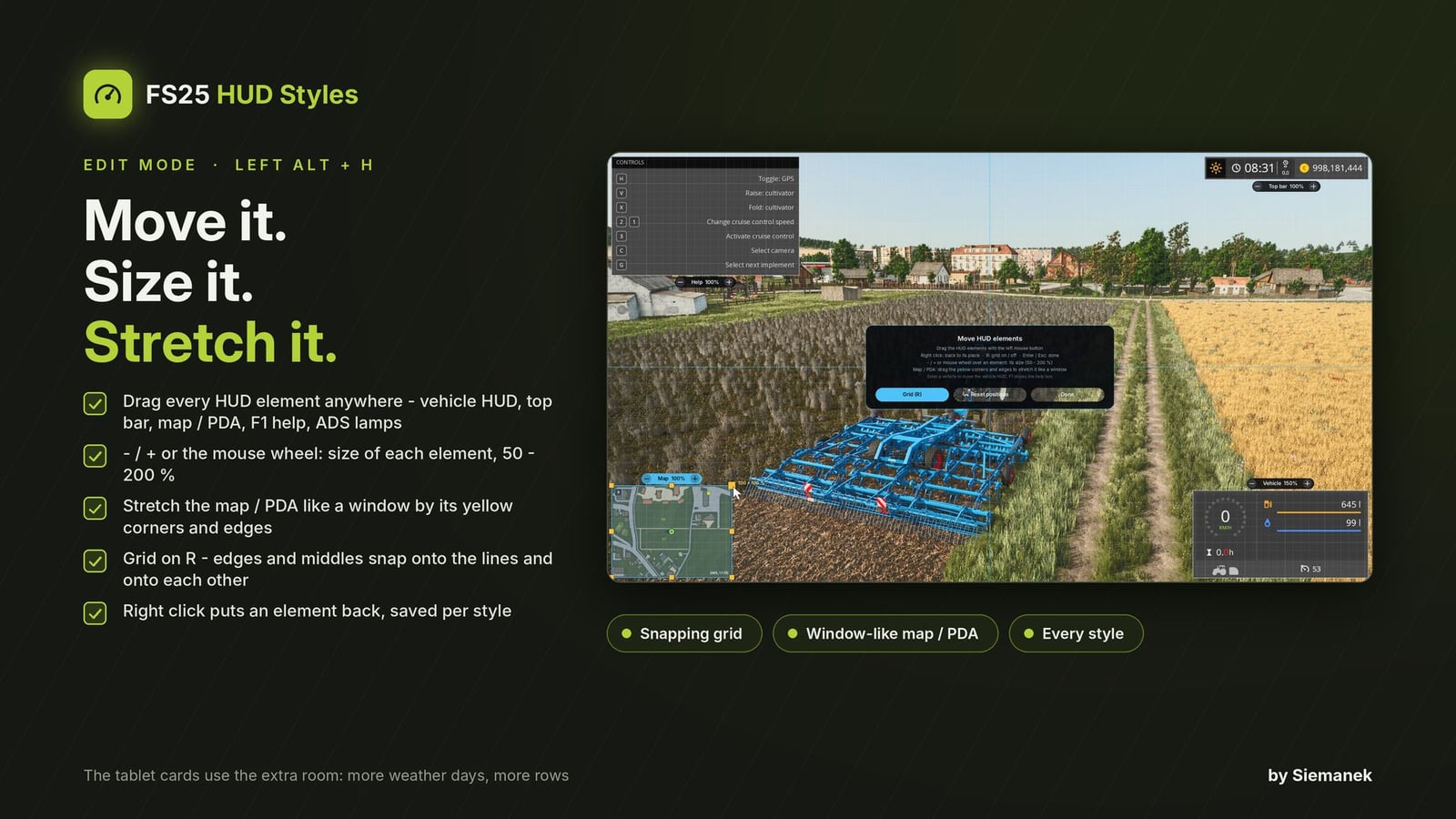
- Move and resize every part with the mouse, including vehicle HUD, top bar, map / PDA, F1 help and ADS lamps. Stretch the map / PDA like a window, and keep the snapping grid on R per style
- Open the one-page settings window with Left Alt + H. General settings come first, followed only by the settings for the style you use. Turn every part on / off and adjust colours with separate brightness and opacity
- Your game settings control speed, volume and money, including km/h / mph, litres / gallons and currency
- The available languages are EN, DE, PL, FR, ES, IT, PT/BR, CZ, RU, NL, HU and TR
How to use
- Put
FS25_HudStyles.zipinto the mods folder. If you use Zasty HUD, place it next toFS25_ZastyHUD.zip, and deleteFS25_ZastyHUD_FS2011.zipif you still have the old file - Activate the mod in your savegame
- Press
Left Alt + H, pick your style, and find its settings directly under the general settings - Key
9changes the tablet / PDA cards, and pressing it once more hides them;[and]change the map views
Requirements
None. Zasty HUD is optional; without it this mod runs standalone.
Notes
- Zasty HUD’s own files stay unchanged; remove this mod and Zasty HUD works as before
- Client side only, for single player and multiplayer
- Mods that alter the game HUD may overlap. Please report problems with your log.txt
- The fonts are Exo 2 and Open Sans, covered by the SIL Open Font License 1.1, with licence files included
- GIANTS Software created the original HUD designs of FS 2011, FS 2013, FS 15 and FS 17; they were redrawn for this mod