Field Health brings crop diseases and pests into Farming Simulator 25. The system uses real threats found across Europe, but it is still in early development. That means bugs and balance issues may show up while you play.
Features
- Every growing field can pick up one disease and one pest during a season.
- NPC fields stay out of the system.
- You get 44 threats in total:
- 24 diseases
- 20 pests
- There is powdery mildew, septoria, rust, fusarium, late blight, aphids, cereal leaf beetles, Colorado potato beetles, corn borers and more.
- Threats work only with compatible crops and their compatible growth stages.
- Once a crop is ready to harvest, it is protected without spraying. You can change this or switch it off.
- Fields split into sections with different crops work too. Threats remain on the crop of the season and never jump to the other crop or bare strips.
- Risk changes with crop rotation, plowing, liming, mulching, fertilizing, weed control and weather.
- Diseases and pests start in small patches, get bigger over time and can spread to neighbouring fields.
- Your crop takes damage only at severe stages, so there is time to react.
Tips
- Short tips appear at the bottom of the screen and show what is special about the mod.
- When a disease or pest first reaches your fields, a tip tells you what causes it, what it does to the crop, when it is worst and what to spray.
- You also get tips at useful moments, such as having a sprayer ready in a running tractor, starting to spray and reaching the severe stage.
- Every player can turn the tips off, choose how often they appear or start them over.
Treatment
- Use fungicide to cure diseases.
- Use insecticide to remove pests.
- You can skip spraying every field ahead of time. Wait for the notification and spray then, because a sick crop loses only small patches at the severe stage.
- Want one pass? Turn on the “One spray for both” setting. Either product will then cure and protect against both.
- One correct treatment protects the field all the way to harvest.
- Spraying counts from one day before sowing. With the “Spraying before sowing” setting, it also counts at any time after harvest.
- The products work in normal sprayers, including sprayers from mods, and you can see the spray.
- AI helpers spray only fields that need treatment. You can turn this off.
Crop Protection Products
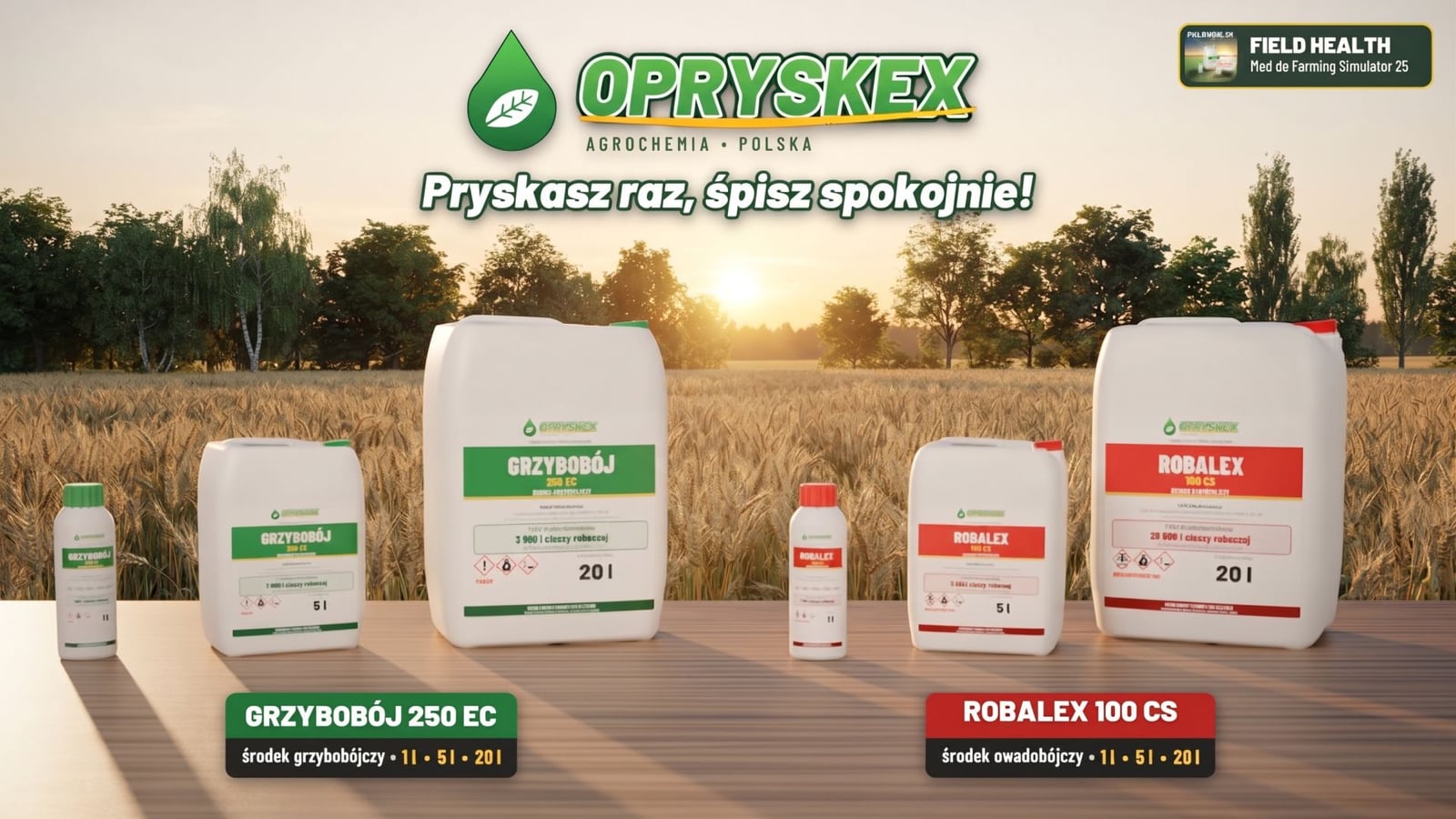
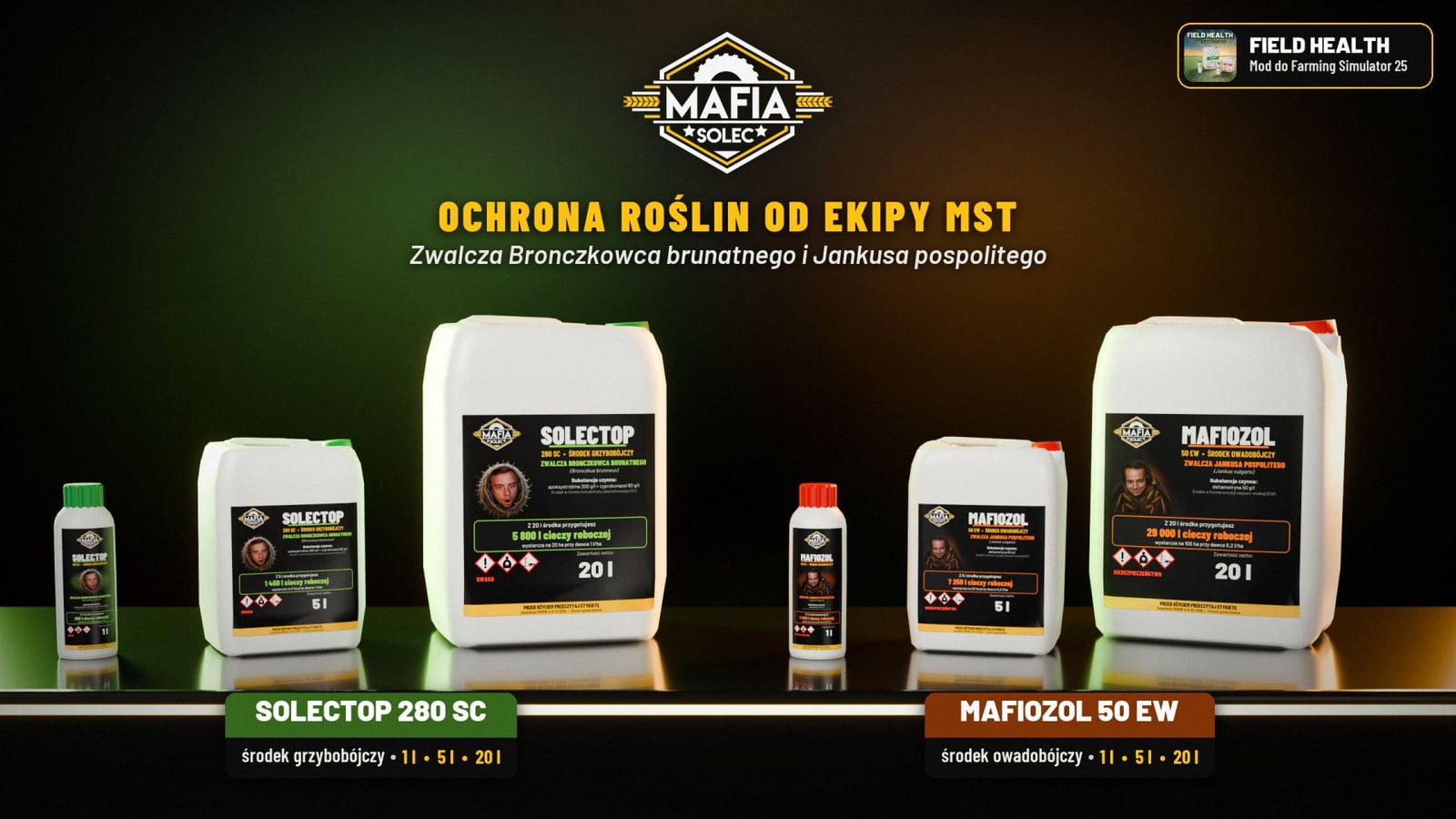
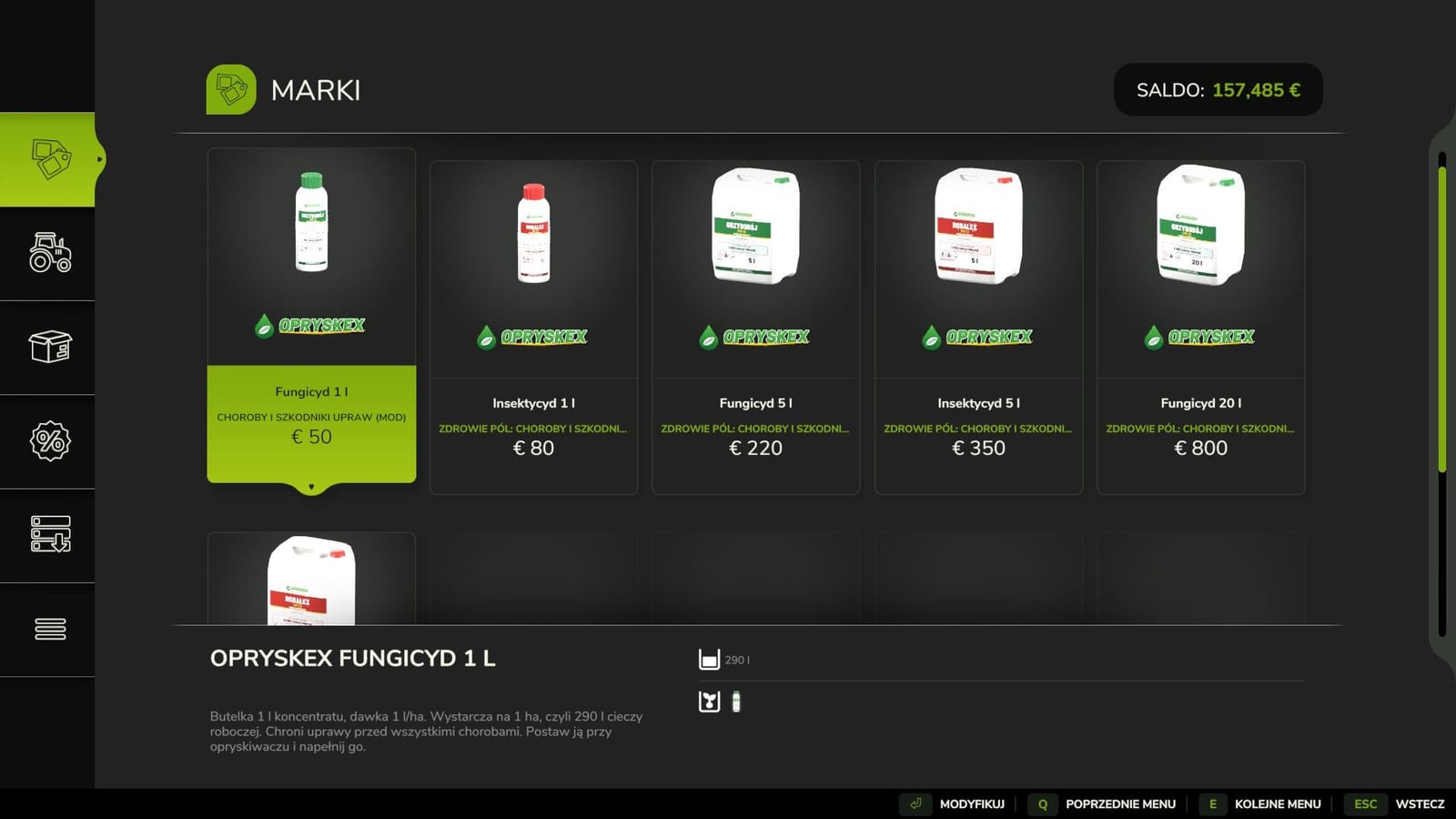
- Choose 1 L bottles or 5 L and 20 L canisters.
- Fungicide and insecticide are available.
- The available brands are Opryskex and MST.
- Concentrated products:
- One 1 L fungicide concentrate makes 290 L of spray.
- One 1 L insecticide concentrate makes 1,450 L of spray.
- Liquid unloaded from the sprayer goes into 20 L canisters.
Field Monitoring
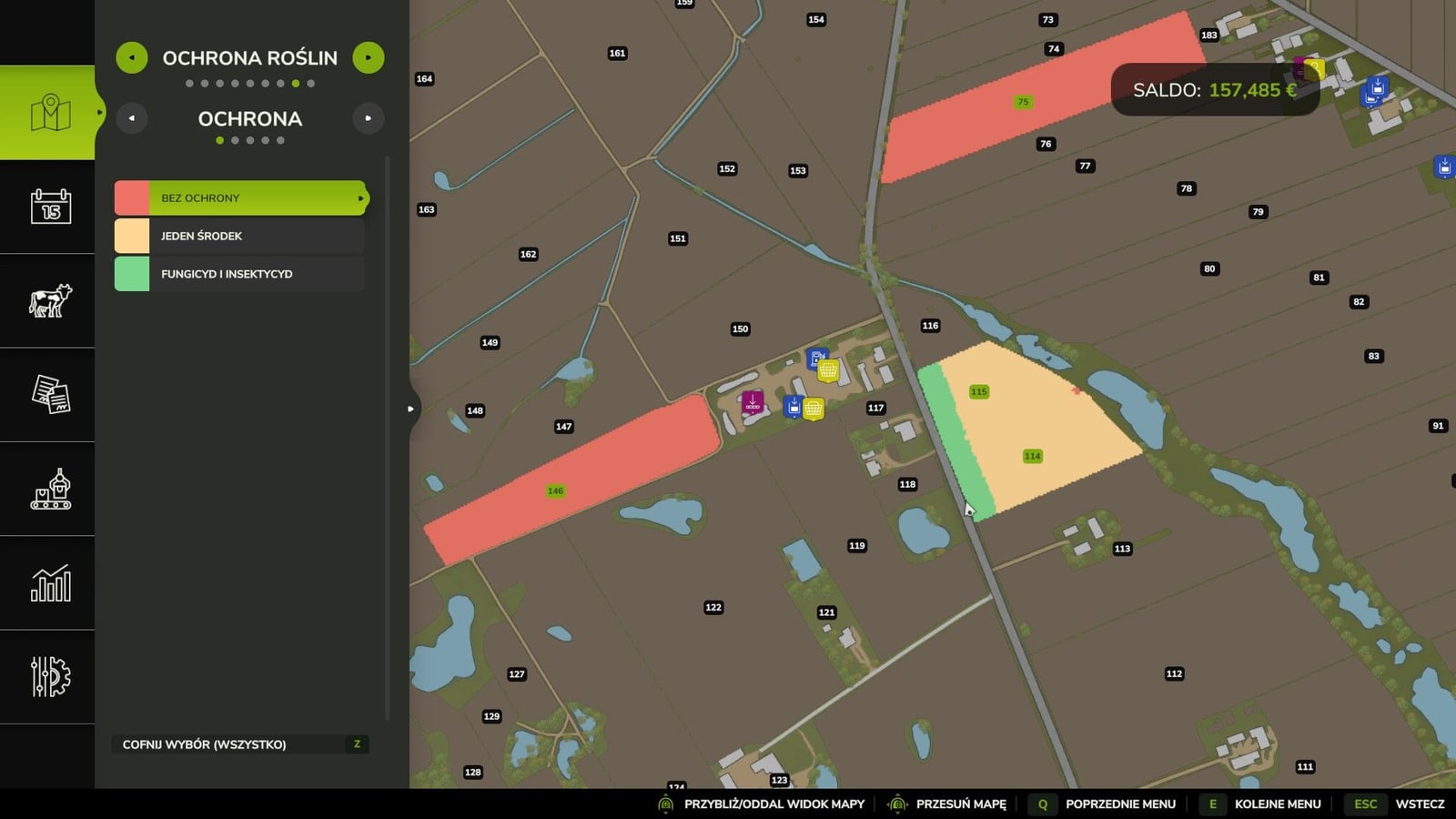
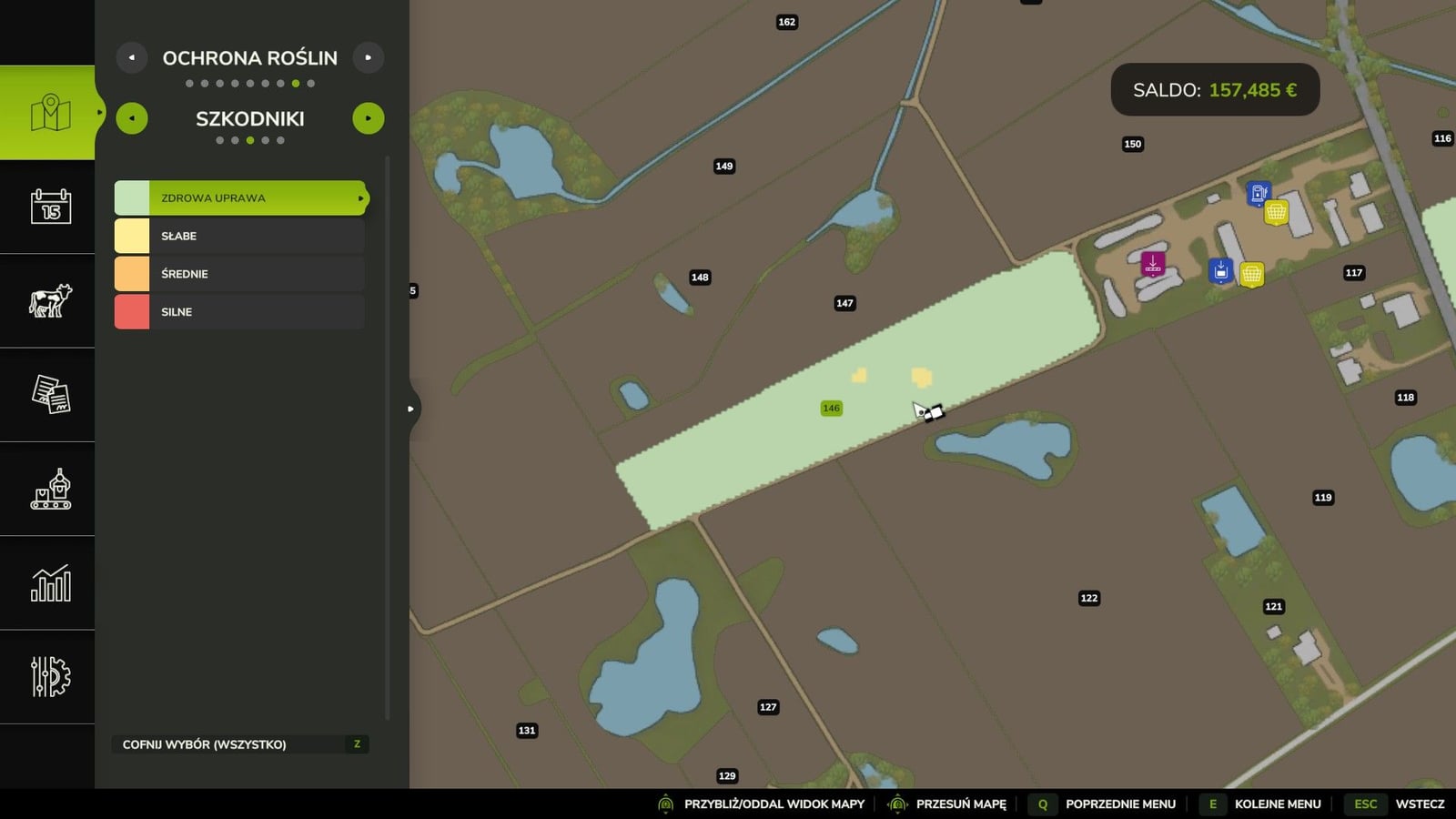
Open ESC > Map > Crop protection for layers showing:
- Protection
- Diseases
- Pests
- Disease types
- Pest types
The map shows only fields with crops that can get threats. Meadows, grass and catch crops never appear as unprotected.
Switch a minimap layer with Left Alt + . Start spraying fungicide or insecticide and the protection layer switches on by itself.
Field and farmland information gives you extra health data too, along with notifications for new or severe threats.
Settings
There are 34 settings in the separate Field Health tab at ESC > Settings. They are split into sections:
- General: switch the whole mod, diseases or pests off, have a calm start without threats in the first years, handle meadow threats and set a threat limit per farm
- Chance of threats: set disease and pest probability and the influence of farming, weather, stubble and Precision Farming data
- Development of threats: control speed, spread, patch size, spreading to neighbouring fields and crop damage
- Spraying and protection: set coverage needed, protection duration, product usage, AI spraying only where needed, spraying before sowing, protection from growth stage and one spray for both
- Prices of all products
- Display: choose notifications and the lines shown in field information
- Crops: switch threats off for chosen crops of the map
- Tips: turn them on or off, choose how often they appear, start over and set them for each player
You can make the system easier, make it harder or disable it completely.
Every player can look at the settings, but multiplayer changes are limited to the admin. On a dedicated server, log in as admin first. The tips belong to each player.
Languages
There are 20 supported languages:
English, Polish, French, German, Spanish, Latin American Spanish, Portuguese, Brazilian Portuguese, Italian, Russian, Czech, Romanian, Hungarian, Ukrainian, Turkish, Dutch, Danish, Swedish, Norwegian and Finnish.
Your game language is used automatically by the mod. Unsupported languages use English. The tables in the in-game help are available in English, Polish, German, French and Russian.
Compatibility
- Precision Farming support
- Highlands Fishing DLC onions supported
- Beans & Alpacas DLC: bananas and coffee keep the DLC’s own diseases, and its fungicide works with Field Health
- Modded crops receive common threats such as grey mould and aphids, and mod maps list their crops in the Crops section
- Multiplayer and dedicated servers supported
- Mod data is stored separately from the savegame, so removing the mod does not break saves
- Updates preserve fields, settings and purchased products