Farm Mechanic gives Farming Simulator 25 a maintenance and repair system to play with. Your machines need regular service, and if you keep skipping it, mechanical problems can show up.
Features
- Mechanical failures: The engine, brakes, hydraulics and wheels each have their own maintenance and failure systems.
- Maintenance warnings: Spot the yellow wrench when a machine needs attention. You get 3 actual working hours to service it, or the problem can turn more serious.
- Tire punctures: Vehicles, trailers and implements can all get punctures. Keep driving on a flat tire and your speed keeps dropping, with the rim eventually at risk of damage.
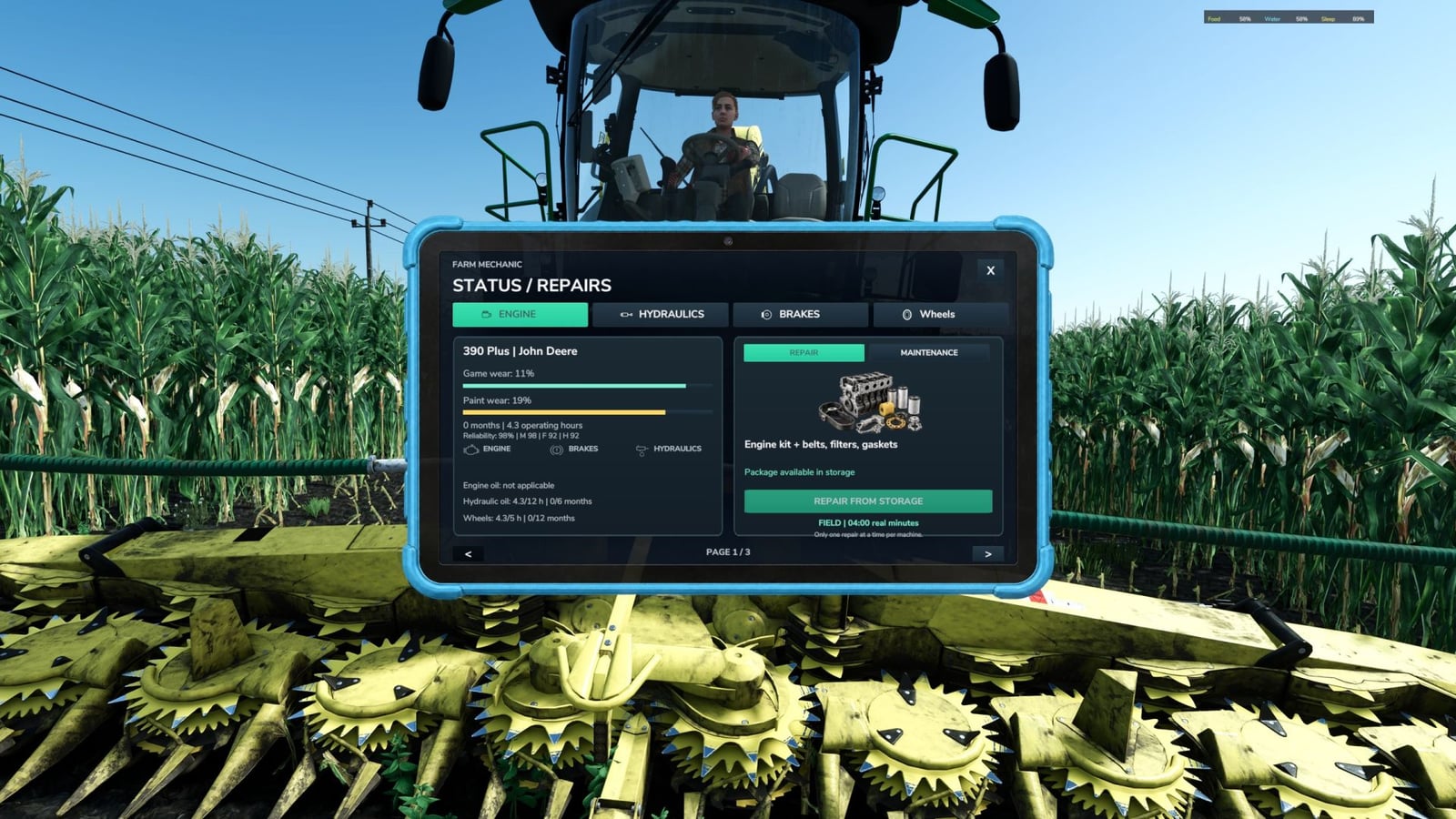
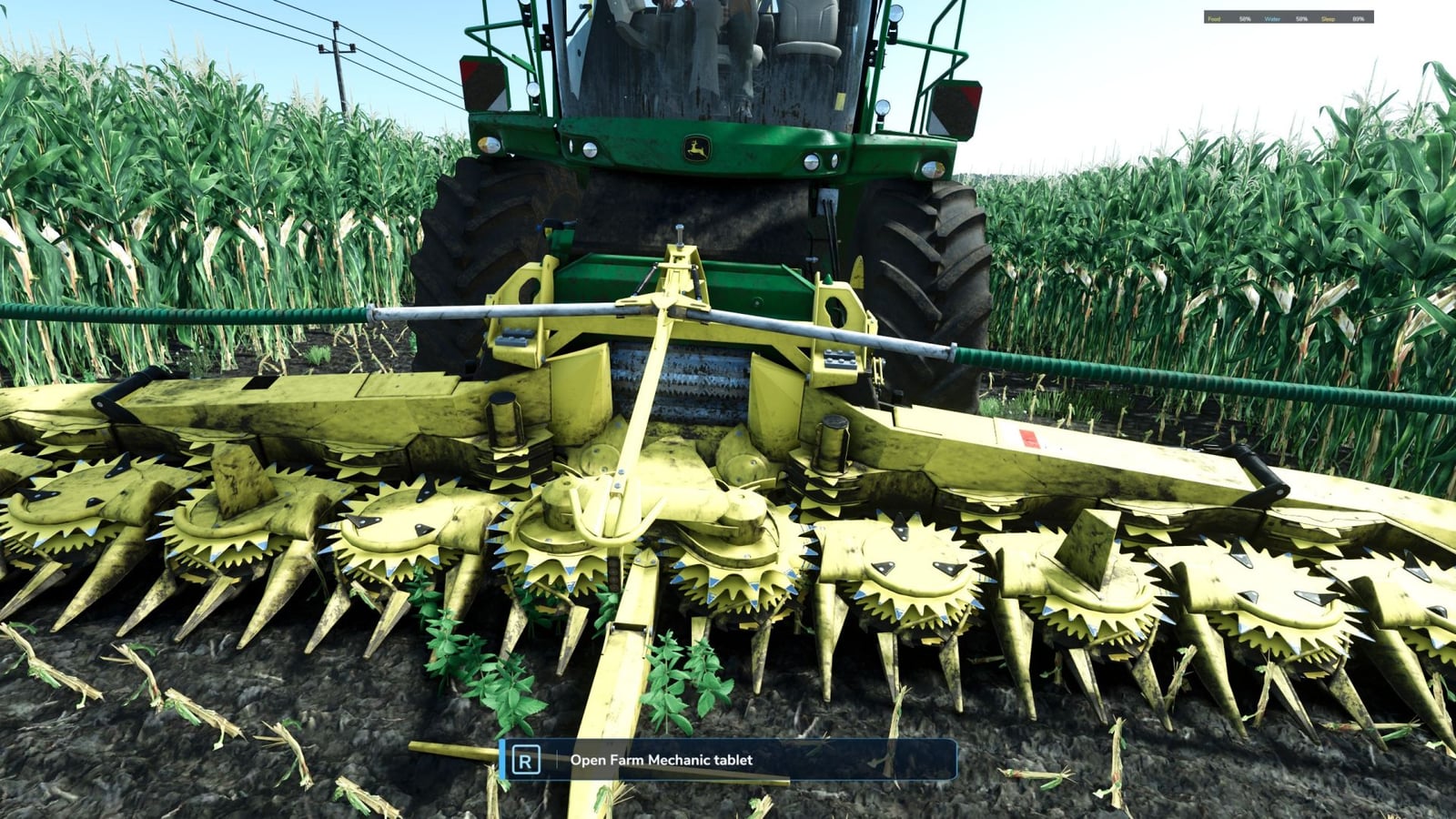
- Interactive Mechanic Tablet: Walk up to the front of a machine and press R. The mechanic tablet lets you check its condition, maintenance status, required parts and available repairs.
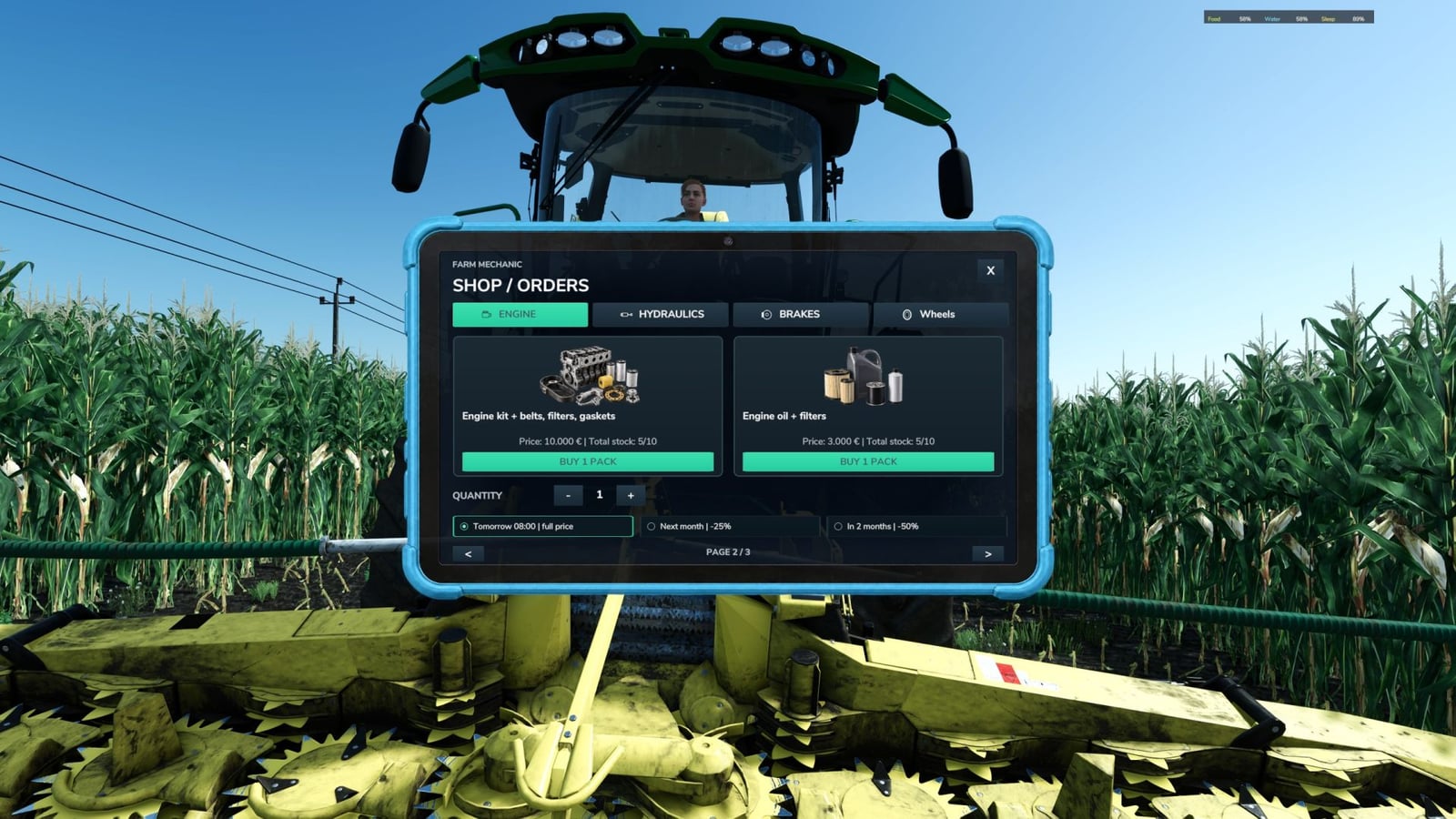
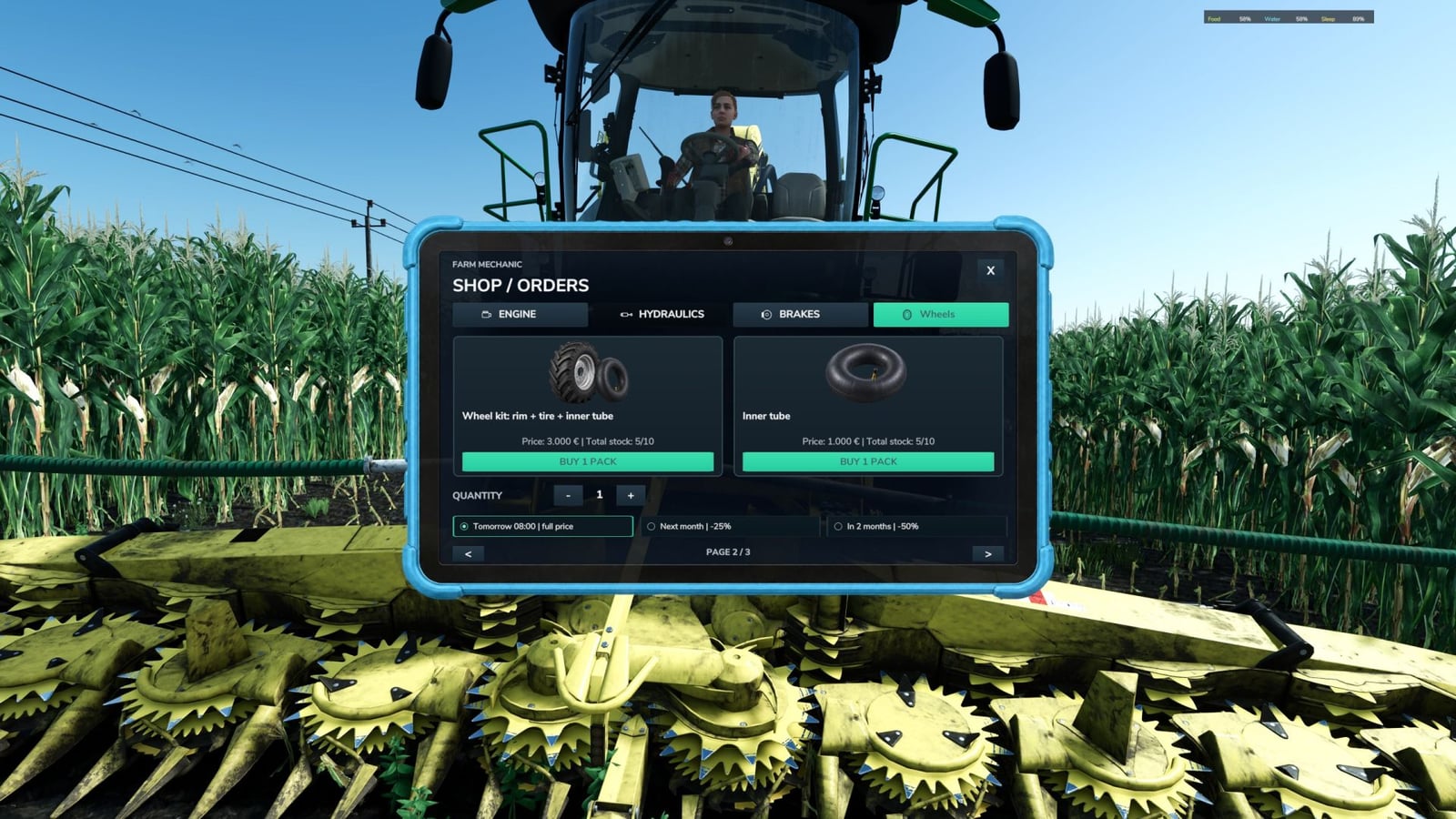
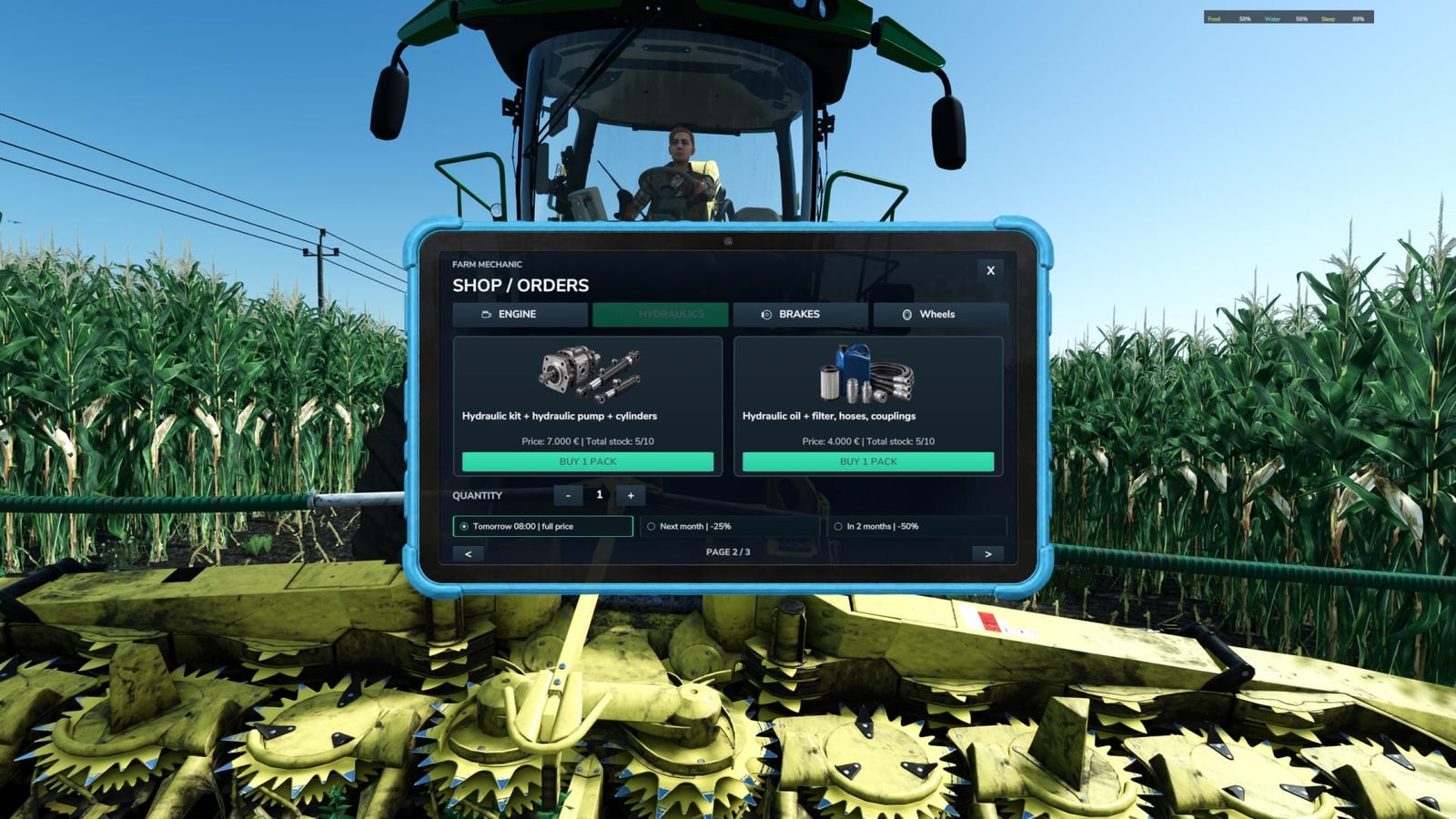
- Parts Shop: Buy engine parts, oils, hydraulic components, brake parts, wheel kits and inner tubes right from the tablet.
- Orders & Storage: You can pick faster delivery or delayed orders with discounts. Your parts sit in the virtual workshop inventory, but their quality can drop if they stay there too long.
- Real Repair Times: Repairs take real time in the game. Field repairs are slower, while working near a compatible farm workshop cuts down the repair time.
- Oil Changes: Engine oil and hydraulic oil follow separate service intervals, based on vehicle age and actual working hours.
- Vehicle Reliability: Older machines and machines that have been used heavily become less reliable. When available, Farm Mechanic can work together with the AgroDeal reliability system.
- Persistent System: Maintenance, failures, punctures, stored parts, orders and repairs remain saved with your game.
- Multi-Language Support: The interface automatically uses the supported language that matches your Farming Simulator 25 language setting.
Controls
- R – Open Farm Mechanic while standing near the front of the machine
- Mouse – Navigate and interact with the tablet
- ESC / X – Close the tablet
Specifications
- Game: Farming Simulator 25
- Version: 0.10.0.0
- Platform: PC / Mac
Changelog
- V1.2.0.0
Enlarged Tablet Interface: You now get a larger tablet, so checking things is easier to see and navigating is easier too.
Increased Parts Storage Capacity: Parts storage has gone from 5 to 10 units per part type.
Free Starting Inventory: Start a new game and receive 5 units of every spare part type for free.
Hydraulic System Failures: Trailers and other agricultural equipment can develop hydraulic system failures after 18 months of use.
Brake System Failures: Braking systems can develop failures after 18 months of use as well. - V1.1.0.0
Expanded Mechanical Failure System: Engine, hydraulic, brake, tire, and wheel-related failures have been improved. Mechanical trouble can now have actual consequences for how your vehicle operates. A serious hydraulic failure can stop lifting and tipping functions until you repair it.Improved Wear System: Vehicle maintenance now reacts to both machine age and operating hours. Major failures can happen after the configured age or operating-hour limits are reached. That makes older and heavily used machinery more demanding to keep running.
Engine Oil & Filter Maintenance: A fuller engine oil maintenance system has been added. Oil, filters, belts, gaskets, and other service components are part of the maintenance and repair kits.
Farm Mechanic Shop: The new dedicated tablet-style shop is where you purchase maintenance supplies and repair kits. Parts are sorted into categories such as Engine, Hydraulics, Brakes, and Wheels.
Parts Storage: Purchased parts and service kits can be put away for future repairs. Storage now holds 5 units of each item type.
Delivery System: Ordered parts must be delivered before they become available in storage. When an order arrives, delivery notifications let you know.
Dedicated Maintenance HUD: Dedicated warning indicators now show the vehicle’s major mechanical systems. The HUD gives quick information on the engine, oil, tires, brakes, hydraulics, and maintenance status. Its position and look have been improved so it fits better with the standard Farming Simulator 25 vehicle HUD.
Improved Failure Notifications: You get clearer notifications when a component develops a fault or completely fails. Hydraulic, engine, brake, tire, oil, and maintenance warnings have all been improved.
Full Notification Localization: Failure messages that used to be hardcoded Romanian text now use the localization system. Failure, repair, maintenance, and parts-delivery notifications follow the language selected in Farming Simulator 25.
Expanded Multi-Language Support: The Farm Mechanic interface has been expanded to the languages available in Farming Simulator 25. Shop categories, service kit names, buttons, warnings, and other interface elements are localized. The mod follows the player’s selected game language automatically.
Improved Service Kit Localization: Repair and maintenance kit names that previously stayed in Romanian have been corrected. Categories such as Engine, Hydraulics, Brakes, and Wheels now use the localization system.
UI & HUD Improvements: The maintenance warning bar has a better position now. Its background was improved to match the original FS25 HUD better. Overall readability and integration with the game’s interface were improved too.
General Fixes & Improvements: Maintenance logic, parts and inventory handling, repair and failure notifications, and shop presentation have been improved. Several hardcoded texts were fixed, along with various stability and quality-of-life improvements.