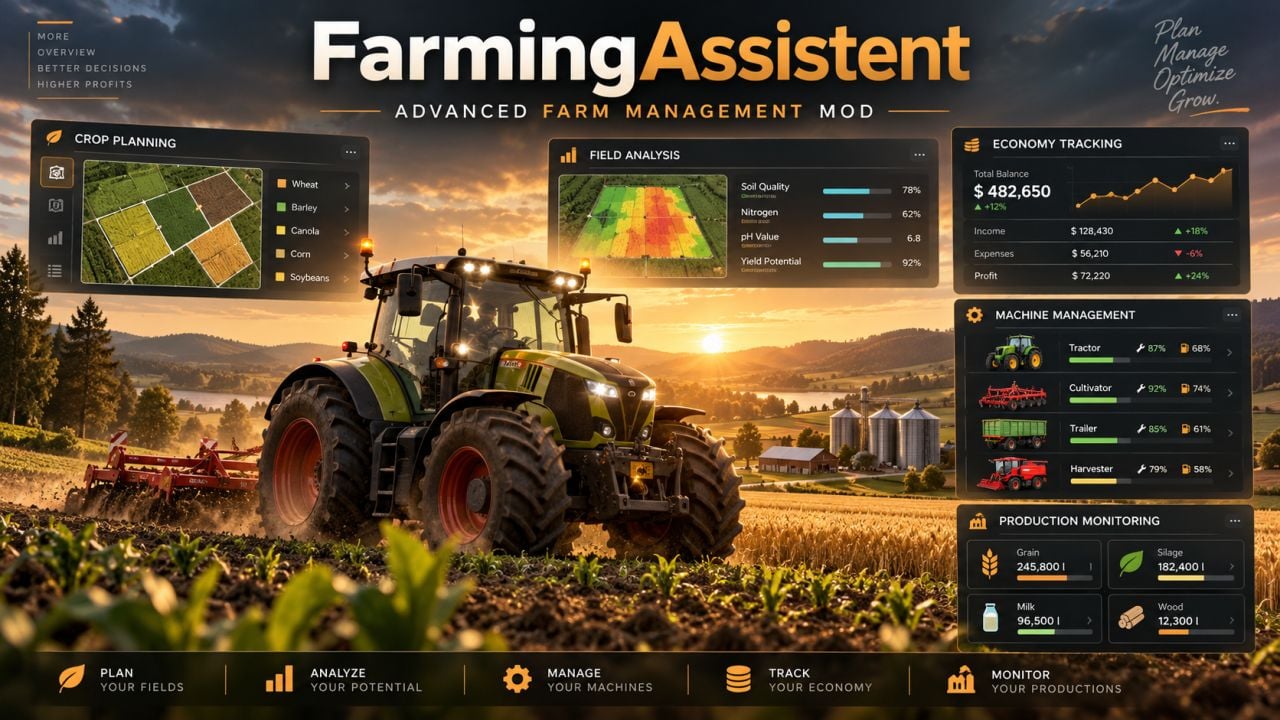
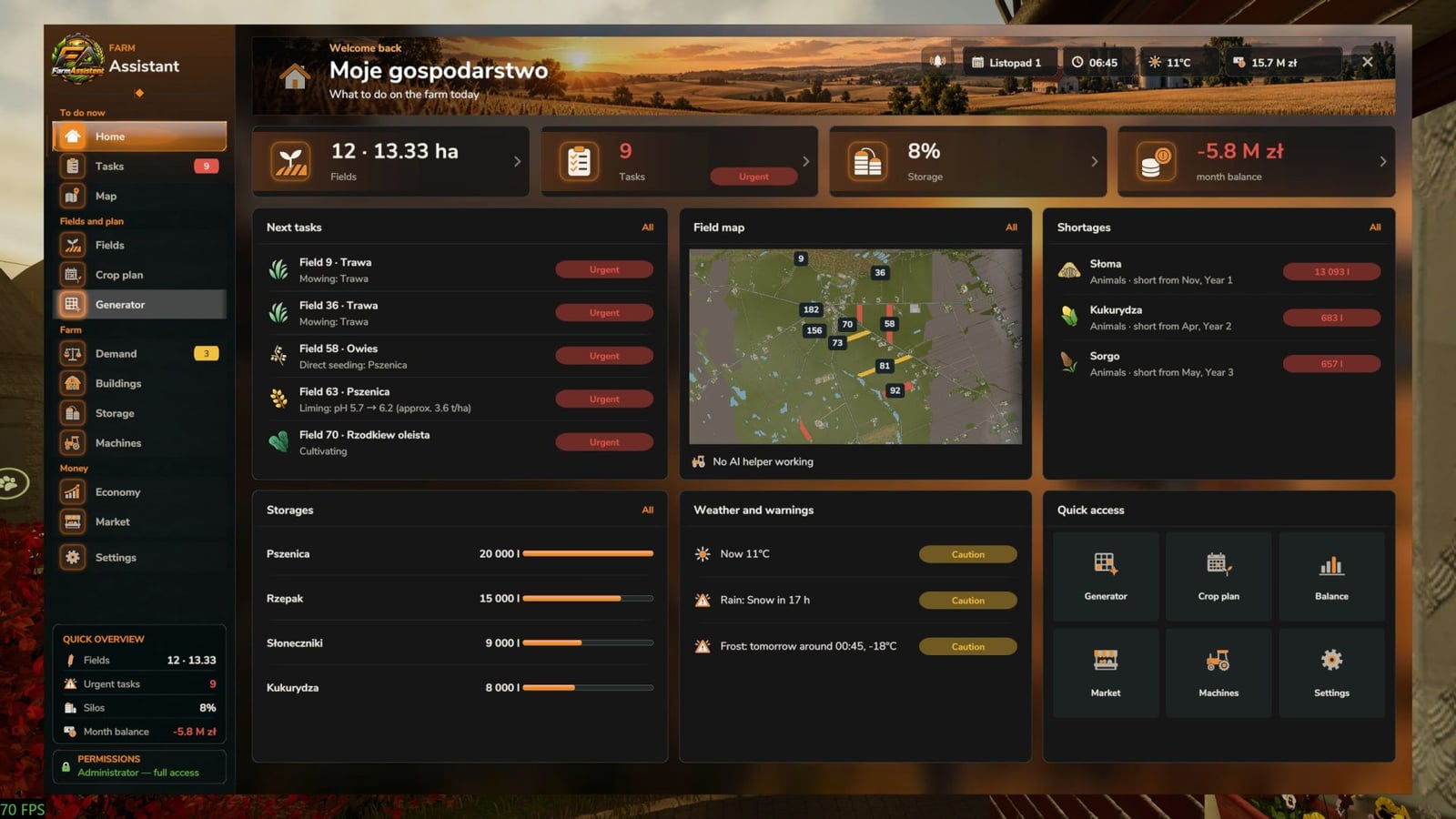
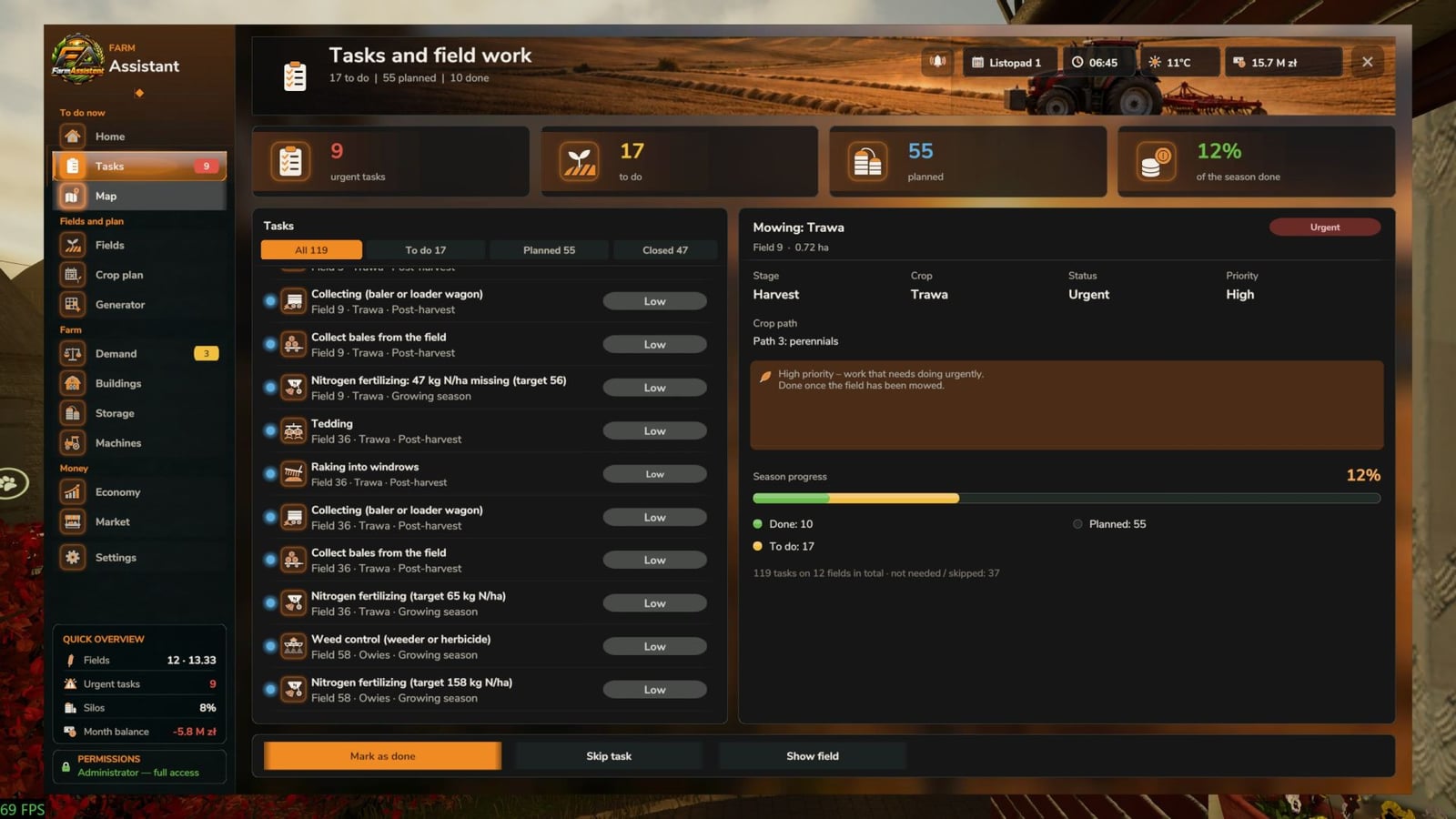
With FarmAssistent, you get one place for planning and managing your farm in Farming Simulator 25. It brings field checks, work tips, crop rotation planning, money information, storage management and other farm management tools together in one interface, so you can keep your farm plans close while you play.
You can use FarmAssistent in multiplayer and on dedicated servers. The server shares the farm information with the players. The server administrator or host handles farm settings, crop plans and task statuses, while the other players have read-only access.
Features
Advanced Field Management
- Bring all your fields into one clear overview.
- Check their crop types, growth stages and field conditions.
- Keep tabs on fertilization, weeds, stones, plowing and soil requirements.
- See nitrogen and pH information with Precision Farming integration.
- Look at field status and the actions recommended for it.
Intelligent Field Work Planner
- Let the tool analyze field conditions automatically.
- See which agricultural operation is recommended next.
- Sort out urgent, planned, blocked and pending tasks at a glance.
- Use the information to choose suitable soil cultivation methods.
- Follow the operations you completed and the ones you skipped.
Multi-Year Crop Rotation Planner
- Build crop rotation plans for multiple years.
- It takes the game’s crop availability and seasonal calendars into account.
- Crop rotation rules and catch crops are part of the planning.
- Arrange your sowing and harvesting schedules.
- Check generated plans against the available crop information.
Interactive Farm Map
- View your fields together with their current conditions.
- Switch between different map layers for easier farm monitoring.
- Check field status information right on the map.
- Find the fields that AI helpers are currently working.
Farm Economy & Market
- Keep important financial information in view.
- Check the selling prices available right now.
- Compare different selling opportunities.
- View estimated gross margins per hectare.
- Review what farming activity looks like across the season.
Storage, Production & Machinery
- See your stored crops and available resources.
- Check production facilities and the supplies they need.
- View machinery fuel levels and condition.
- Keep key farm information together while you play.
Agricultural Calendar & Weather
- Check when sowing and harvesting periods take place.
- Plan agricultural operations around the current season.
- Get warnings for upcoming precipitation and freezing temperatures.
- Stay informed about important activities in your fields.
Field Journal & Seasonal Reports
- Follow your history of harvesting, preparation and sowing.
- Review what happened on individual fields.
- See yearly summaries of the crops you harvested and sowed.
- Get notifications when the year ends.
Modern Interface
- Use a modern graphical interface with detailed dashboards.
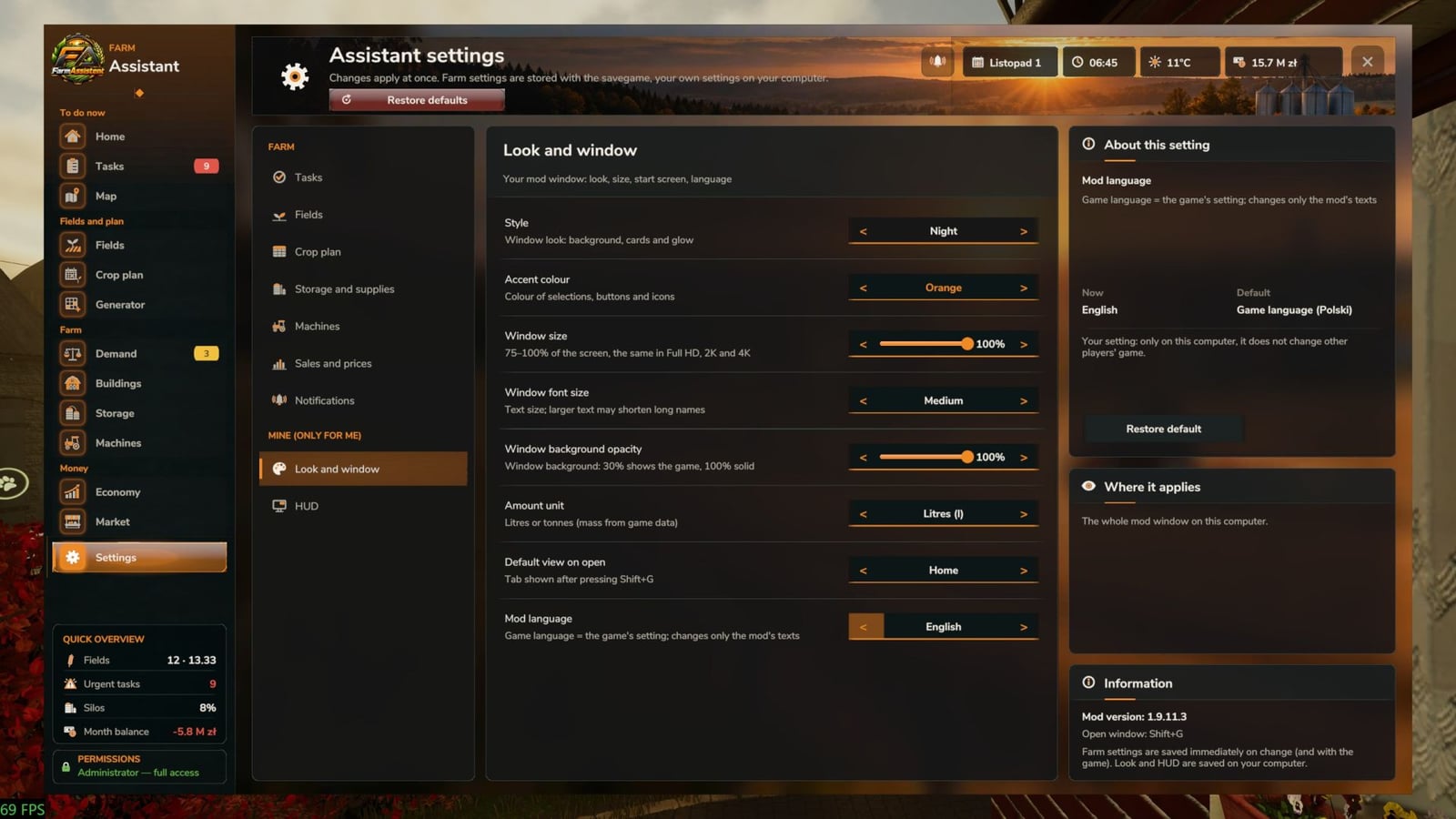
- Pick one of four selectable interface themes.
- Keep field information and task indicators visible.
- Use custom icons and visual status indicators.
- Set up the HUD to display useful information during gameplay.
- English and Polish language support.
Specifications
- Game: Farming Simulator 25
- Version: 2.0.3.0
- Multiplayer: Supported
- Dedicated servers: Supported
- Languages: English / Polish
- How to open: Left Shift + G
Important Information
FarmAssistent is there to help you manage and plan, not to run the farm automatically. It helps you decide what comes next, but it will not operate machinery, purchase equipment, sell crops or perform field work automatically.
Precision Farming integration is available when the DLC is installed.
Changelog
Version 2.0.3.0
- Stubble mulching detection was improved.
- Field status after mulching was corrected.
- Seasonal summaries and notifications were improved.
- Field journals and seasonal reports were added in the 2.0 series.
- Weather warnings and AI helper field tracking were added.
- Interface performance and usability were improved.