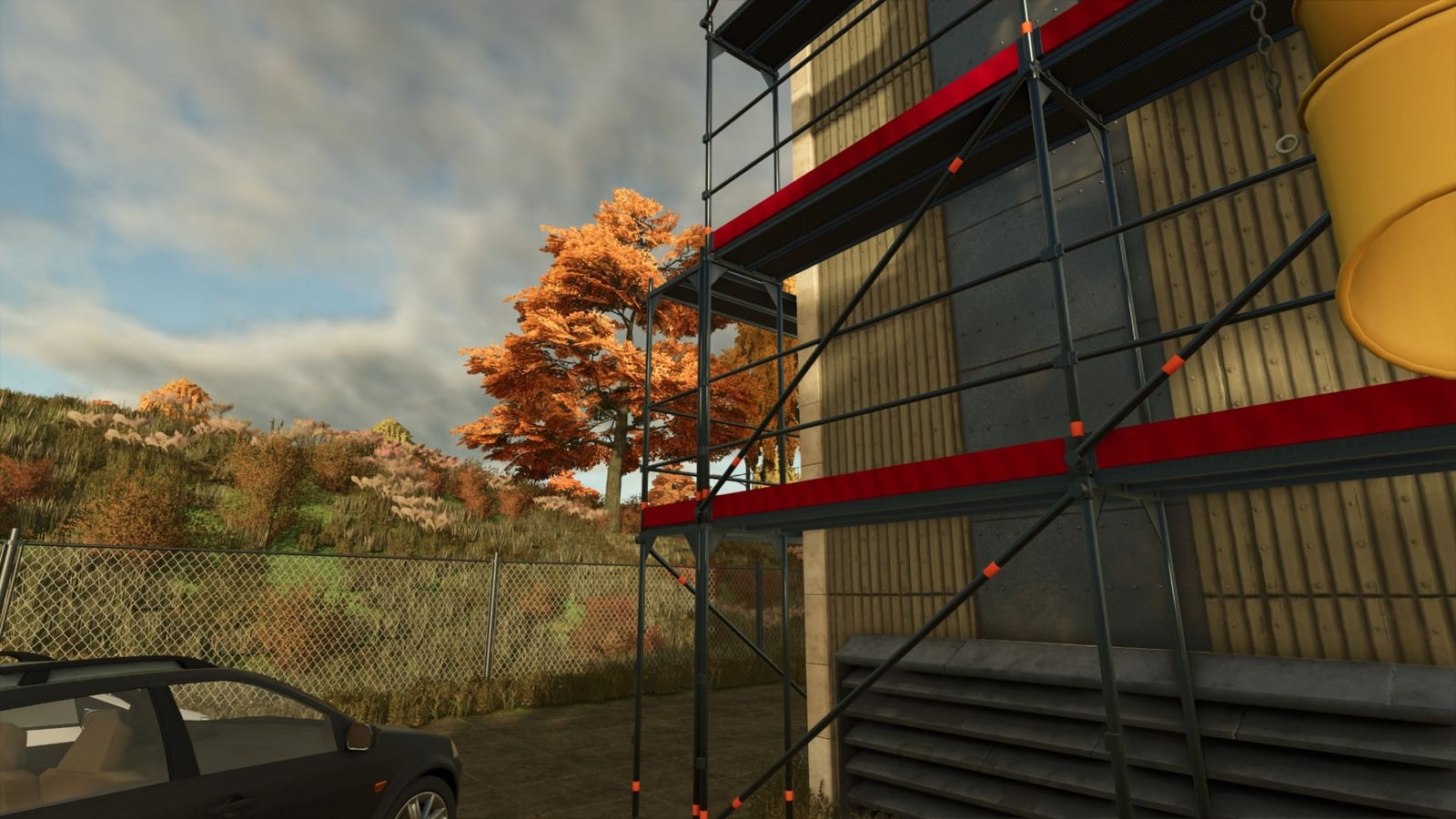
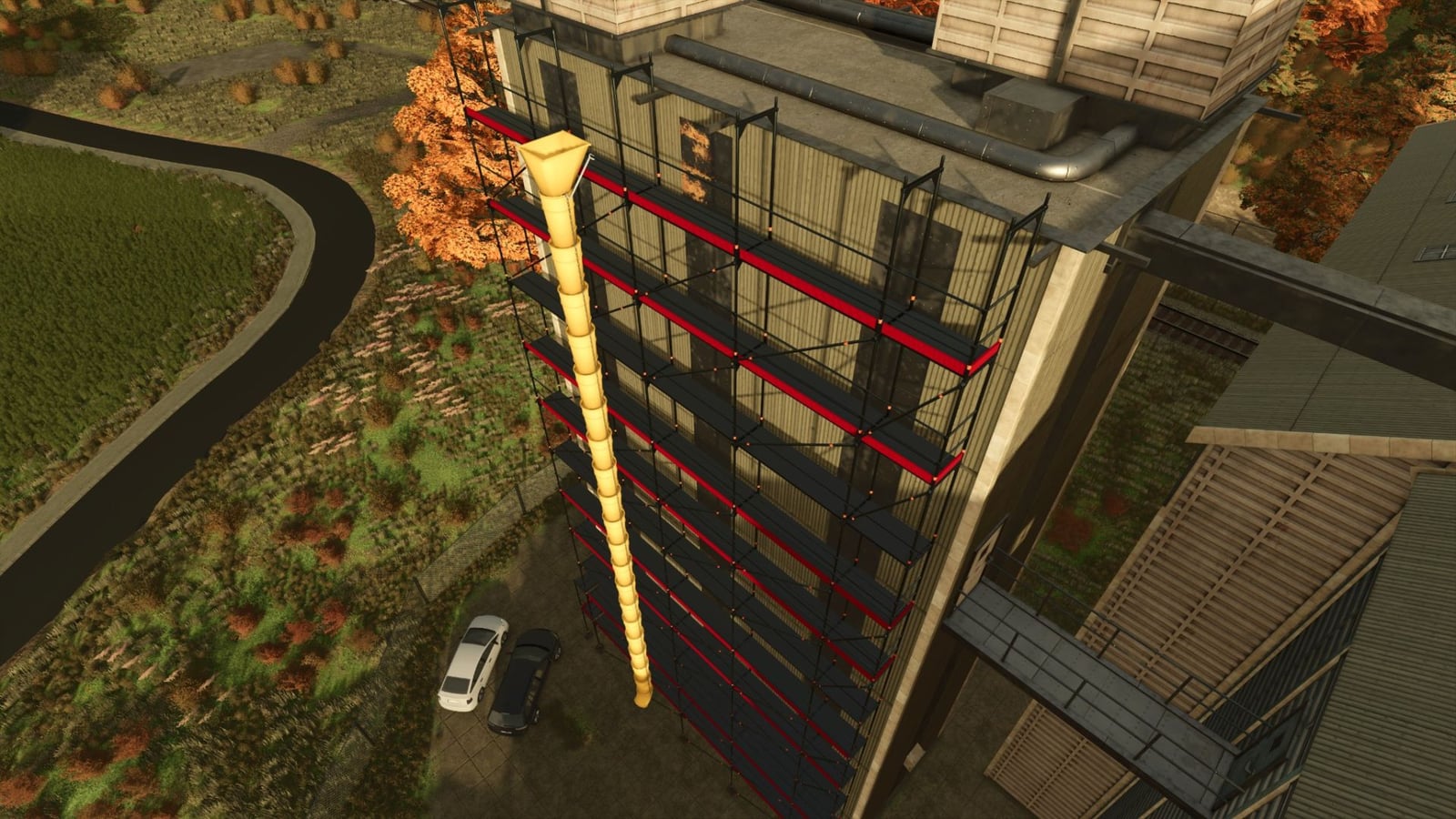
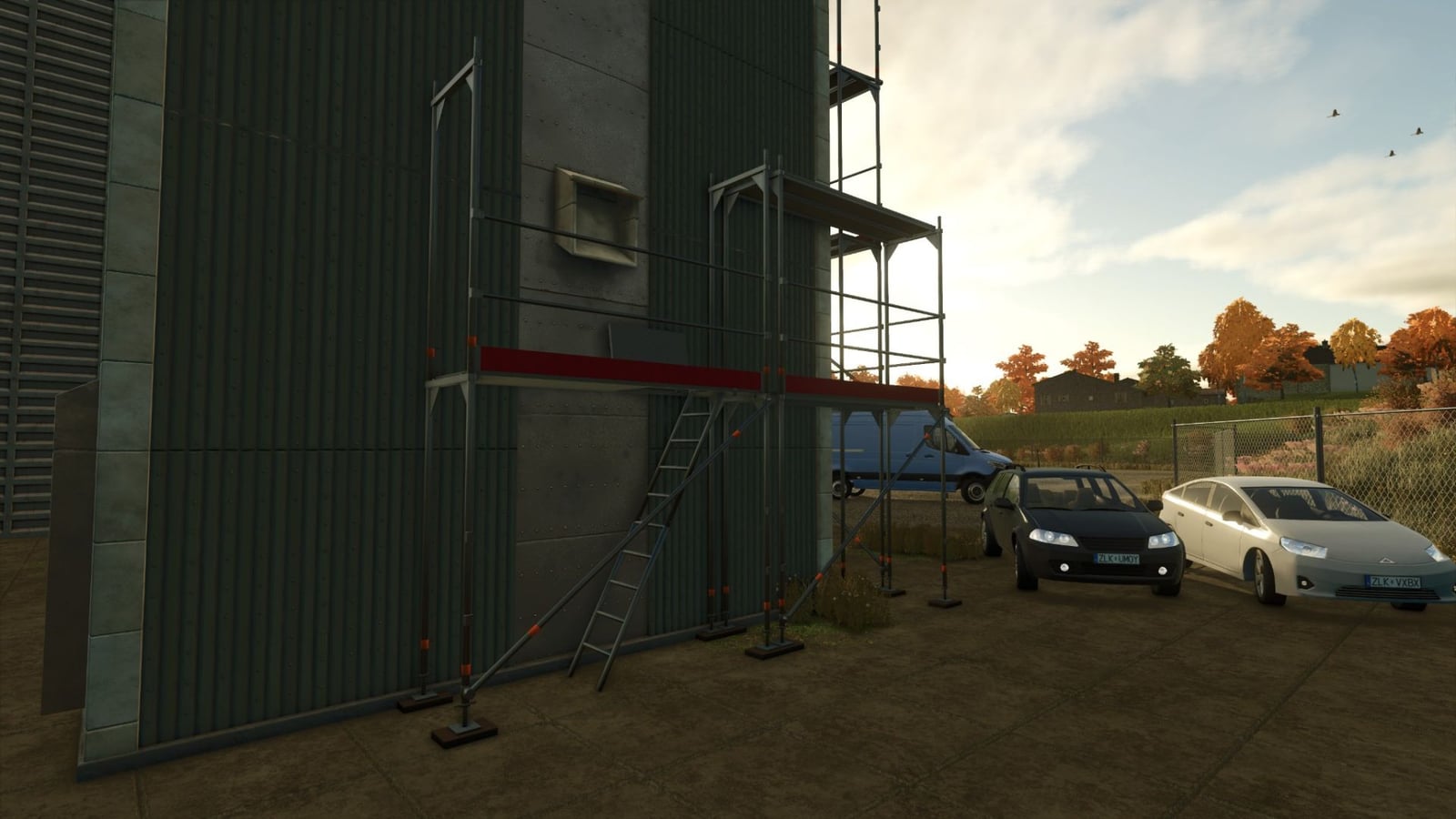
With this modular facade scaffolding system, you can build up custom scaffold structures in Farming Simulator 25. Combine the parts the way you need them and adapt them to different buildings, whether you are working on a construction site or another building project.
Features
- Modular kit for facade scaffolding
- Scaffold parts you can combine one by one
- Flexible setup for your own scaffold structures
- A realistic construction-site look
Game: Farming Simulator 25
Platform: PC
Build menu: Decorations > Miscellaneous
Controls
Open the build menu to place the individual scaffold parts. From there, combine them into your own custom facade scaffolds.
Installation
- Put only
01_Mod/FS25_GeruestBaukasten.zipinto the Mods folder. - Replace the version already there and restart the game fully.
- Keep the complete package ZIP out of the Mods folder.
- Turn the mod on in your savegame. The parts are located at:
Build menu > Decorations > Miscellaneous - When playing multiplayer, the host and all clients need the same version.
You will find the instructions, item list, editable models and description texts in the subfolders with the corresponding names.
The preview folder contains Blender renderings of the images. Lifts and the rubble chute are separate mods, so they are not included.