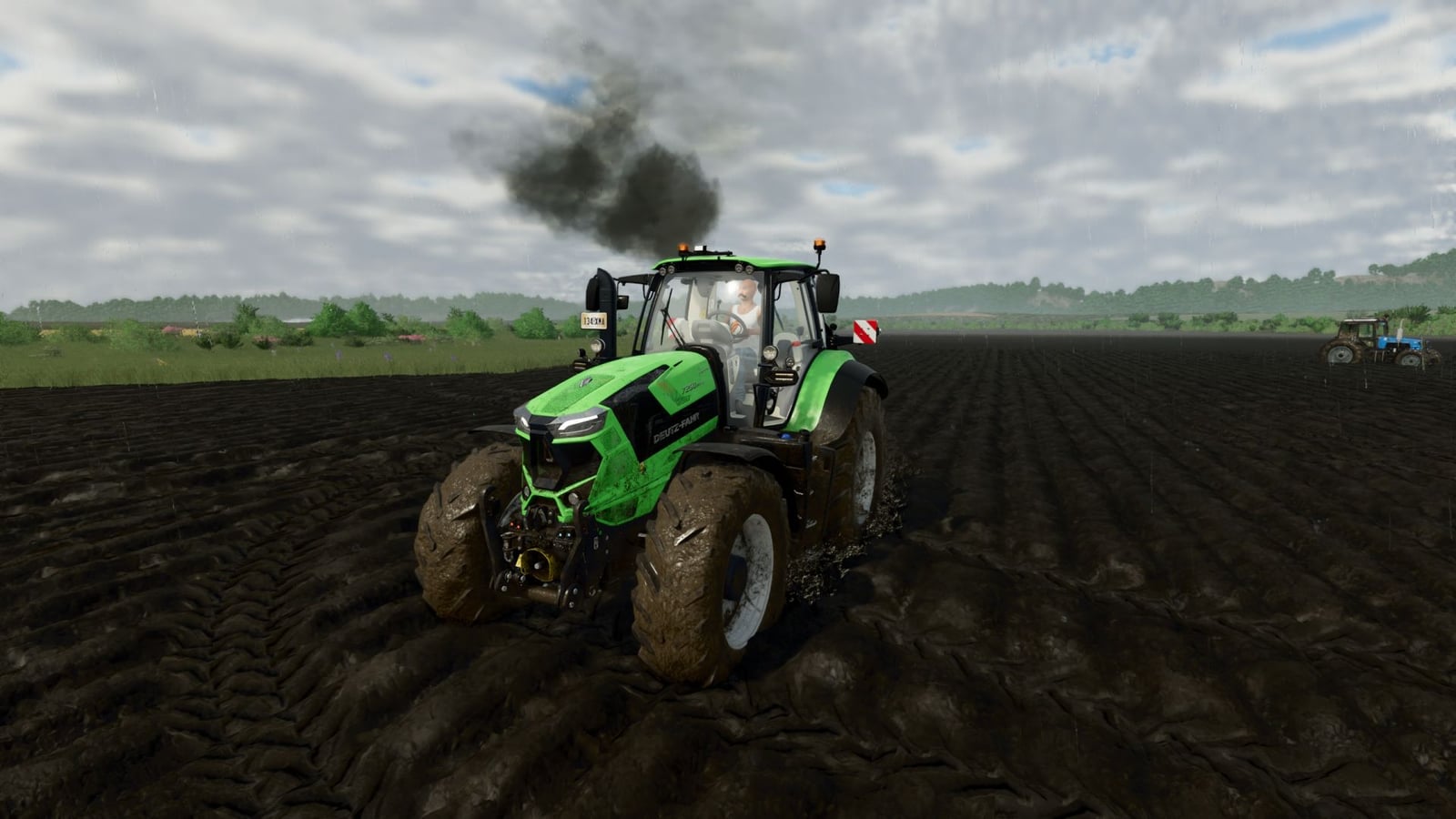
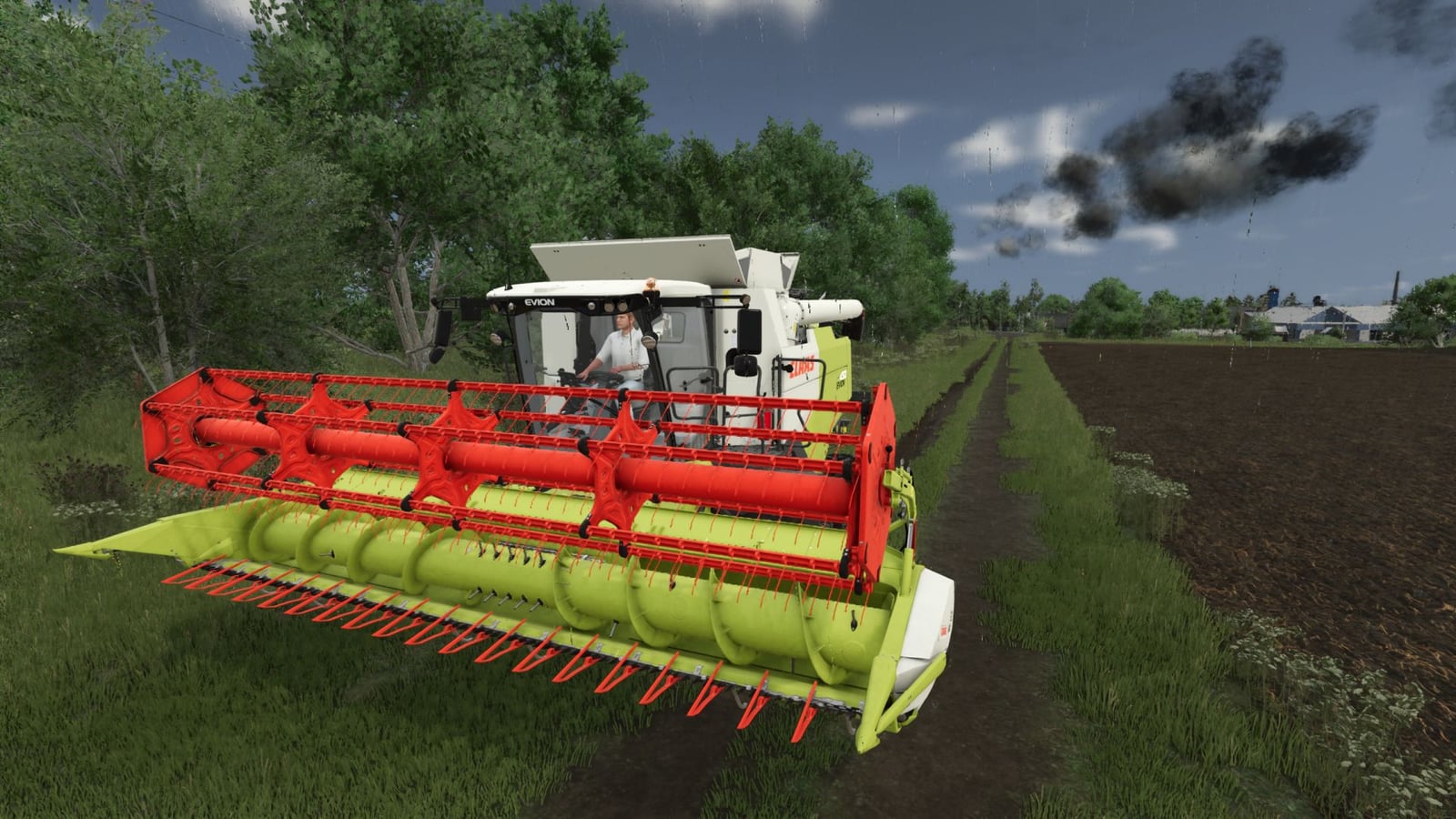
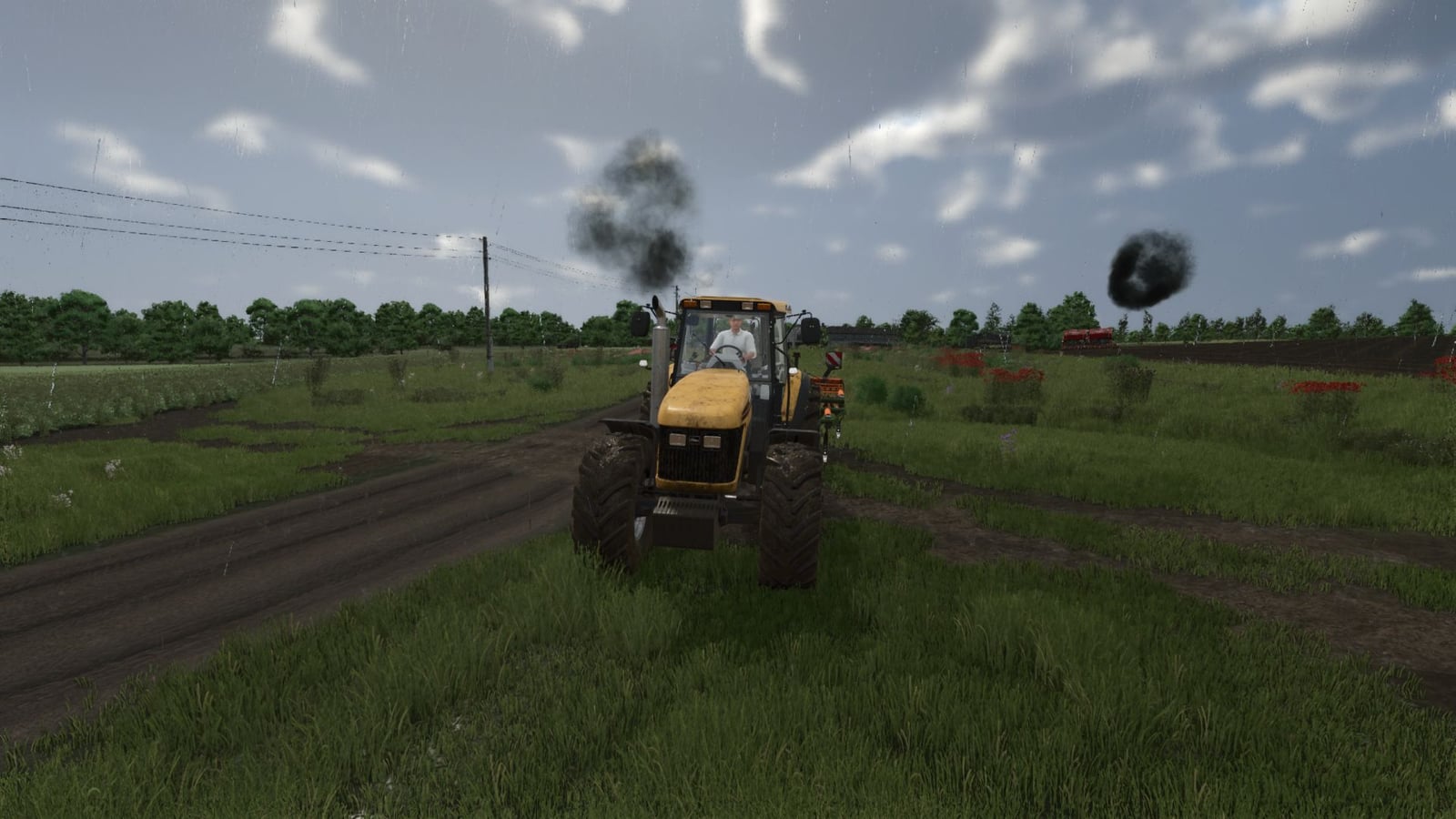
With Exhaust Plus, your Farming Simulator 25 vehicles get a multi-level particle system instead of the standard exhaust smoke. It reacts dynamically to engine load and RPM, so the exhaust changes with how the engine is working.
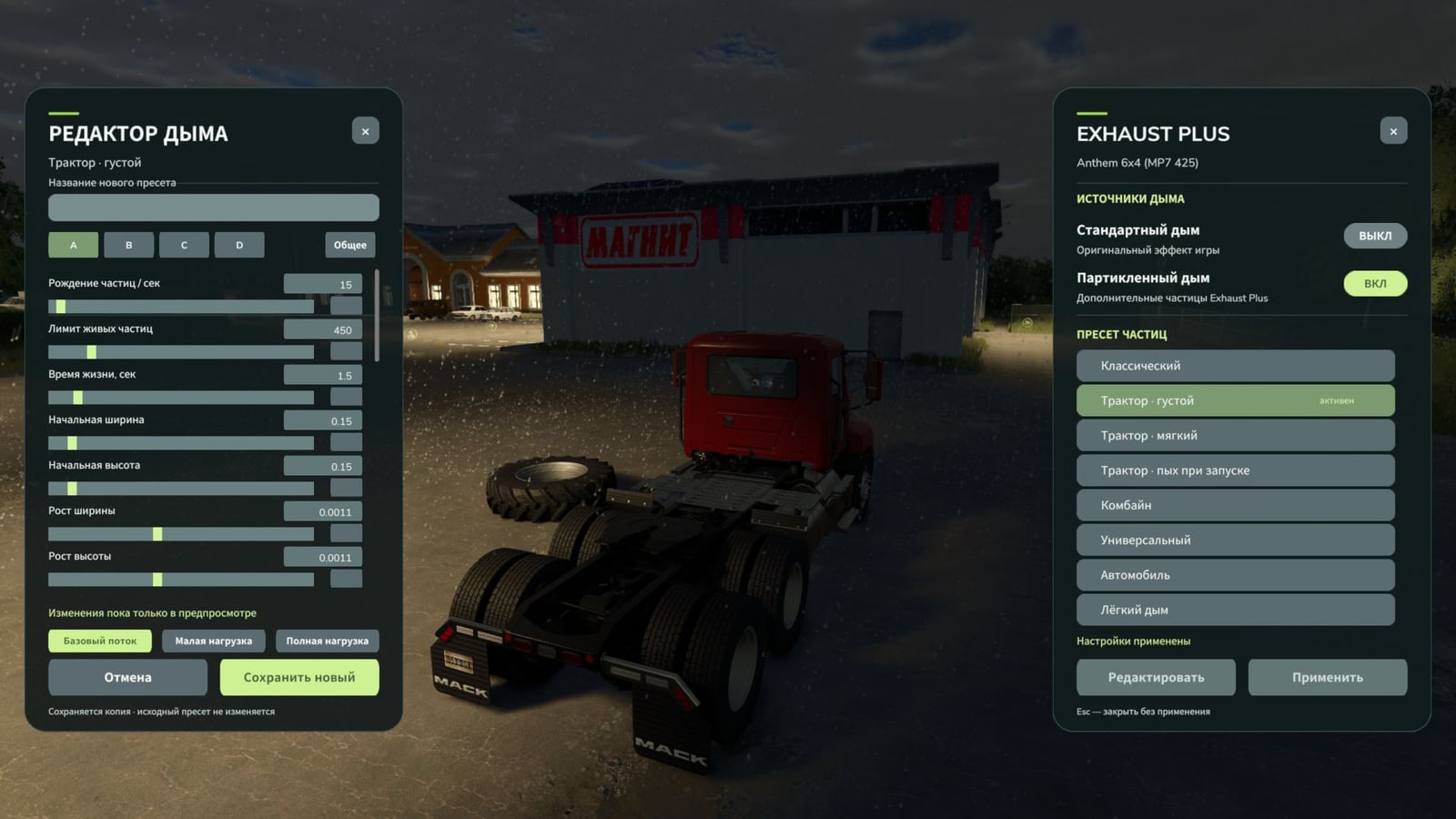
Open the panel using Right Alt + Q. If you prefer another shortcut, you can change this key combination in the control settings.
Features
- Vanilla smoke is replaced with a multi-level particle system.
- The exhaust reacts dynamically to engine load and RPM.
Changelog
V2.0.2.0
- Natural Exhaust is now available as a new preset.
V2.0.1.0
- Bug fixes.
- Textures were recompressed to the correct format.
- ESC now closes the HUD properly.
V2.0.0.0
- The new exhaust settings panel was added. Bring it up with Right Alt + Q.
- You can activate standard smoke and particle smoke independently. Pick one effect, use both, or turn smoke off completely.
- The preset editor gives you sliders and numeric input for particle density, size, lifetime, speed, color and opacity, along with the smoke’s response to engine operation.
- Smoke layers and the initial puff each have their own editing options.
- Check the exhaust in three preview modes: basic flow, low load and full load.
- Save custom presets under a custom name or delete them. The predefined presets stay unchanged.
- Your created presets are saved between game sessions and show up in the general list.
- Network synchronization has been reworked. Each machine sends its selected preset and smoke settings to the other players.
- The server now calculates smoke intensity, including for AI-controlled vehicles.