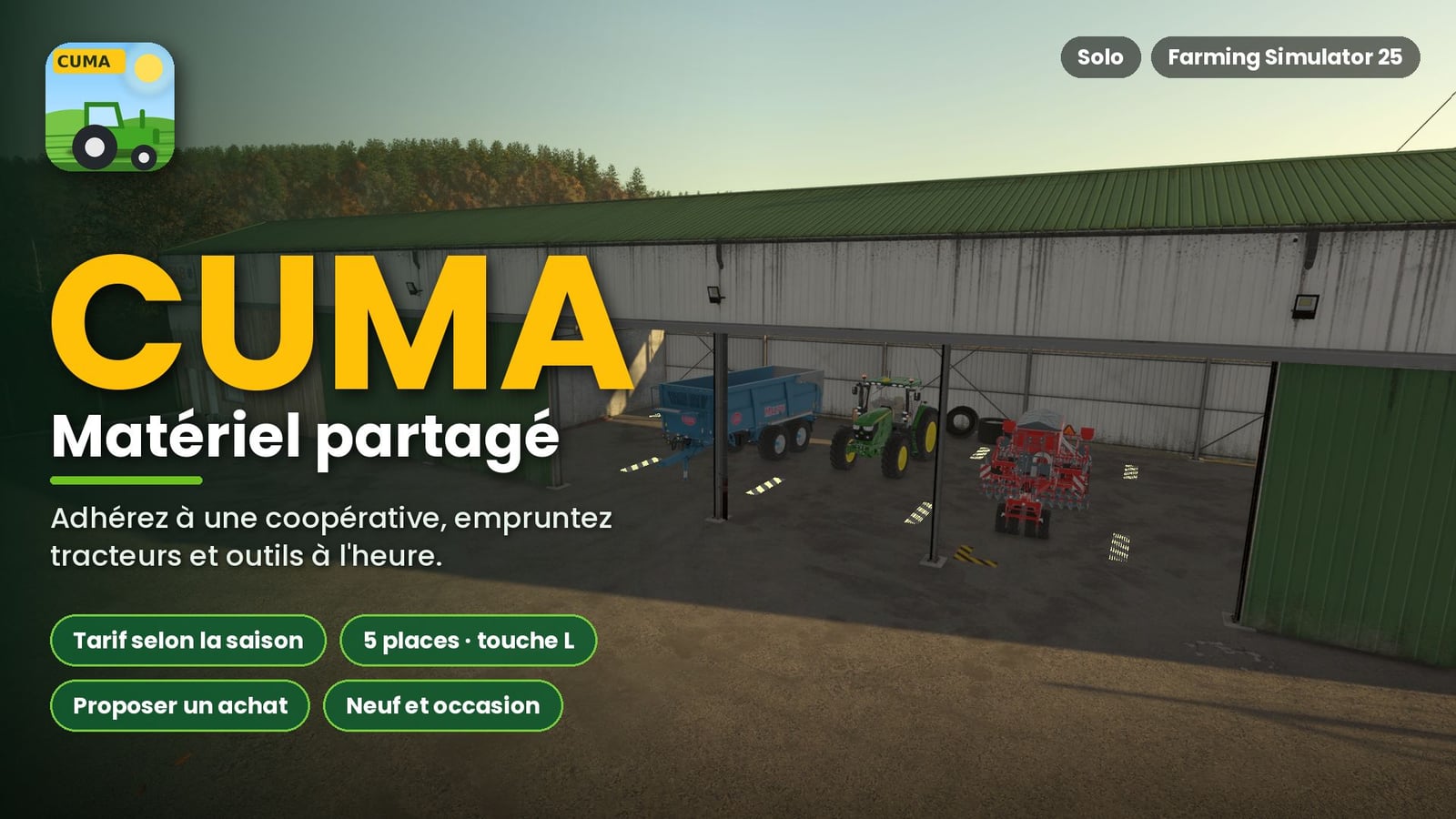
You can bring CUMAs, or agricultural machinery cooperatives, into Farming Simulator 25 with this mod. Join a cooperative, pay its membership fee, and borrow tractors, implements, and machinery by the hour. That gives you a cooperative setup to use while you farm.
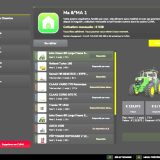
Look at the in-game shop menu and you will find a new “CUMA” tab there.
Features
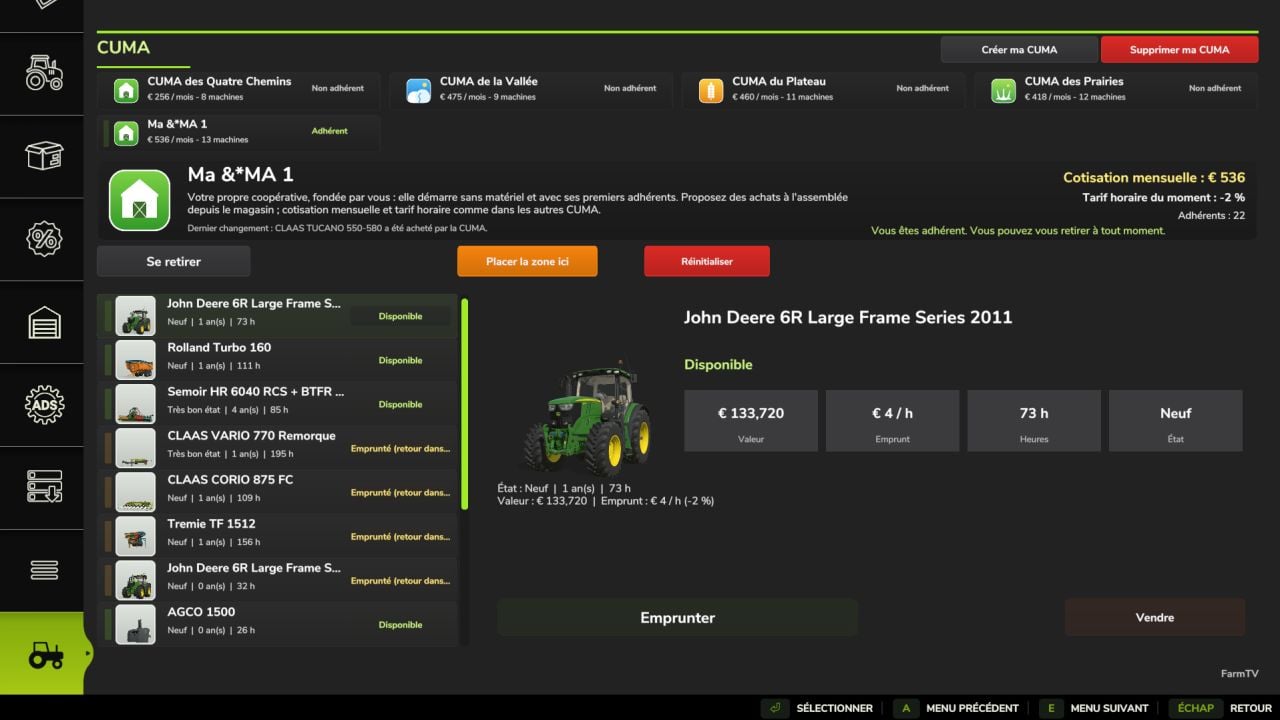
- Open the CUMA page to check which cooperatives are available in your save game. You also get the selected cooperative’s description, monthly membership fee, current hourly rate, and member count, plus the Leave, Borrow, Move Zone Here, and Reset buttons.
- The fleet view lets you check a machine’s condition, age, operating hours, value, hourly rental cost, and status. It shows whether the machine is available, under repair, or borrowed by another member.
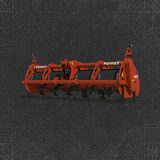
- Suggestions for equipment are made from the fleet you already have. A Kredo 3 power harrow that requires 165 hp works with the CUMA tractors at a 95% match. The 330 hp and 440 hp models are labeled as “Impossible” because they are too large for the tractors currently in the fleet.
- Membership and rates are straightforward: you may join only one CUMA at once, and you can leave after a minimum of one year.
- Your monthly membership fee is based on the fleet value. Renting equipment costs an hourly rate.
- The hourly rate follows the in-game season, not your borrowing frequency. Expect higher rates during sowing and harvest, with lower rates in winter.
- Every CUMA shows its number of members, and that number changes gradually over time.
- There are 2 to 4 CUMAs in each game session, unless you decide to create more. Each one has its own profile and corresponding equipment.
- One setup can be a small village without a combine harvester. Another can be a valley cooperative with a combine and modern machinery. You can also have a large-scale cropping operation with high-horsepower tractors and plows, or a livestock-focused group with telehandlers, forks, manure spreaders, and hay-making gear.
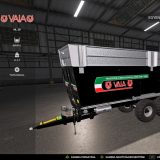
- The machinery is taken directly from the in-game shop, including equipment from mods.
- Machines change as time goes on because age, operating hours, wear and tear, breakdowns, and repairs are simulated. A machine may also be loaned to another member from time to time.
- Tools are matched to tractor power, so the fleet does not use oversized implements.
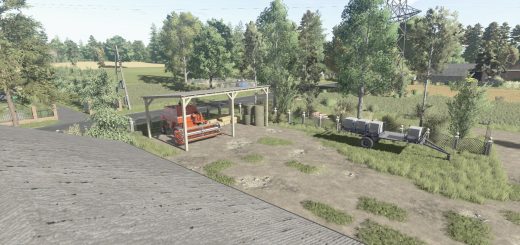
- Want the delivery zone somewhere else? Use “Move zone here” on the CUMA page. The orientation follows your current camera view.
- The delivery zone has 5 designated spots, shown with yellow and black lines.
- You can suggest any machine available in the in-game shop, whether it is new or used from the game’s “used” tab.
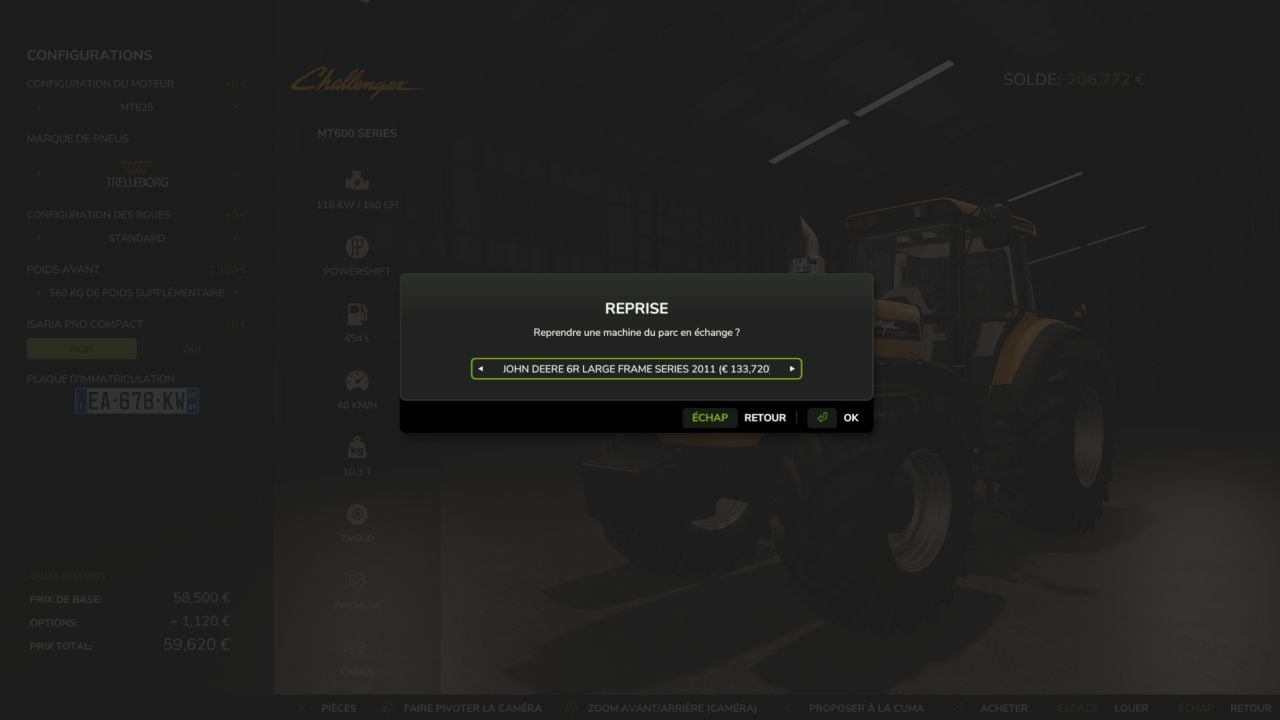
- Existing fleet equipment can be traded in.
- Set up the machine with engine options, features, realistic color schemes, and any other available options.
- A proposal’s acceptance chance is based on necessity, compatibility, the cooperative’s budget according to its number of members, and potential revenue.
- After you submit a proposal, a few in-game days must pass before you can submit another one.
Installation and Tips
Copy the .zip file into your mods folder and enable it in your save game. Then open the in-game shop menu, where the CUMA tab will appear at the end.
Use “Place zone here” to put the delivery area where you want it.
This mod remains a work in progress, and further updates are planned.
Changelog
V1.0.0.2
- Interface updated
- Bugs with the mouse wheel fixed
- Certain limits increased
- Several bugs fixed
V1.0.0.1
- A lot of improvements
- Creation of your own CUMA
- Buy equipment from the CUMA directly in the shop menu
- Booking calendar for Multiplayer, with the calendar still in beta