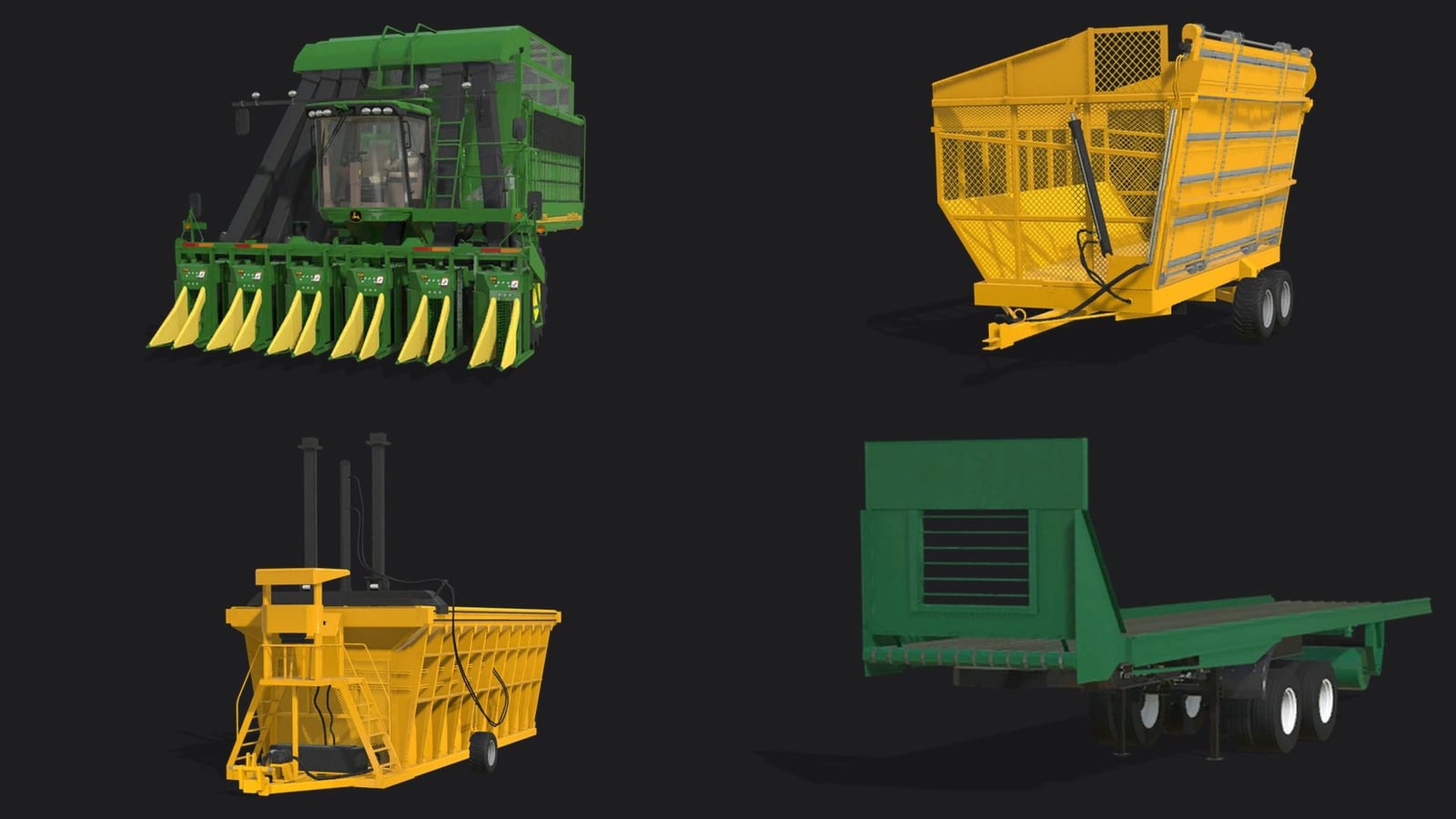
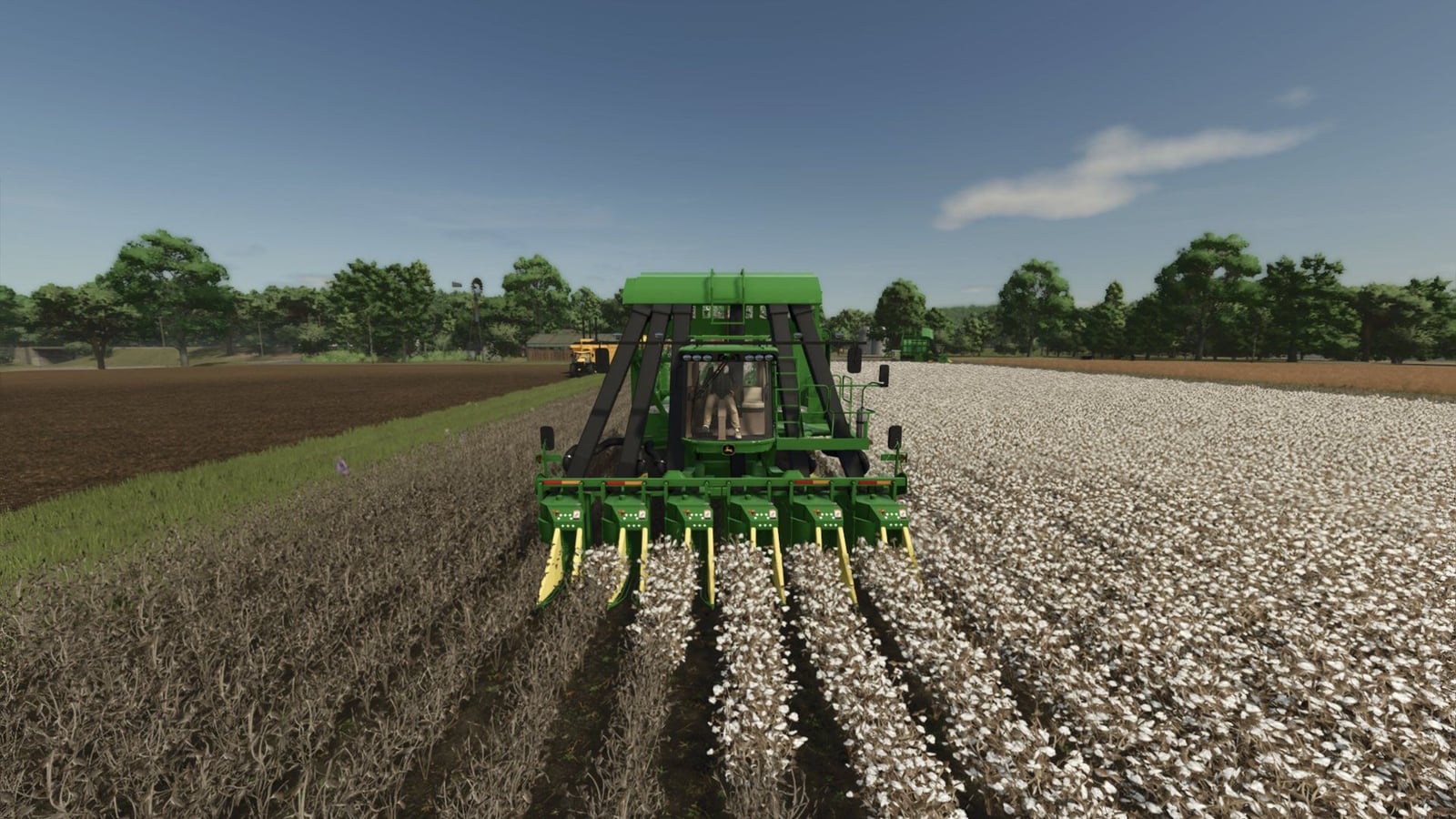
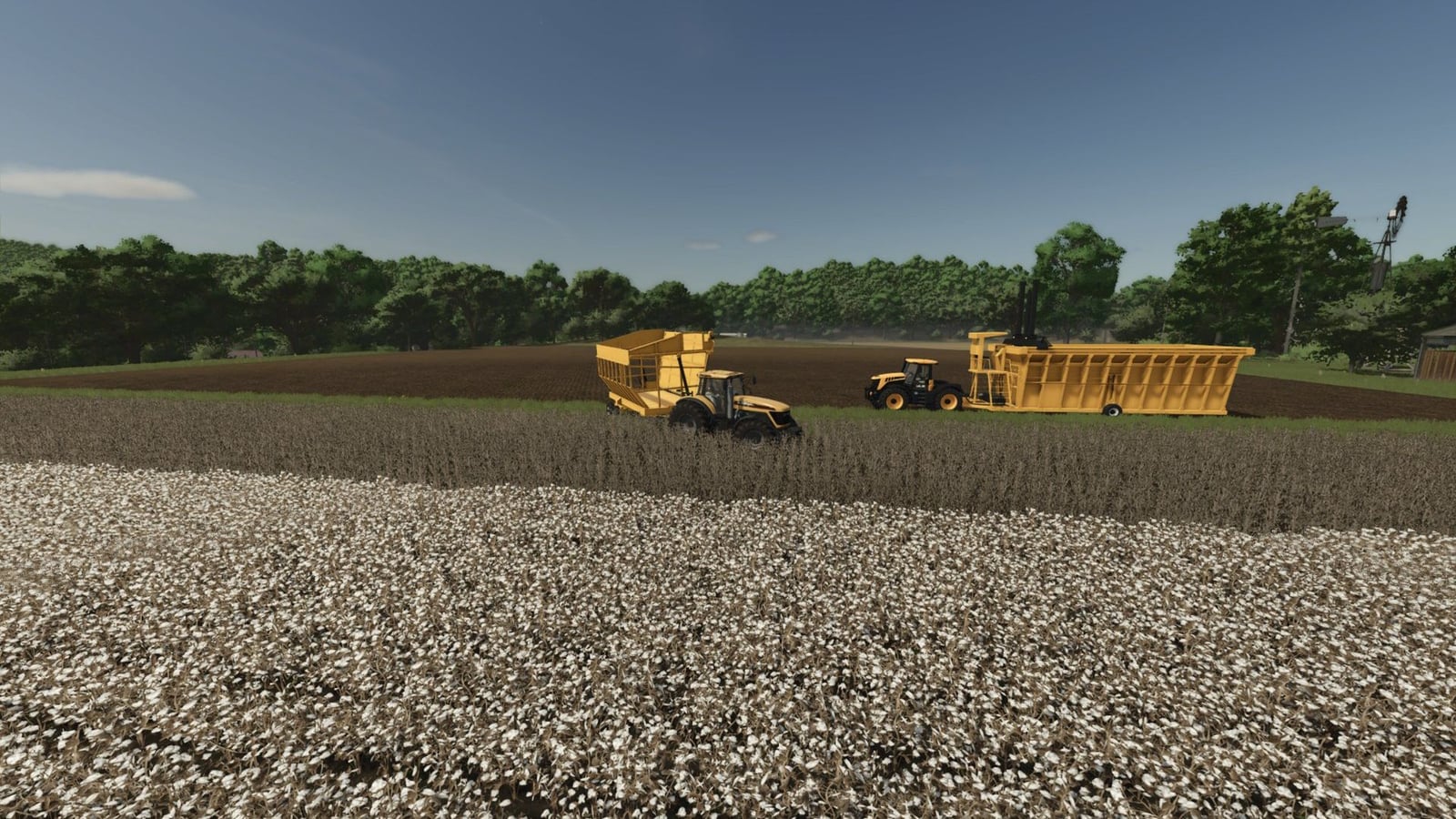
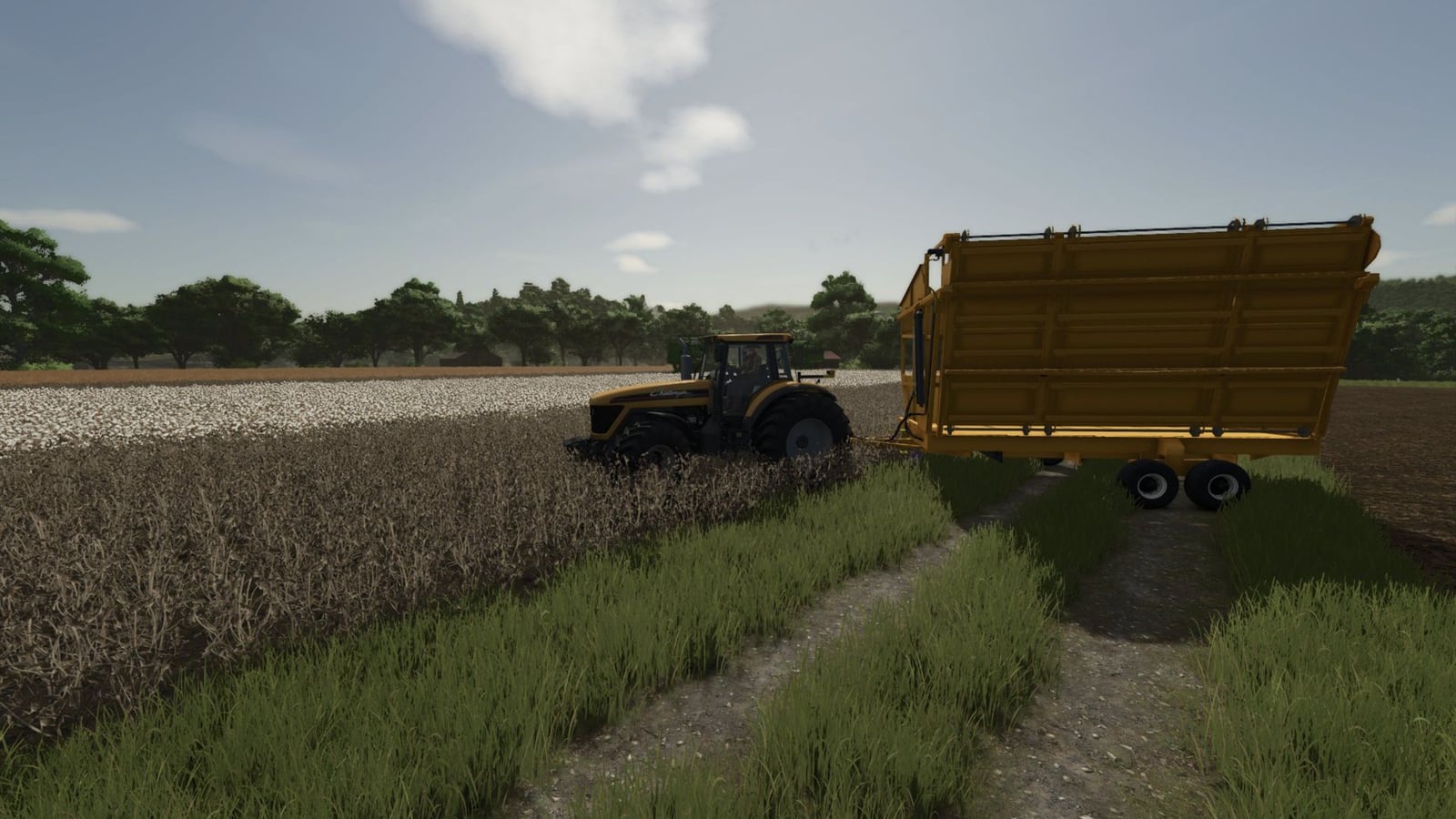
You get the full cotton harvest chain for Farming Simulator 25 in Cotton Pack V1.1.2.1. Start with the 6-row John Deere 9996 cotton picker, unload into the high-sided Bass cotton cart, build modules with the towed baler, and move those modules with the transport trailer. It gives you a complete setup to drive and work through.
Features
- The picker puts its cotton into the Bass cotton cart. You can then dump that cotton into the baler or straight into a trailer.
- The Baler EB11 works as a towed module builder. Tip cotton into the top, power it from a tractor PTO, and unload the finished module when it is ready.
- Use the Transmodulo to move the finished modules around.
John Deere 9996
- Price: 250,000
- Header: 6-row
- Basket capacity: 4,000 L
- Power: 225 hp
- Maximum speed: 45 km/h
- Shop options: standard or dual front wheels, with an optional Starfire GPS antenna
Bass cotton cart
- Price: 6,800
- Capacity: 8,000 L
Baler EB11
- Price: 6,000
- Towed module builder
Transmodulo
- Price: 5,000
- Trailer for moving finished modules
Changelog
- The baler now creates a standard-size Farming Simulator 25 square module. It measures 2.44 m x 2.44 m x 4.88 m, holds 20,000 L, and fits normal trailers and bale handlers.
- Previously, the baler made a 4 m x 6 m x 8 m bale that nothing could carry.
- The 9996 now has a working fuel fill point at the rear, so the refuel prompt appears at fuel pumps.
- The 9996 engine and cabin sound setup was rebuilt, meaning it no longer asks for parts the model does not have.
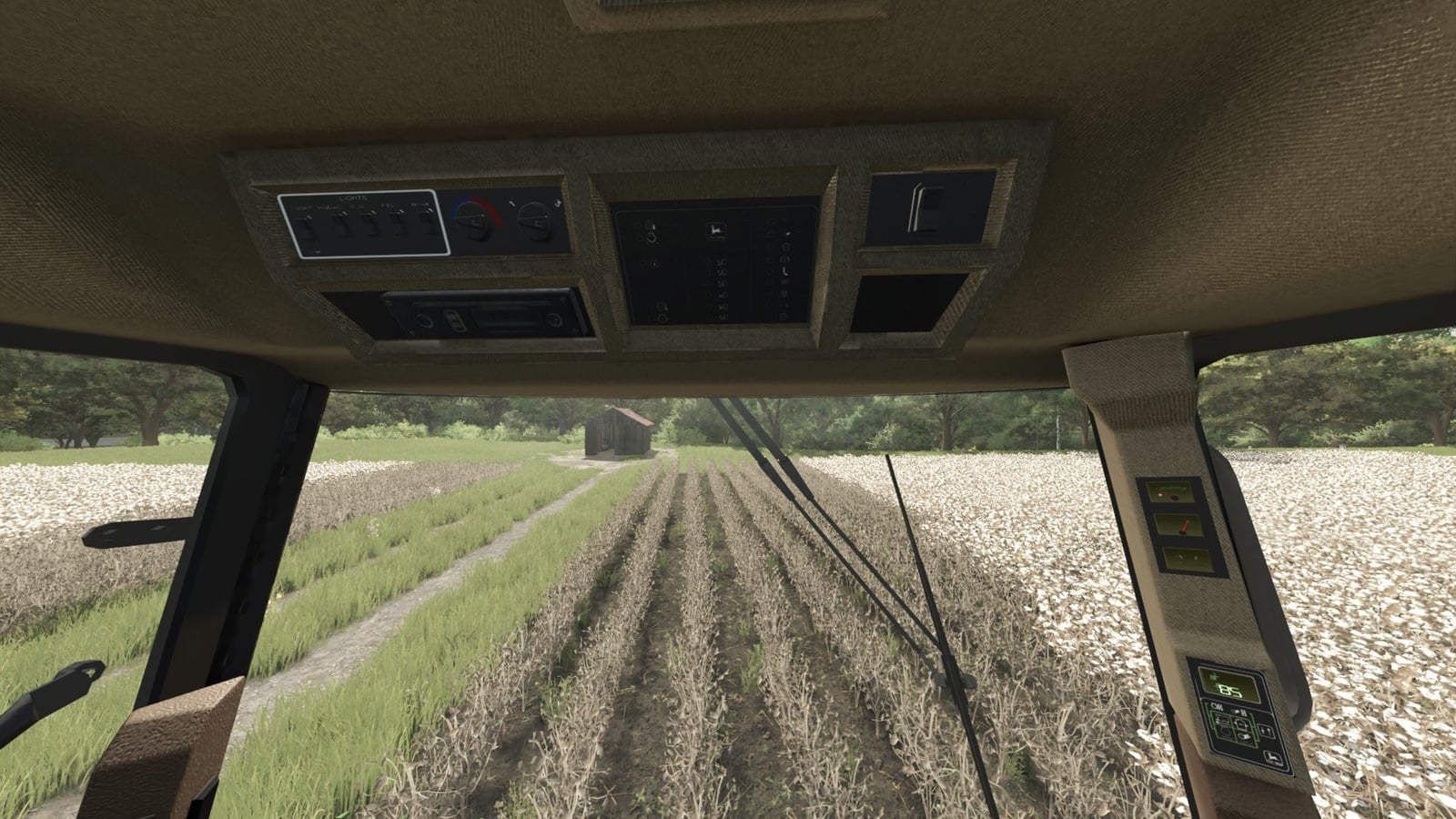
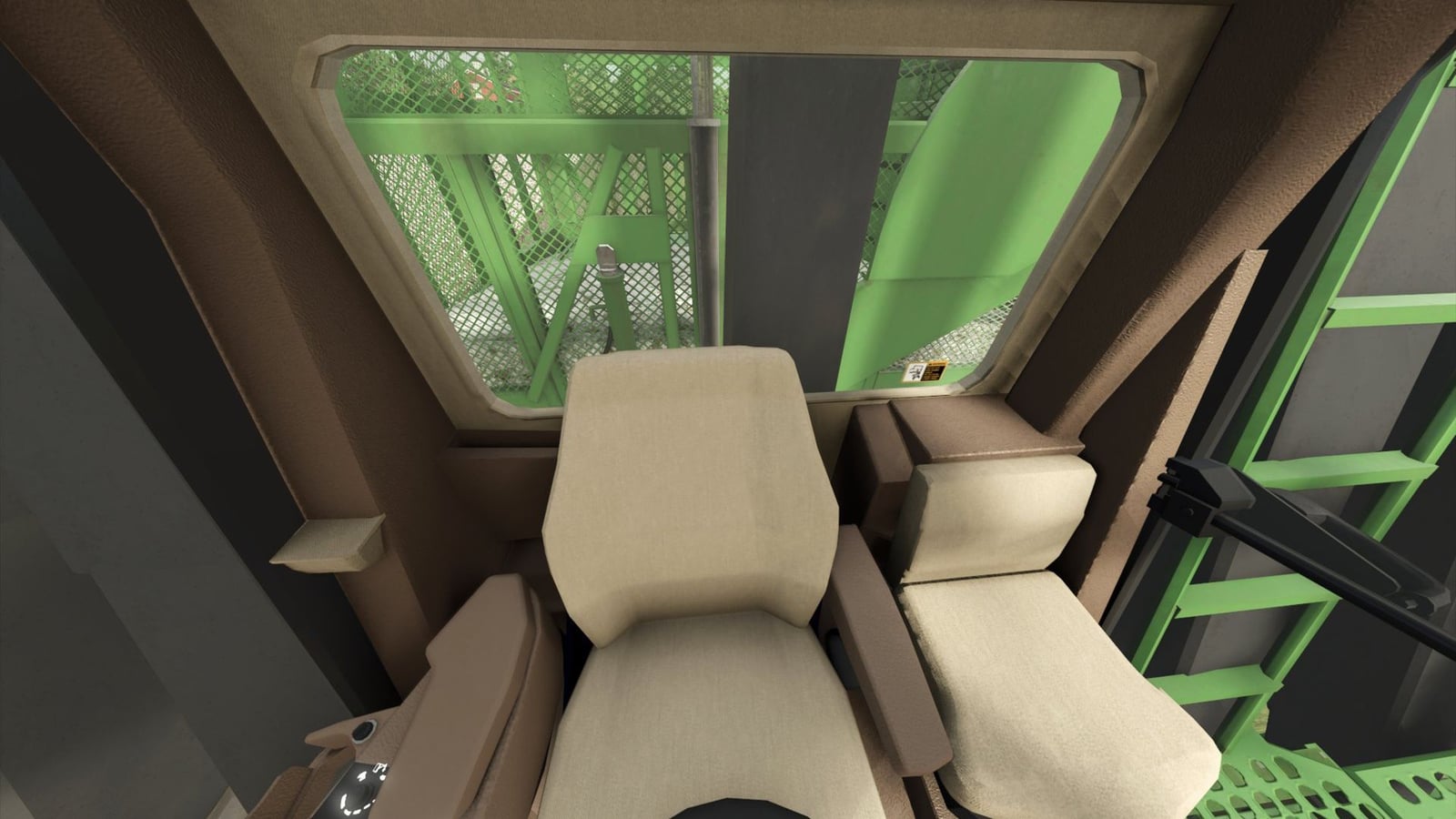
- The cab console panels no longer flicker.
- File errors from the original pack were cleaned up. This includes the vehicle type, missing sounds, old colour settings, and several wrong file references.
Known issues
- The game no longer supports the colour setting, so the colour options for the cart, baler, and Transmodulo were removed. They keep their default colours.
- You will find the Transmodulo in the Misc shop category.
- Some cab details are textures, which means they may look flat up close.
Installation
- 1 Download the zip and leave it zipped. Do not unzip it.
- 2 Move the file into your Farming Simulator 25 mods folder.
- 3 Enable the mod in the game. In the shop, the machines are listed under their names, 9996, Bass, Baler EB11, and Transmodulo.
- 4 Disable another copy of this pack if you have one. Also disable the earlier standalone 9996, Cotton Cart, or Module Builder mods. They define the same machines.