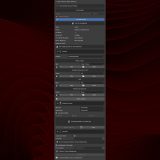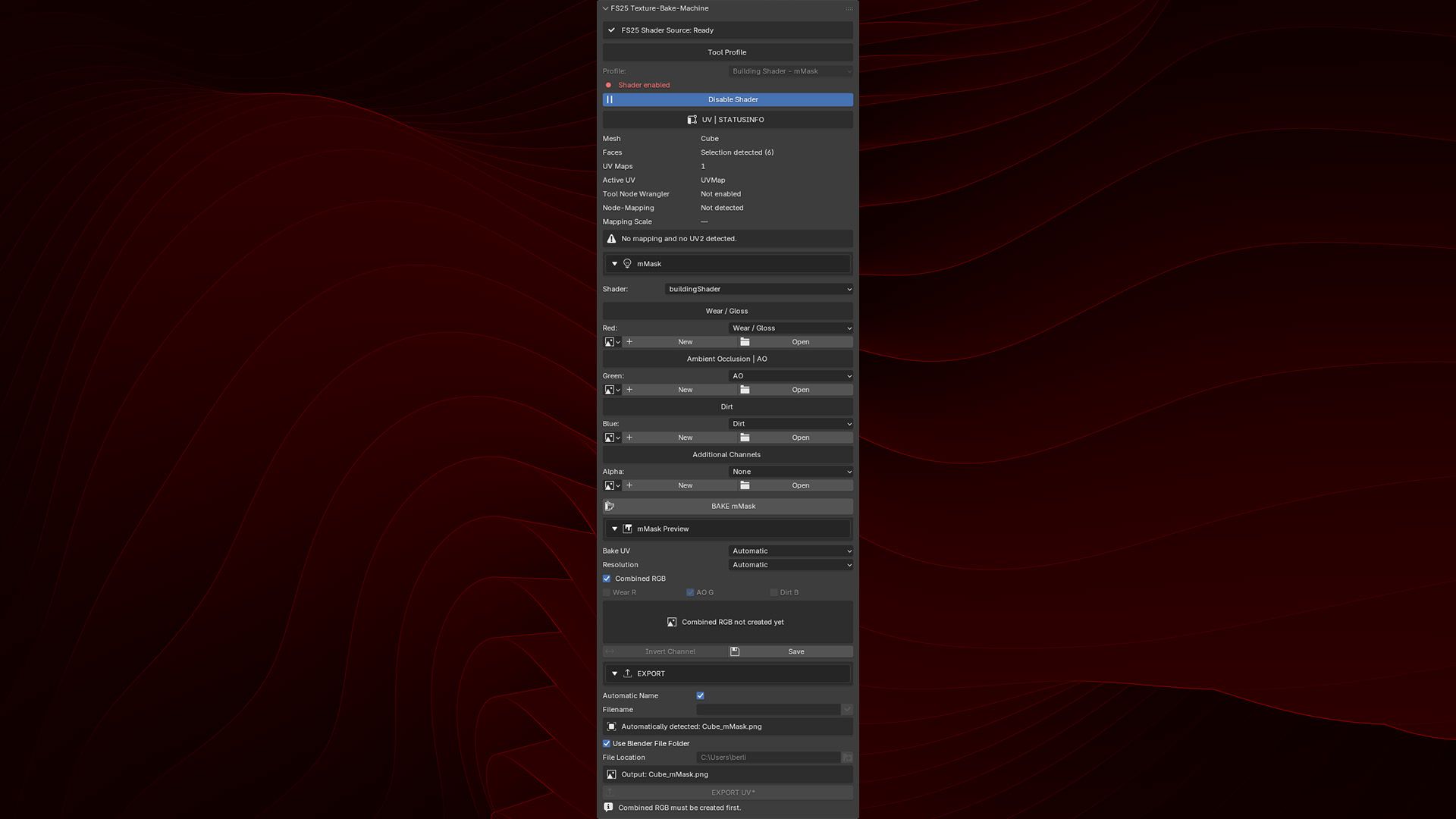
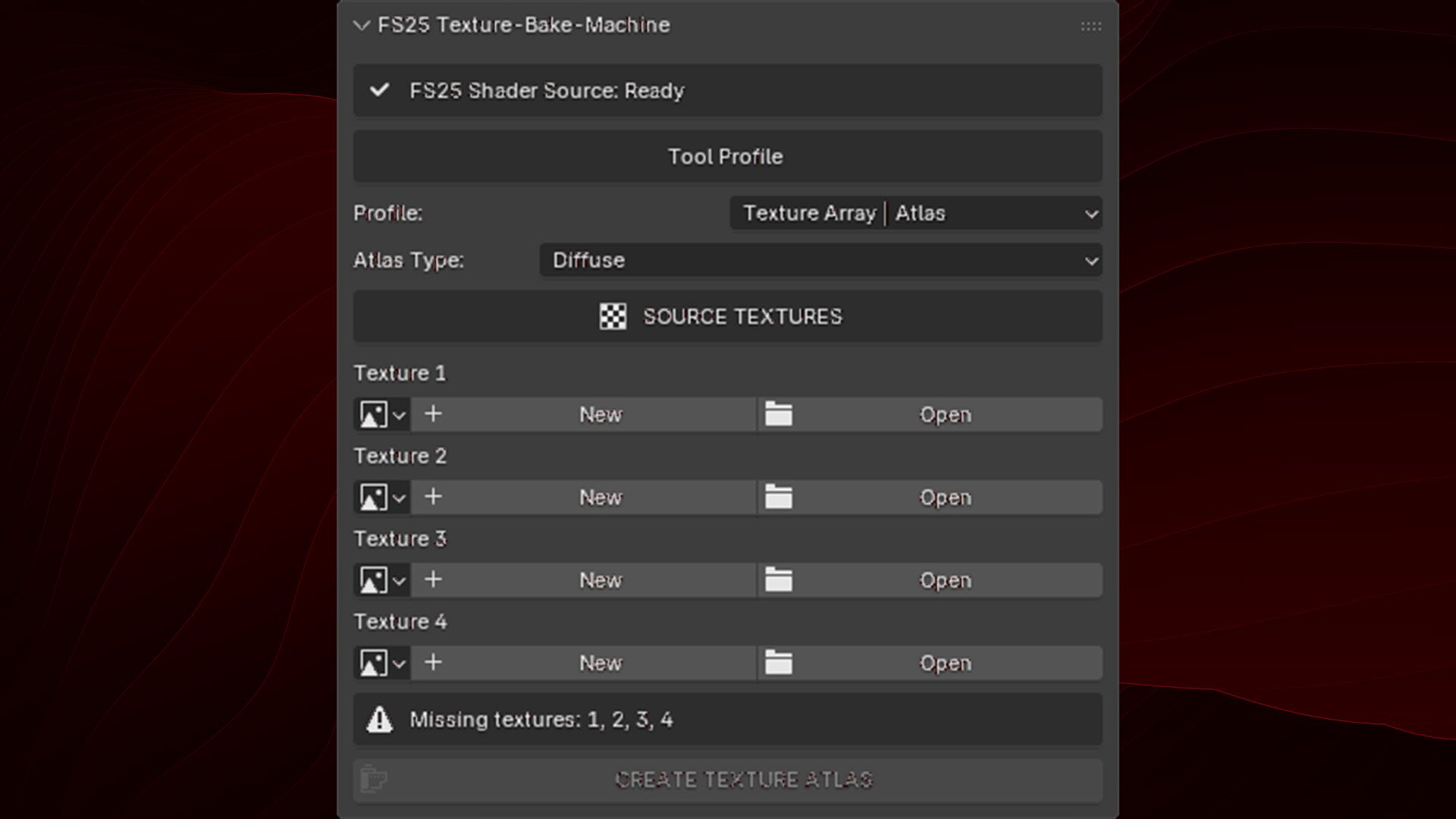
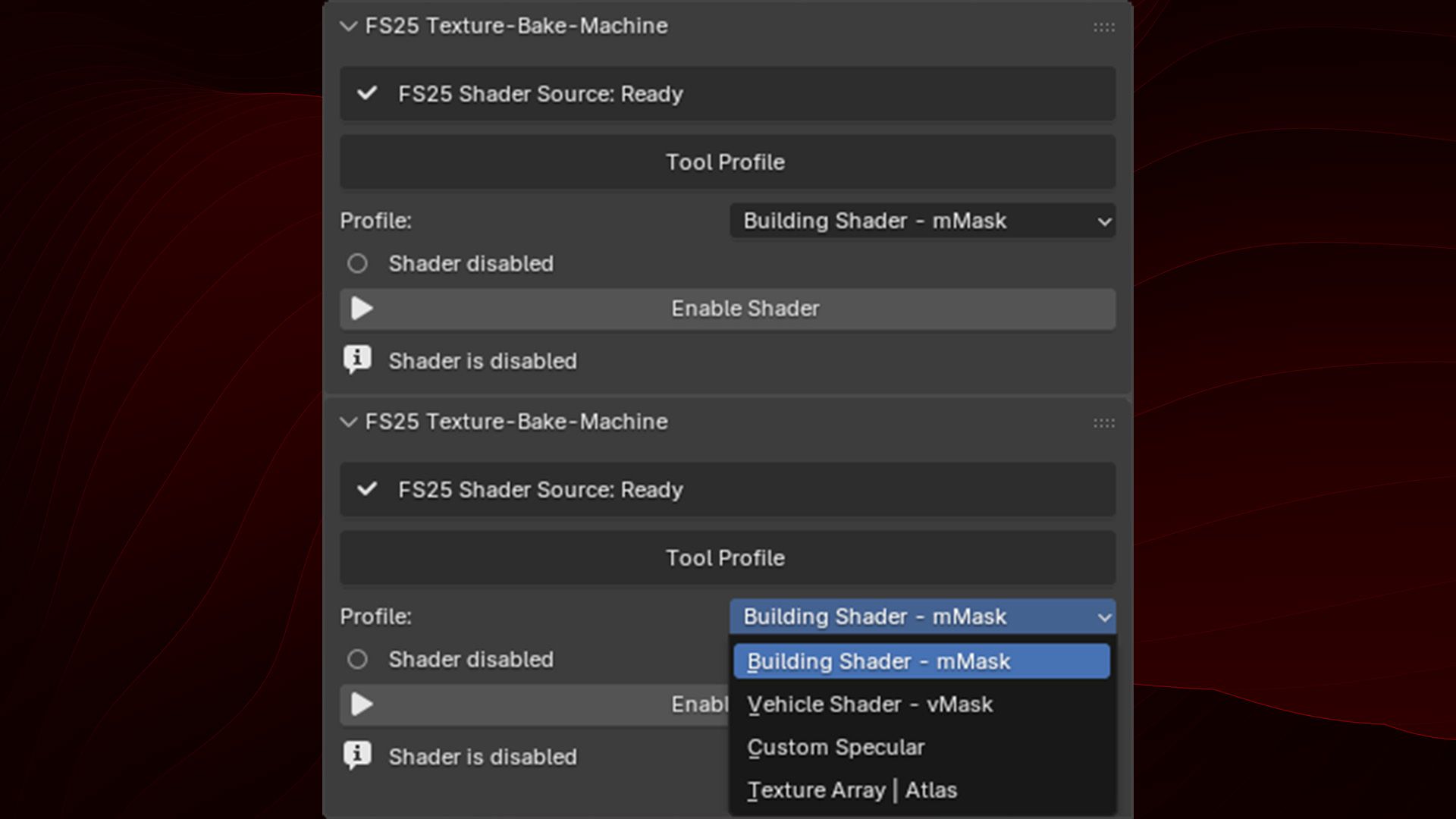
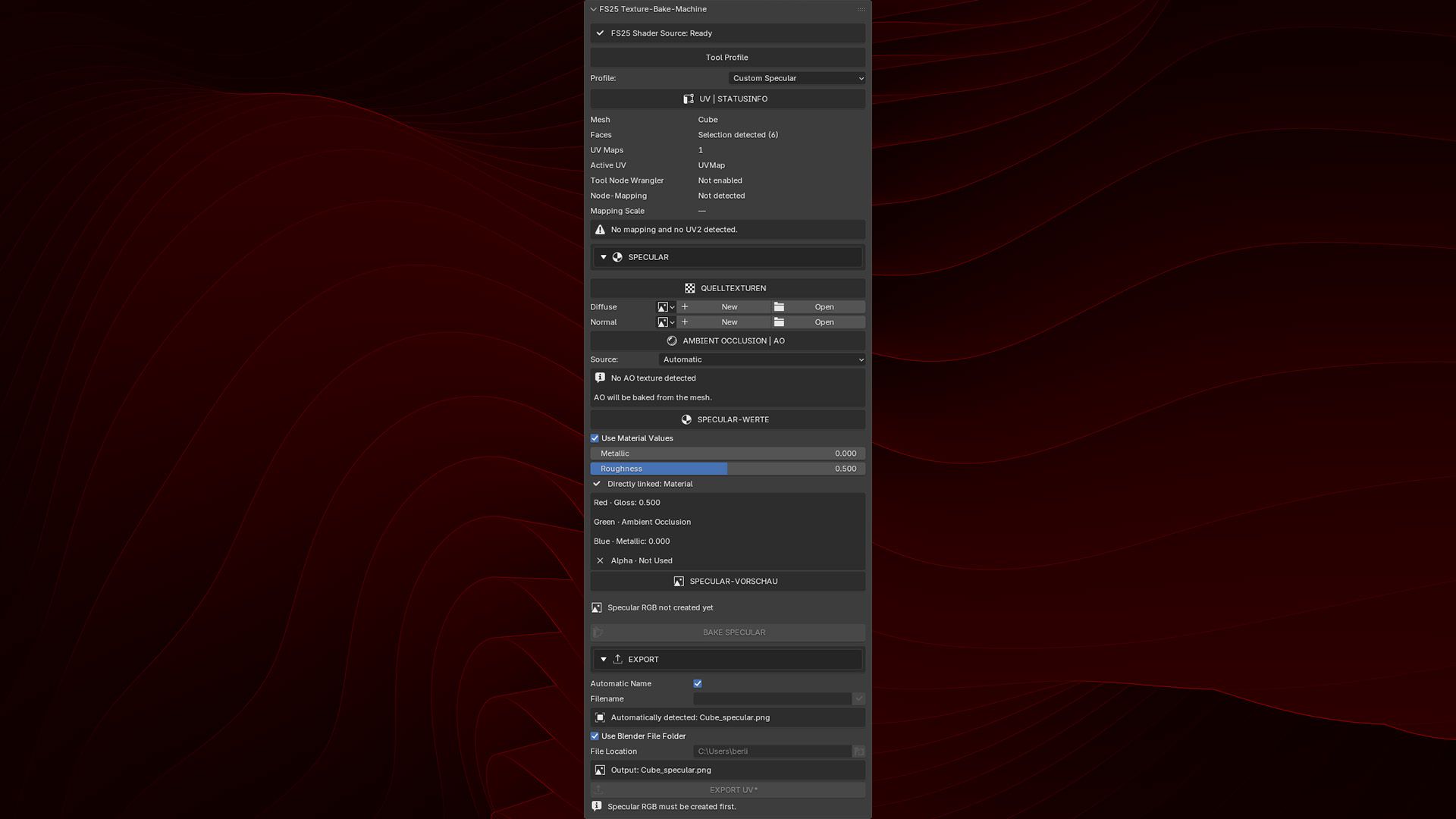
A Blender add-on for preparing and packing texture maps for GIANTS Farming Simulator 25 workflows. It combines recurring channel-packing and texture-atlas tasks in one compact Blender sidebar tool.
Tested with Blender 4.0.2, 4.5.9 LTS, 5.1.2, and 5.2.1 LTS.
Features
– Building Shader mMask creation
– Vehicle Shader vMask creation
– Custom Specular channel packing
– Automatic Ambient Occlusion baking
– Texture Array | Atlas creation
– Native Blender progress display
– Automatic and custom PNG export names
– English interface with German translation
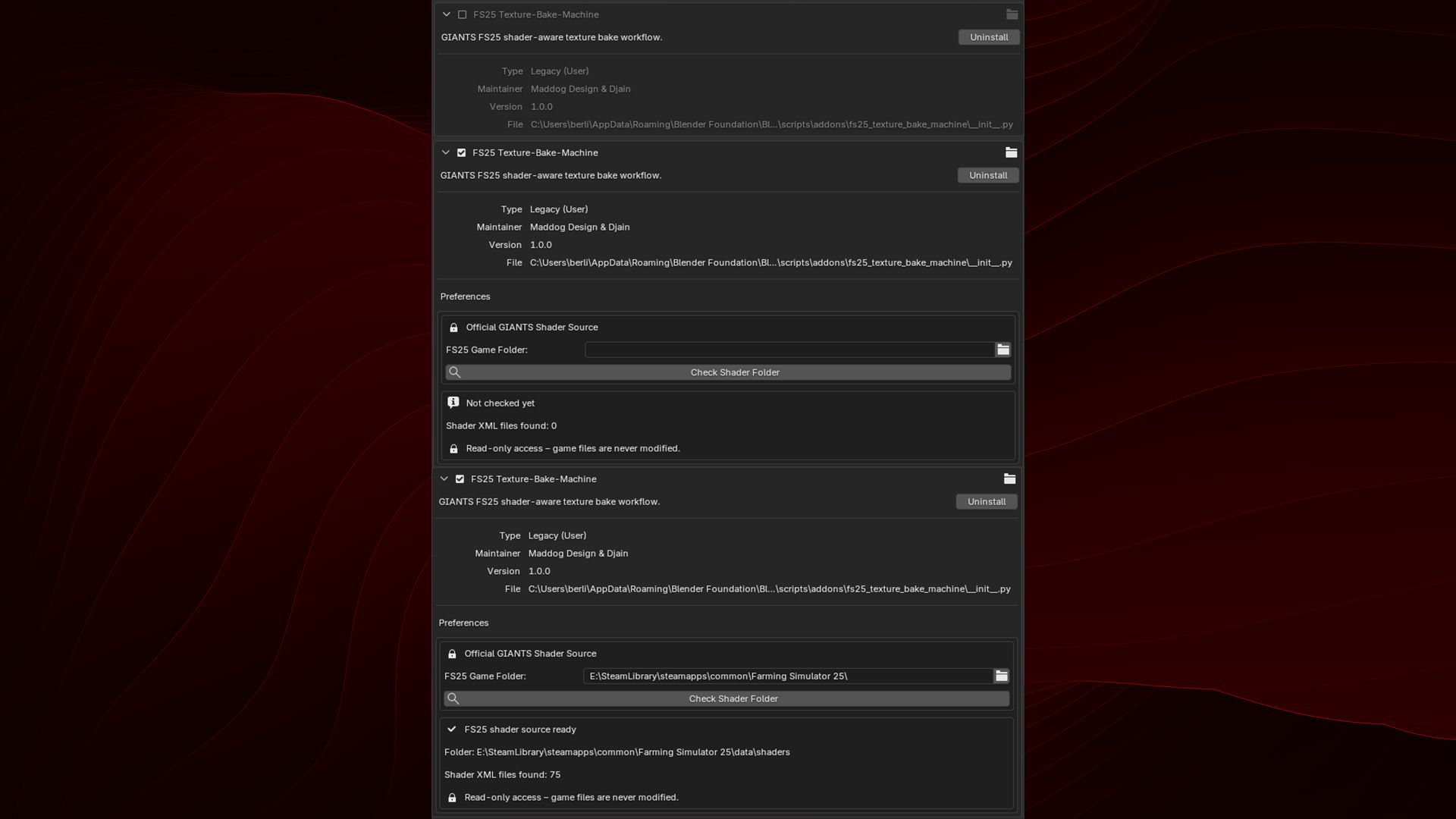
– Read-only detection of official GIANTS shader files
– Channel packing
– mMask and vMask
– Red: Wear / Gloss
– Green: Ambient Occlusion
– Blue: Dirt
Alpha: Optional additional channel
– Custom Specular
– Red: Gloss
– Green: Ambient Occlusion
– Blue: Metallic
– Alpha: Not used
Compatibility
– Blender 4.0.2
– Blender 4.5.9 LTS
– Blender 5.1.2
– Blender 5.2.1 LTS
V1.0.1.0
– Fix: Textures created via the add-on now have the correct color values.
– New: All “New” buttons have been corrected accordingly.
– New: The AO bake area indicates when Cycles needs to be activated.
– New: The most important AO bake settings, including Margin Type, are available directly in the add-on.
– New: “Save” has been changed to “Save Image”. An asterisk (*) indicates unsaved changes.
– New: “BAKE AO” will only be released once an AO texture has been created or selected.
– New: AO is baked directly into the selected texture and its existing resolution.
– Improved: Newly created textures are more reliably enabled for Texture Paint.
– Have fun, new features are planned.