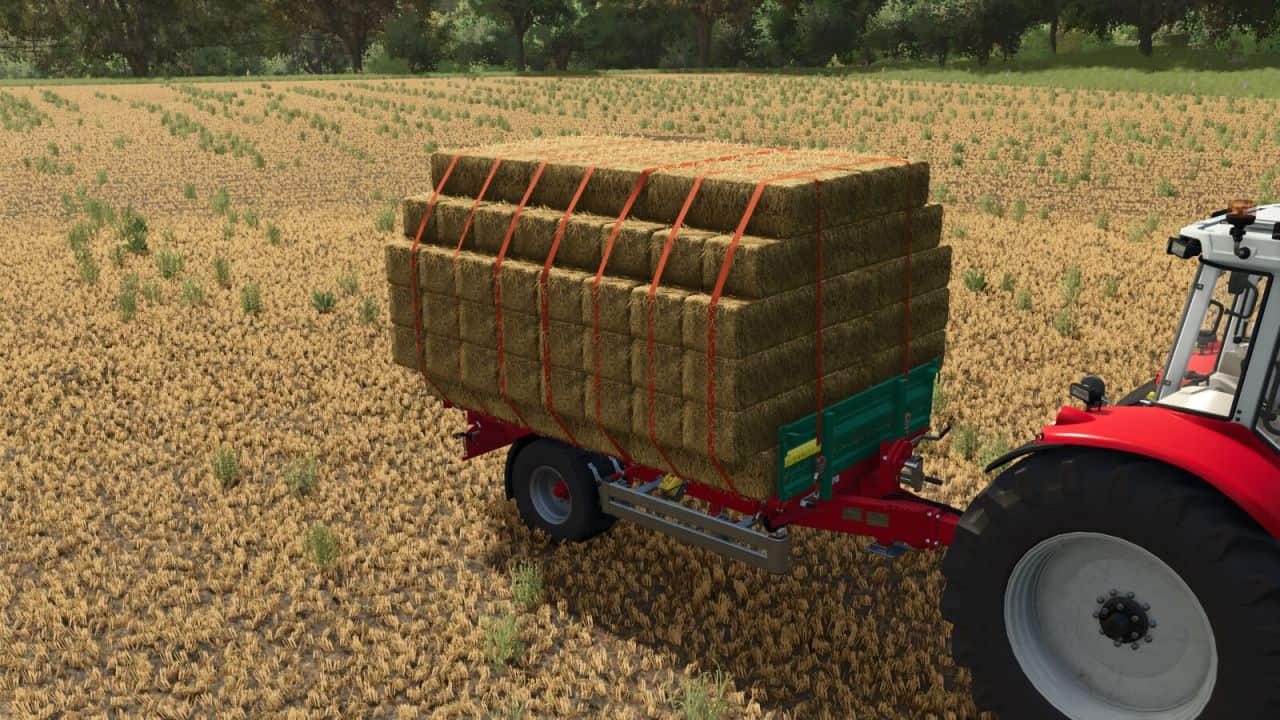
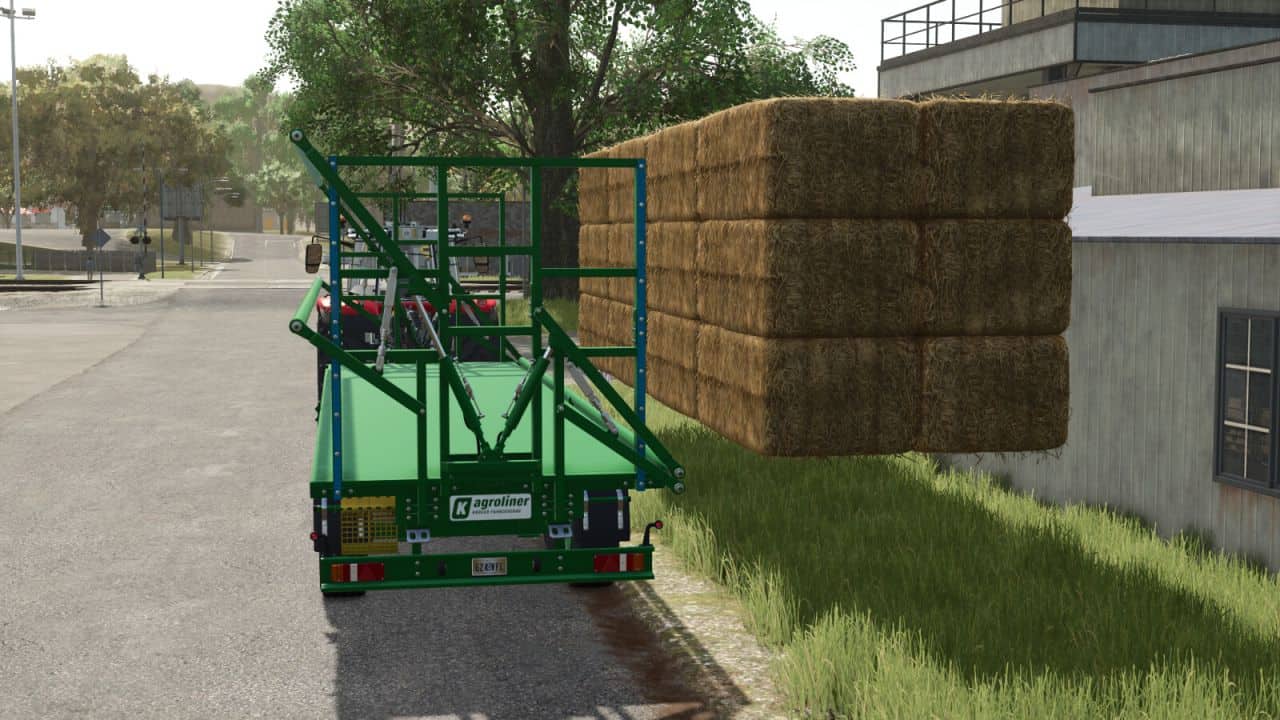
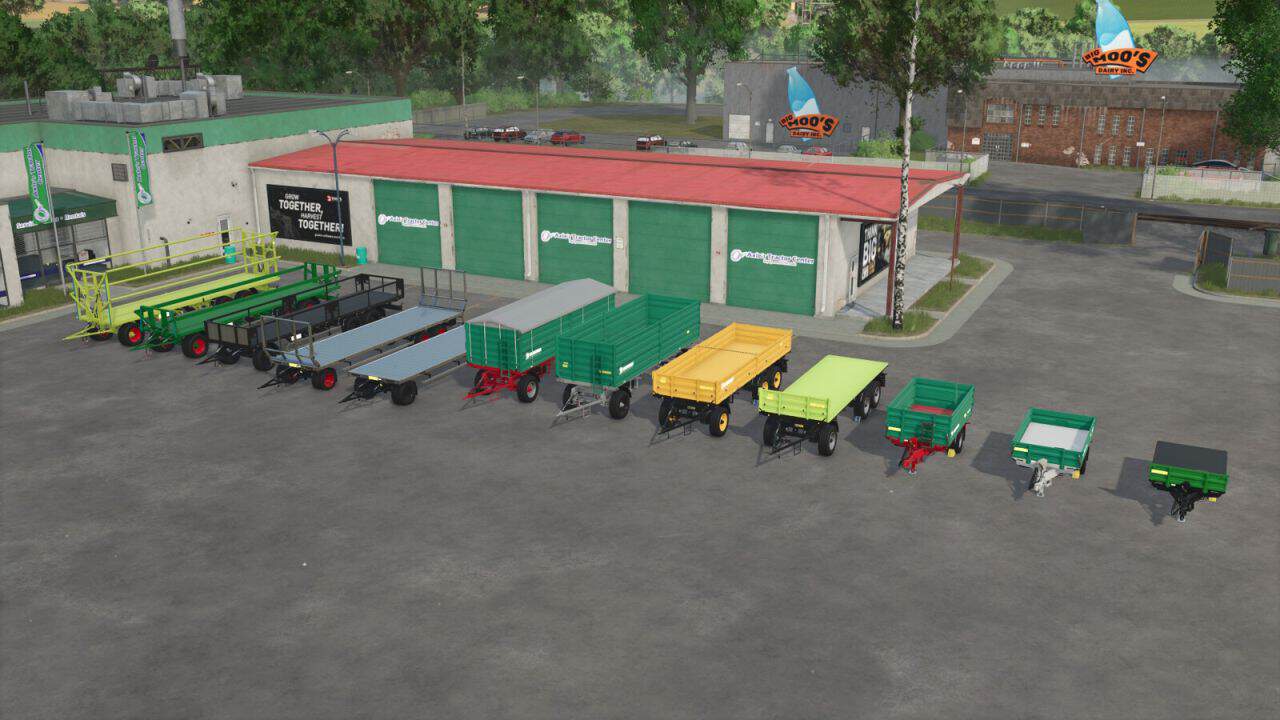
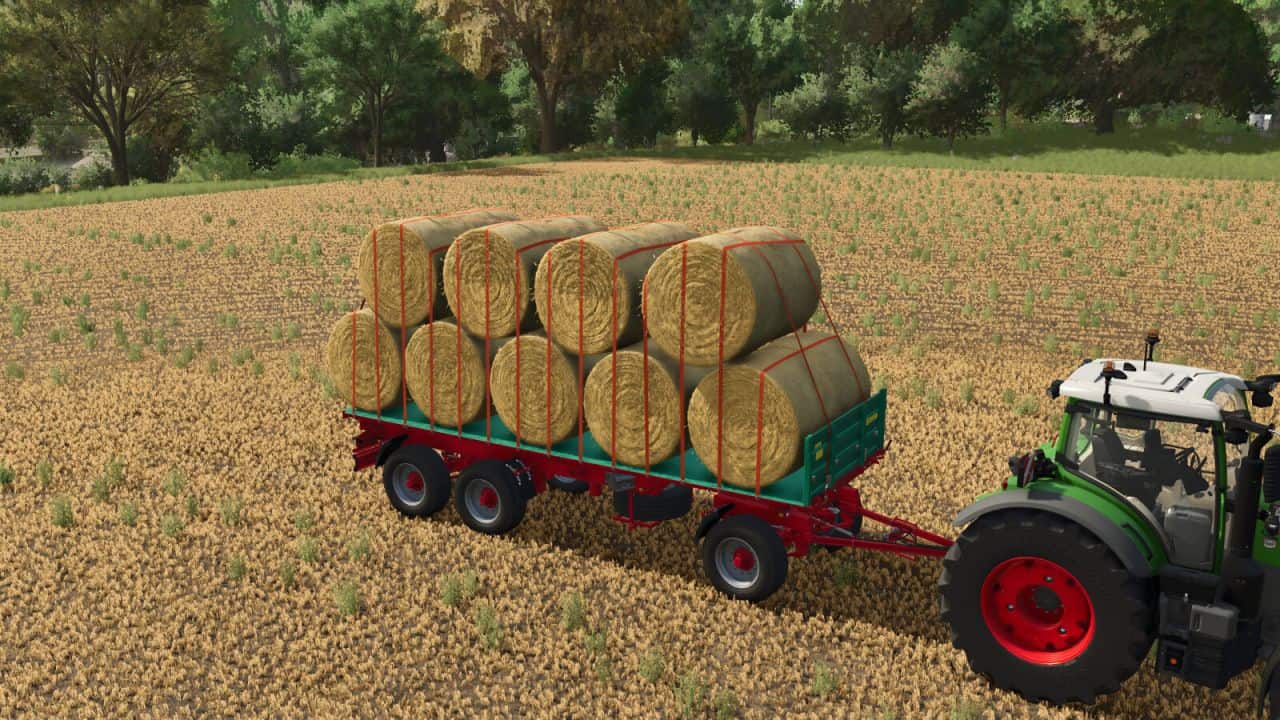
Kroeger PWO 24 Bale Autoload
– Price: from $25,500
– Category: Bale loaders, Flatbed trailers
– Configuration: Standard or Bale Autoload
– Configuration: Extension
– Configuration: Beacon
– Autoload for
– round bales (125cm: 26 bales, 150cm: 22 bales, 180cm: 18 bales, cotton: 4 bales)
– square bales (180cm: 30 bales, 220cm & 240cm: 24 bales, cotton: 2 bales)
– each side of the body can be opened separately or both sides at the same time (“U” key to select the loading side, “Y” key to open/close)
– Color choice for trailer & rims
– Choice of tyres (Continental, Trelleborg, BKT, Vredestein)
– New rear lights with reverse lights
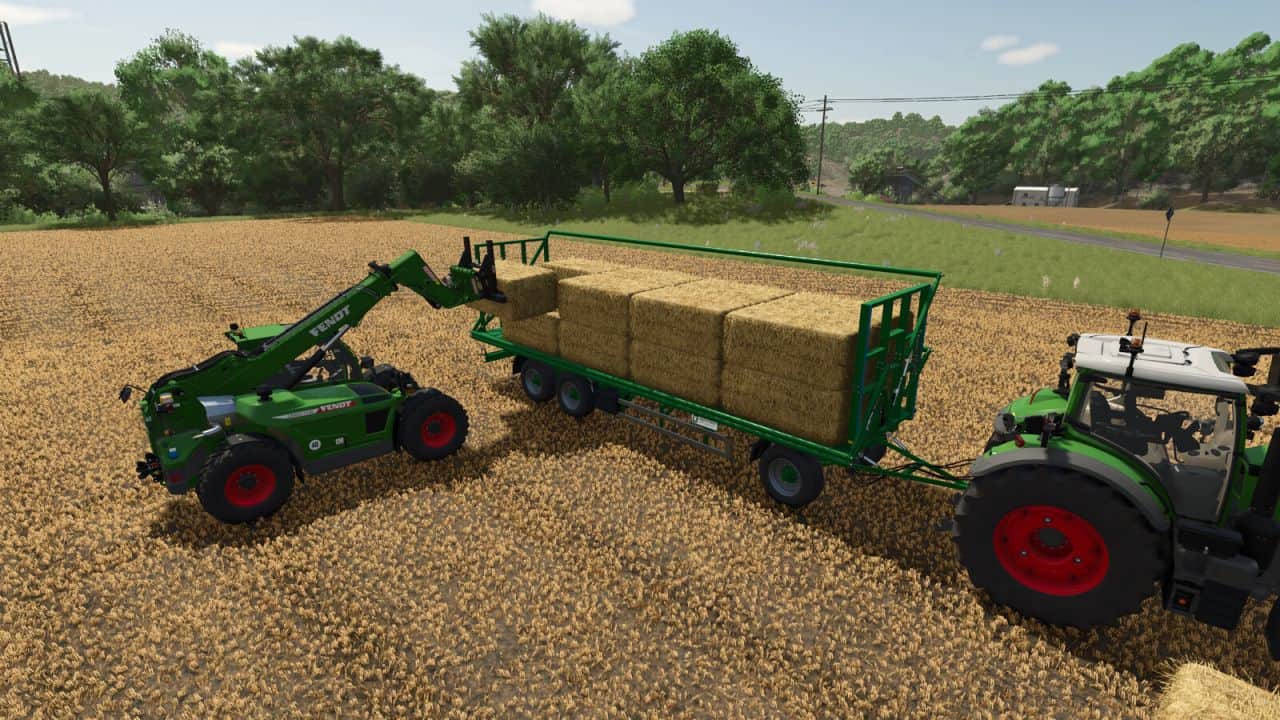
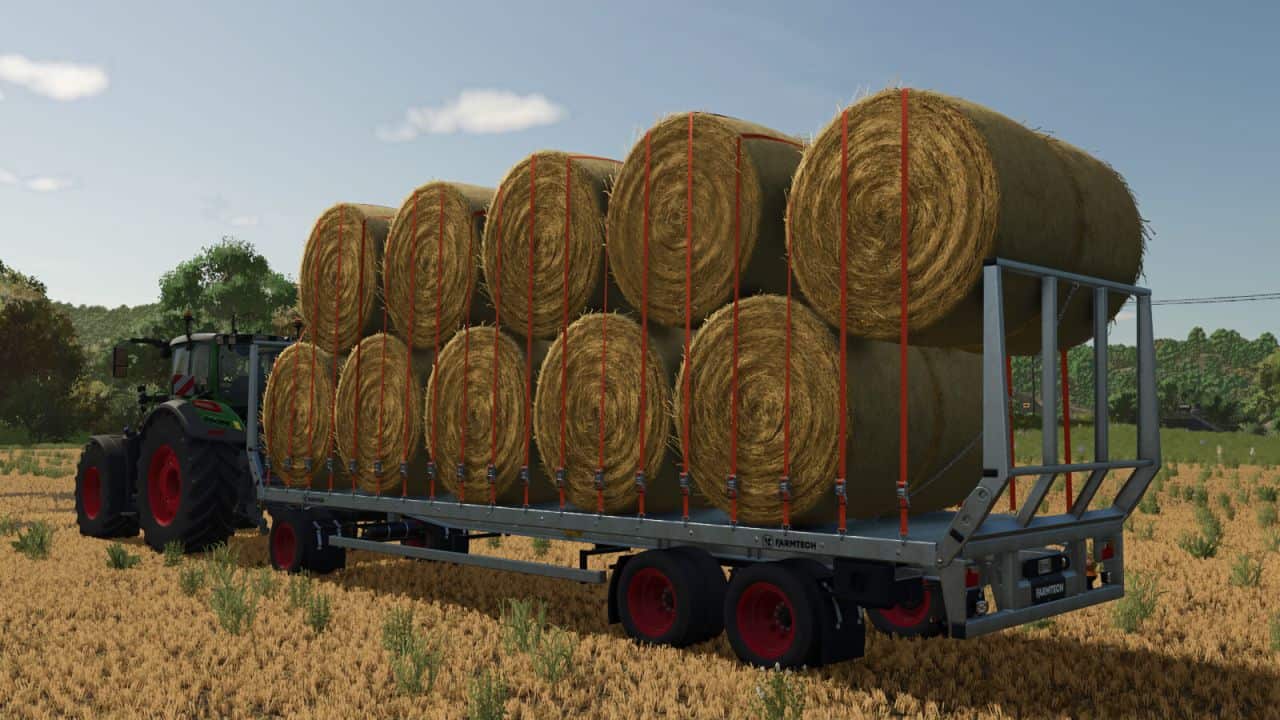
Farmtech DPW 1800 Bale Autoload
– Price: from $20,500
– Category: Bale loaders, Flatbed trailers
– Configuration: Standard or Bale Autoload
– Configuration: Extension
– Configuration: Beacon
– Autoload for
– round bales (125cm: 26 bales, 150cm: 22 bales, 180cm: 18 bales, cotton: 4 bales)
– square bales (120cm: 320 bales, 180cm: 30 bales, 220cm & 240cm: 24 bales, cotton: 2 bales)
– Rim color option
– Choice of tyres (Continental, Trelleborg, BKT, Vredestein)
– New rear lights with reverse lights
Farmtech DDK 2400 Bale Autoload
– Price: from $30,500
– Category: Trailers, Bale loaders, Flatbed trailers
– Configuration: Bales, Bale Autoload, 14000m³, 18000m³
– Autoload for
– round bales (125cm: 22 bales, 150cm: 18 bales, 180cm: 14 bales, cotton: 3 bales)
– square bales (120cm: 240 bales, 180cm: 24 bales, 220cm & 240cm: 18 bales, cotton: 1 bale)
– Rim color option
– Choice of tyres (Continental, Trelleborg, BKT, Vredestein)
– New rear lights with reverse lights
Farmtech EDK 650 Bale Autoload
– Price: from $6,000
– Category: Trailers, Bale loaders, Flatbed trailers
– Configuration: Bales, Bale Autoload, 4000m³, 8000m³
– Autoload for
– round bales (125cm: 10 bales, 150cm & 180cm: 6 bales)
– square bales (120cm: 136 bales, 180cm: 12 bales, 220cm & 240cm: 9 bales)
– Rim color option
How Bale Autoload works:
Important notes:
– The unloading assistant can only be changed before loading or after the trailer has been fully unloaded.
– Bale Autoload is only available when configured in the workshop/garage.
1. Move the trailer into working position with “B”. Bales can now be collected.
– In “EASY” working mode, the trailer automatically collects bales located up to 4m beside the trailer.
– In “PRO” working mode, the bales must be placed on the trailer to be detected by Autoload.
The working mode can be changed at any time with “Ctrl”+”Z”.
2. After collecting the bales, move the trailer into transport position with “B”.
3. To unload, start unloading mode with “Z”.
– Without the unloading assistant, unloading is only possible on the trailer. The bales can then be removed from the trailer manually, e.g. with a front loader.
– By activating the unloading assistant with “O”, the bales can be moved in all directions and rotated on all axes.
Select the unloading position and unload the bales with “Z”.
After unloading, end the unloading process with “Z”.
The unloading process can be cancelled with “X”.
V1.1.0.0
– Optimized bale positions
– Added support for various mod bales (square bales: Hesston 240, 180×70, 220×70, 240×70; round bales: 085)
– Restacked HD bales on the EDK 650 & DDK 2400
– Various minor adjustments