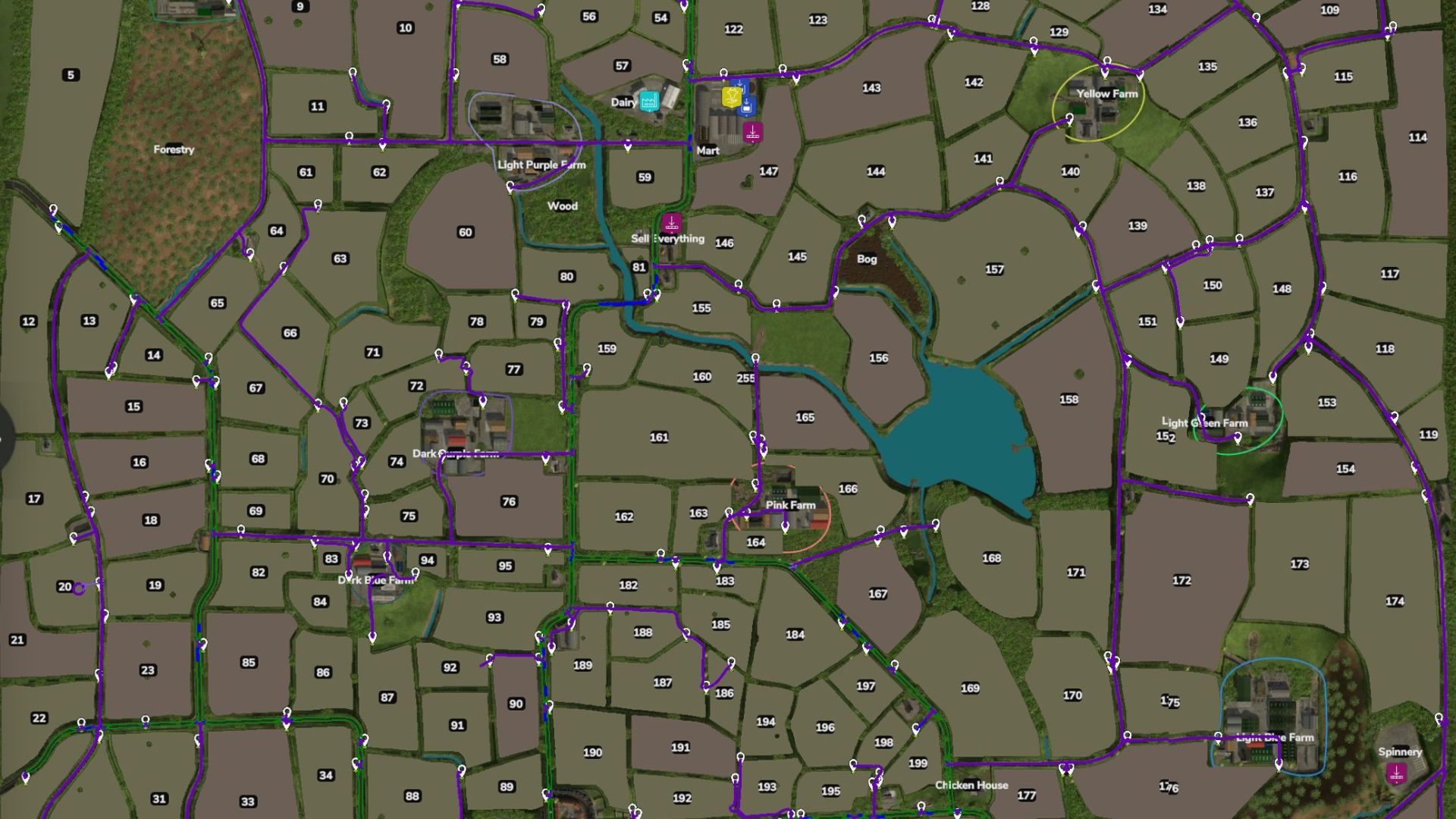
– 304 Waypoints covering Fields, Farms, Productions and Fill and Sell Points.
– Due to the narrow roads and small fields, there are no loops around fields.
– Due to the small layout of farms, no triggers have been mapped.
– Make note that almost all the points are behind a gate.
Please let me know if you find anything wrong or doesn’t work and I will try and get a fix done and new version uploaded.
Install instructions
– You will need to have a game save for Ballyspring25 map with AutoDrive loaded.
– If not an old game save, open a new game save, say ‘Yes’ to the generation of an AutoDrive course on initial load in, save the game, quit and close the game.
– Find the ‘savegame #’ folder in game folder (usually documents>my games>FarmingSimulator25>savegame #).
– Open the corresponding game save folder and find the AutoDrive_config.xml File and delete it.
– Take the AutoDrive_config.xml file out of the ZIP folder and place in the game save folder.
– Start up the game again and load up the save game and it should all be there.
Tip: you can copy the AutoDriveUsersData.xml as well, it has preferred settings ready for the course.
Required:
– Autodrive
– BallySpring