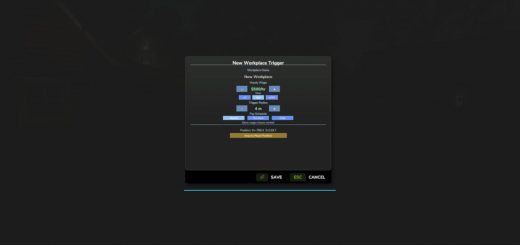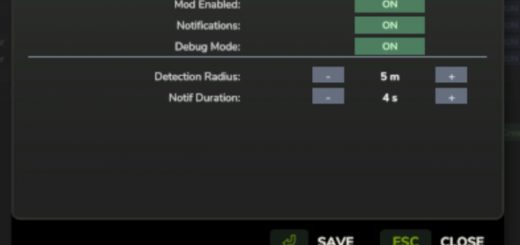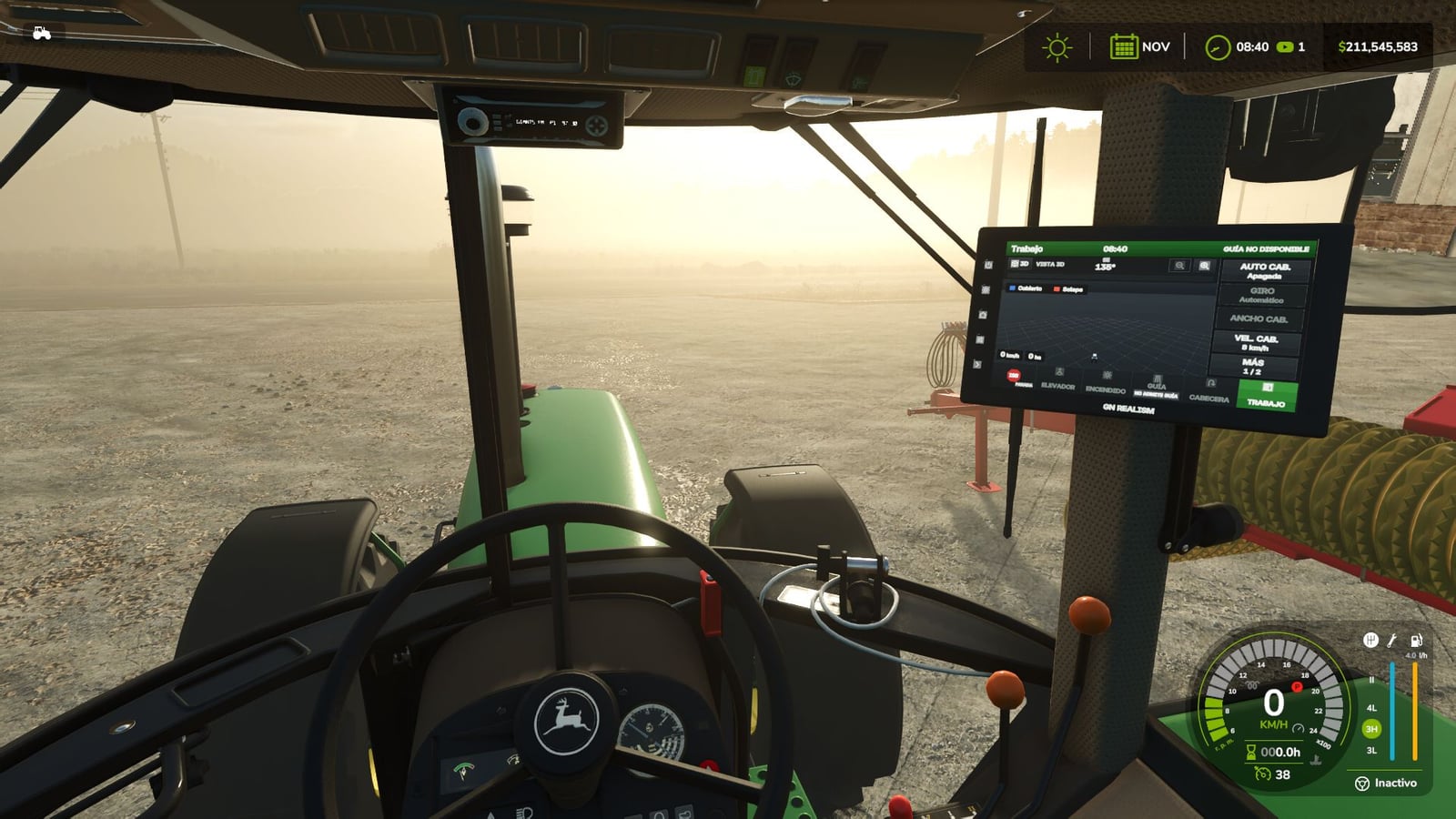
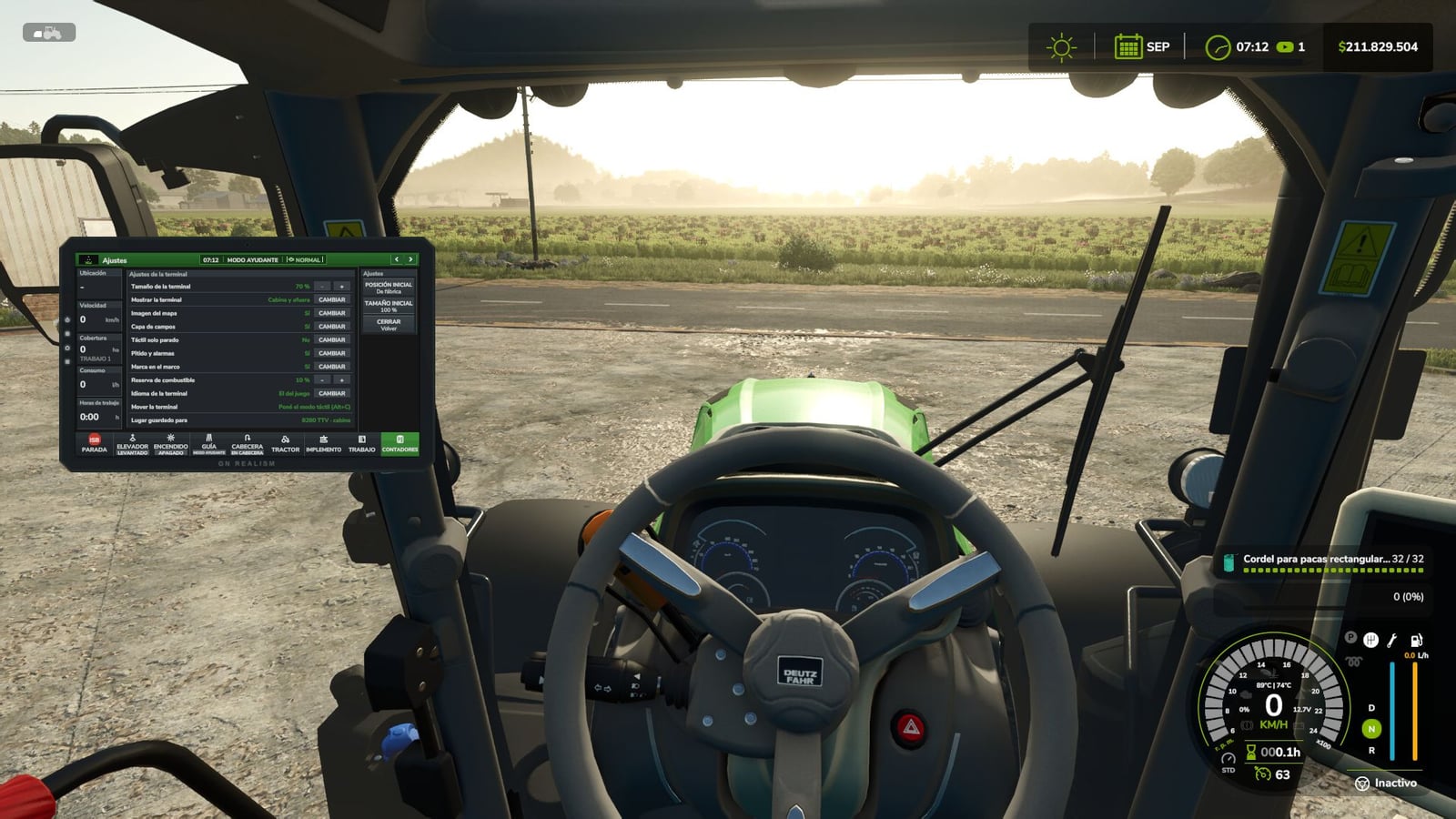
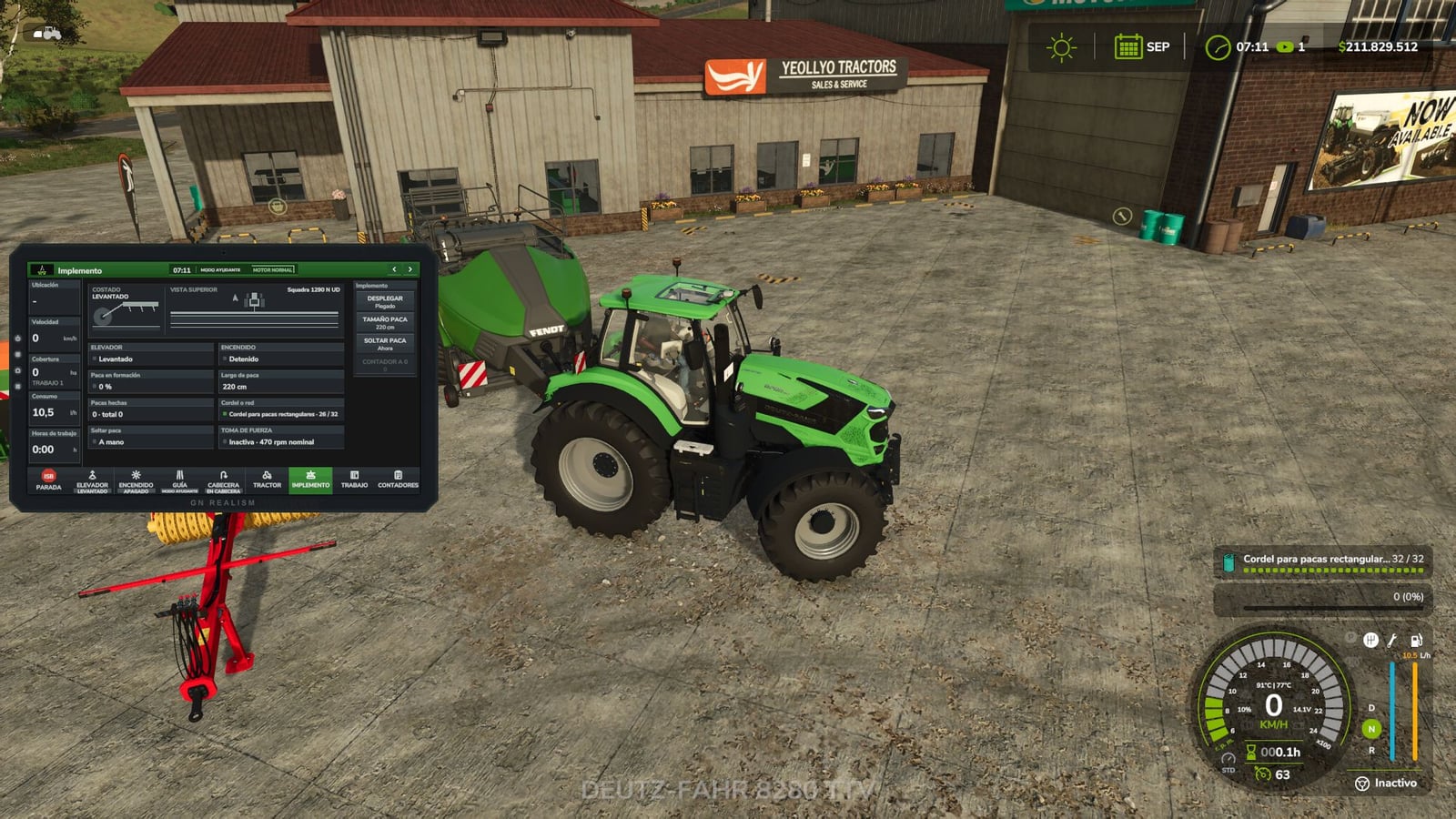
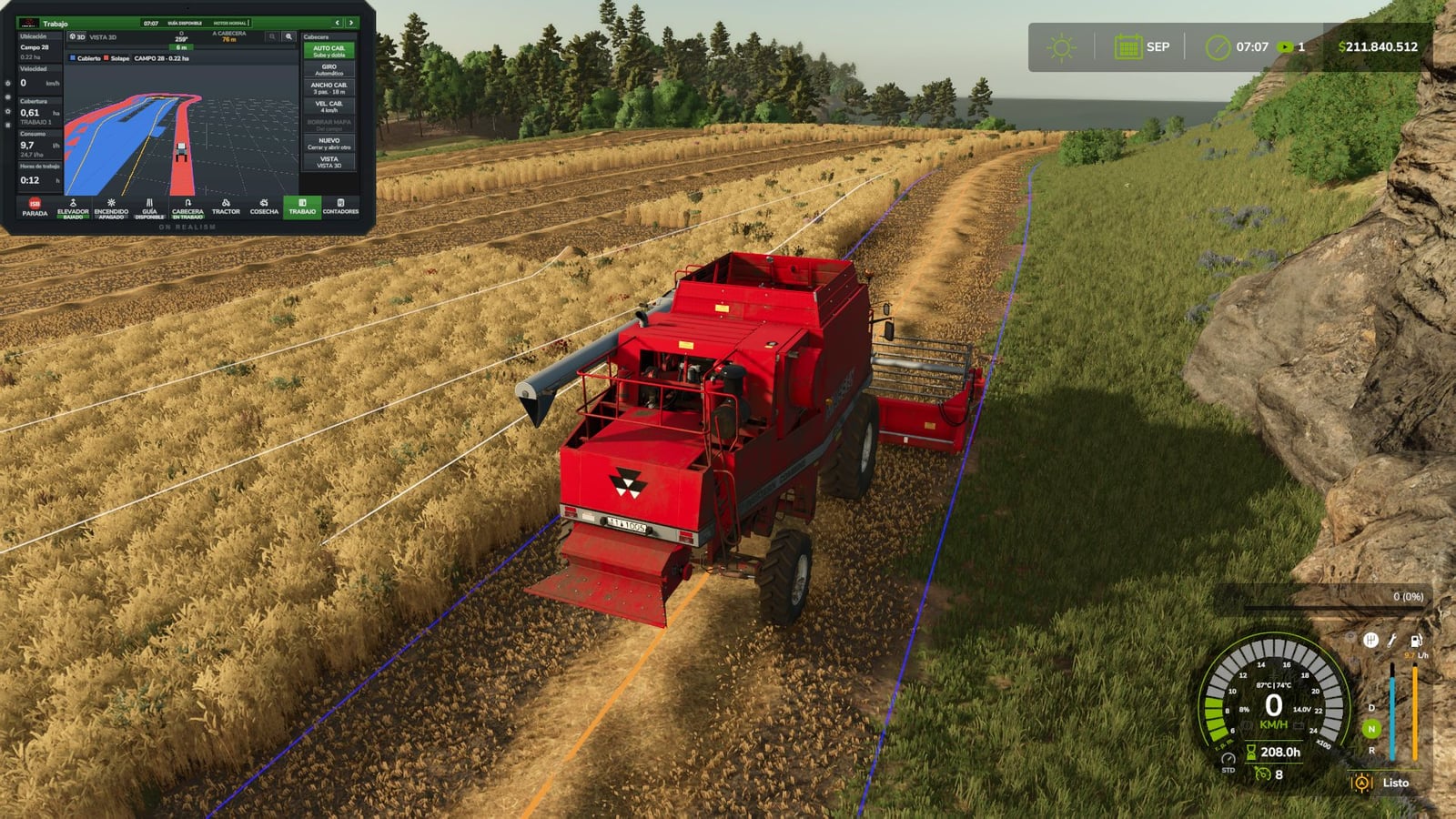
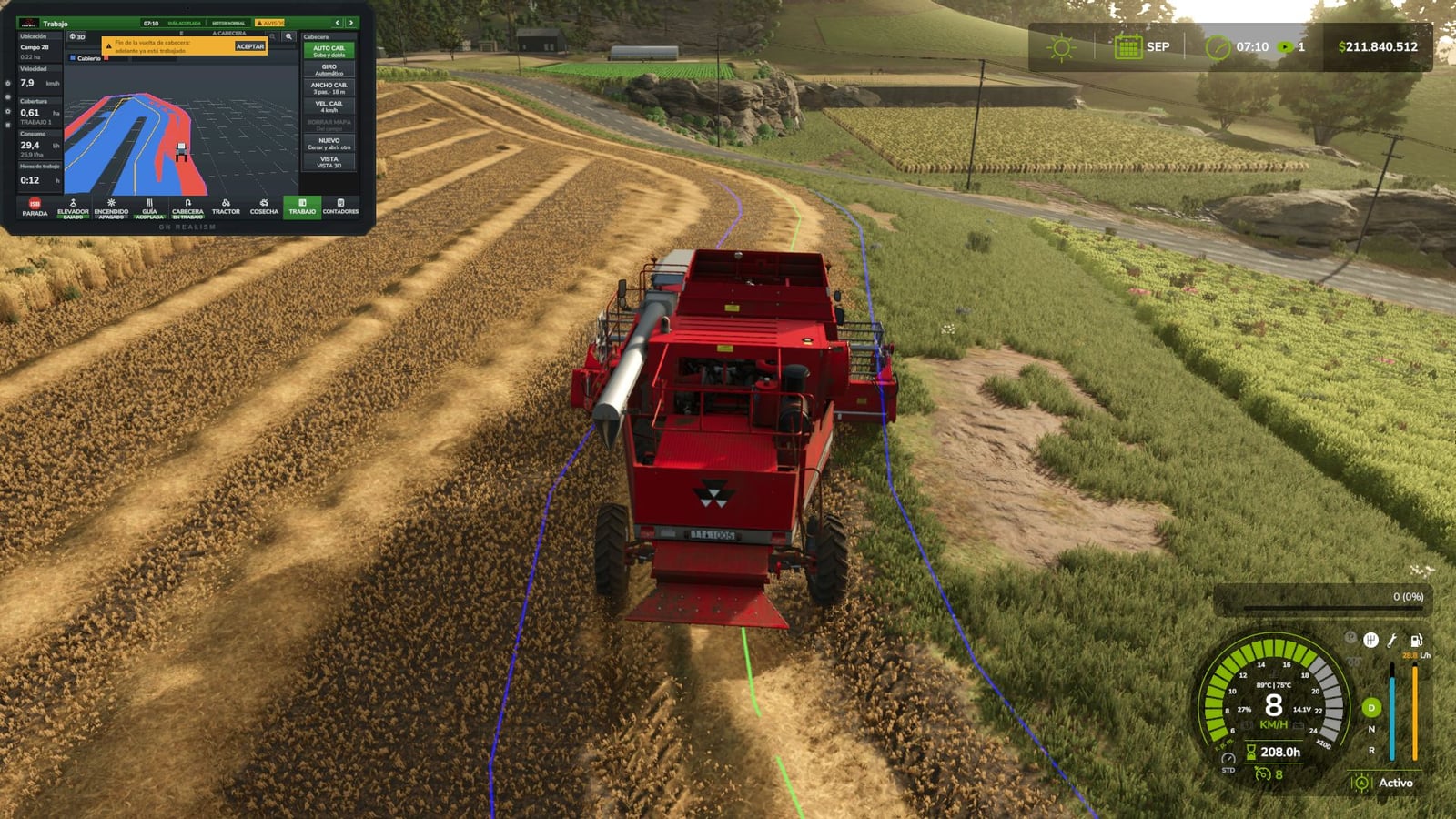
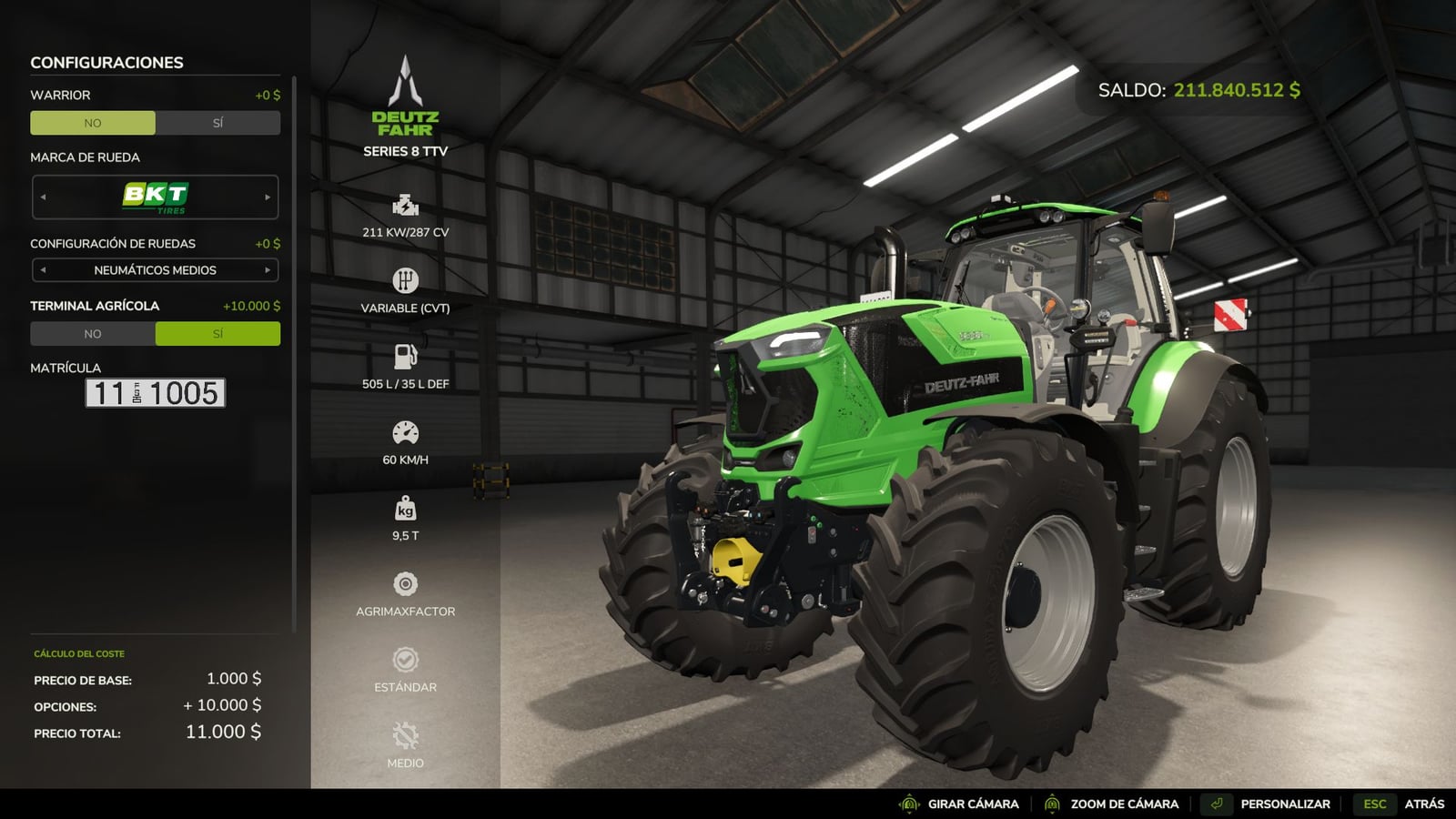
Put a proper onboard terminal in your machine’s cab, just like the ones from John Deere, CLAAS, Fendt, and Trimble. It reads actual in-game data, so you can manage implements, headland turns, section control, coverage maps, harvest information, machine systems, and alerts right there while you work.
How to get it:
- Head to the shop and buy it as another equipment item. When you buy or customize a tractor, combine harvester, or self-propelled machine, pick
Agricultural Terminal: Yes($10,000). - The annual license is $2,000 per machine. It comes out monthly at $166.67 as an operating cost, just like real guidance and section-control licenses.
- Your existing machines begin without the terminal. Add it at the dealership from the customization menu.
Specifications
- Purchase price: $10,000
- Annual license: $2,000 per machine
- Monthly operating cost: $166.67
- Terminal languages: English, Español, Deutsch, Français
Features
- Automatic headland turns: Hit the amber line and the terminal raises the implements, switches them off, slows to the headland setting, and turns for the next pass with a U-turn or bulb turn. It lowers the implements again and brings back working speed when the guidance system catches the new line. Touch the steering wheel and you are back in control.
- Headland navigation: The guidance system takes the corners for you and slows down at each one. If the closing headland loop passes over ground that was already worked, cruise control stops and an alert appears.
- Field coverage map: Check the coverage for every field, with overlaps shown in red. You can use the 3D view, heading-up or north-up orientation, and zoom controls. Your maps are saved with the game save.
- Automatic section control: It works from the coverage map and lets you choose 0%, 50%, or 100% overlap, plus adjustable look-ahead. The applied rate appears in L/ha or kg/ha.
- Harvesting: Keep an eye on grain tank fill level, yield, grain flow, header load, and the estimated time until the tank is full. Turn on
REQUEST UNLOADINGand the tractor pulling the grain cart gets an alarm and alert with every combine’s fill level and distance, similar to Machine Sync. - Tractor systems: The terminal covers the engine, fuel level and remaining range, AdBlue, traction and wheel slip, differential lock, automatic PTO, and hydraulics. That includes lowering and raising speed, maximum lift height, and valve flow rate.
- Implement controls: The side view shows the real lift position, while the top view shows the sections. You get controls for raising, activation, folding, markers, reversing, covers, working depth, and baler controls.
- Work counters and history: Record area covered, working time, fuel consumption, L/ha, ha/h, distance, and average speed.
- Alert center with
ACKNOWLEDGE: It reports fuel reserve, AdBlue and battery warnings, a full grain tank, the parking brake, malfunctions, excessive wheel slip, low product levels, and more. - Take it to any map and use it with base-game or modded machinery. You do not need to edit XML files.
- Set everything up from the terminal itself: the size and position for each machine, inside or outside the cab, the map look, touch controls that work only while stationary, beeps, and alarms.
- Multiplayer and dedicated servers work with it. Players share work records, maps, and unloading requests. If contractor permissions are enabled, even a grain cart from another farm can receive unloading requests.
- Use Real Fuel Consumption, Realistic Diesel Start, Realistic Brakes, or Variable Working Depth and the terminal can display their data. These mods are optional.
Default key bindings
Left Alt + T: Open or close the terminalLeft Alt + C: Touch mode, mouse cursorLeft Alt + P: Next pageLeft Alt + H: Headland sequenceLeft Alt + X: ISB, implement stop
Tip
This guidance system uses the game’s built-in Steering Assist. First make your guidance line in the field. After that, set AUTO HEADLAND to “Raise and Turn” and let the terminal take care of the headlands.
V1.1.0.0
CHANGELOG 1.1.0.0, changes compared to 1.0.0.0, the previous version on KingMods. This update also brings in version 1.0.1.0, which was never published separately.
NEW: 3D MONITOR IN THE CAB
- You can now install a 3D monitor in the cab of any tractor or combine from the terminal settings. Open the
3D MONITORsheet and choose a console arm or pillar mount. There is no vehicle XML to edit. - Because the monitor belongs to the machine and is synchronized, every player sees it in multiplayer.
- Start the ignition and it powers up like a real monitor. For 5 seconds you see the terminal name, “Starting system”, a loading bar, and the boot sound.
- The complete terminal and all its pages are displayed on the monitor’s own large screen, made for reading from the seat. Text and buttons are large and there are fewer items per page.
- Use
Monitor viewto choose Large, its own screen, or Like the 2D. With Like the 2D,Monitor textcan be Normal, Large, or Extra large. - Run it together with the 2D terminal by using the keys, or click the screen with the mouse in touch mode through
Left Alt + C. Each touch makes a sound. - Five physical buttons are backlit and handle screen off, day / night, home, settings, and next page.
- With the ignition on, the backlit GN REALISM brand lights up. The screen is matte, the sun no longer washes it out, and the light theme is dimmer.
- Move it with – and + buttons for near / far, left / right, down / up, tilt, turn, and roll. Pick a fine or coarse step, and hold a button to keep moving. Press
IN FRONTto place it in front of the view. The monitor can reach twice its size, and each machine model remembers its last position. - The
WORKpage gives the map the full height. It shows the same ground as the 2D terminal, with the tractor low in the map looking ahead. The map moves smoothly every frame. - On the
3D MONITORsheet, a warning appears when the game’s upscaling, FSR, DLSS or XeSS, is active. In that case the monitor is drawn at a lower resolution and looks blurrier. - If the machine has no cab camera, it shows “No cab camera” and the monitor cannot be installed.
2D TERMINAL
- The frame gets a new arrow button for going to the next page.
- A backlit GN REALISM brand is now on the frame.
- Turn on
Fixed in the caband the terminal stays in one cab position when you use the cab camera. Visible without game HUDis on by default, keeping the terminal visible while the game HUD is hidden.- Close the terminal and the game announces warnings and unload requests with sound.
AI HELPER AND HEADLAND
- If the game helper or any AI job is driving, the terminal leaves control of the headland, turn, sections, PTO, differential lock, hydraulic settings, and reversible plough turning to the AI. It only watches and records the work, which fixes the helper getting stuck at the headland.
- With AI driving, hydraulics return to the game’s values for lift and lower times, full lift range, and animation speed. The terminal also stops drawing its headland line.
- Automatic headland handling, raising, slowing down, and turning now works only with the game’s steering assist switched on, like real terminals.
- The log records the start and stop of AI driving.
PERFORMANCE
- The FPS drop across several worked fields is fixed. The coverage map now processes only what is on screen.
- Coverage strips next to each other from the same pass are drawn together, giving up to 5 times fewer pieces on the map.
- Use the new console command
taPerfto write the terminal’s frame-by-frame cost to the log.taMonitortests the monitor’s brightness and text size.
MULTIPLAYER AND COVERAGE
- Every second, the server sends new coverage to all players. Leaving a machine also gives the player the server’s record.
- Enable
Shared coverageand the map shows work done by the farm’s other machines with the same kind of work. Section control switches off over that shared coverage.
SOUNDS
- New sounds cover warnings by severity, information, caution, fault, the doorbell for unload requests, and the monitor boot.
KEYS (CHANGED)
- Next page:
Left Alt + Pis replaced byLeft Alt + S, sinceAlt + Popened the game’s character creation. - ISB, stop the implements:
Left Alt + Xis replaced byLeft Alt + I, sinceAlt + Xreset the bale counter. - Had the old keys saved already? Change them in Controls.
TRANSLATIONS
All new texts are in English, Spanish, German and French.
UPDATING FROM 1.0.0.0
Just replace the zip. Your savegame stays the same, with work, maps, and history kept.