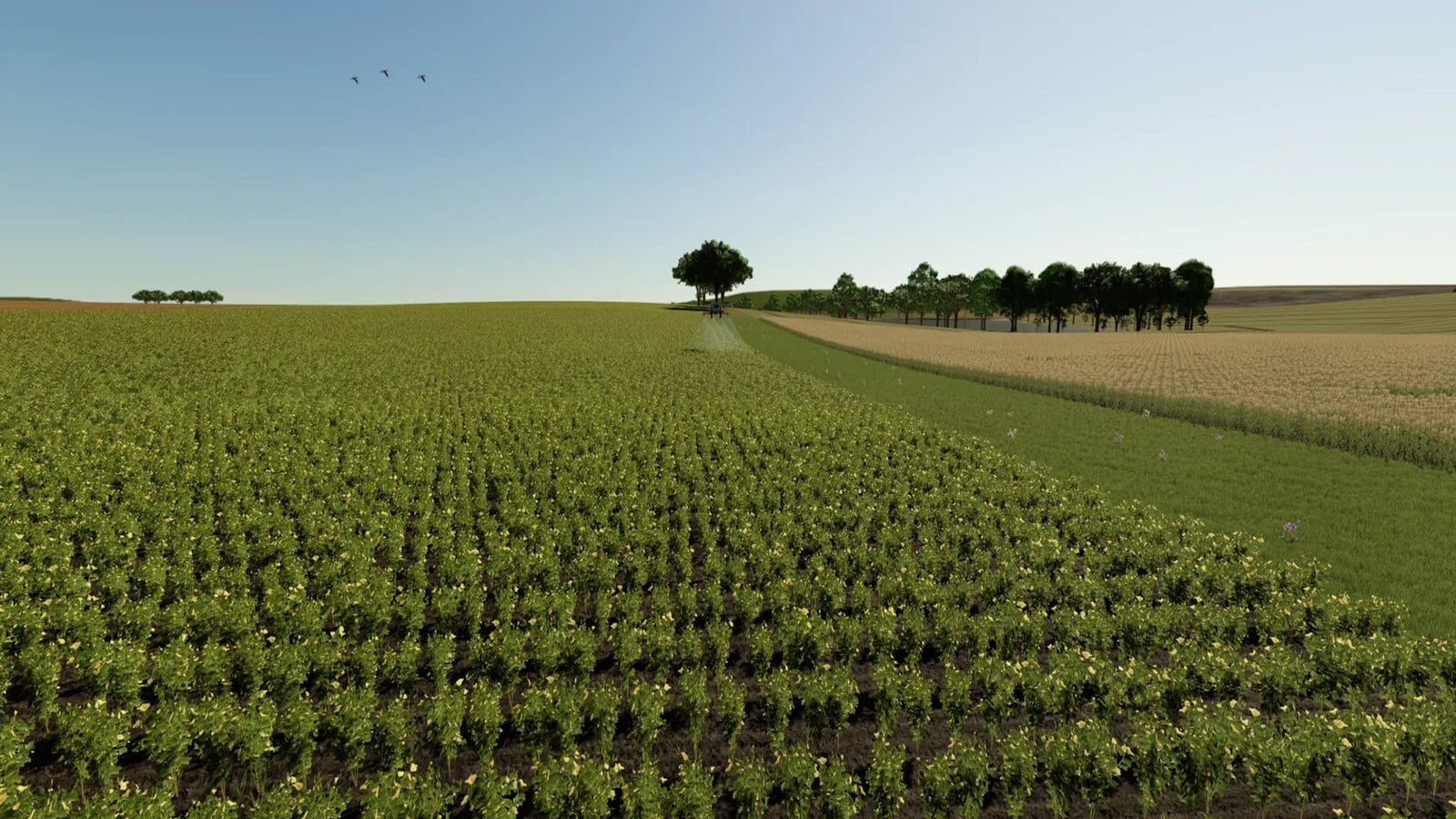
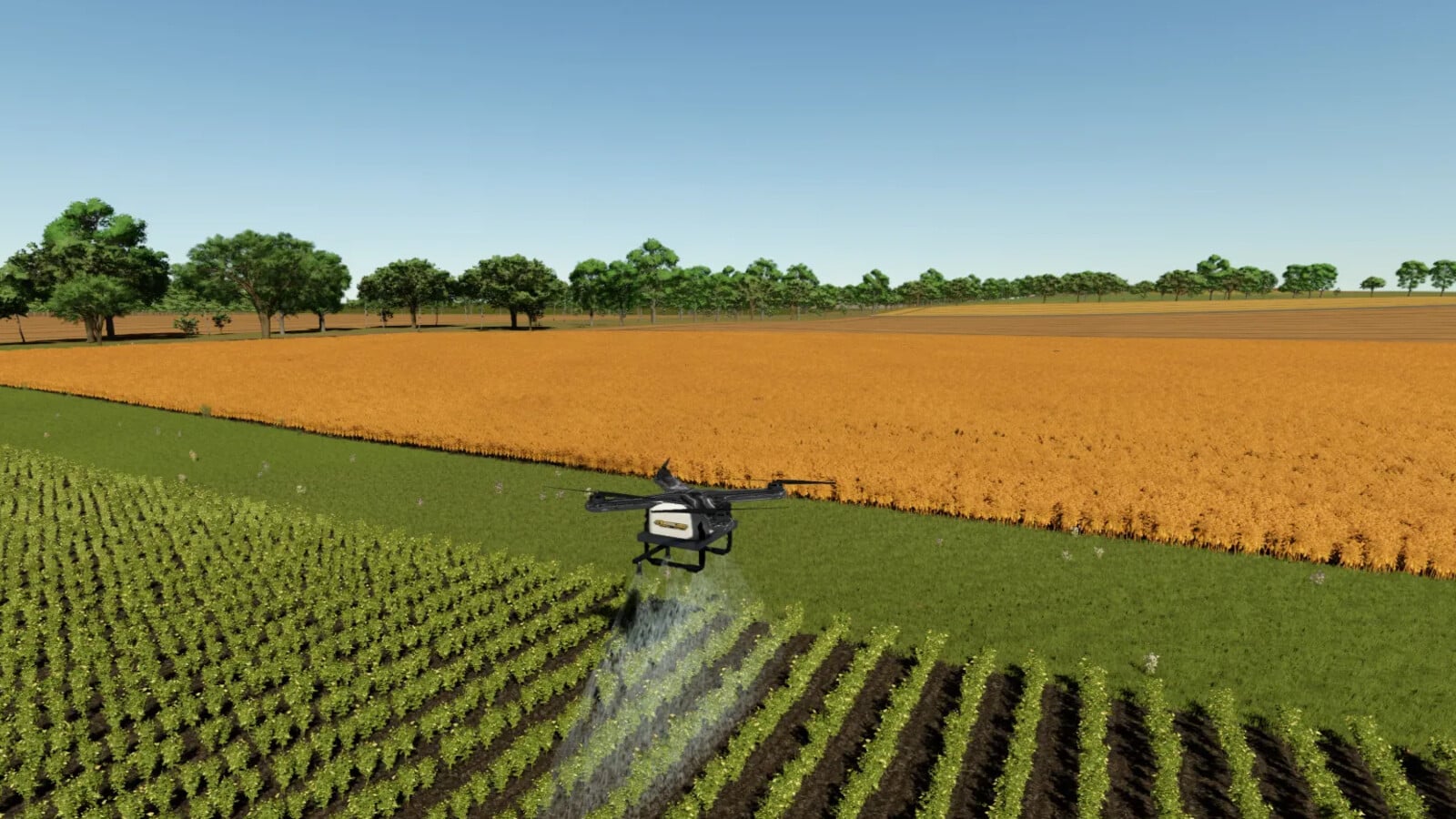
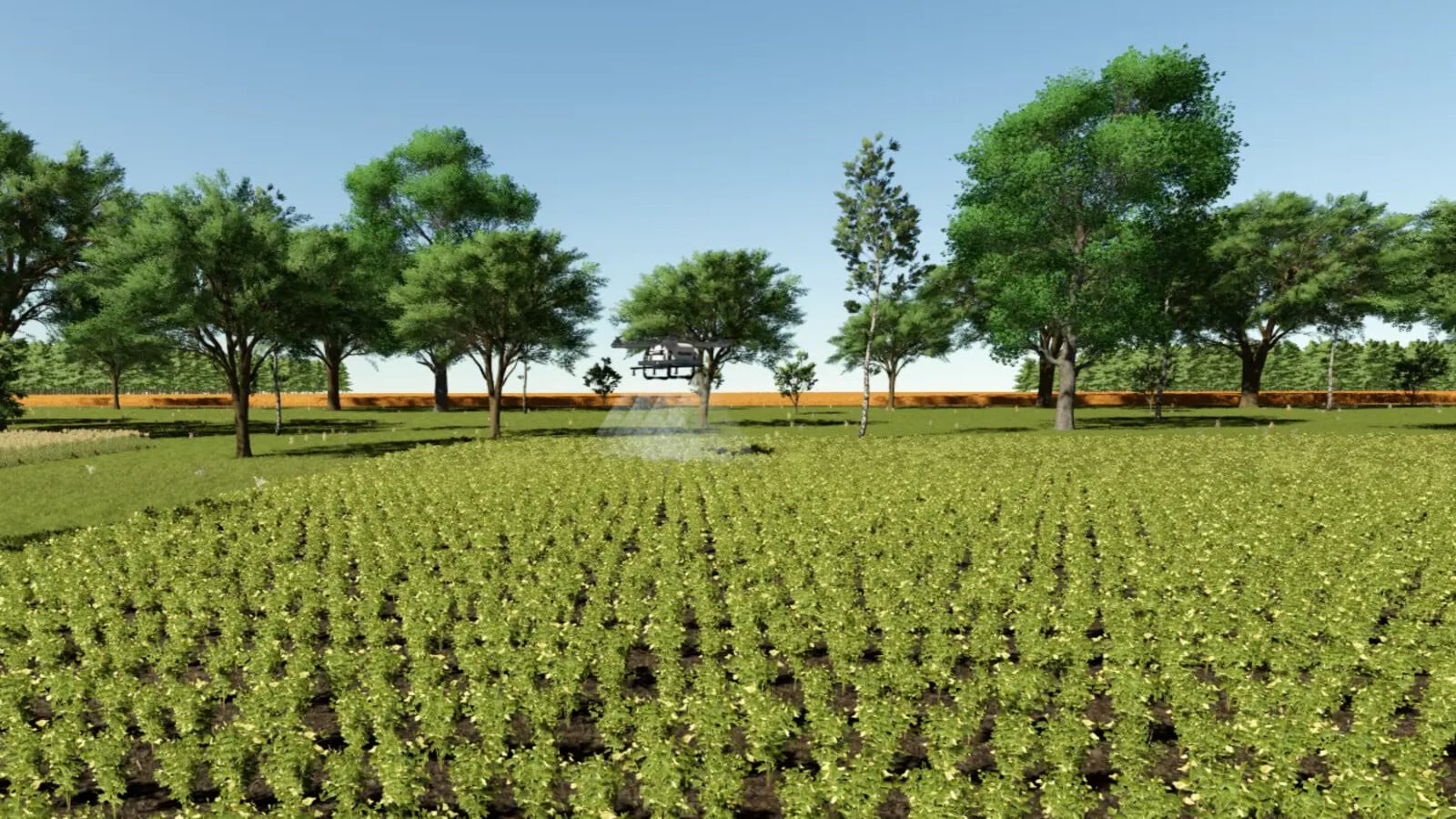
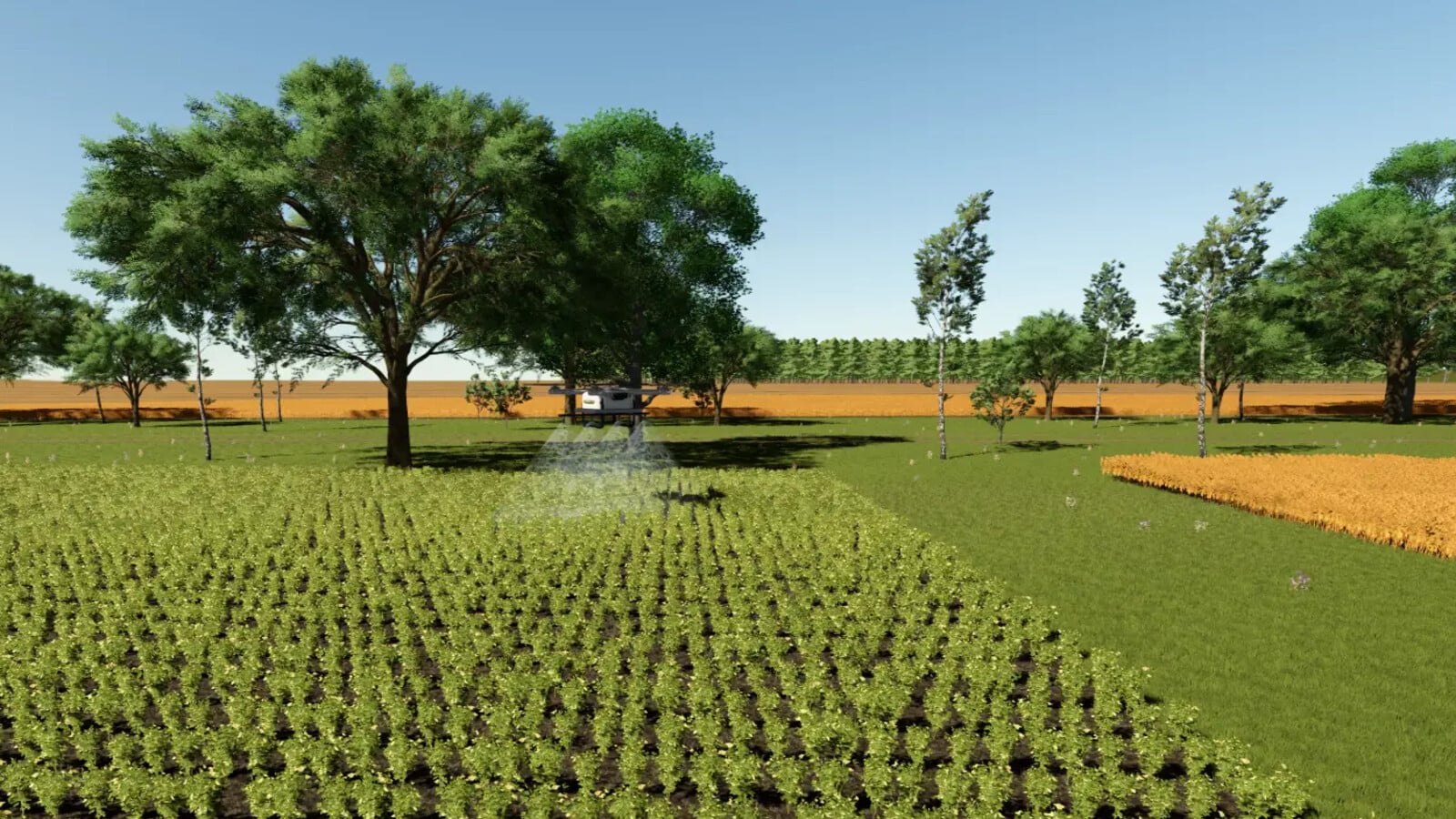
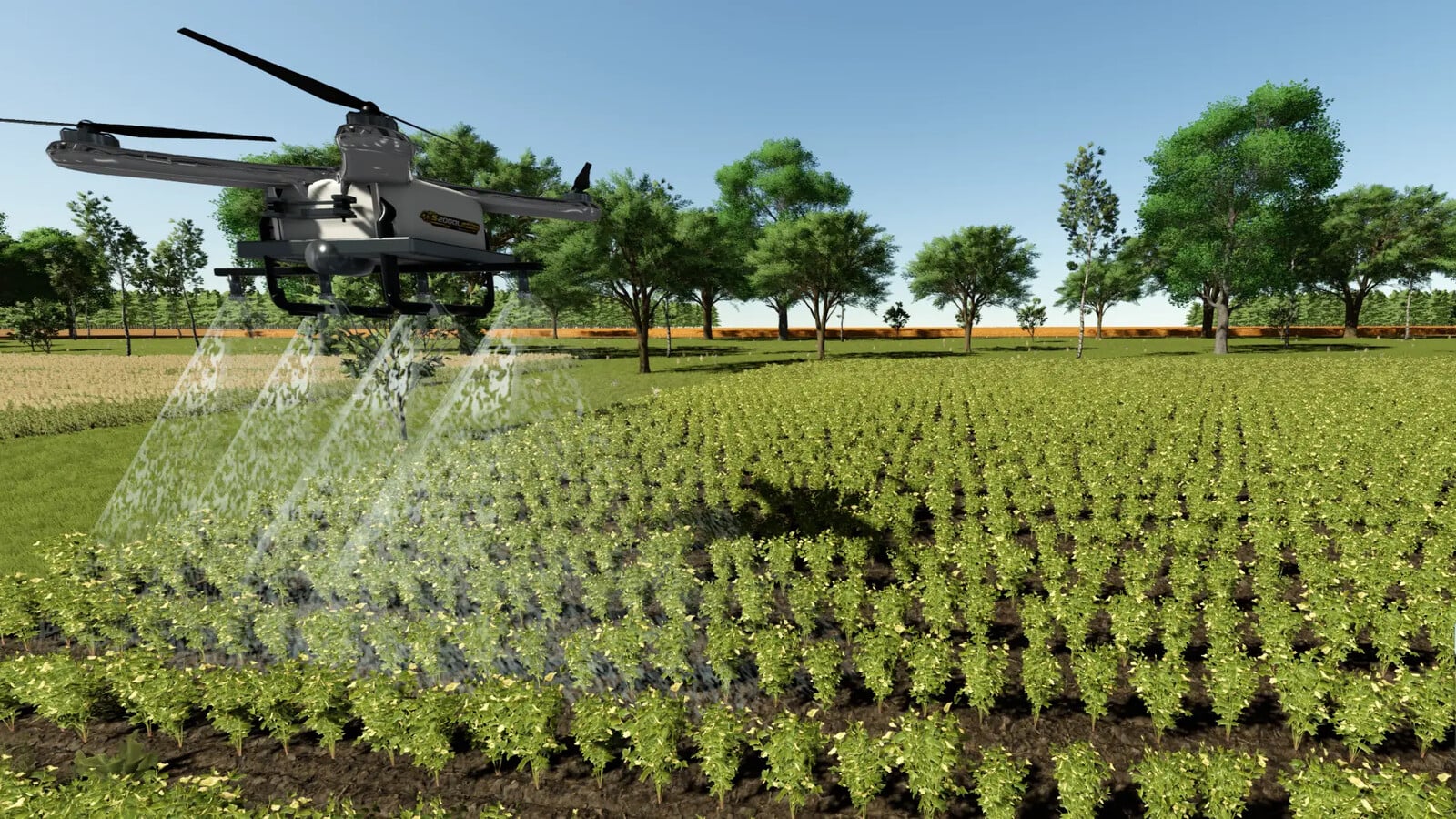
Take the Agri-Drone S-Series into Farming Simulator 25 and handle spraying from the air. It runs fully on electricity. You can fly it yourself across a field, or let it handle the job on its own. It can also work together with a fleet of drones.
Multiplayer: this mod works in single-player only.
Features
- Buy one shop item, then pick the model in its configuration
- Load liquid fertilizer, herbicide or other liquid products from the sprayer category
- Cover 10 m at a time with a calibrated application rate of 14 L/ha
- Precision Farming is supported: with PF installed, the drone follows PF’s variable rate and nitrogen map
- Unload leftover product into a pallet
- Use full controls for movement, turning, going up and coming down
- Keep the drone at an altitude relative to the terrain, with ground safety assistance included
- Check altitude and sprayer status on the integrated display
- Switch between the chase view and cameras at the nose and tail
- Press
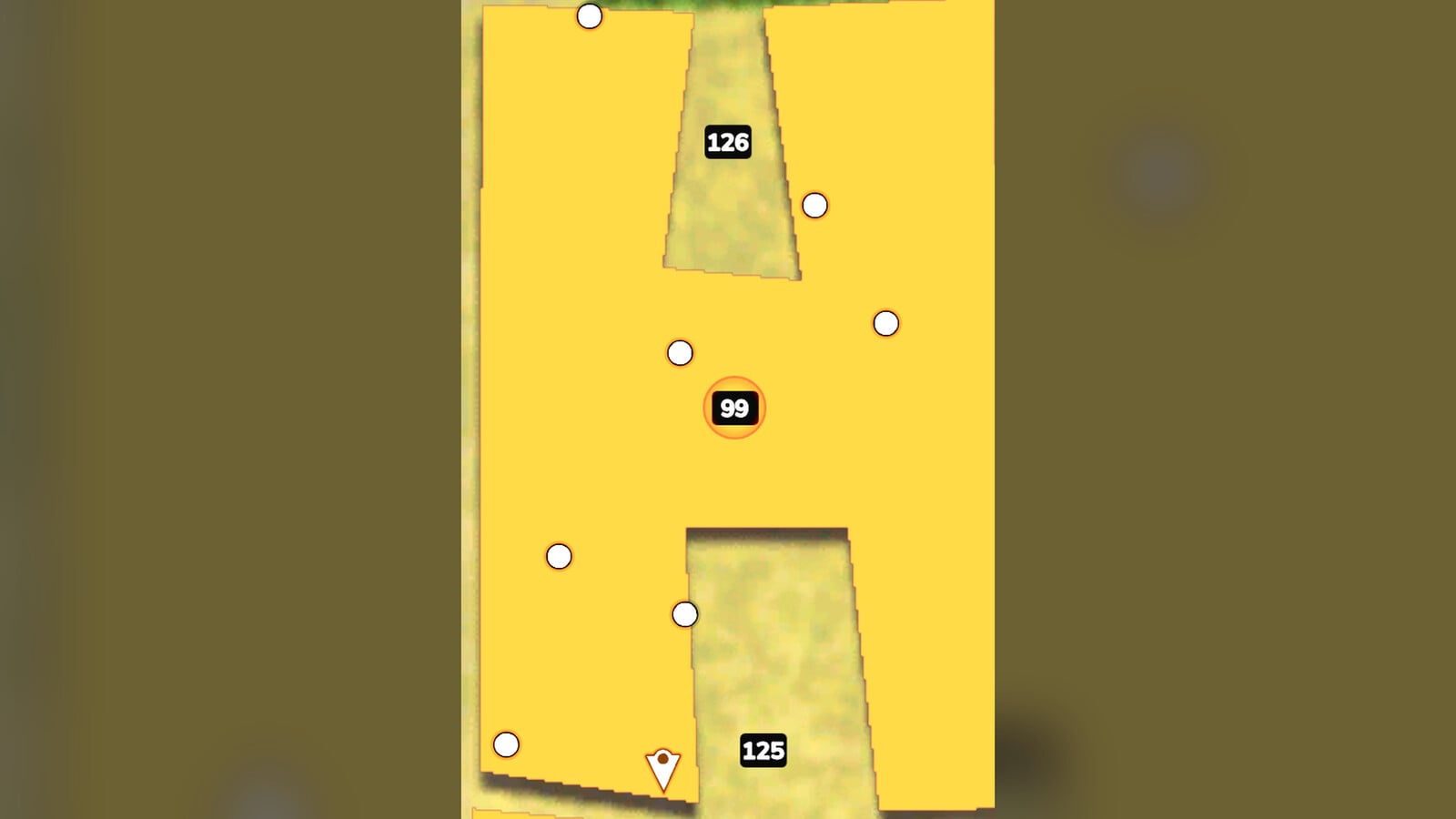
Hover a field and the drone finds it, plans the passes, takes off, sprays only when working, turns at each pass and heads home once the job is finished - Its flight route stays continuous and rounded, including a headland pass beside the field edge
- The drone reads the field’s real condition: it skips treated areas, carries on with work started by another vehicle and continues unfinished work after a savegame reload
- Base game contracts work too: contract fields and their type are shown in the field list
- Put several drones on one field, with each taking its own part of the plan while staying apart. One key launches the whole group, and another brings them all home
- Choose field transit to fly to any field while following the terrain at the altitude you selected
- When the battery reaches reserve or the product runs out, the drone goes home. After refilling or fitting a fresh battery, it resumes work
- JOB page: see the field list, distance, contracts and saved jobs, plus work speed, transit speed, altitude, drone number and headland
- PADS page: mark landing pads and home spots, name them and assign a home to every drone
- FLEET page: see the status, battery and home of every drone, tick check boxes to start, send home or move several at once, and jump into a drone
- Drag the panel wherever you want, minimise it to a status strip or close it
- Use the 4 x 4 m landing pad as a decoration. Drones recognise it as a landing spot and home spot
- The multi-vehicle Charge Hub charges up to 64 electric vehicles at once. Each gets its own spot across a 50 m area, so there is no queue at one plug
- The drone uses a rechargeable 24 kWh battery
- Battery packs are physical and removable. Buy spare packs, carry them and swap them at the drone
- At reserve level, the drone returns automatically, then keeps working after the swap
- All models keep the same working width, flight performance and autonomous functions. What changes with the model is the tank capacity, size and label
Agri-Drone S45L
- Category: Sprayers
- Tank capacity: 45 L
- Price: $22,000
Agri-Drone S70L
- Category: Sprayers
- Tank capacity: 70 L
- Price: $26,000
Agri-Drone S100L
- Category: Sprayers
- Tank capacity: 100 L
- Price: $31,000
Agri-Drone S2000L Unreal
- Category: Sprayers
- Tank capacity: 2,000 L
- Finish: chrome
- Price: $40,000
S-Series Battery Pack
- Category: Miscellaneous
- Price: $4,800
Landing Pad
- Category: Decoration
- Size: 4 x 4 m
- Price: $1,500
- Daily upkeep: $0
Charge Hub
- Category: Miscellaneous
- Multi-vehicle charging station
- Charging area: 50 m
- Capacity: up to 64 electric vehicles at once
- Price: $4,000
- Daily upkeep: $4
Specifications
- Autopilot transit speed: up to 99 kph
- Autopilot working speed: up to 74 kph
- Choose both speeds on the panel or use the keys below
Default keyboard controls
W / S, fly forward or backwardA / D, turn left or rightPage Up / Page Down, ascend or descendB, switch the sprayer on or offH, start or stop autonomous field operationI, unload the remaining productAlt+5, open or close the control panelShift+T / Shift+U, field transit: start or cancelShift+R, fly back to the starting pointCtrl+Alt+R / Ctrl+Alt+B, start a group of drones or send all drones home- Change any control in the game’s control settings.