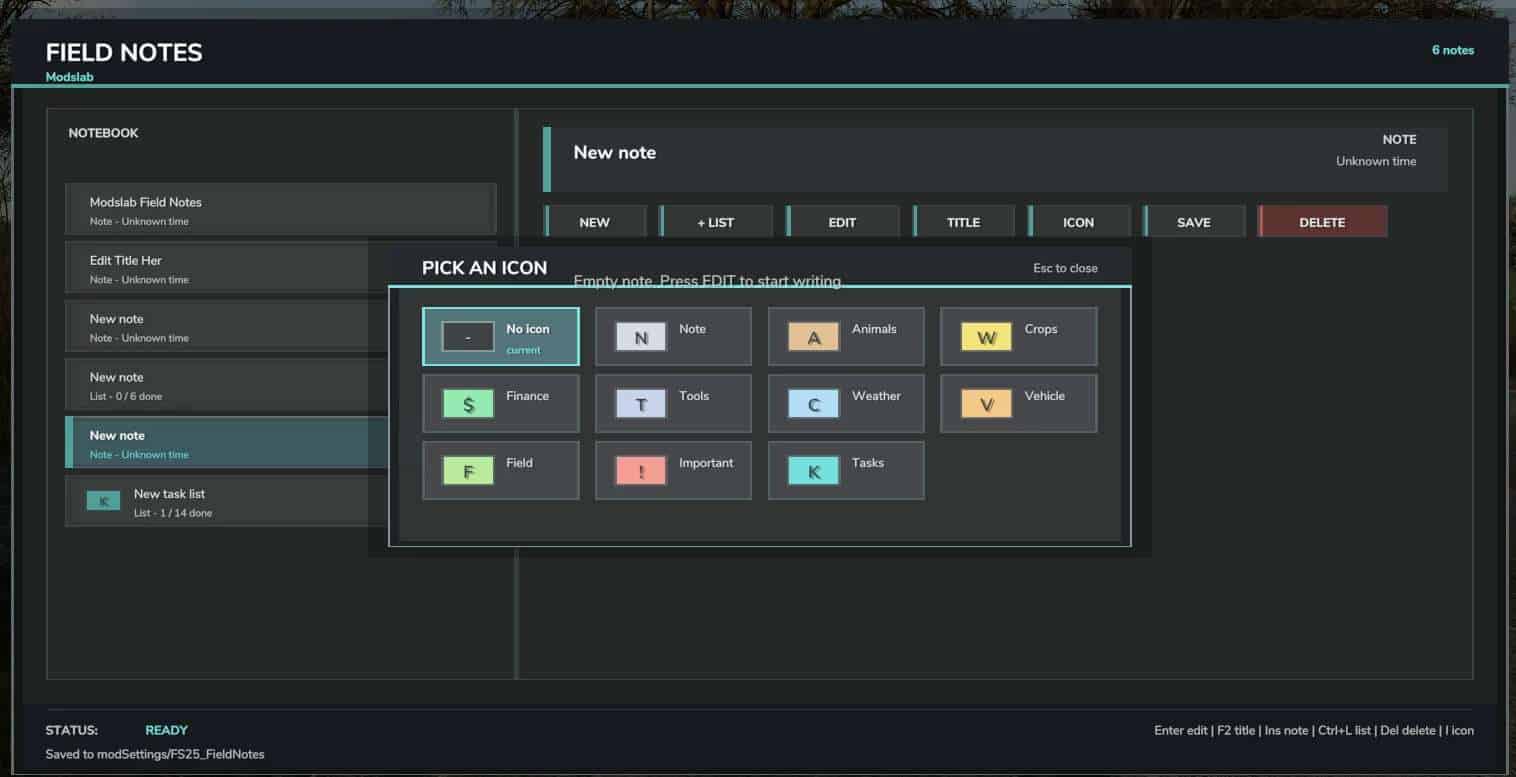
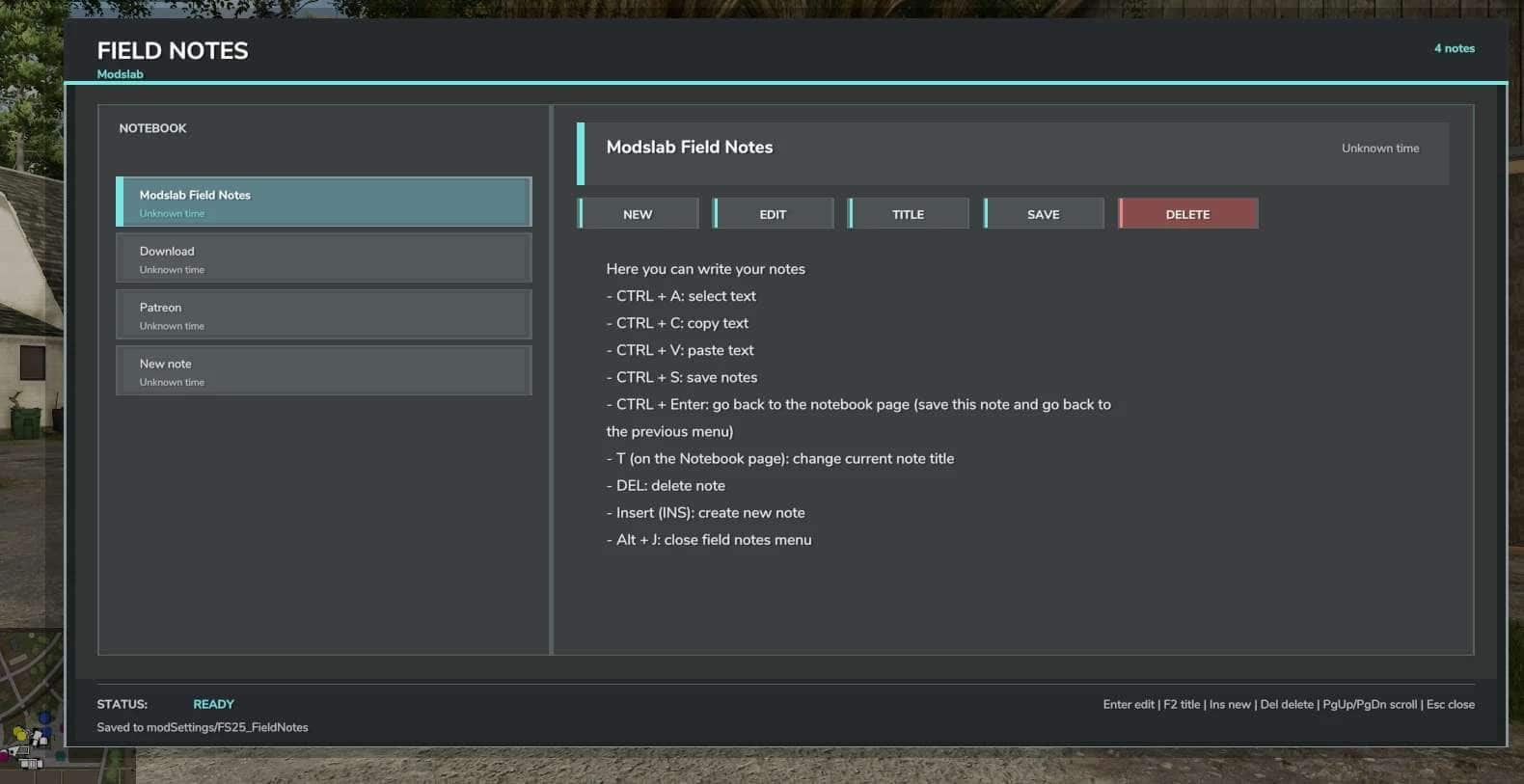
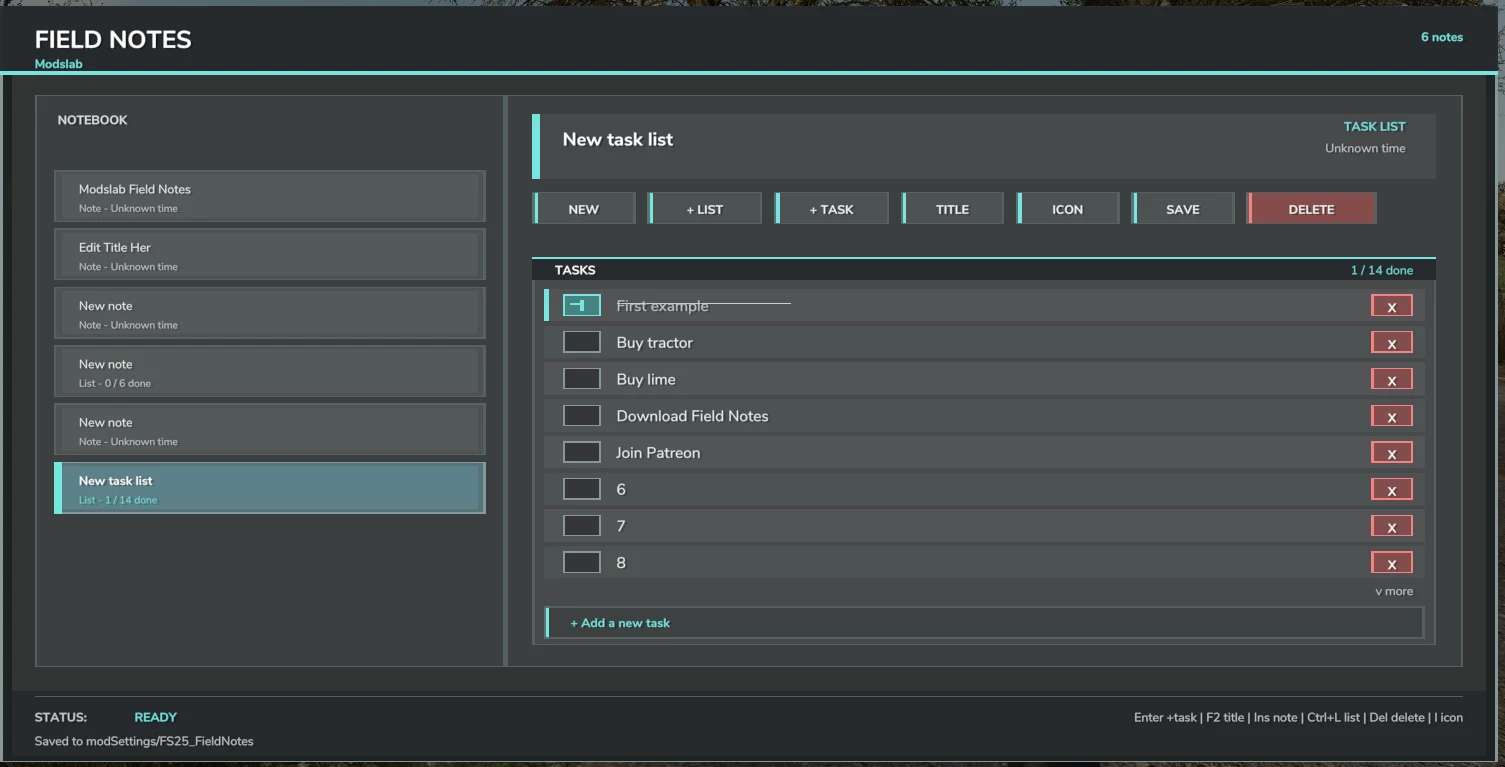
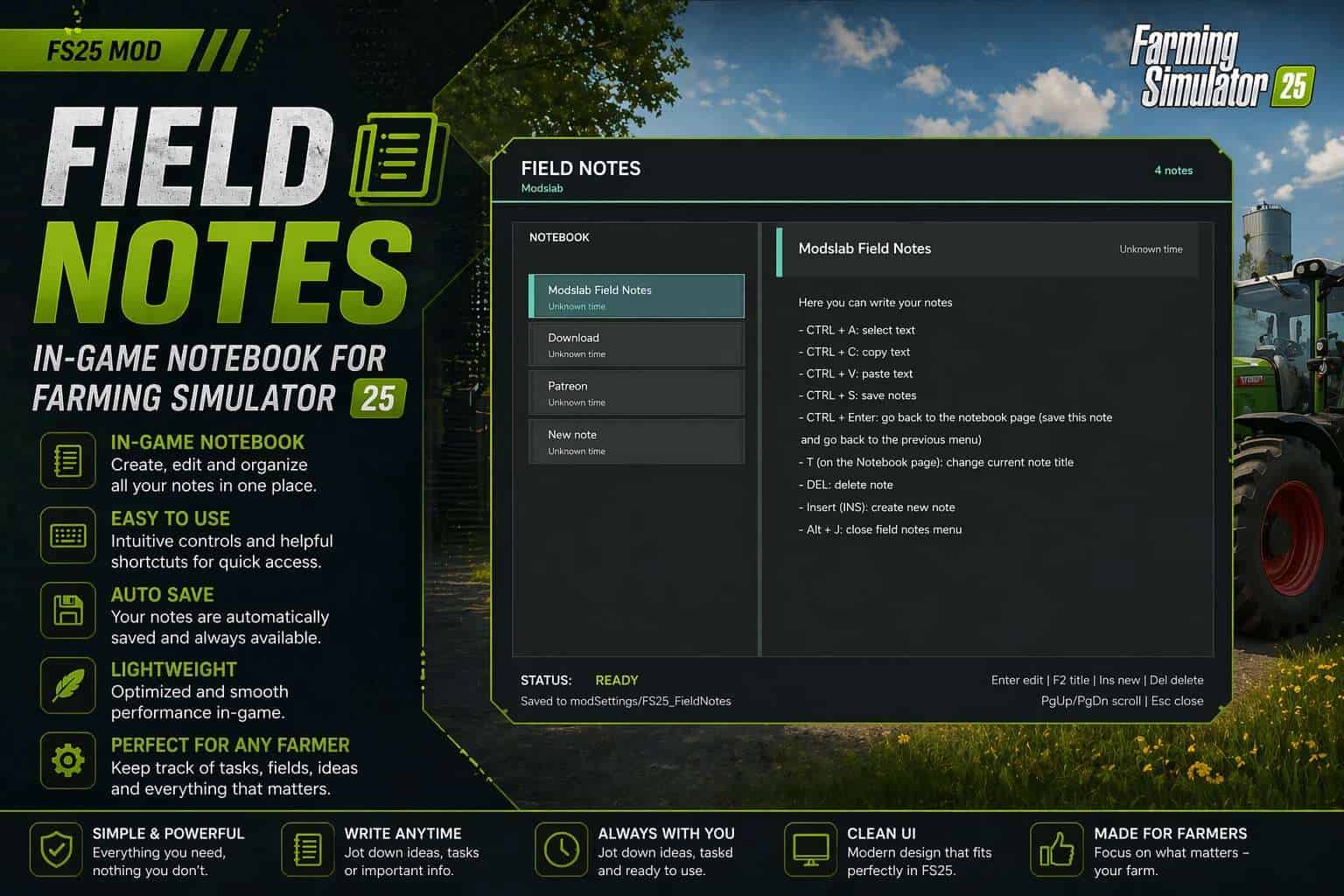
Field Notes adds a separate notebook where you can create and manage your notes.
You can:
– Create multiple notes;
– Write, save, and delete anything you want;
– Select, copy, and paste text (basic editor functions);
– Create tasks;
– Add icons.
– To open, press Alt + J.
V1.3:
– Added ability to set note icon
– Added ability to create tasks