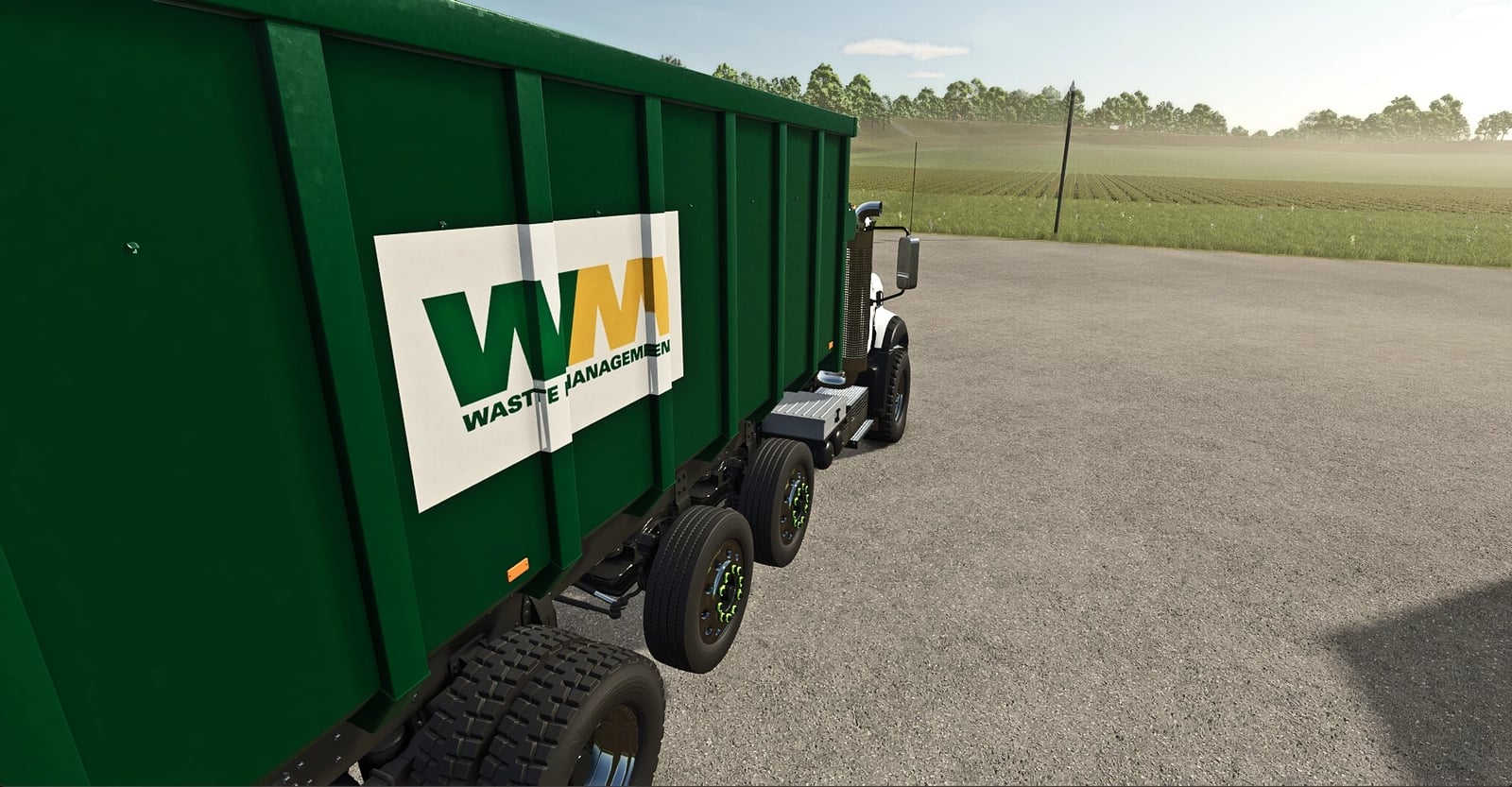
Want to run a proper waste route in Farming Simulator 25? Waste Management and Service Contracts lets you take the WM Mack Granite Hooklift out, swap roll-off dumpsters, build and use a landfill, recover vehicles, deliver diesel, and even send containers away by ship if you choose the optional export setup.
Changelog
- v1.0.1.8 – Landfill save fix
- Dumped trash now stays there after you save and reload. That means it can be collected and paid out when the next in-game day rolls over.
- The startup cleanup issue is fixed, so landfill piles are not erased before the daily payout.
- Older saves may recover an unpaid delivery if enough of the original pile height is still stored in the save.
Features
- You get the WM Mack Granite Hooklift with configurable lift axles, along with two roll-off dumpsters based on the Rolland Industrial and TurboClassic.
- After you set up a landfill, the mod places fenced pickup bays near suitable buildings and businesses. Turn filling on and a registered bin refills in about one in-game hour.
- Landfill in a Box lets you change a field your farm owns into a permanent fenced gravel landfill. Dump trash there to make visible piles, then the daily collection clears the waste and pays your farm.
- Between trash runs, you can take on vehicle recovery and diesel delivery contracts for a different kind of job.
- Optional ship exports support empty or loaded 20, 40, and 53 ft containers. You need the separate FS25 Container Pack and a map with a compatible cargo ship for this feature. Harbor cranes and reach stackers are separate downloads.
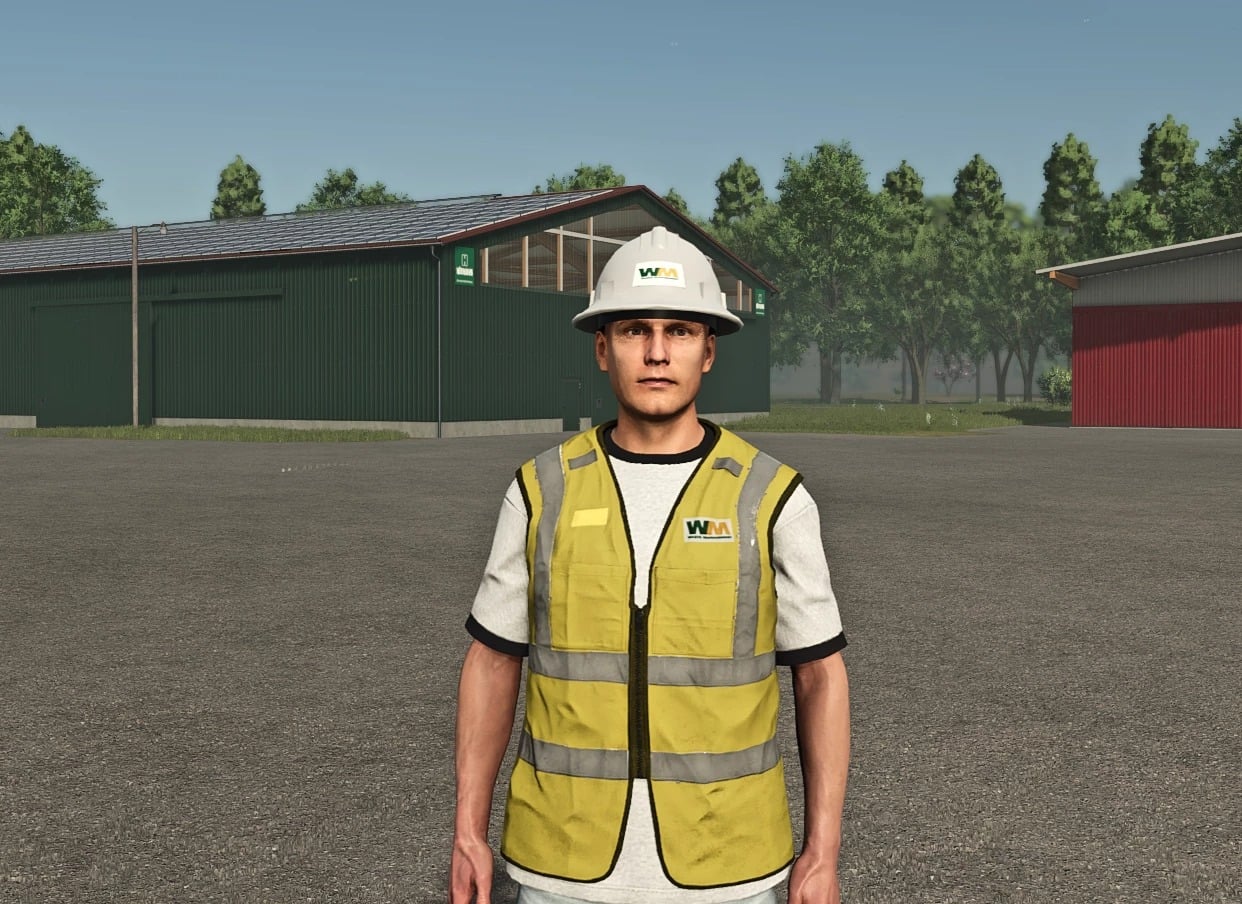
- Your crew can wear WM high-visibility work vests and hardhats.
How to play
1. Install the mod and choose your map
On Windows, move FS25_WasteManagement.zip into Documents → My Games → FarmingSimulator2025 → mods. Do not unpack the ZIP. When you load a new or existing save, enable Waste Management and Service Contracts, then save the game. For multiplayer, the host and every player need the same ZIP. Set up the landfill from the farm that will run the route. The starter setup is already covered, with the truck, two roll-off bins, and everything needed for the basic trash route.
2. Build a landfill
First, pick a field owned by your farm. It needs room for the truck to turn and a straight, accessible edge for the 20 m entrance. Go to the vehicle shop and buy Landfill in a Box under Pallets. Take the crate to the field with a pallet fork or trailer. Place it completely inside the field, close to the edge where you want the entrance. Walk over to it and select “Build landfill (converts this field).” The whole field then becomes a permanent fenced gravel yard. Wait for the completion message and save. If the field shape does not work with the entrance, the crate stays available and you can use another field.
3. Find your first pickup
Once your landfill is built, let the game keep running while the mod checks for safe spots around buildings and businesses. Every generated bay begins with a full dumpster, so there is a first pickup ready to find. The number of stops and their locations depend on the map. Look for a red ring and “(FULL)” to identify a ready bin. Do not see the icons? Enable the unloading points and Other filters on the full map. Select a pickup marker to tag it for navigation.
4. Swap the dumpster and tip the load
Buy or lease the WM Mack Granite Hooklift from Trucks. Then buy an empty Industrial or TurboClassic roll-off under Changing Systems. The bundled Rolland bins are the ones to use. At the stop, put your empty bin somewhere clear of the gate and road. Line up square with the full bin’s hook, lower the hooklift arm, attach the bin, and load it onto the truck. The in-game Help panel shows which controls are currently used for the arm, attaching, and loading.
Take the full bin through the landfill entrance and stop once its rear is well inside the yard. Select the attached bin and use the usual “Unload here” ground-tipping control. With the hooklift arm, you can set down or pick up the entire bin. If you left an empty bin beside the pickup, move it into the bay after the full one is out of the way. You can also bring the same bin back after tipping it. The replacement must be centered, detached, and stationary. After about one in-game hour, it refills. The trash remains in visible piles until the next in-game day. Then the daily collection clears the waste and pays your farm.
5. Add your own stops or manage the route
If your map does not have many good automatic sites, buy an empty Rolland bin and drop it on clear ground where the truck can approach. Leave at least 20 m between the bin and landfill, plus 25 m between it and other stops. Detach it and wait for it to settle. Walk up to the bin and choose “Establish garbage collection point.” Either bundled bin is fine at an automatic stop. For a stop you register yourself, use the same model you registered. Replacement bins have to belong to the same farm as the stop.
Need to find a stop, pause or resume filling, or retire one? Walk to the landfill entrance or inside the yard and choose “Manage collection points.” If a bin stays empty, check the setup: filling must be enabled, and the correct bin must be detached, stationary, and centered in the bay.
Optional jobs and cargo
Vehicle recovery. Accept a job in Contracts, take along a suitable winch or low-loader, and bring the wreck to the marked drop-off. Unload it onto its wheels, disconnect all transport equipment and any winch rope, then leave it still for three seconds. Collect the reward through Contracts.
Diesel delivery. Take a Fuel Delivery contract and bring diesel in a farm-owned or leased vehicle or tanker. Stop inside the orange station area. Choose “Unload diesel for contract,” or use the default Ctrl+Alt+F. You can make several trips for the delivery. The Large Petrol Tank – Purchase Point in Construction → Buildings → Containers can supply the diesel.
Ship exports. If the map has a compatible cargo ship, place an owned 20, 40, or 53 ft FS25 Container Pack container fully onto the ship. Release it from the lifting equipment and leave it still for about 30 seconds. A completed export sells the container and any eligible cargo.