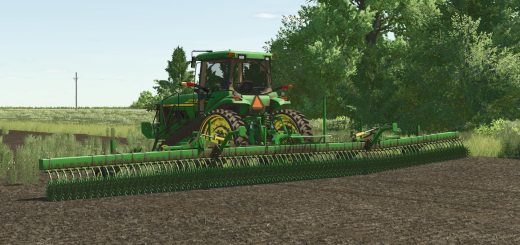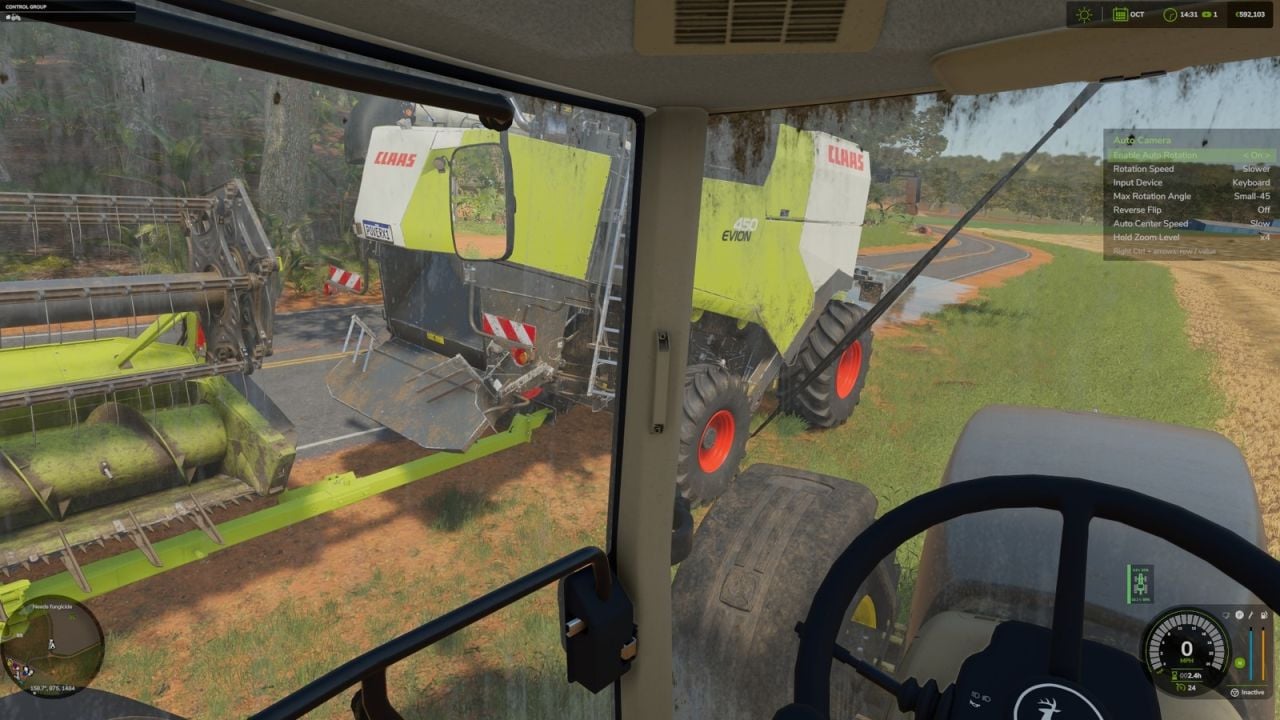
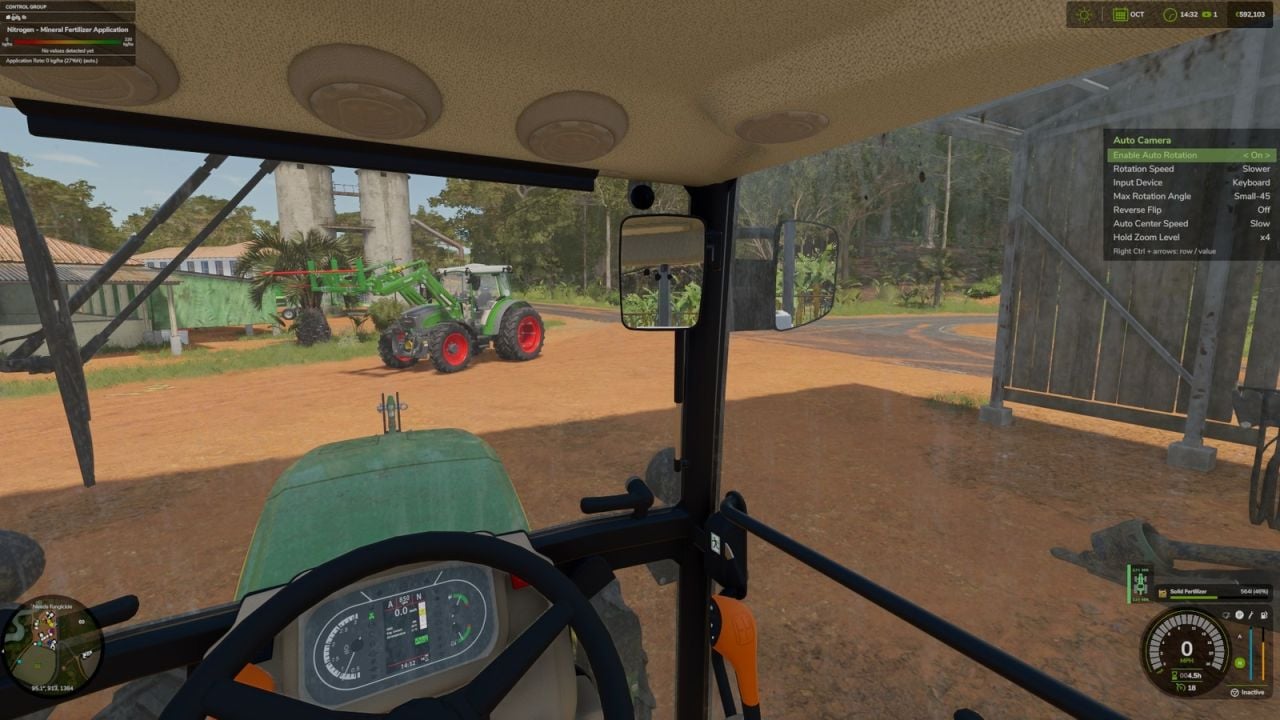
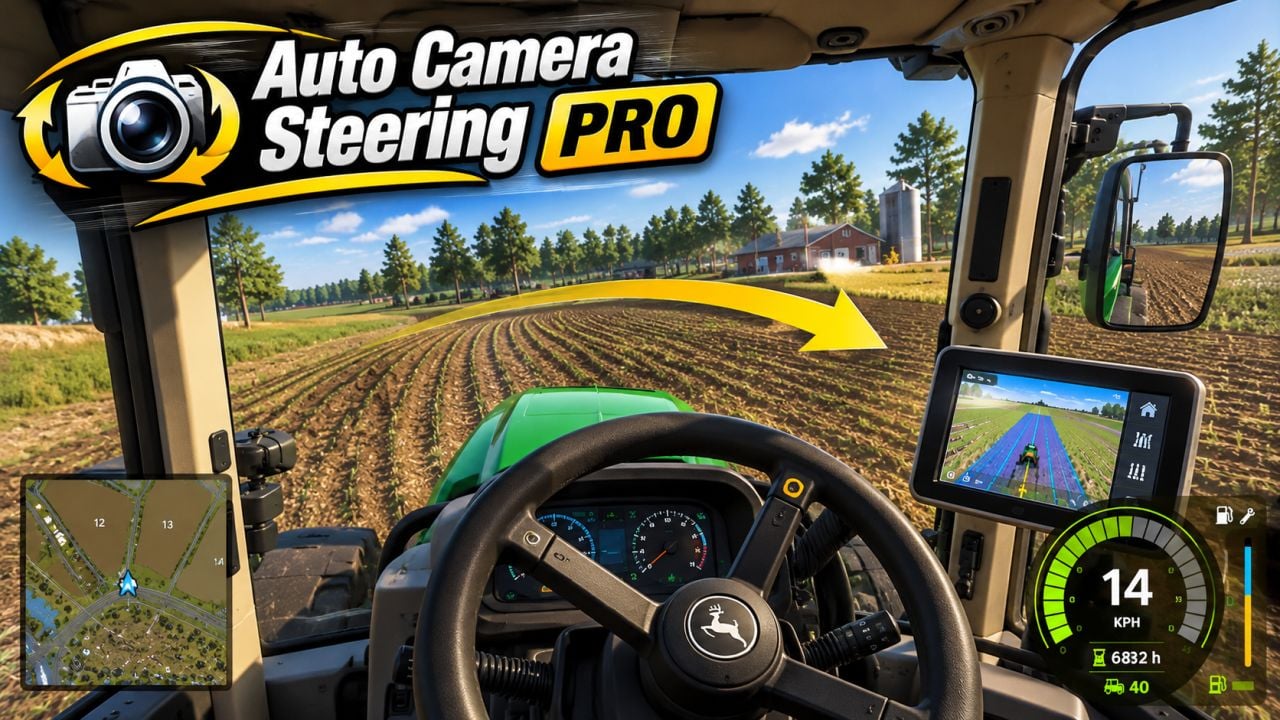
With Auto Camera Steering, your interior camera turns into the corner as you steer, just like a real driver moving their head. It makes playing from the cabin comfortable, whether you are using a wheel, a gamepad or the keyboard.
Features
- As you steer, the camera follows along and smoothly turns the interior view in that direction. You can use it while stopped or at any speed.
- Pick an input profile for Wheel, Gamepad or Keyboard. Each one gets its own dead zone and smoothing, so wheel steering stays precise while the A/D keys keep the camera calm.
- There are 7 sensitivity levels to choose from, plus maximum turn angles of 25°, 45°, 90° or 120°.
- Reverse flip turns the camera to the rear once the vehicle actually starts moving backwards, and it mirrors the steering direction. Merely selecting reverse gear or tapping the controls will not activate it. The vehicle needs to travel backwards at about 2 km/h for a short moment, and the same rule applies when you start driving forward again.
- Look around with the mouse while moving forward, and auto-centering smoothly guides the camera back to the front. You can set the delay from 1-5 s, along with the return speed and movement threshold. Your manual look is never interrupted.
- Straight ahead on entry means the camera faces the real driving direction whenever you enter, even if the vehicle’s default camera points sideways.
- Hold a key for a quick glance back, left or right. Let go and the camera smoothly comes back. This works in forward drive and reverse.
- Mouse wheel zoom gives you another way to check the interior camera, and it has its own reset key. If you do not want it, switch zoom off in the settings.
- Change the hotkeys in the controls menu: Right Ctrl + / enables or disables the mod, and Right Ctrl + , pauses or resumes auto-centering while you free look.
- There are no default keys for look back, look left, look right or reset zoom. Assign them yourself in the controls menu’s Auto Camera section.
- All settings are available in the game settings menu and save automatically.
- In multiplayer, the mod stays purely visual and client-side. It changes only the camera you see.
Notes:
Works with interior, cabin, cameras. Mouse look always has priority over the automatic movement.
Changelog
- V1.2.0.0
New: on-screen settings panel, Right Ctrl + Z.
New: zoom level setting in the game menu, x1.5, x2, x3, x4.
New: zoom on hold.
Added look back, quick glance left/right and mouse wheel zoom.
Fixed camera bugs when entering and leaving a vehicle.