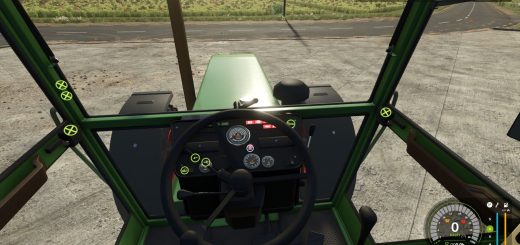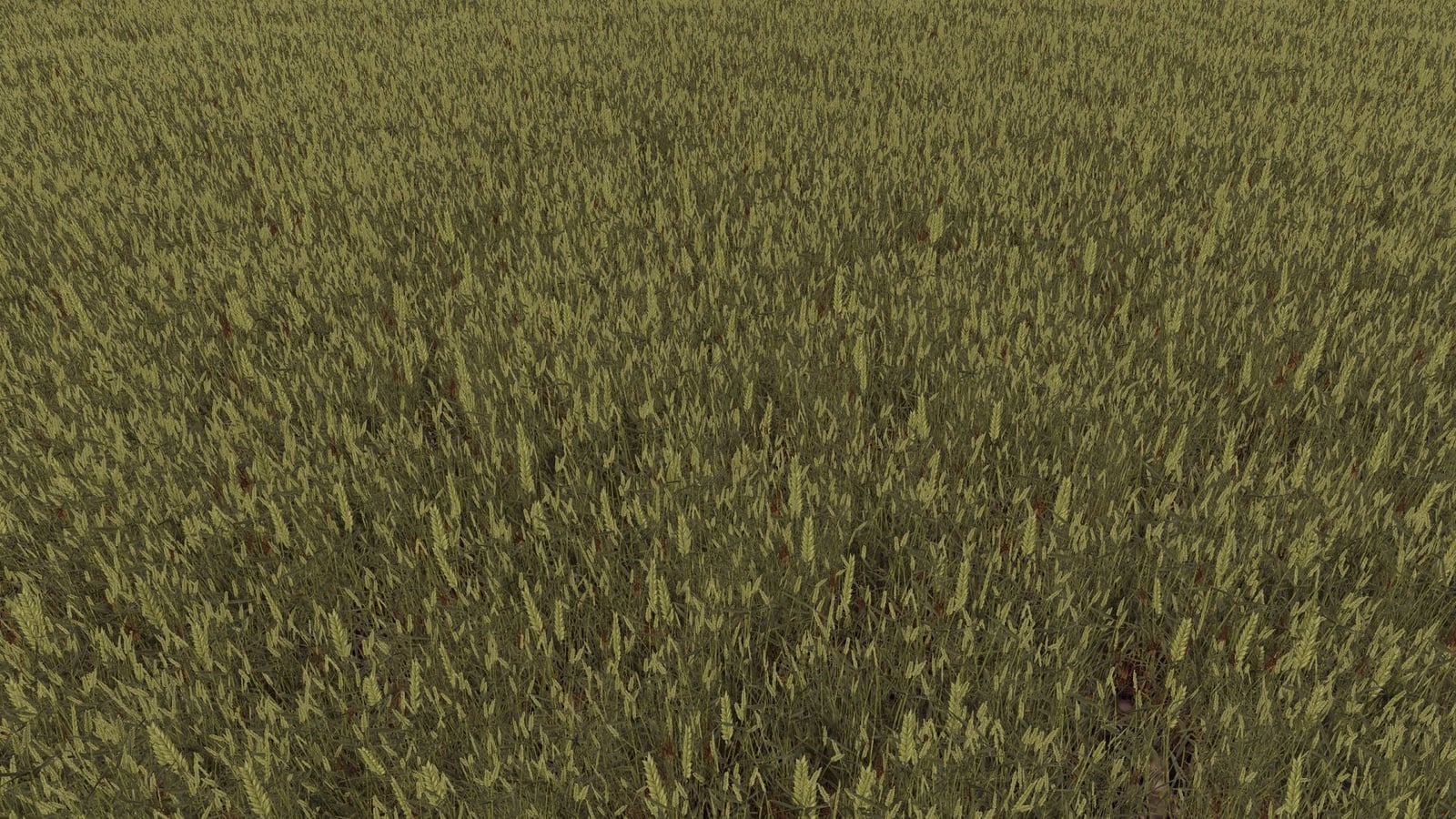
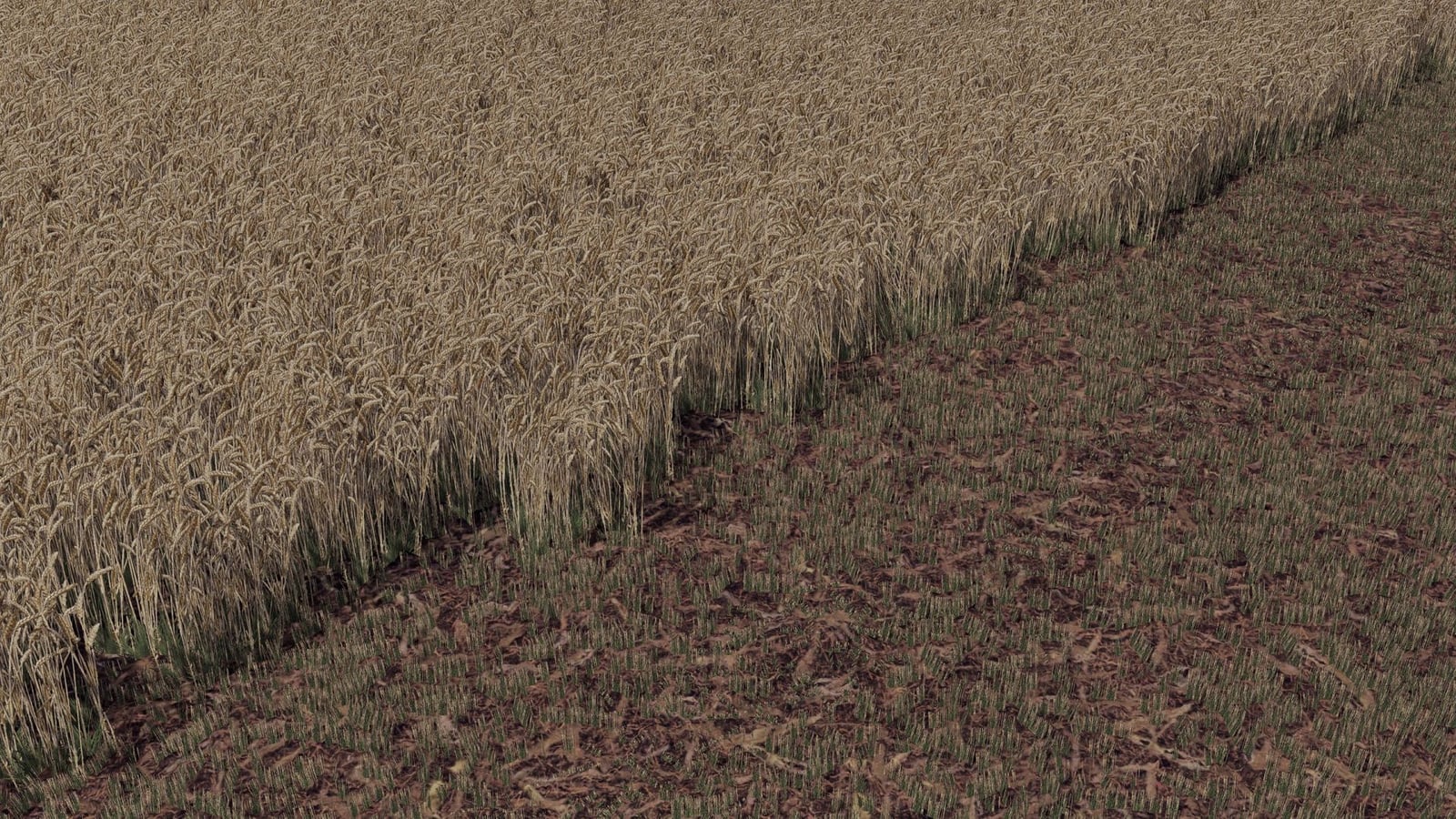
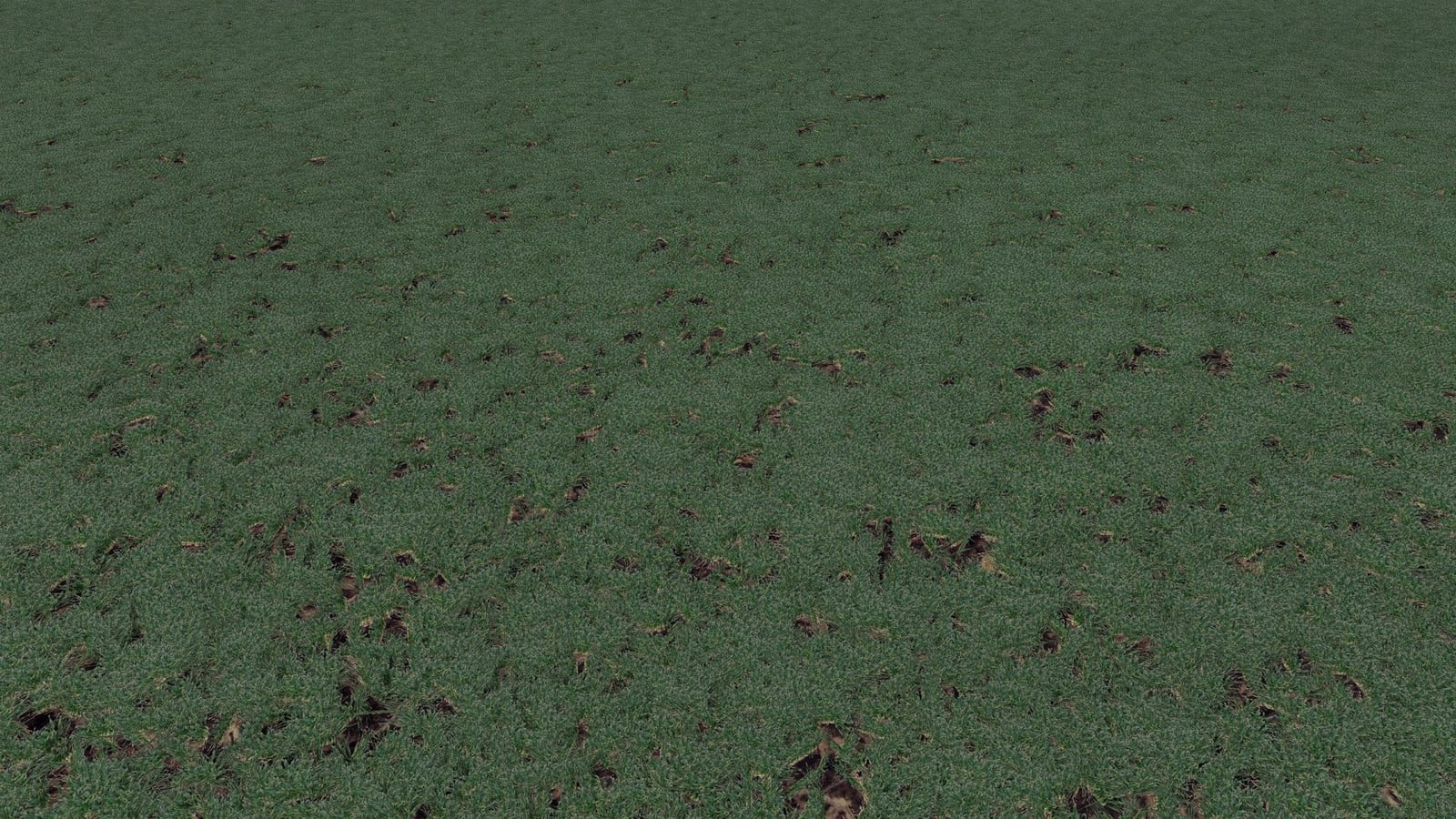
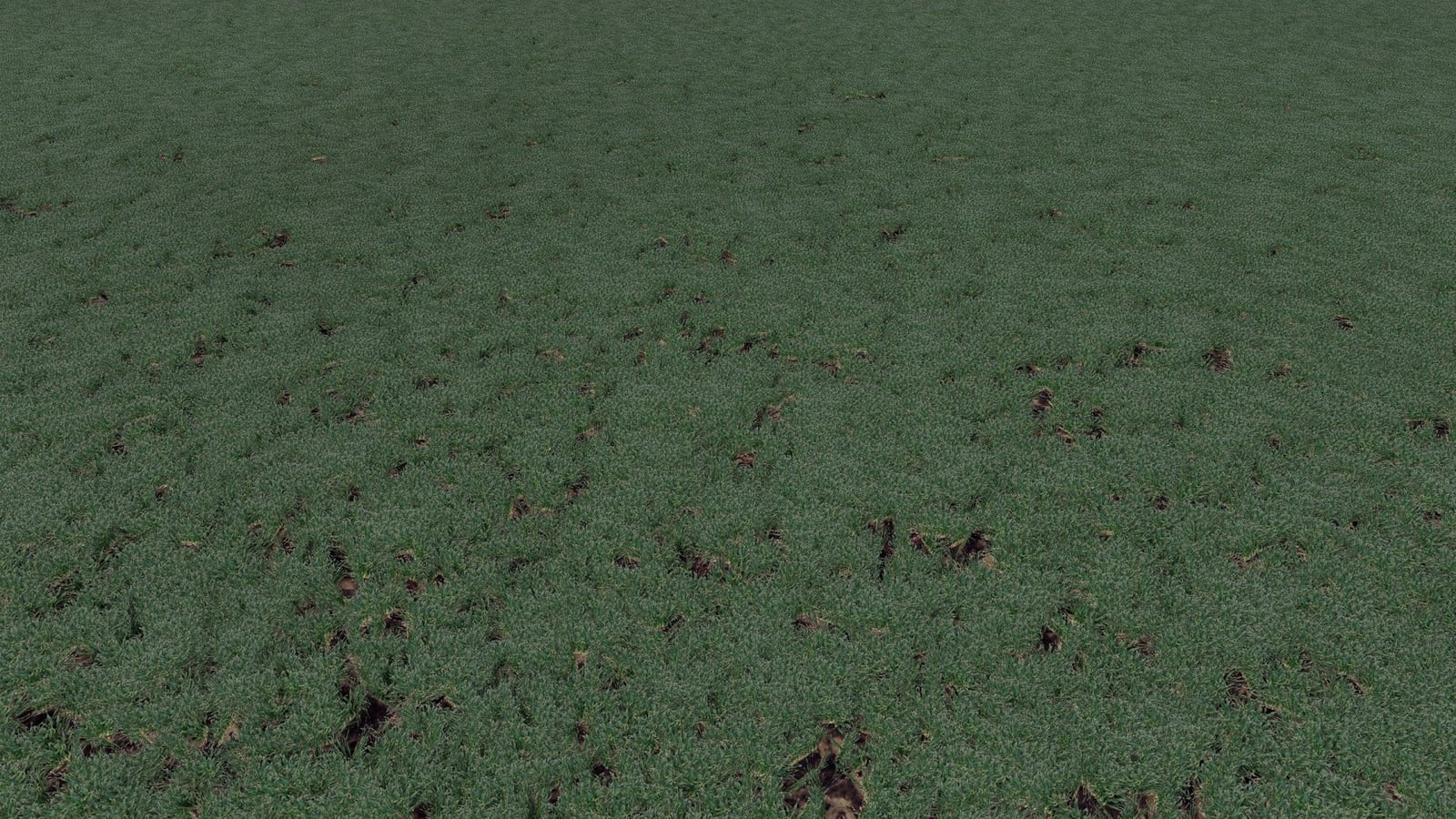
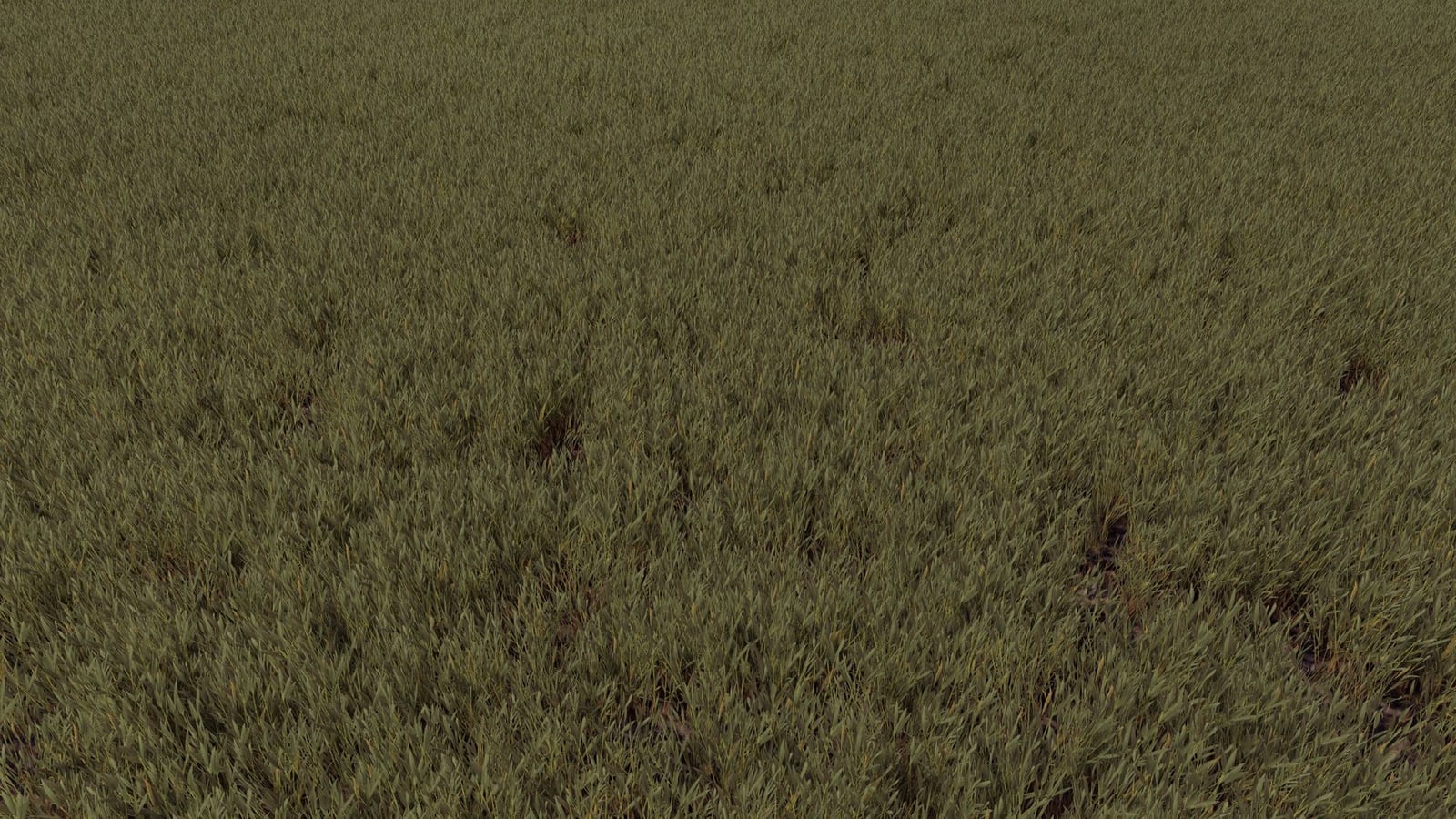
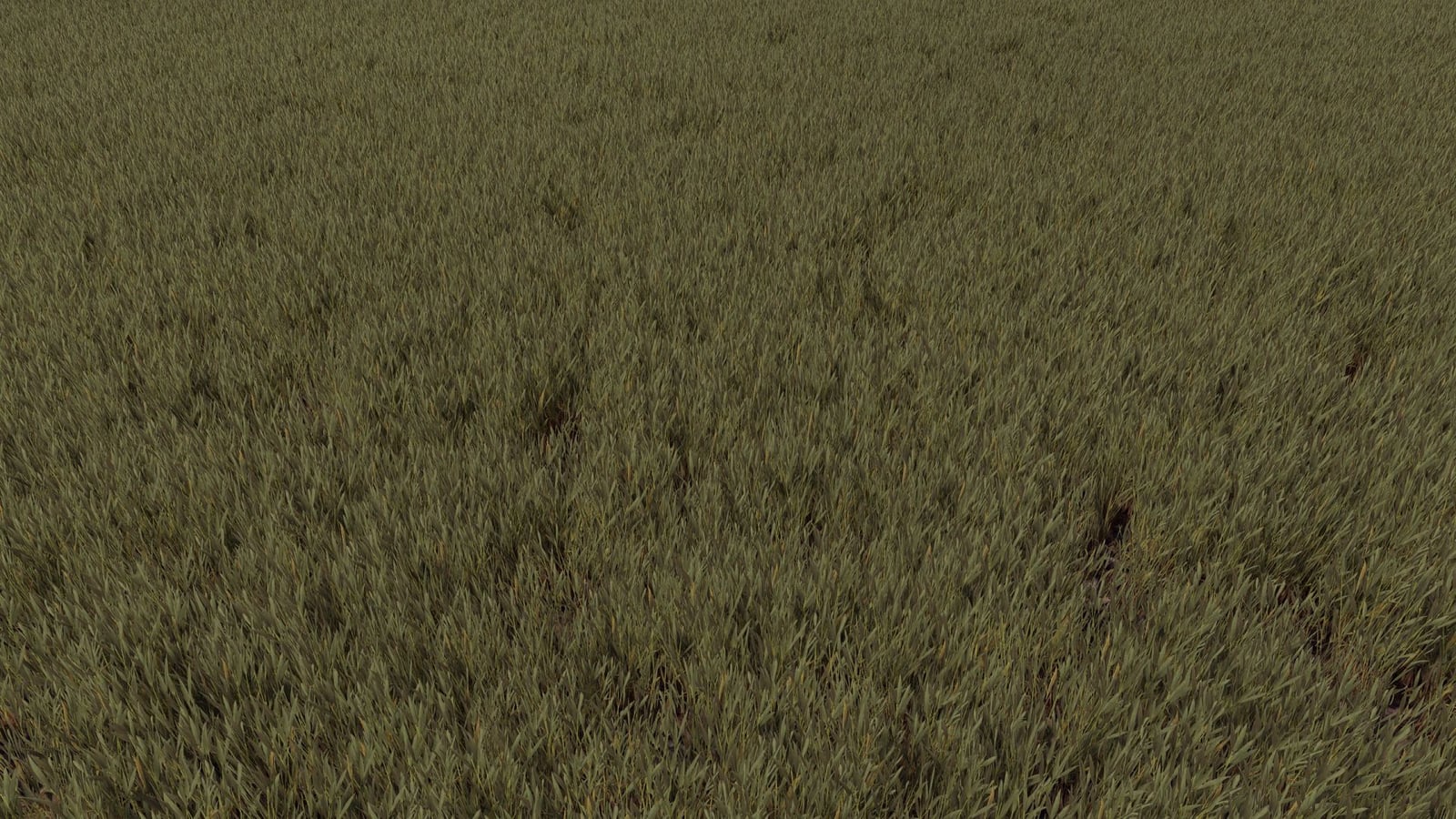
Bring Wheat FS15 into your project.
Features
- Wheat textures saved in DDS format
I3DplusI3D.SHAPESmodels- The
wheat.xmlconfiguration file - Textures made for distance views
- Several stages of wheat growth
Installation
- First extract the downloaded ZIP archive.
- Head into the foliage folder.
- Move the wheat files to the right foliage directory in your FS25 map.
- Adjust the configuration and materials with GIANTS Editor 10.
- Then test the textures in-game.