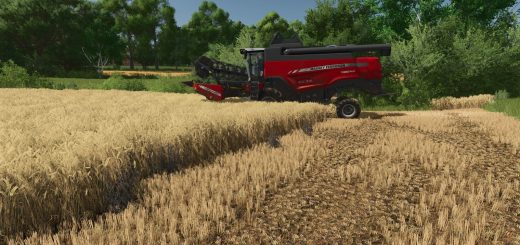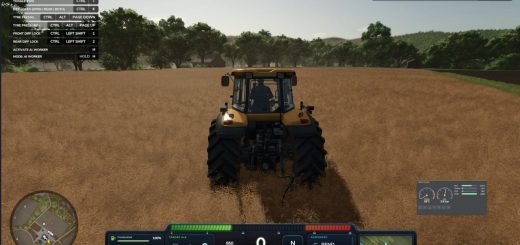
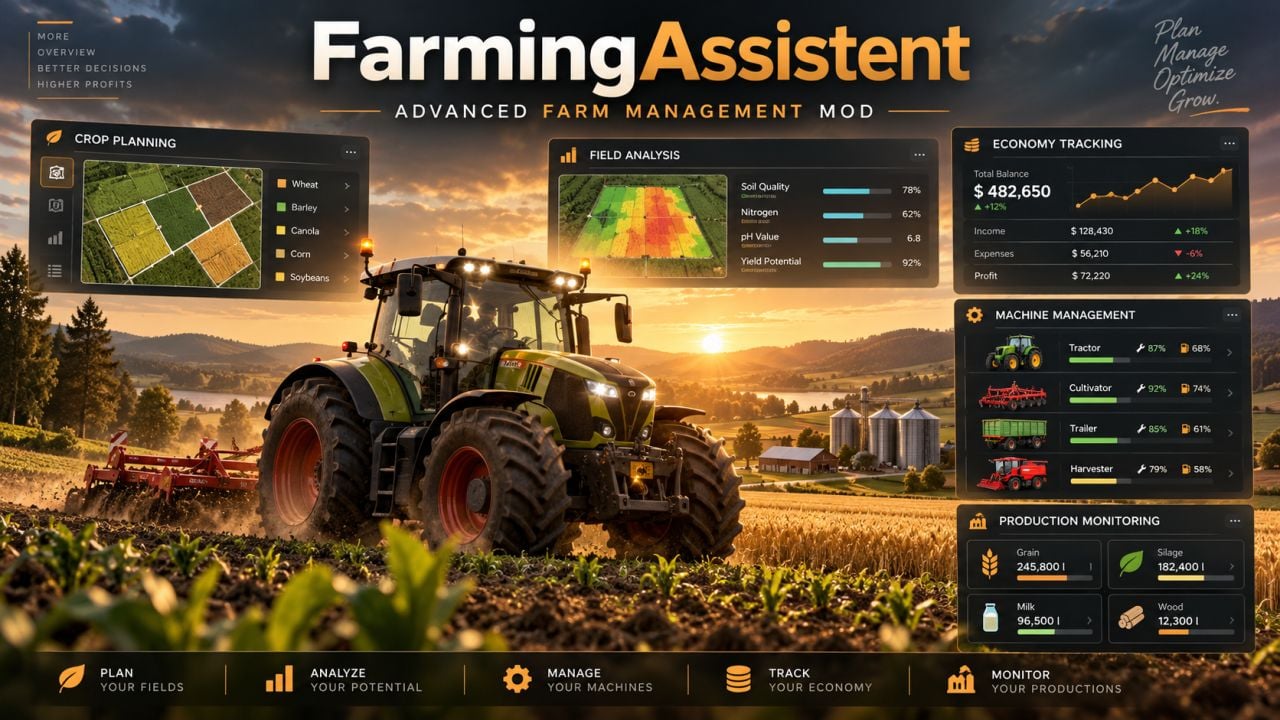
Running a farm in Farming Simulator 25 gets a handy planning hub with FarmAssistent. The mod puts field checks, work advice, crop rotation planning, money details, storage management and other farm information into one interface, so you can keep your next move in view.
Advanced Field Management
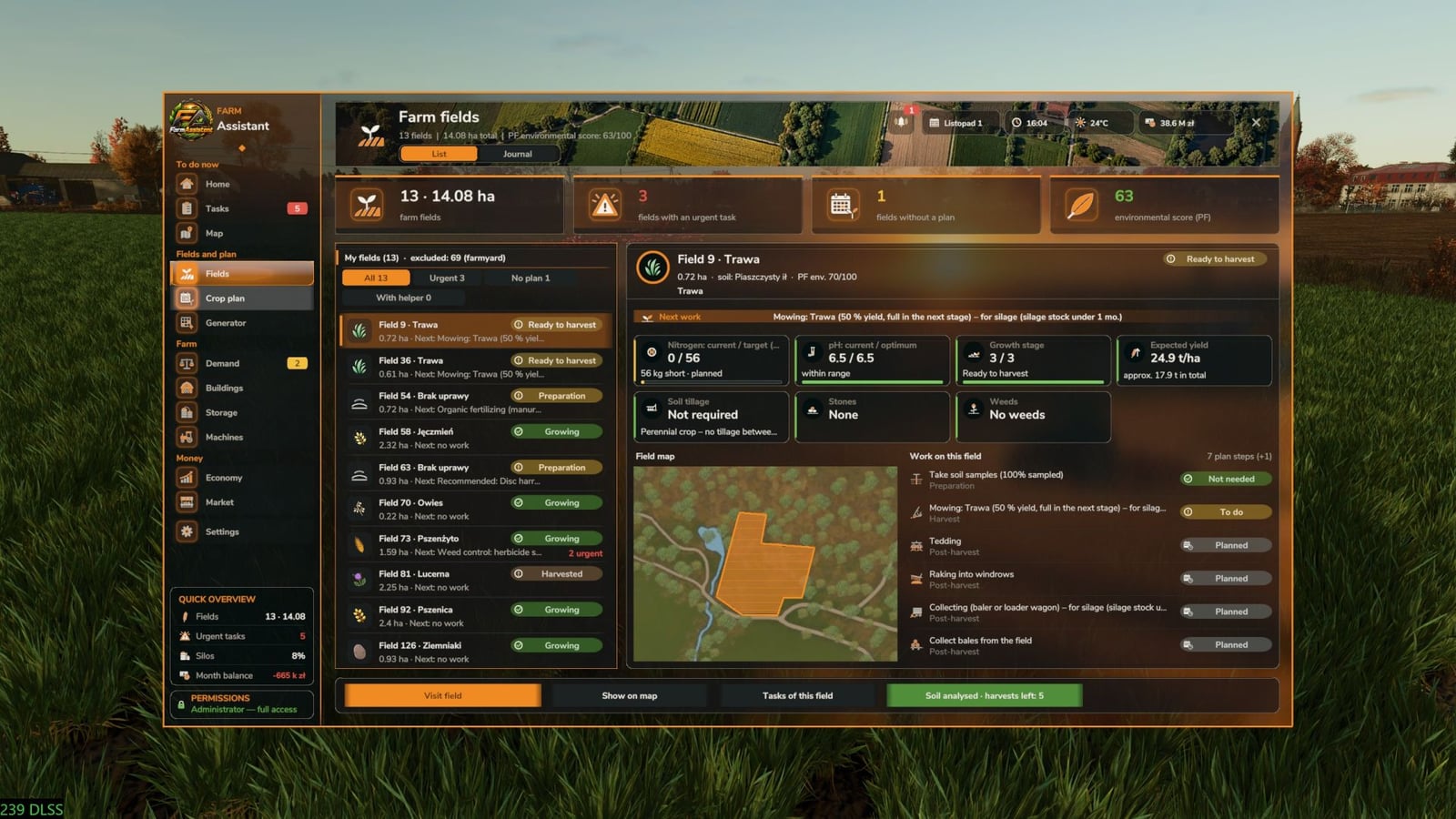
- Bring all your fields into one place for a quick look.
- Check what is growing, which growth stage it has reached and what condition the field is in.
- Keep tabs on fertilizer, weeds, stones, plowing and soil requirements.
- With Precision Farming, nitrogen and pH information is available too.
- See the current field status and the recommended action.
Intelligent Field Work Planner
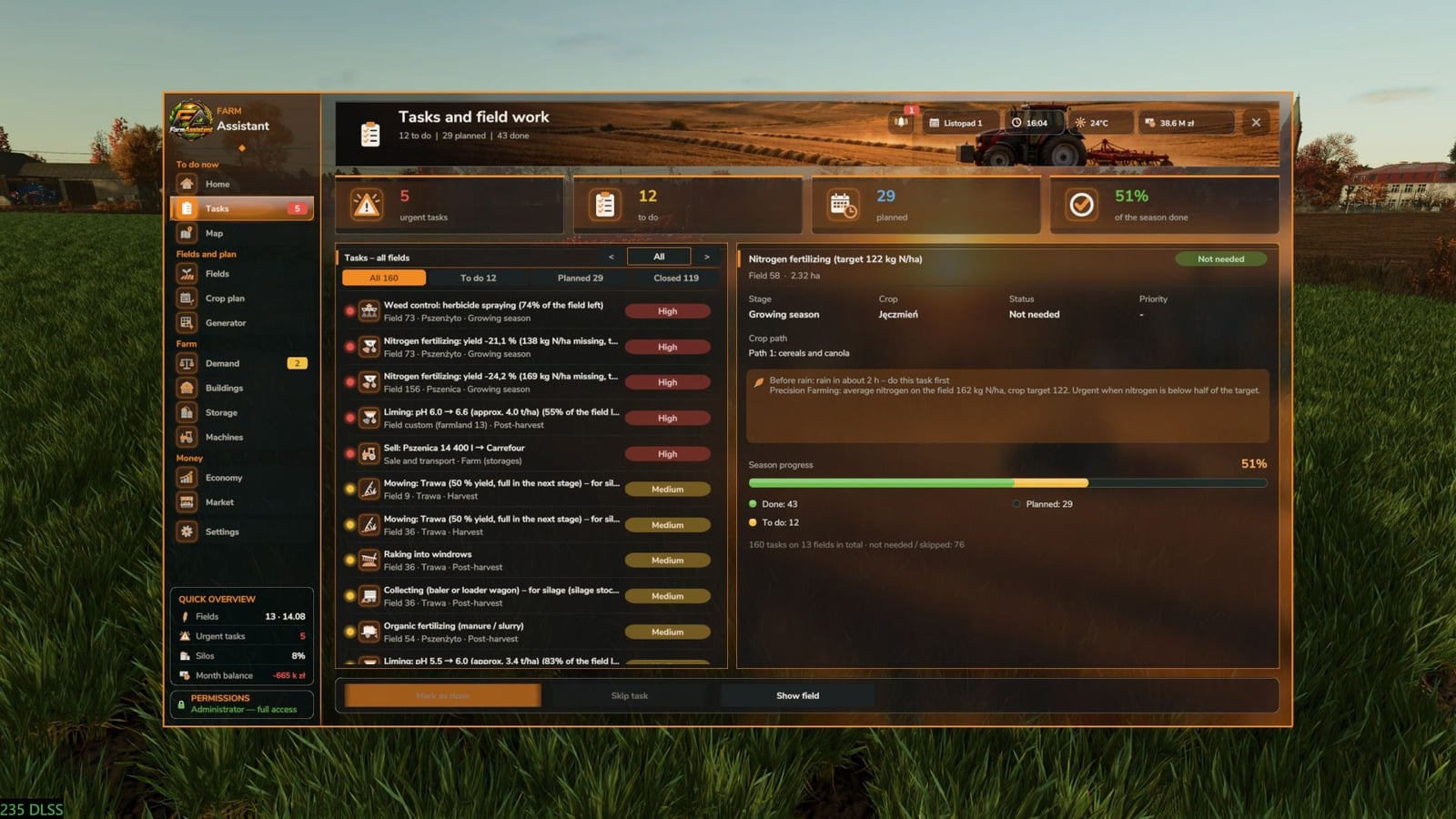
- FarmAssistent checks field conditions automatically.
- It points you toward the next agricultural operations.
- Urgent, planned, blocked and pending jobs are clearly displayed.
- It helps you pick a soil cultivation method that fits.
- Completed and skipped operations stay in the overview.
Multi-Year Crop Rotation Planner
- Set up crop rotations for multiple years.
- The planner uses the crop availability and seasonal calendars from the game.
- Crop rotation rules and catch crops are part of the planning.
- Organize your sowing and harvesting schedules.
- Generated plans are validated using the available crop information.
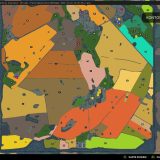
Interactive Farm Map
- Get an overview of the fields and their current conditions.
- Switch between different map layers to monitor the farm.
- Read field status information right on the map.
- Find the fields that AI helpers are working on right now.
Farm Economy & Market
- Follow the financial information that matters for the farm.
- Check today’s current selling prices.
- Compare where selling opportunities are available.
- Look at estimated gross margins per hectare.
- Review farming activity through the seasons.
Storage, Production & Machinery
- See which crops are stored and which resources are available.
- Check production facilities along with the supplies they need.
- Keep an eye on machinery fuel and condition.
- Put important farm details together instead of checking separate places.
Agricultural Calendar & Weather
- See the periods for sowing and harvesting.
- Use the season to plan your agricultural operations.
- Warnings let you know about upcoming precipitation and freezing temperatures.
- Important field activities remain easy to follow.
Field Journal & Seasonal Reports
- Keep a history of harvesting, preparation and sowing.
- Look back at what happened on each individual field.
- Check yearly summaries for crops that were harvested and sown.
- End-of-year notifications are provided.
Modern Interface
- Use a modern graphical interface with detailed dashboards.
- Pick one of four selectable interface themes.
- Field information and task indicators are shown while you manage the farm.
- Custom icons and visual status indicators make the information easy to read.
- A configurable HUD displays useful information during gameplay.
- The available languages are English and Polish.
Multiplayer Support
- FarmAssistent supports multiplayer games and dedicated servers.
- Farm information is shared via the server.
- The server administrator or host controls farm settings, crop plans and task statuses, while the other players can only read that information.
Important Information
- This is a management and advisory tool, not an automatic farming system.
- It helps you decide what to do next. It does not automatically run machinery, purchase equipment, sell crops or perform field work.
- Precision Farming integration works when the DLC is installed.
How to open: Left Shift + G
Specifications
- Game: Farming Simulator 25
- Version: 2.0.3.0
- Multiplayer: Supported
- Dedicated servers: Supported
- Languages: English / Polish
Changelog
- 2.0.3.0
Improved stubble mulching detection.
Corrected field status after mulching.
Improved seasonal summaries and notifications.
Added field journals and seasonal reports in the 2.0 series.
Added weather warnings and AI helper field tracking.
Improved interface performance and usability. - V2.0.0.2
Fixed: on southern hemisphere maps (e.g. the Alpacas and Beans DLC map) month names in the mod (market, calendar, crop plan, demand, economy, storage) were half a year off; they now match the game date. - V2.0.0.1
Fixed: the mod window can now be opened in a vehicle withShift+G. In a vehicle this key replaces “previous implement” (Gstill works). You can set another key in Settings > Controls > FarmAssistent. - V2.0.0.0
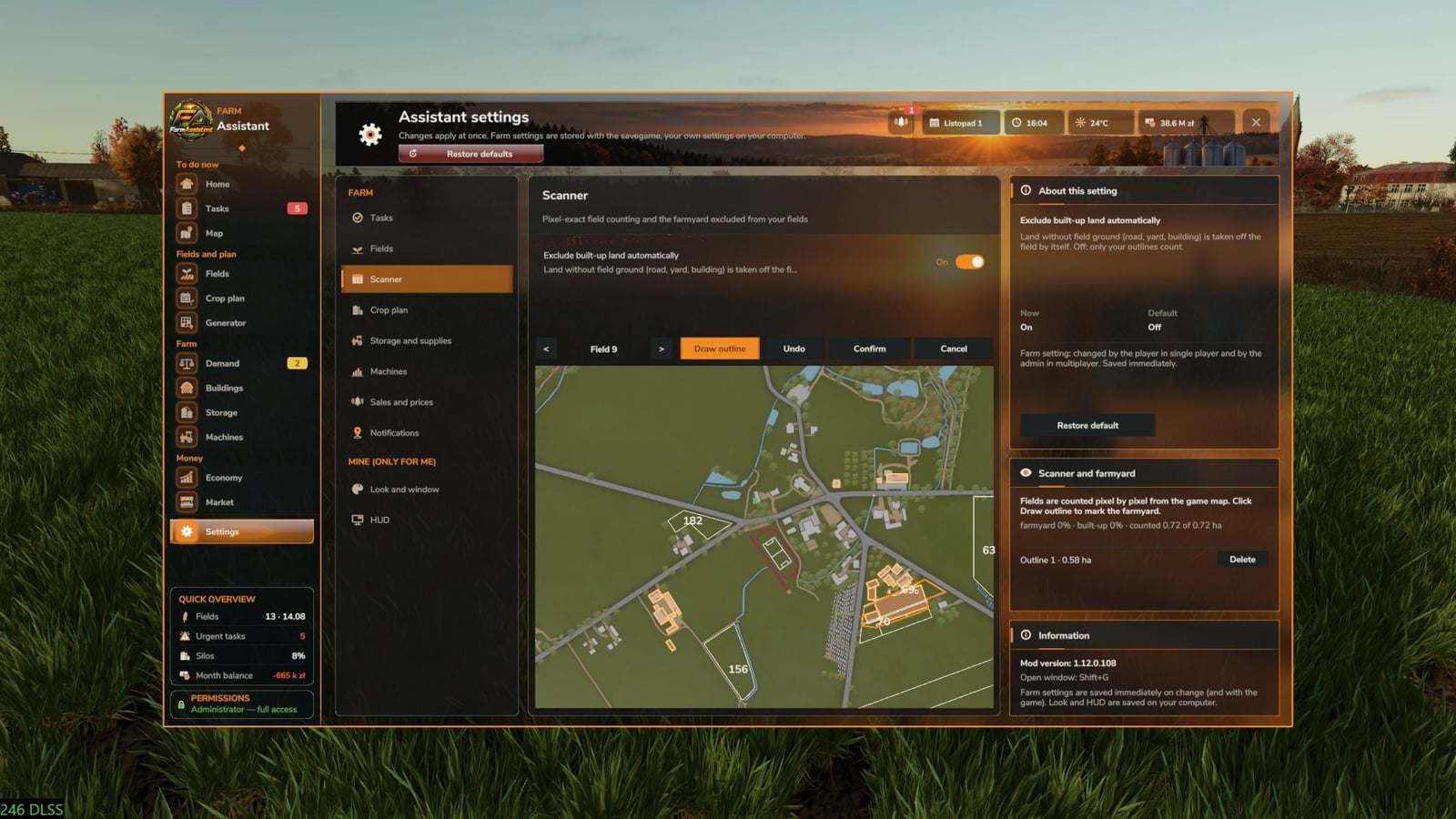
PIXEL-EXACT FIELD SCANNER: Fields are counted pixel by pixel from the game maps instead of a grid of sample points. Tasks, field stage, cultivated part, Precision Farming values, yield estimate and “Visit field” are much more accurate.
New Settings > Scanner: map preview, farmyard outlines drawn by you (yard, roads and buildings inside a field are left out), “Exclude built-up land automatically”. Outlines are saved per savegame.
Precision Farming tramlines no longer count as unsown ground.
Custom fields: cultivated land on your own farmland outside the map fields (e.g. a cleared forest) is found automatically as “Field custom (farmland N)” from 0.2 ha.
PRECISION FARMING: Nitrogen fertilizing by yield loss: the task appears when missing nitrogen costs at least 2% of the yield; the name shows the loss and the missing kg N/ha. A second dose respects the PF block until the next growth stage.
Nitrogen and pH targets per soil type exactly as in PF. Liming shows the part of the field below the optimum (“X% left”); limed ground counts until the next crop and liming stays done after tillage.
Yield estimate with the PF formula (nitrogen and pH curves per soil, crop potential, weeds, bonus on your own field).
PF values only from field ground (buildings and roads inside a field outline are ignored).
Soil analysis button on every field with PF: colour and label from the age of the analysis (not analysed / expired, samples in the lab, harvests left).
TASKS: Tasks tab: pick a single field with < > (field number box, merged fields “54+81”, custom fields); one field lists its whole cycle in work order.
A task that was needed in this cycle and is finished shows “Done”, not “Not needed” (cycle memory, saved with the game and in multiplayer).
Weed control: early weed stages are “to do – preventive”, not urgent; the task is finished when at most 5% of the weedy part is still alive.
Manure / slurry recognised from the field (80% of the field) and remembered for the cycle; not needed when PF nitrogen is enough for the next crop.
Rolling only in growth stage 1; mowing grass with partial yield is not urgent; harrow / weeder only in suitable crop stages.
Mulching: medium priority, done from 80%, blocked until harvest, straw and bales are cleared, not needed after plowing.
Grass: hay or silage advice per field (from animal demand and prices); raking and collecting read from the windrows on the field; bales inside a baler or on a trailer no longer count as “collect bales”.
Silage or grain: crops with a silage stage (maize, cereals) get a “Purpose” switch on the harvest card with advice from the farm silage demand; silage maize and green rye always for silage.
Unripe part of a field during harvest: its growing-season tasks are shown in the field details.
Crops sown outside the map calendar get a harvest estimated from their growth stages.
LAND AND SOIL: Buy or sell farmland from the Map tab in a mod offer window (field, farmland, price, money before and after; game blocks such as contracts or buildings are explained).
Order a soil analysis from the field card.
DEMAND AND PLAN: Animal demand per month as the game counts it (no extra multiplication by days); pigs and horses: days of stock for each feed group.
Crop plan and production chains use the full-care yield multiplier (also for straw, grass and silage).
LOOK: New icon set finished: old atlases removed, every summary tile has its own picture.
Mod window: accent frame around the window and the side menu, accent frames on list and detail panels, summary tiles with an accent top edge, panel headers with an accent marker and line.
HUD panel “To do” shows only tasks (fuel and weather rows removed); it stays below the game clock and notifications.
FIXES: Field numbers of the map no longer show through dialogs; offer window button labels always visible.
Scanner preview: field borders clipped to the map, Undo removes the last outline, outlines do not carry over to another savegame on the same map.
Field stage during harvest and silage cutting no longer switches to “Growing” or “Post-harvest” too early.
Many smaller task status fixes from in-game tests.