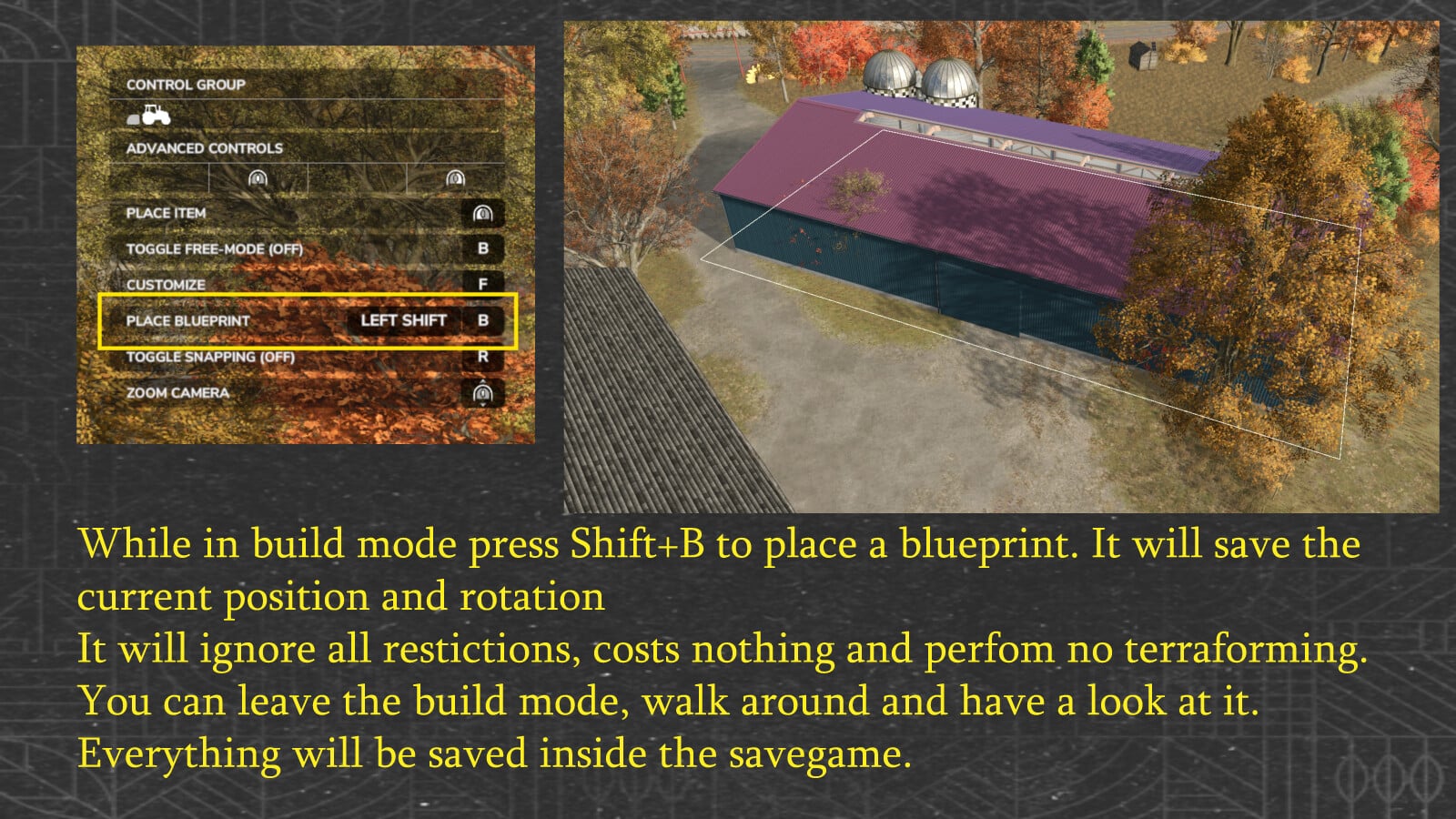
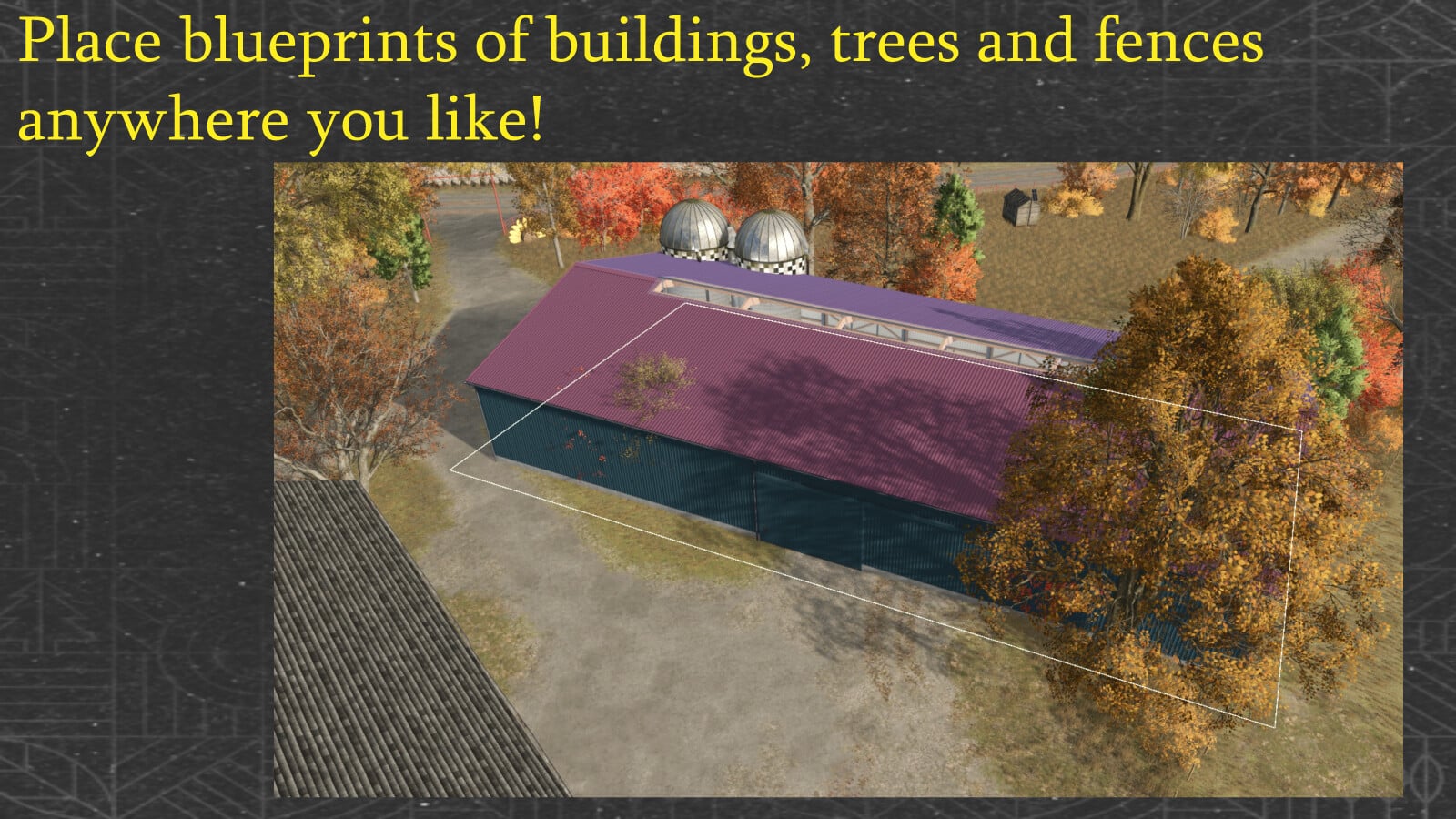
Got a placeable lined up in construction mode? Press Left Shift + B and you save it as a blueprint. Your blueprints go into buildingBlueprints.xml in the savegame, then come back when the savegame loads.
Features
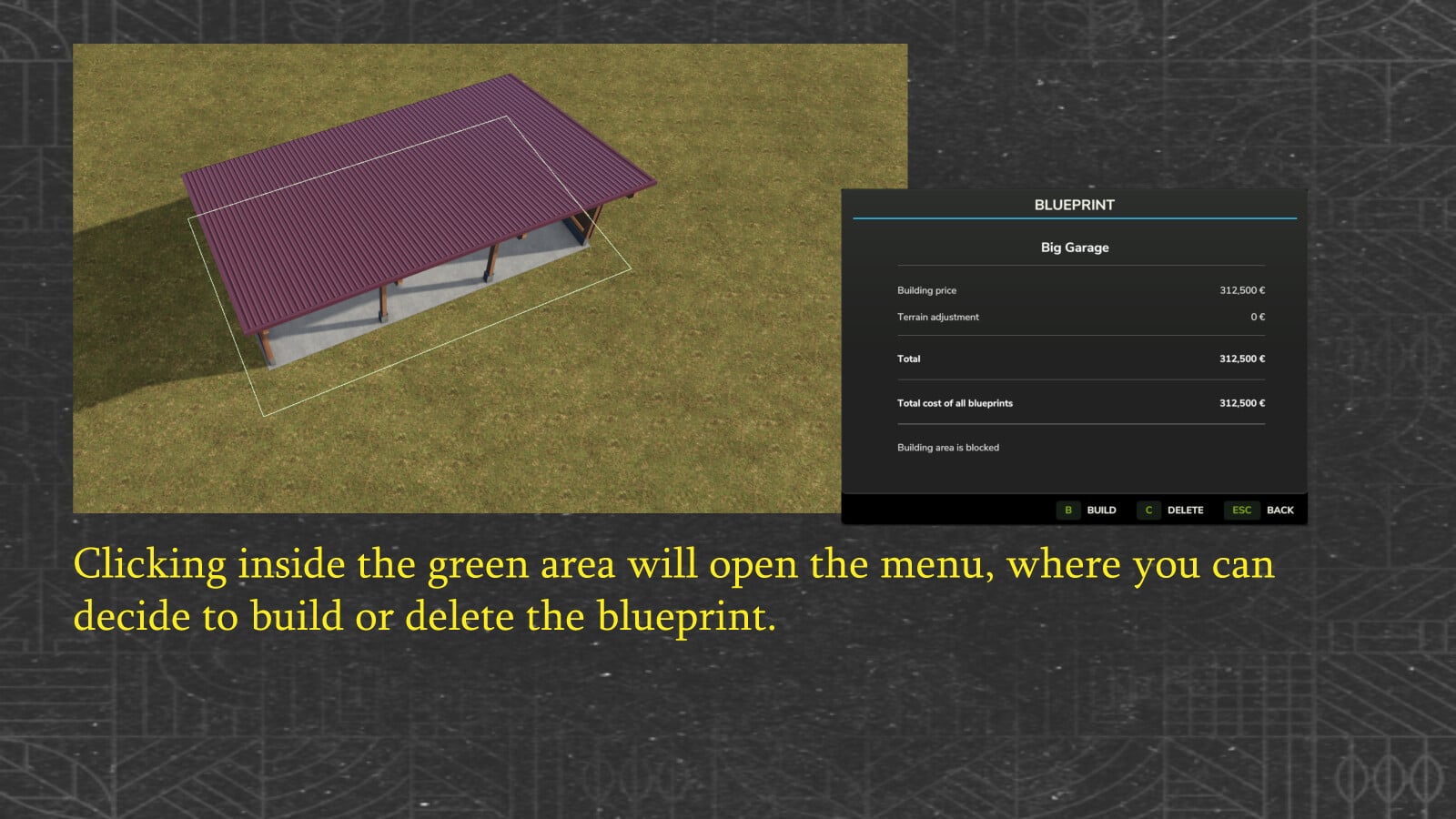
- Saved blueprints get a green outline around their terrain adjustment / texturing area. You can see it in normal selection mode and in demolition mode.
- If a blueprint has that area, mouse interaction works only inside the green part.
- In normal selection mode, click the area to open Build, Delete and Back. Press B to build the selected blueprint, or C to delete it.
- Switch to demolition mode and click the same area to remove the blueprint.
- The purchase checks everything again first: terrain deformation, current terraforming costs, available funds and the collision area.
- Terrain changes are recalculated with the current FS25 terrain costs.
- An accepted purchase removes the blueprint only after FS25 has actually debited the farm account. If the purchase is rejected or blocked, the blueprint stays there.
- Build an animal husbandry with a customizable pasture fence and the mod follows the native FS25 workflow. Customize the fence or keep the default one, validate and finalize a customized fence at its final snap point, automatically leave the fence editor, then move on to meadow creation where supported.
- The detail window adds up the cost of all blueprints, covering building prices and saved terrain adjustment costs. It recalculates that total every time the window opens.
- The terrain check for the selected blueprint updates both totals.
- Build or delete something and the sum changes the next time the window opens. The save format remains unchanged.
- When the detail window opens, it checks the building area, terrain, purchase data and available funds. It does not buy anything or change the terrain.
- A status line tells you the result. To construct, you still need Build or B, and the checks run again.