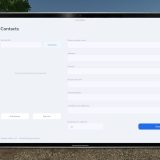
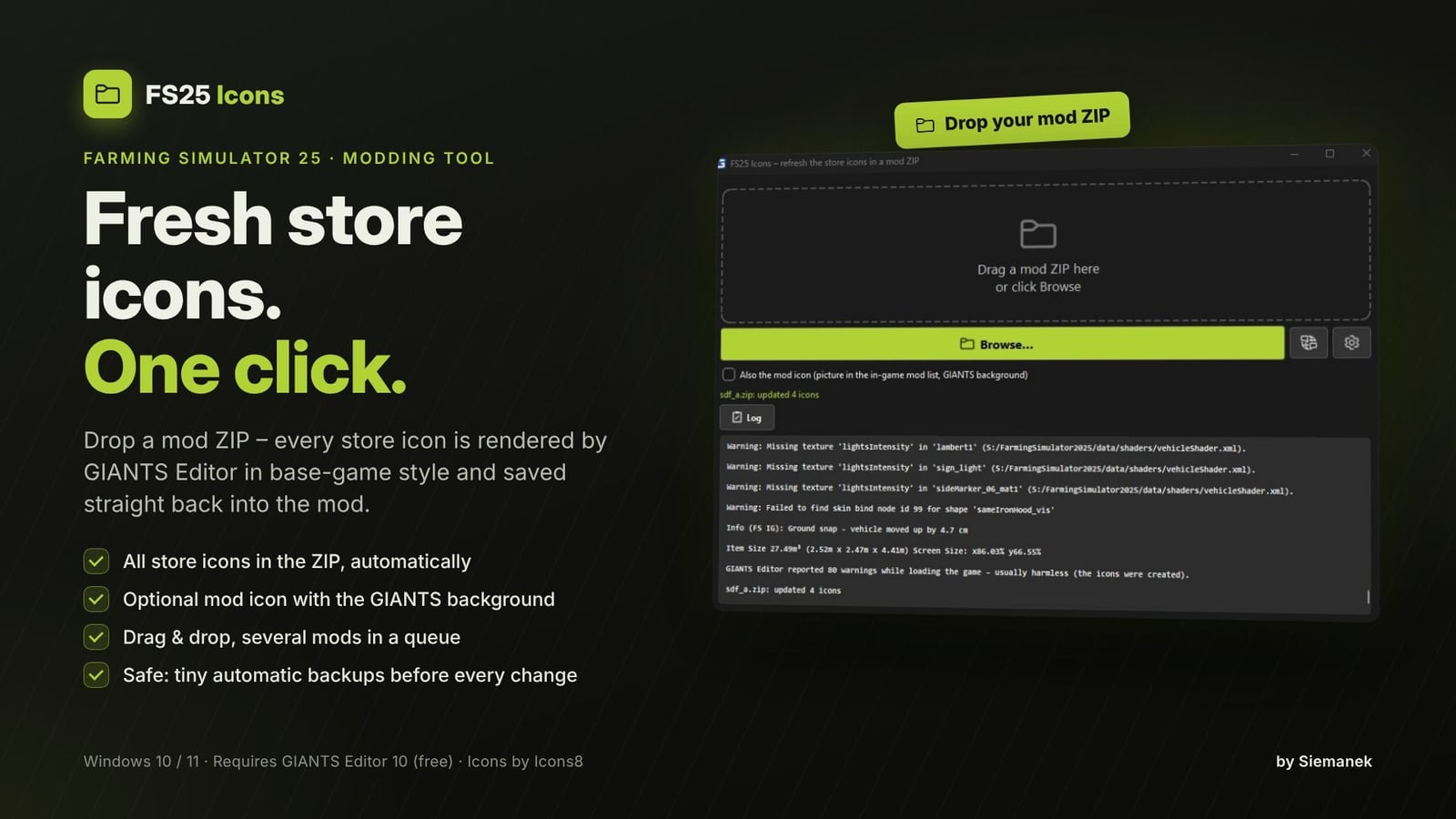
If you build mods for Farming Simulator 25, FS25 Icons gives you a quick way to handle their store pictures. It is a tool for modders, not a game mod. Put an FS25 mod ZIP in the program, use one click, and every store icon is rendered again and saved back into the mod.
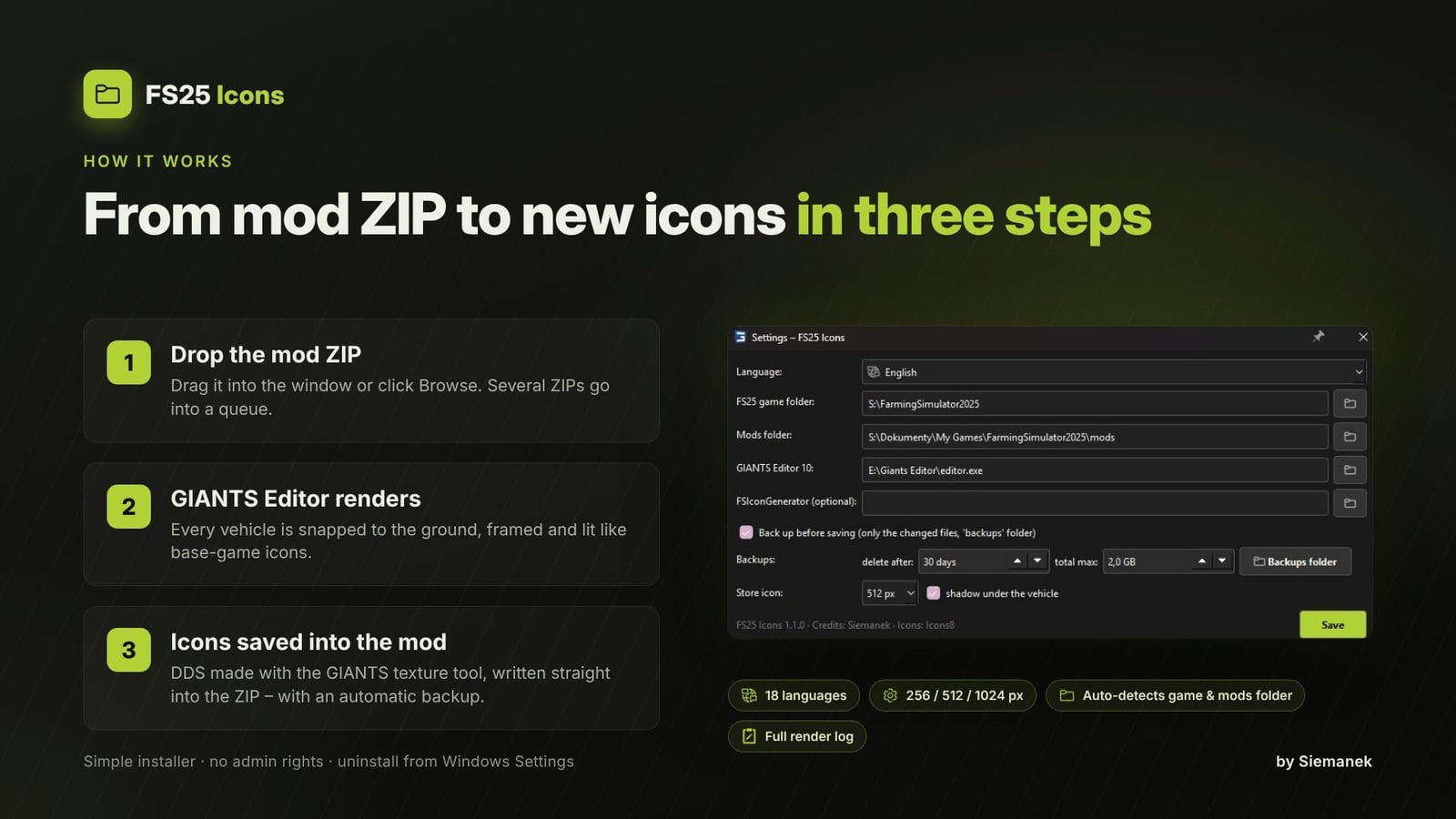
You can drag the ZIP straight into the window, or hit Browse instead. The program checks every vehicle and implement inside it, makes new store icons with GIANTS Editor 10, turns them into DDS using the GIANTS texture tool, and writes them directly into the ZIP. That keeps the icon part of your mod-building workflow simple.
Features
- Re-render every store icon in a mod ZIP with a single click
- Optional mod icon with the GIANTS background, for the picture shown in the in-game mod list
- Drag and drop support, while several ZIPs can wait and be processed in a queue
- The vehicle gets automatic ground snapping, centered framing, and a shadow underneath
- Choose 256 / 512 / 1024 px icons
- Safe saving: before each change, the program keeps a small backup of only the files that changed, a few KB instead of the complete mod, then cleans up old backups automatically
- 18 languages: Czech, Danish, Dutch, English, Finnish, French, German, Hungarian, Italian, Norwegian, Polish, Portuguese (Brazil), Romanian, Russian, Spanish, Swedish, Turkish, Ukrainian
- Simple installer, no administrator rights needed, with uninstall available through Windows Settings → Apps
Requirements
- Farming Simulator 25
- GIANTS Editor 10, free download from gdn.giants-software.com
- Windows 10 / 11 (64-bit)
How to use
- Run
setup_fs25icons.exe, pick your language, and click Install. - At first launch, look over the settings. The FS25 game folder, mods folder, and GIANTS Editor are usually detected automatically.
- Close the game, then drag your mod ZIP into the window.
- Finished: the new icons go straight into the ZIP.
Notes
- Only letters, digits, and underscores may be used in the mod ZIP name, just as required by the game.
- Items that take their icons from the base game are skipped.
- While the icons render, GIANTS Editor opens in the background. Leave it open while the program works.
- GIANTS Editor may show warnings while loading the game. That is normal, and the icons are still created.