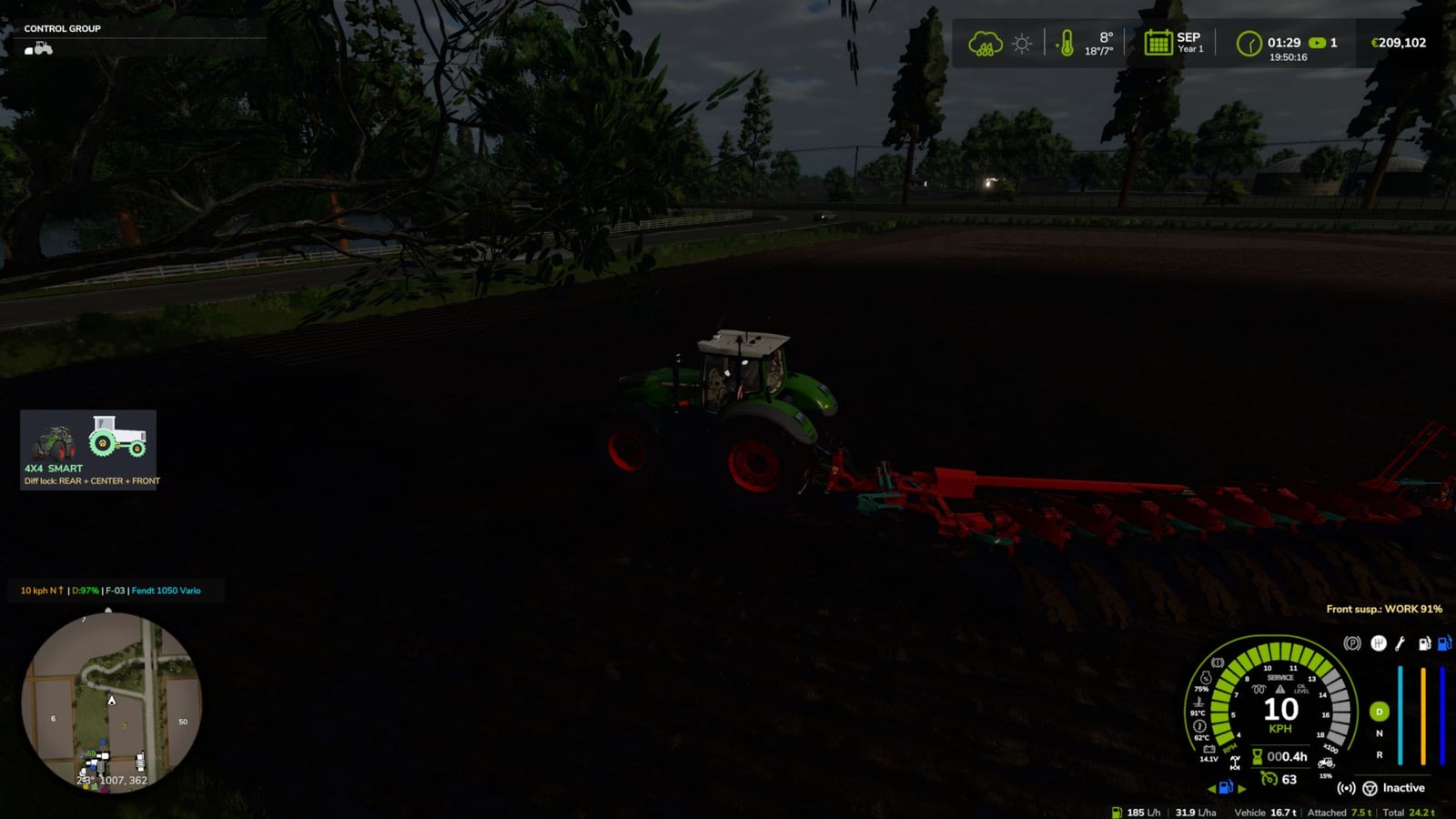
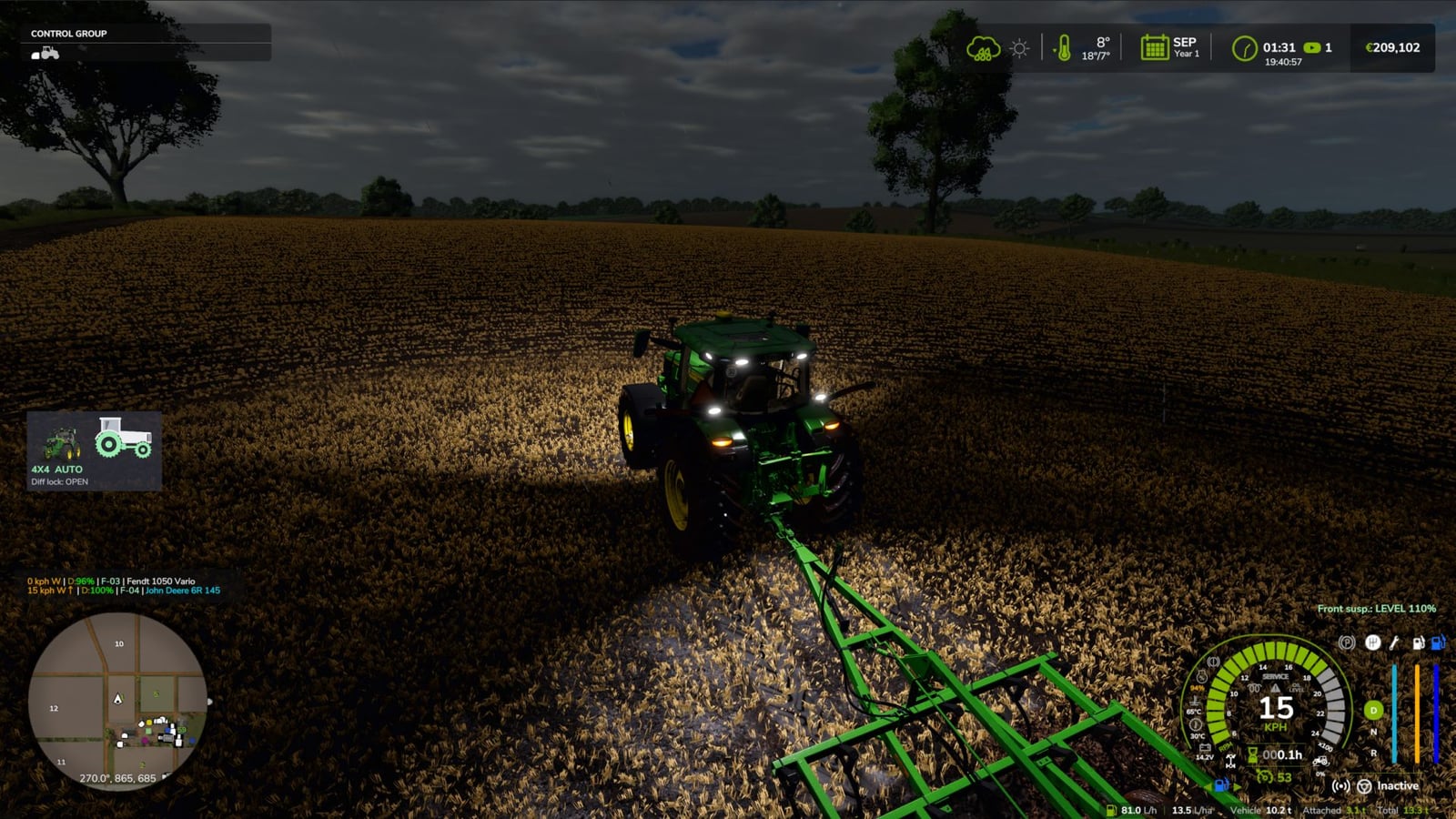
Put your tractor’s traction in your hands with a switchable 4×4 system that reacts to real wheel slip. Multiplayer is still in development and playable, though bugs can happen.
Features
- Real rear-wheel slip detection, so the automatic modes react to actual wheel-slip physics instead of only watching speed
- Vehicles come with one of four driving modes assigned by default:
- Manual, so you stay in control all the time
- Semi-automatic, which kicks in with real wheel slip, while manual control is always there when you need it
- Automatic, using that same logic for vehicles with factory-fitted automatic 4WD, including CVT/IVT transmissions
- Intelligent, bringing smooth continuous proportional engagement in the Fendt style, with no sudden switch on or off
- Native tyre-pressure simulation works during engagement, and it does not depend on any other mod
- The on-screen HUD gives you the status in real time, and you can move it in the game Settings menu
- No vehicle XML edits are needed. Compatible vehicles are integrated automatically
Changelog
- V2.1.0.0
- The new default is SIMPLE mode: tractors, wheel loaders and telehandlers only. Every tractor gets automatic 4WD, which engages on wheel slip or when you lower an implement. There is no speed limit with 4WD engaged. Install and play.
- REALISTIC mode brings back everything from 2.0: factory modes, real speed limits, all vehicles and tyre pressure by hand. Pick it in the window: Left Alt + J > Settings > System mode. Reload the game after changing it.
- Want the old behaviour? Change to Realistic.
- V2.0.0.1
- Fix: a Lua error was repeating in the log,
FourWDTractionSystem.lua:2518: invalid argument #3 to 'format', on vehicles with permanent 4×4 or without a 4×4 speed limit, including 6×4 trucks, wheel loaders and articulated tractors. Thanks to Patrik Vendelberger for the report.
- Fix: a Lua error was repeating in the log,
- V2.0.0.0
- All drivable vehicles are supported now, apart from trains, boats and motorbikes.
- What the system does depends on the vehicle’s shop category and real driveline:
- Tractors: selectable 4×4, as before
- Articulated and 4-track tractors, wheel loaders and telehandlers: permanent 4×4, locks only
- 6×4 trucks: lockable inter-axle differential and locks
- AWD trucks: selectable front drive
- 4×2 trucks: rear lock
- Cars, pick-ups and UTVs: part-time 4×4 that engages while you are moving
- Combines and self-propelled vehicles: rear-axle drive on demand
- Each vehicle type has limits for 4×4 and lock engagement, the top speed with 4×4, and automatic lock or unlock.
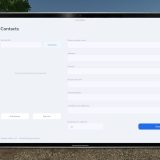
- Open the new 4×4 window with Left Alt + J. You get a top view of the driveline, 4×4, centre and inter-axle locks, mouse-operated front and rear locks, a vehicle mode saved with the savegame, tyre pressure options for field, road, automatic and manual, telemetry and all settings.
- The menu in the game’s settings is gone because it slowed down loading. Everything is now in the window.
- Mod and DLC tractors without a profile take their mode from the transmission: CVT and full powershift are automatic, partial powershift is semi-automatic, and a manual gearbox is manual.
- Brand profiles now work for tractors only. Massey Ferguson combines and the Kubota R640 were set to automatic. Challenger MT600 is excluded.
- Zasty HUD: turn on the HUD and the 4×4 panel hides. The HUD then shows 6X4, AWD or 4X2 and the locks.
- In multiplayer, every player receives each vehicle’s driveline and mode, and the server checks the chosen mode.
- The only remaining keys are Ctrl + J for 4×4 and Ctrl + K for locks. Single locks, CTIS, tyre pressure, the panel and telemetry moved into the window.
- Fix: a new installation did not assign the default keys.
- Default keys:
- Left Ctrl + J: turn 4×4 on or off
- Left Ctrl + K: turn differential locks on or off
- Left Alt + J: open the 4×4 window with locks, tyre pressure, mode and settings
- These are the default keys. If the game or another mod already uses one, go to Options > Controls and choose the key you want to avoid conflicts.