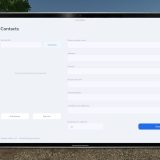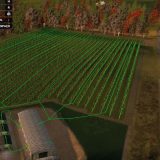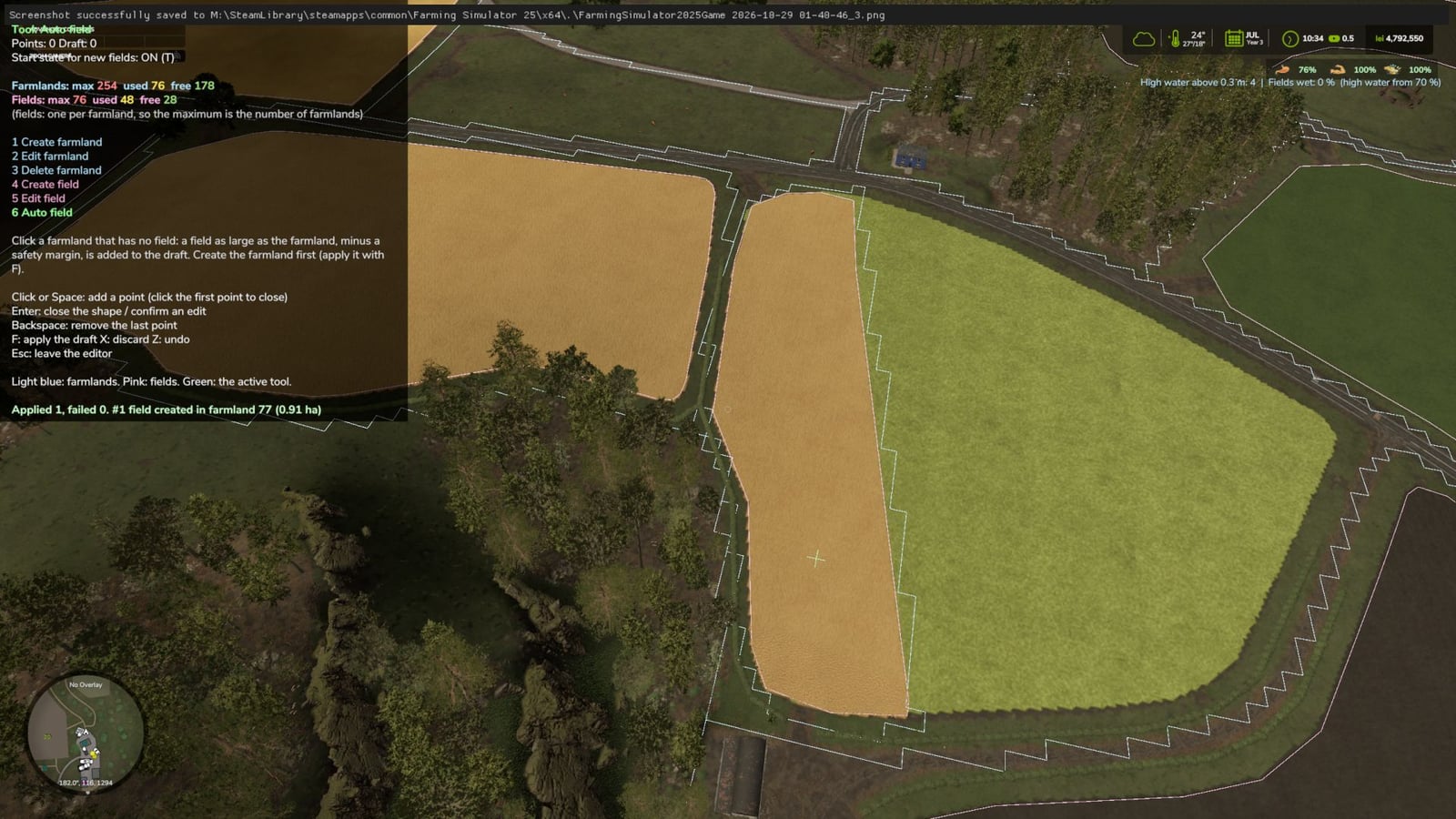
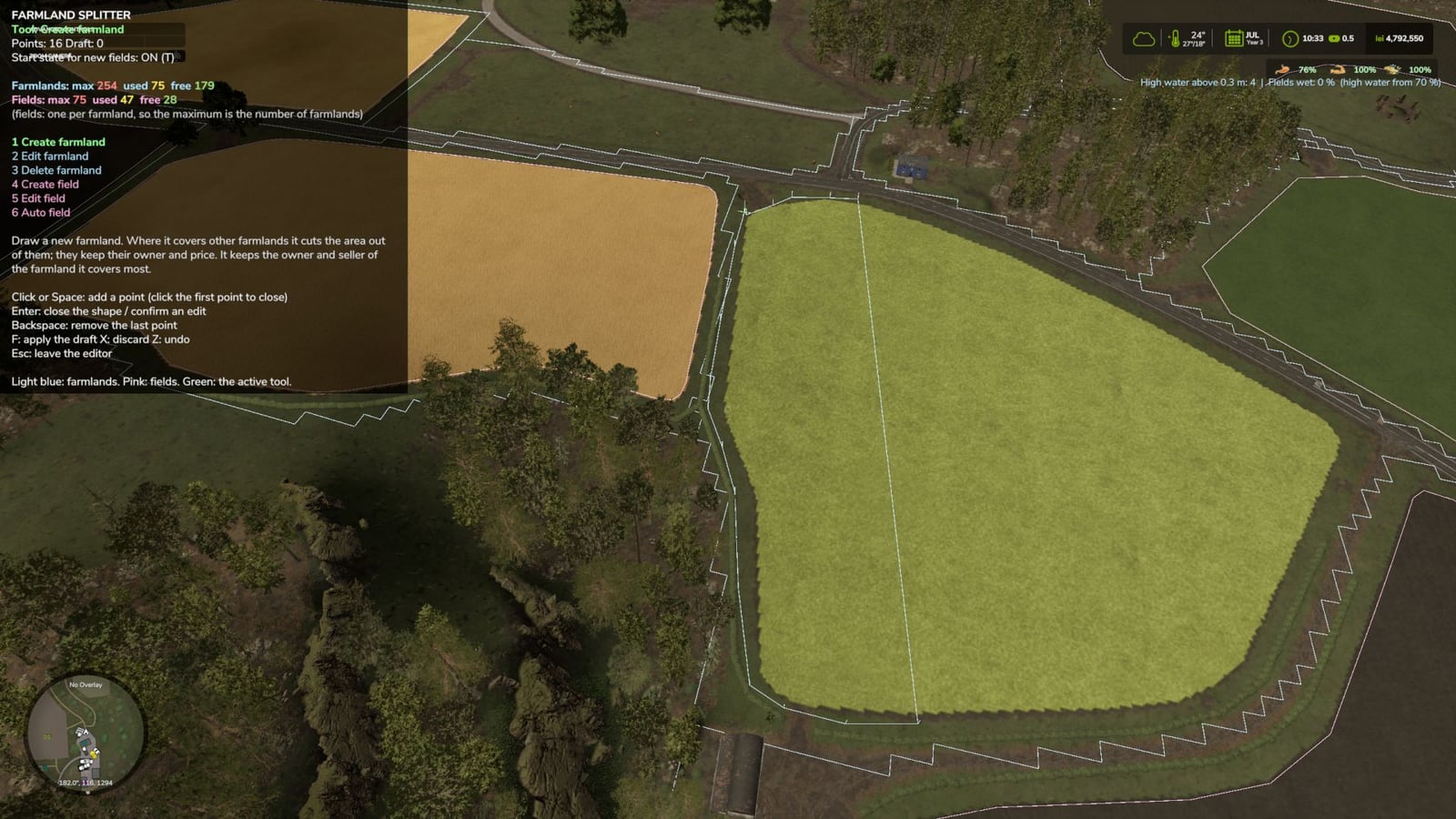
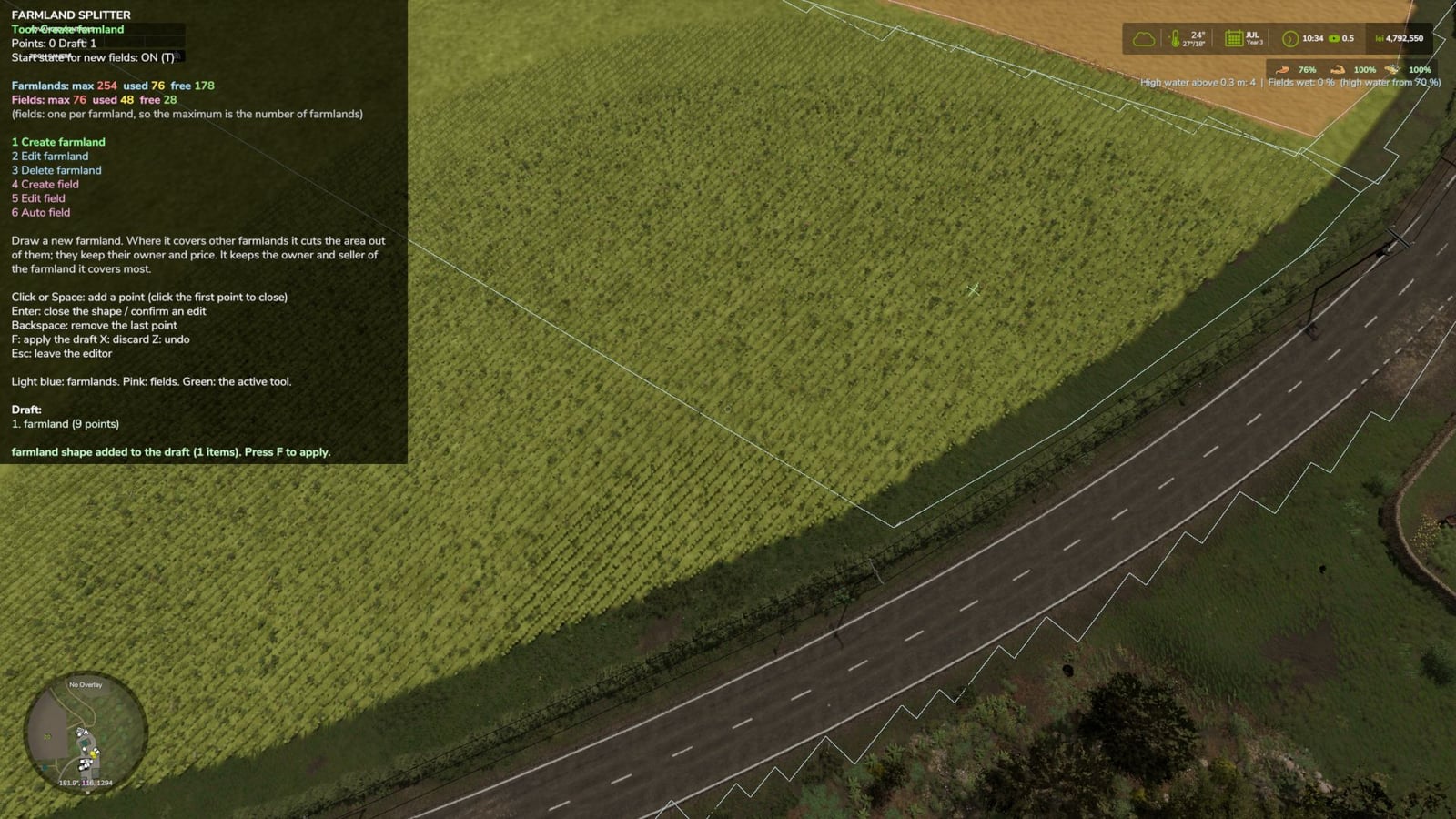
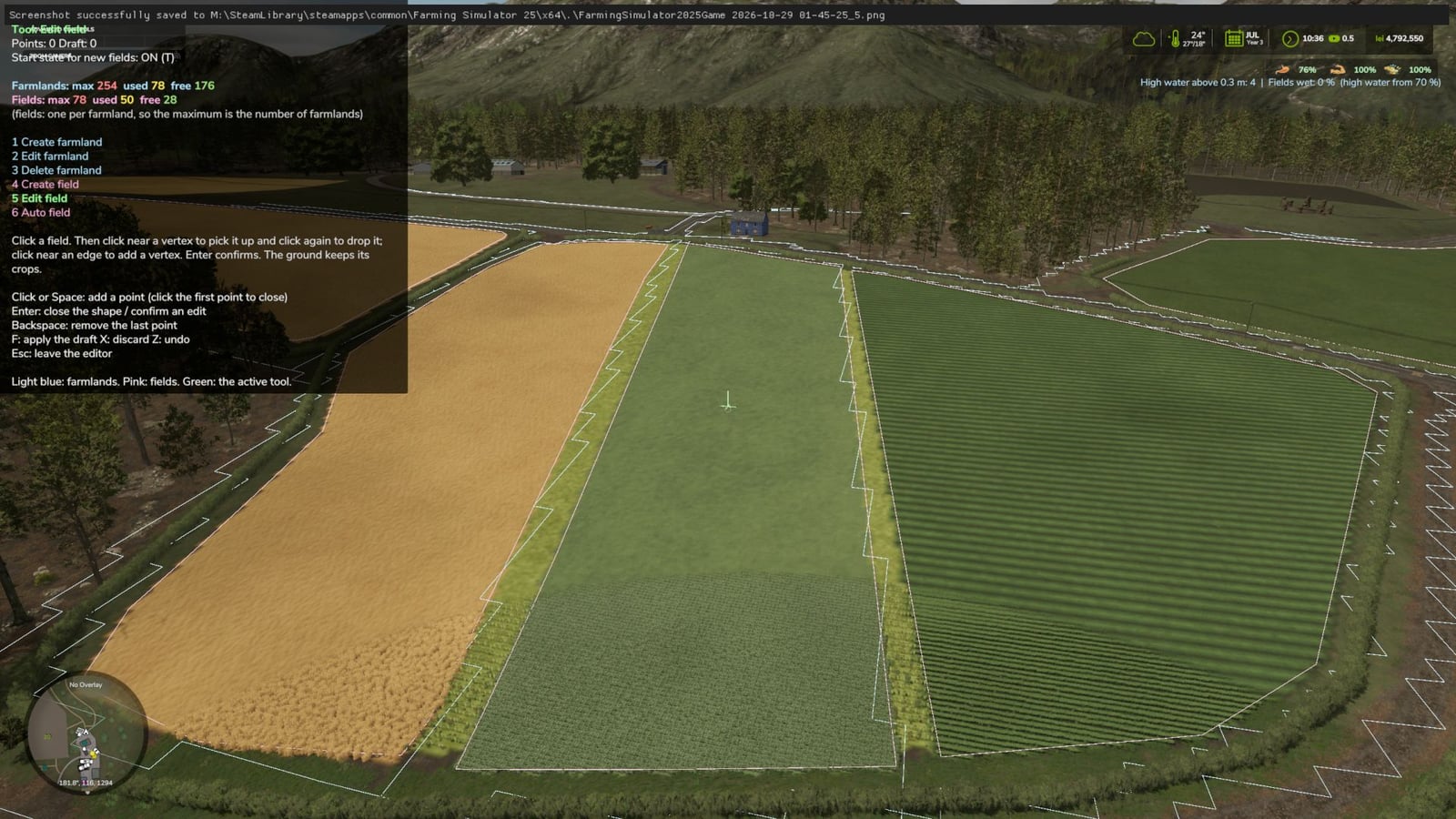
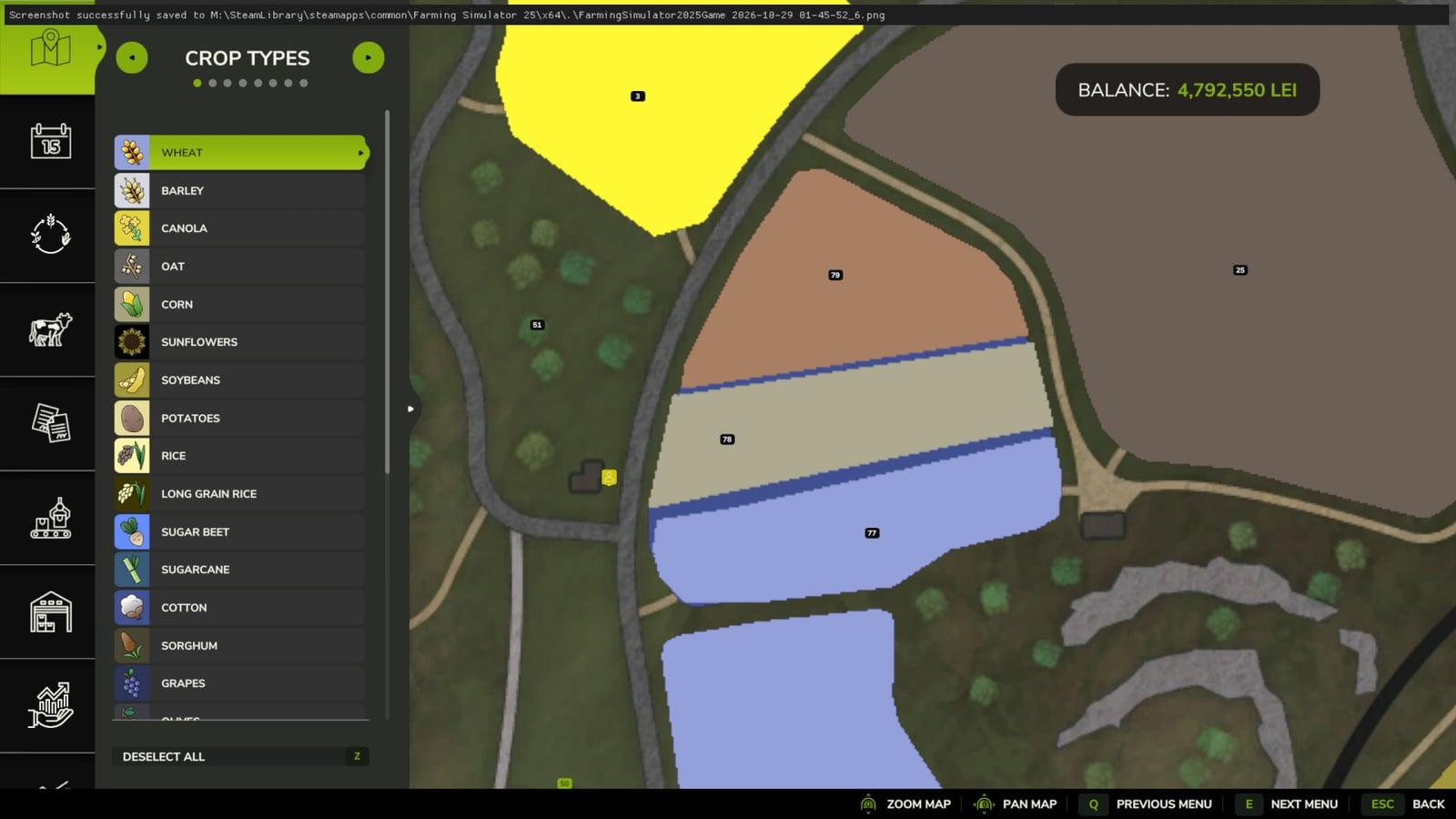
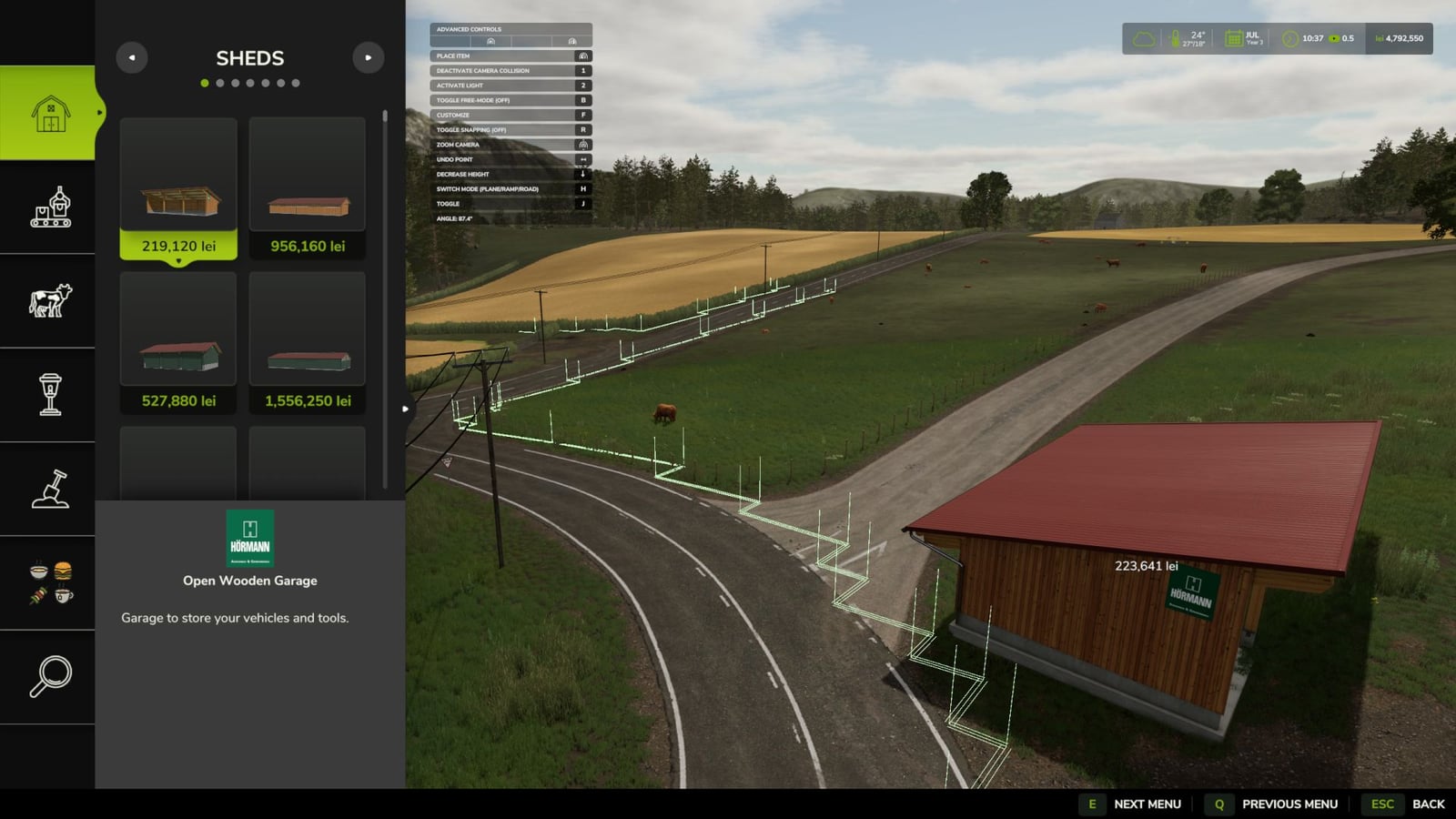
With Farmland Splitter, you can reshape your farmlands right in the game. Redefine them, cancel them, or create new ones while staying within the available ID limits. The edits go into your savegame folder, so the original map files stay untouched.
Features
- Single Player, Pc Only.
- Build, change, or remove farmlands and field boundaries dynamically.
- A clean menu that explains itself.
- Once you buy farmland, its boundaries show up in the construction menu. This also applies when adjoining lands are combined and merged.
- Useful for custom map projects or career saves made to fit your setup.
- Blank maps can be shaped with FS25’s placeables library and terrain editing tools.
How to Use
- Bring up the menu with Right Shift + Right Ctrl + F12.
- Pick the task from the left menu by pressing its assigned number key.
- Use the controls on screen to work on the farmlands.
- Hit the F key to apply an edit. Nothing changes until you press the F key.
- Press Esc when you want to close the menu.
What’s Coming Next? (In Development)
Farmland Splitter is one part of a bigger toolkit for making maps while you play. These features are being worked on now:
- In-game Pedestrian & Traffic Spline Creator
- Savegame-to-Map Compiler, a lightweight standalone tool that automatically puts saved game edits straight into a publishable map file.
Alongside the placeable systems and terrain tools already available, complete map creation without leaving the game is almost here.
Changelog
- V1.0.0.0
Minor Tweaks & Bug Fixes
Auto-Create Fields: Farmlands can now automatically create fields inside them, with the safety margins imposed by the game engine respected.
Bonus Feature: The build menu shows the boundaries of purchased farmland, as well as adjoining lands that have been combined and merged. - BETA 2
Beta 0.0.6.0
What’s Changed
Tools & Keybindings (Keys 1 – 5)
1. Create farmland
2. Edit farmland
3. Delete farmland
4. Create field
5. Edit field
The cutting and extending options are gone, and there is no longer a dedicated “delete field” option. To delete a field now, you delete it together with its parent farmland.Colors
Farmland: Farmland boundaries, drawn shapes, deletion markers, and everything else connected to farmlands appear light blue.
Fields: Field-related elements appear pink.
Active Tool & Cursor: Appears in green.Counter UI
Farmlands: The counter reads Farmlands: max [MAX] used [USED] free [FREE]. One example is max 254 in red, used 244 in yellow, and free 10 in green.
Fields: The same format is used here. The maximum equals the number of farmlands, since there can be at most one field per farmland.