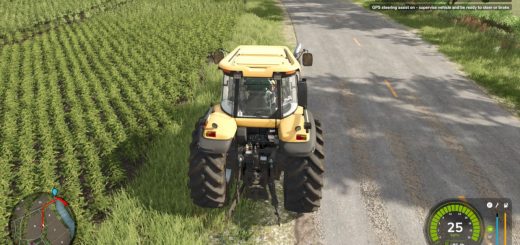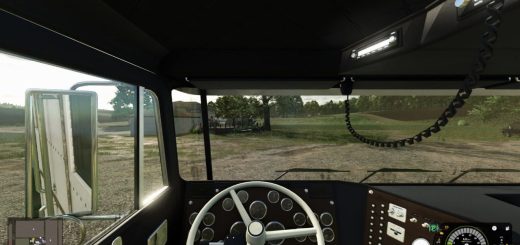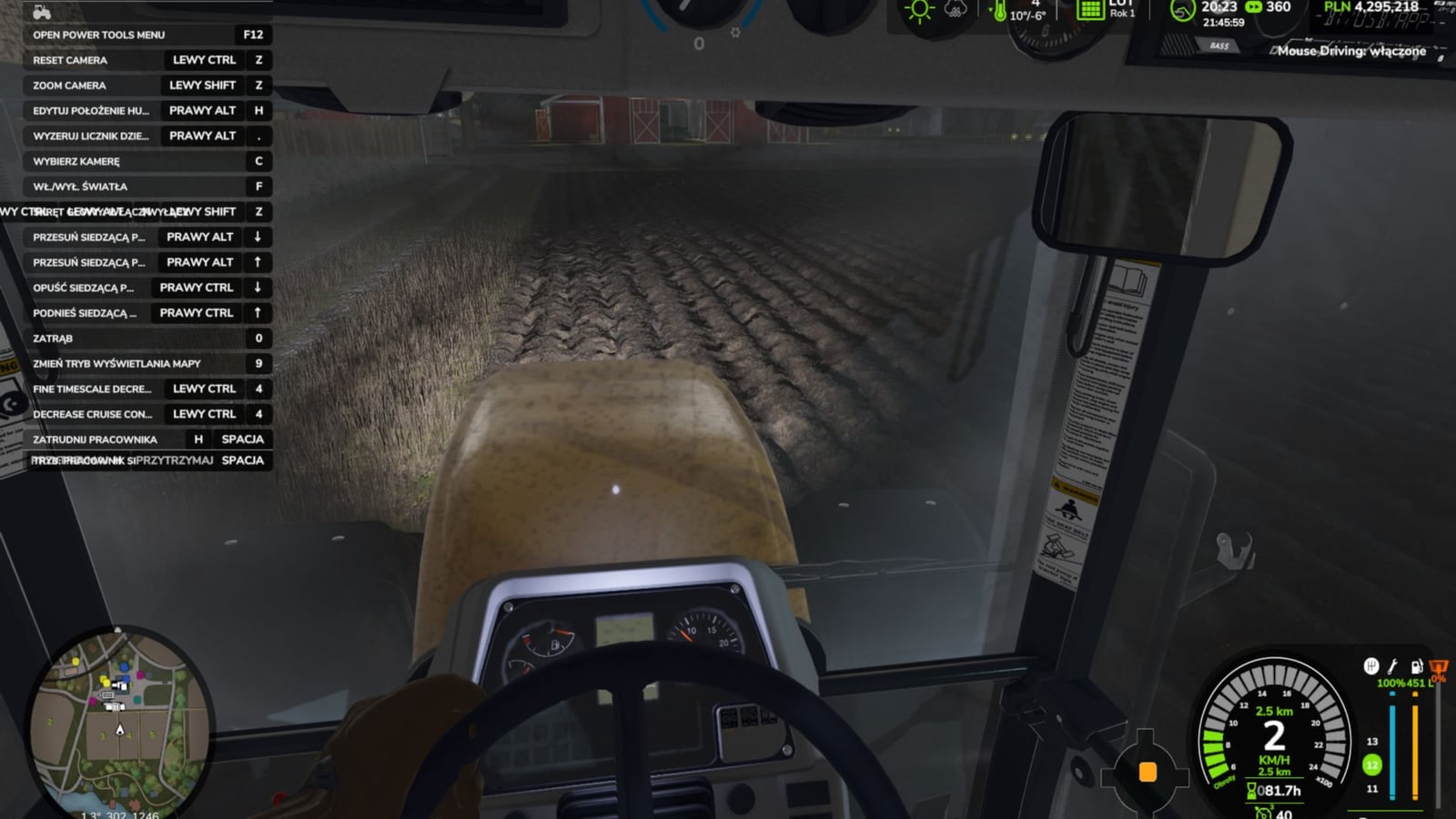
With Mouse Driving, you can handle driving and walking by mouse in Farming Simulator 25. It feels like a virtual stick: move the mouse and it stays on those axes until you bring it back to the centre. The mod is disabled when the game starts, so you can switch it on when you want.
Features
- Driving and walking each have their own key.
- In a vehicle:
- Mouse up gives throttle forward
- Mouse down means brake / reverse
- Mouse sideways steers
- On foot:
- Mouse up walks forward, more = run
- Mouse down walks backwards
- Mouse sideways turns the character
- Set the controls in Options > Controls:
- Ctrl+Shift+M, driving on/off
- Ctrl+Shift+N, walking on/off
- Left Alt, camera, hold
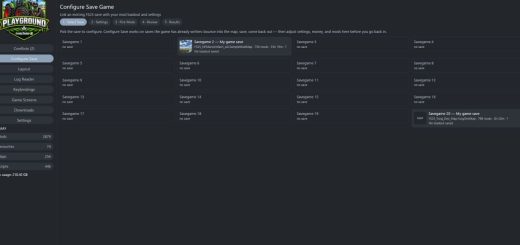
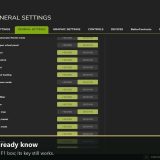
- F7, settings, or Ctrl+Shift+O
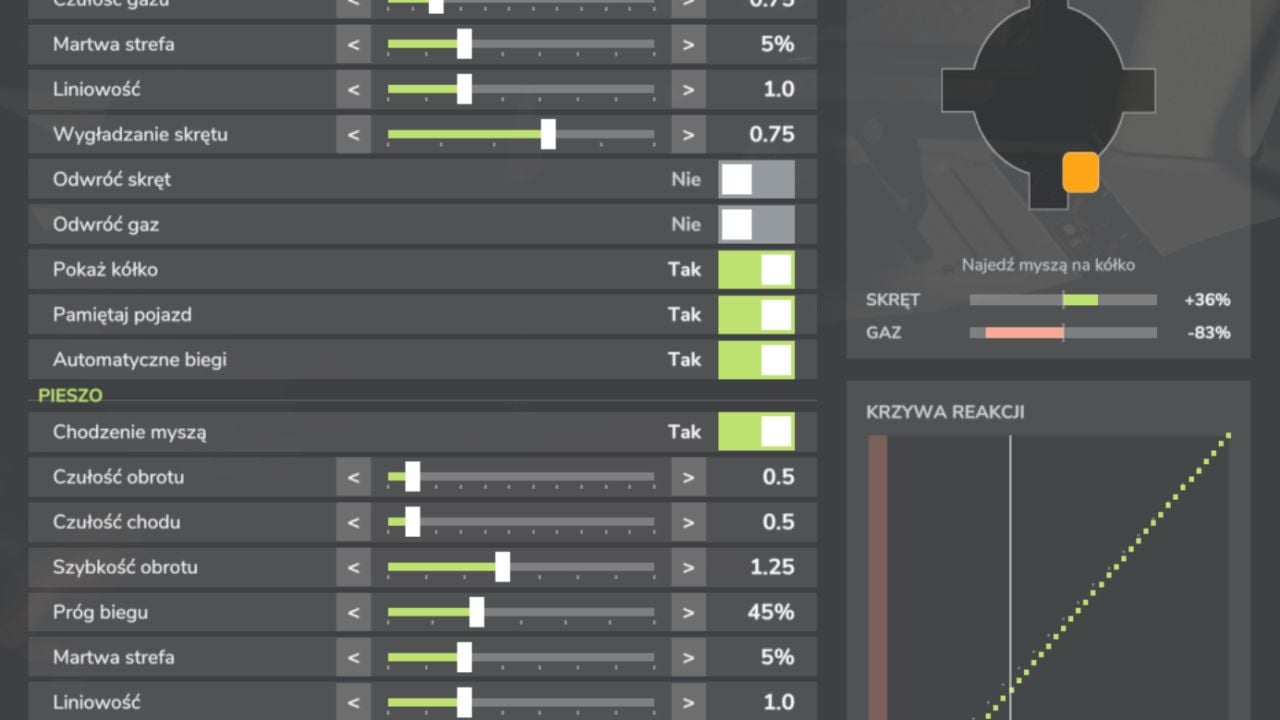
- You get separate settings for vehicles and on foot: sensitivity, deadzone, linearity, smoothing, axis inversion, run threshold, turning speed, HUD, circle with a dot, remember vehicle, automatic gears.
Specifications
- Find the settings at ESC > Settings, in the Mouse Driving section, or with F7.
- It works in both single-player and multiplayer.
Drop the ZIP file straight into the mods folder, and do not unpack it. Everyone on the server needs the same ZIP.