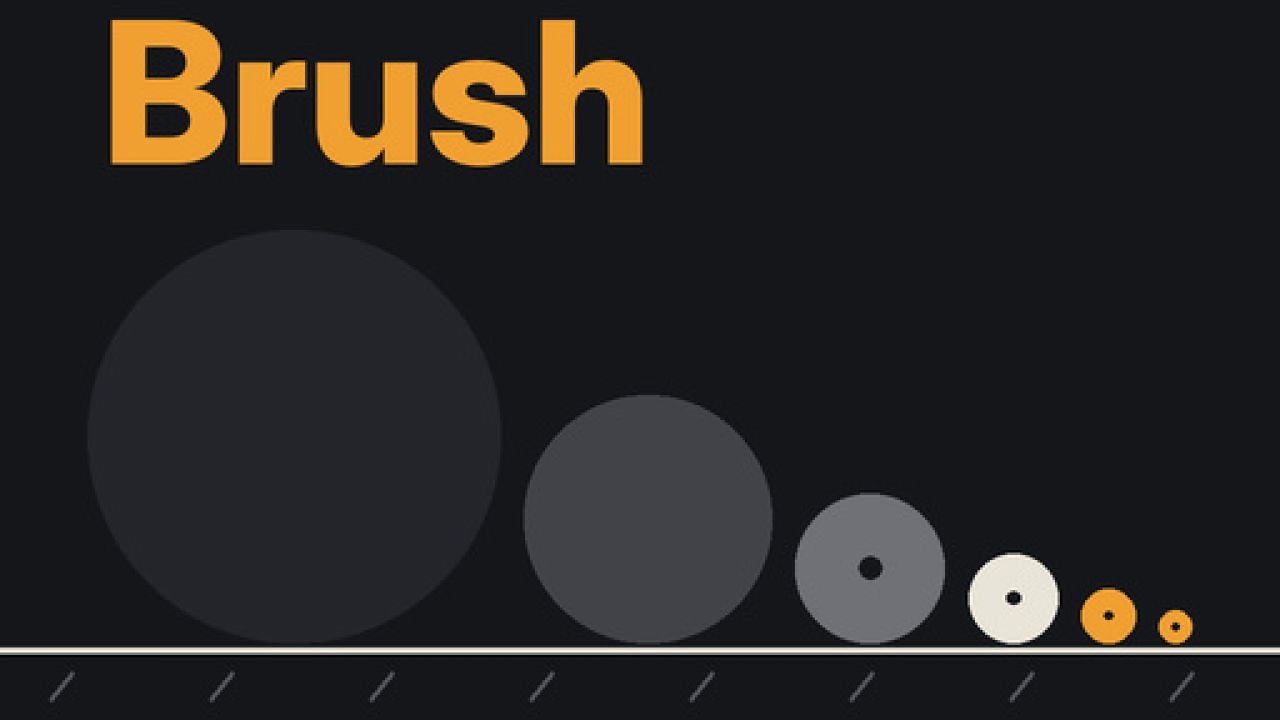
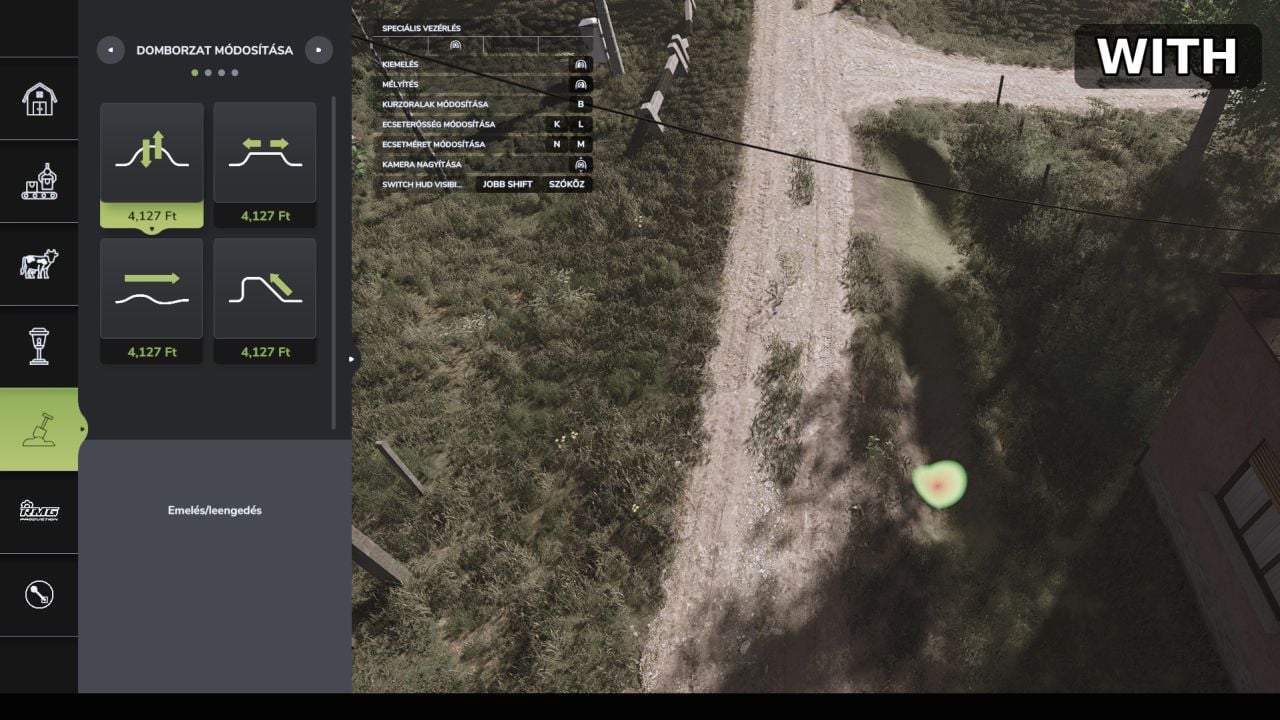
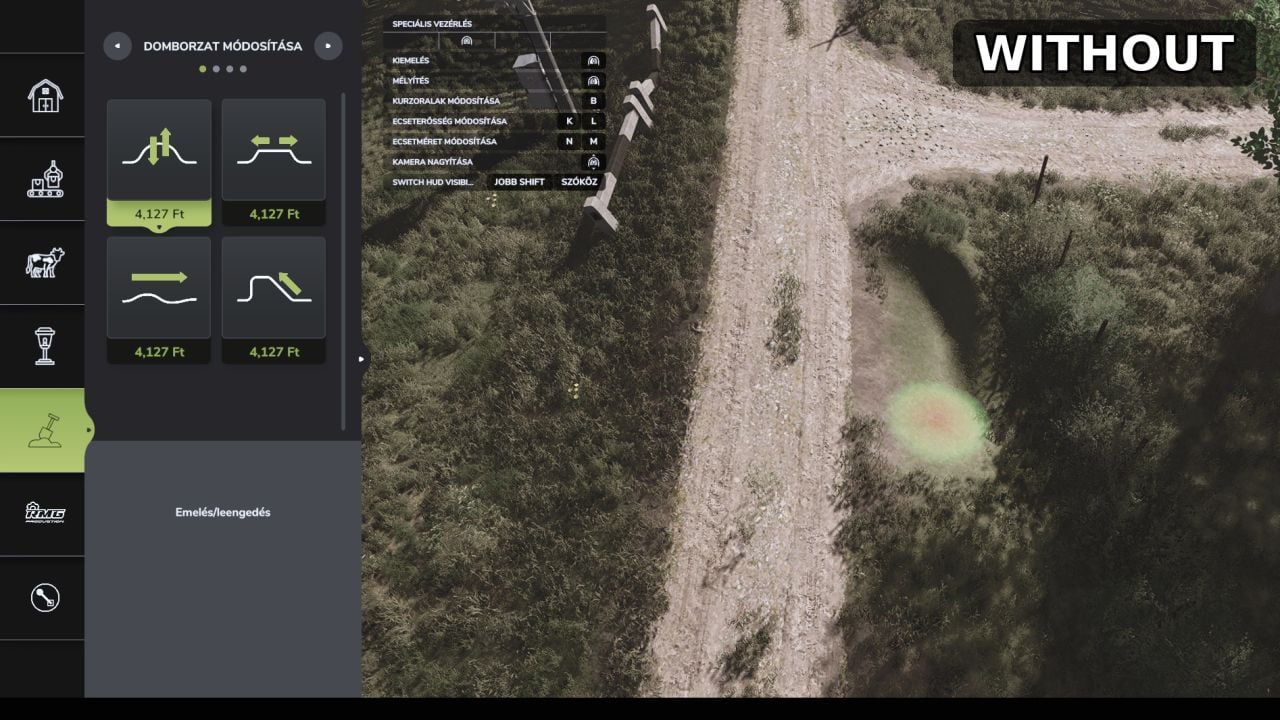
Precision Brush lets you use smaller brush sizes with Paint, Sculpt and Foliage in Farming Simulator 25. That makes detailed landscaping easier to work with.
Features
- Paint, ground painting: the new steps are 0.125 and 0.25, with 0.5 still being the original smallest size
- Sculpt, terrain shaping: you get two smaller steps, 0.5 and 1, while the old minimum was 2
- Foliage, plants: choose the added steps 0.125 and 0.25, instead of the original smallest 0.5
- Use the usual brush size controls as before. Nothing else in the game changes
How to use
Open the construction menu, pick Paint, Sculpt or Foliage, then keep reducing the brush size. The new steps show up right after the old minimum.
Installation
Copy FS25_PrecisionBrush.zip to your mods folder, and leave it zipped:DocumentsMy GamesFarmingSimulator2025mods
Next, enable the mod for your savegame.